Networking
ASUS GT-BE98 Pro vs TP-Link Archer BE3600: pay for the ports and bands you can use
Compare ASUS GT-BE98 Pro and TP-Link Archer BE3600 by actual ports, client bands, mesh support and the current $660.02 price difference.
Identify the wired devices and wireless bands you can use before paying the $660.02 difference. For ASUS GT-BE98 Pro vs TP-Link Archer BE3600, Republeq lists ASUS at $760 and TP-Link at $99.98. ASUS offers a larger multi-gig port arrangement and two 6GHz radios. TP-Link's documented dual-band setup and one 2.5Gbps LAN port may already meet the intended job. Neither router's advertised combined wireless rate is a promise of internet speed to one device.
Both products are standalone home Wi-Fi routers from different brands in Republeq's Computer Accessories category. This comparison follows the ROG Rapture GT-BE98 Pro and Archer BE3600 offers, not another ASUS edition or a similarly rated TP-Link model. The buying decision depends on the endpoints, service connection and expansion plan you already have, with the final delivered prices checked before ordering.
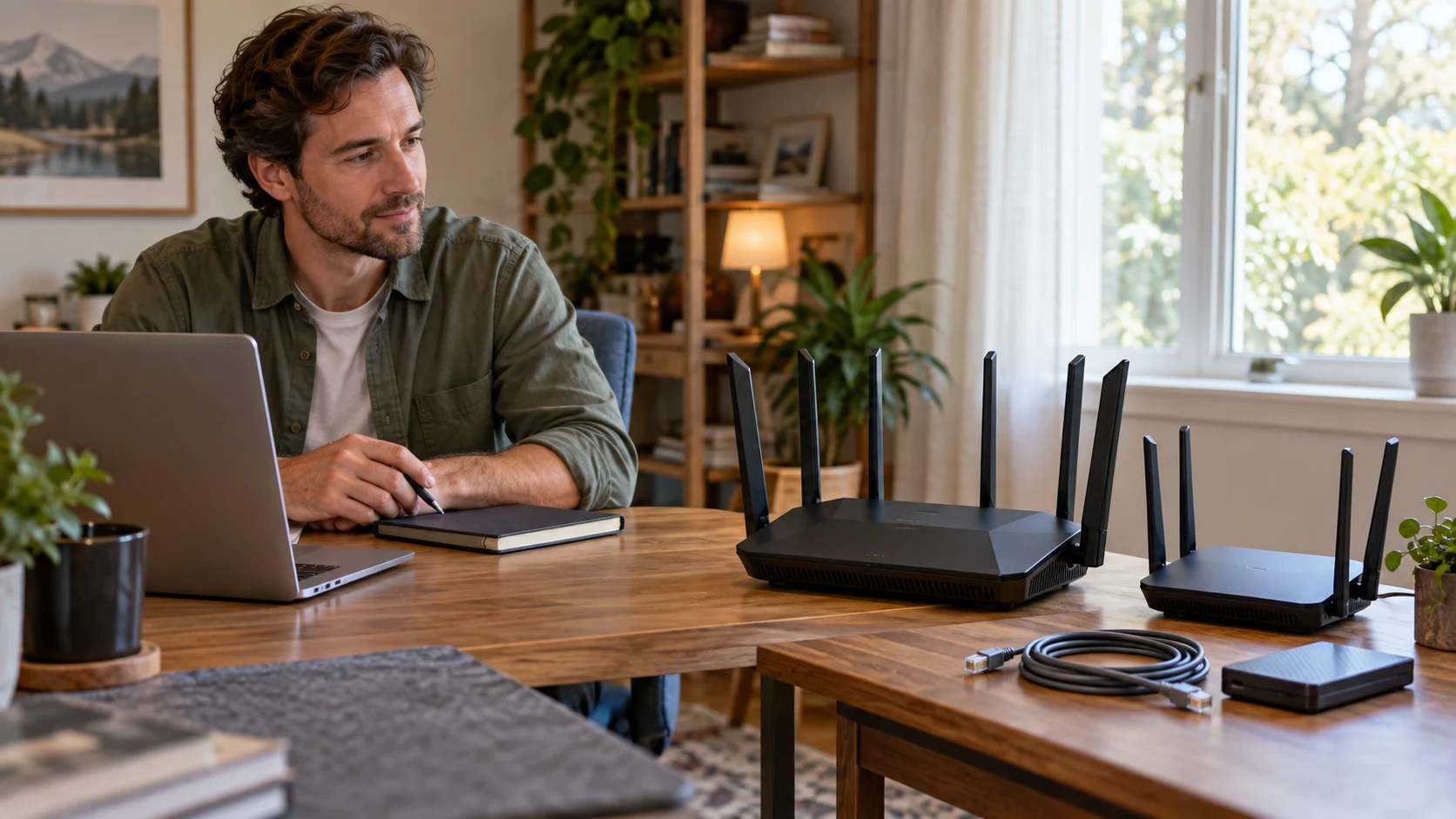
Conceptual editorial cover for ASUS GT-BE98 Pro vs TP-Link Archer BE3600: generic home routers and wired devices, not photographs of either retail model or proof of measured speed, coverage or included accessories.
Start multi-gig router connection checks with the port roles
The ASUS ROG Rapture GT-BE98 Pro offer names dual 10G ports and uses the wording quad 25G ports. ASUS's exact specification page separates the roles: one 10Gbps WAN/LAN port, one 10Gbps LAN port, one 2.5Gbps WAN/LAN port and three 2.5Gbps LAN ports. Plan from those documented 2.5Gbps entries and ask the seller to confirm the offered unit's port table. Do not turn the shopping-page wording into four 25Gbps connections.
The TP-Link Archer BE3600 offer names one 2.5Gbps WAN and one 2.5Gbps LAN port. TP-Link's model page also identifies three 1Gbps LAN ports. The two 2.5Gbps sockets therefore have different stated jobs. A household should not count both as two available high-speed LAN connections after one is used for the service handoff.
For multi-gig router connection checks, list the device at the other end of each cable. A computer or storage unit needs a suitable port of its own to use a faster link. Check the Ethernet adapters and cables you already own before assigning a benefit to ASUS's 10Gbps LAN route. A 1Gbps endpoint does not gain a 10Gbps connection solely by entering a faster router port.
Consider ASUS for local file transfers between compatible wired devices. Its extra faster ports may give that arrangement more options than TP-Link's single 2.5Gbps LAN connection. The source descriptions do not measure file-copy speed, storage performance or simultaneous traffic for your equipment. Identify the complete route and test the work you intend to repeat instead of assuming the port rating is the application result.
If several devices must use a faster wired network, count the router ports and any switch that the planned layout requires. Price the complete arrangement rather than only the router. TP-Link can remain a candidate when the single 2.5Gbps LAN path is sufficient or when a confirmed downstream arrangement meets the requirement. The comparison does not establish that buying extra ports on ASUS is always cheaper than another complete layout.
Keep the internet handoff separate from local traffic
Both offers require an actual service connection for internet access. TP-Link's description explicitly says reaching 2.5Gbps internet speed needs compatible service and equipment. ASUS's faster WAN/LAN options likewise cannot create a faster subscription. Identify the modem or optical handoff, its Ethernet output and the service you pay for before choosing a WAN route.
A buyer moving large files inside the home can have different requirements from a buyer mainly watching online video. Local transfers can make faster LAN paths worth investigating even when the internet service is modest. Online downloads still depend on the service and the remote source. Keep those two jobs separate when deciding whether the additional $660.02 addresses a real limitation.
When replacing an existing combined modem/router, establish the permitted layout with the equipment instructions. Confirm whether the new unit will act as the main router or an access point, and which device retains the service connection. ASUS and TP-Link document operating modes, but a mode name alone does not settle the settings for your existing equipment. Have a connection plan before disconnecting a working setup.
Choose bands from the clients that will use them
ASUS's specification page describes 2.4GHz and 5GHz radios plus two 6GHz radios. TP-Link's Archer BE3600 page describes 2.4GHz and 5GHz as its dual-band arrangement. That is a meaningful difference for a buyer with compatible clients and an intended use for the extra radios. The Wi-Fi 7 label on both products does not mean they offer the same frequency arrangement.
Check the radios in the computers and phones that carry most of the traffic. A device from an earlier Wi-Fi generation may connect without gaining the newer functions that attracted you to a router. Both manufacturers qualify performance by compatible clients and conditions. If your important devices only use the existing bands, establish why additional 6GHz resources would help before budgeting for ASUS.
Both descriptions name Multi-Link Operation. TP-Link specifically says the newer functions need compatible clients, and its model page illustrates MLO across its 2.4GHz and 5GHz bands. Do not assume the exact same band choices or behavior across ASUS and TP-Link. Check the router firmware and client support for the connection you intend to use, then evaluate an ordinary task on that device.
The 30Gbps ASUS and 3.6Gbps TP-Link headlines describe advertised wireless capability, not a measured download result in your home. The sources qualify throughput by traffic, building conditions, clients and service factors. This guide provides no matched coverage or latency test. A larger aggregate number does not establish that it fixes a weak room or makes a particular game respond faster.
The buying guide to Nighthawk band and client requirements considers different NETGEAR routers. Its relevant habit is to inventory the devices and rooms before paying for a higher advertised class. Its coverage ceilings and wired-port arrangements belong to those models. They do not define the ASUS or TP-Link offers here.
Check mesh router compatibility before adding another unit
For mesh router compatibility, ASUS lists AiMesh and TP-Link lists EasyMesh. Keep those names tied to the actual products and firmware you plan to use. They do not by themselves establish that these two routers form one supported mesh system together. If the purchase will expand equipment already in the home, obtain the exact compatibility answer for that existing model.
TP-Link's page expressly warns that EasyMesh connections can fail because of vendor firmware conflicts and that some models receive support in later updates. Confirm that the necessary function is available now on the selected versions. If support is promised for a later update, establish whether you can wait for it before buying. Include the required second unit and its connection path in the budget.
The buying guide to Deco and ZenWiFi mesh placement discusses different two-node kits. Its useful question is where nodes can maintain their connection while serving the troublesome room. The Deco and refurbished XT8 specifications do not transfer to Archer BE3600 or GT-BE98 Pro. Check the intended expansion with its own instructions and actual placement.
If one room is the reason for upgrading, try the proposed router location with the real client and normal household traffic. Extra antennas or bands are not a measured wall-penetration result. Determine whether a supported second node or an appropriate wired route answers the problem better. This comparison does not establish a fixed coverage advantage for either single router.
Include the controls and services you intend to use
TP-Link lists Tether management, parental controls and HomeShield. Its model-page footnote says HomeShield includes a free Basic plan and charges apply to the Pro plan. Identify the controls you need and the current plan that provides them. Do not treat every advertised security function as a permanently included service merely because the router itself is purchased once.
ASUS lists AiProtection, VPN functions and gaming traffic controls. Check how those features work before assigning them a value; the descriptions provide no matched protection or gaming-latency test. Check the actual firmware, supported setup and terms for the function you will use. A buyer who never configures a listed option should not assign it the same value as a recurring task the household needs.
Both manufacturers describe VPN capabilities. If a work requirement is the reason for buying, confirm the protocol and arrangement with the actual required service or administrator. A router's VPN entry does not establish that every work application can use that route, nor does it replace the organization's access rules. Keep the intended use specific instead of choosing from a long list of protocol names.
Both products also describe USB storage functions. Establish what drive and file access you need before assuming a router replaces a separate storage device. ASUS notes that some attached devices need an independent power supply. Check the drive, supported file system and connection limits for the exact router. Neither description provides a measured file-serving result for your collection.
Write a port allocation before committing the budget
Draw up the allocation on paper using the manufacturer's roles. For a TP-Link installation with the service handoff occupying the 2.5Gbps WAN port, the documented remaining wired connections are one 2.5Gbps LAN port and three 1Gbps LAN ports. Put the device that needs the faster local connection beside that single LAN entry. If two computers both need direct faster connections, the plan has to account for the second device rather than treating the WAN socket as another spare LAN socket.
For ASUS, identify which documented WAN/LAN socket will carry the service connection before counting the remaining ports. Using the 10Gbps WAN/LAN socket for that handoff leaves the separately listed 10Gbps LAN socket available in the manufacturer's table. The three dedicated 2.5Gbps LAN entries are also distinct from its 2.5Gbps WAN/LAN entry. Confirm the selected operating mode and any configurable roles in the actual firmware before connecting the service cable.
Suppose the main requirement is a computer accessing a storage device locally. Note both endpoints' Ethernet capabilities and the route between them, including any intervening switch. A faster router port addresses only one part of that route. Storage disks, the storage device's own network adapter and the task being performed remain separate considerations. Record what is currently limiting the work before spending the additional $660.02; neither product description establishes which component is limiting your existing transfers.
Include the equipment you will keep in the cost calculation. An existing compatible Ethernet adapter or switch can change what is useful in a new router, while an unsuitable one may require an additional purchase. Obtain the current price of any missing component and compare complete arrangements. The two router prices above are the starting point; obtain quotes for adapters, cables or expansion units before deciding on the complete budget.
Verify the replacement with an ordinary household task
Before replacing the router, write down the important task and the device and room where it takes place. After setting up the confirmed connection, repeat that same task on that same device. A local file transfer should be checked locally; an internet download also depends on the service and the remote server. Keep a note of which connection and band the client actually uses. Otherwise a successful connection can be mistaken for evidence that the particular additional band or port has helped.
Check the basic household jobs as well as the demanding one. Confirm that the devices you intend to retain can connect and that the planned mesh extension works with its stated firmware support. If the purchase was driven by a work VPN requirement or a particular parental-control function, verify that exact function in the supported configuration. Use completion of that task as the acceptance condition for the replacement. This article reports no installation test for either router and supplies no expected speed or coverage result.
Choose after the useful connections are identified
Check the exact model, hardware version, supplied power adapter and cable before ordering. Confirm that the planned position has room for the device and its antennas. Manufacturer pages can vary by region or version, and the TP-Link page contains more than one dimension entry, so this guide does not claim a precise size advantage. Use the seller's model-specific drawings when space is tight.
TP-Link is worth considering when its documented dual-band radios, service connection and single 2.5Gbps LAN route meet your needs at the current lower listed price. Confirm any EasyMesh expansion and HomeShield services you need. ASUS is worth considering for compatible 10Gbps or several faster wired endpoints, or a supported use of its additional radios that justifies the larger total. Recheck the prices and verify the complete connection route after installation.