Crypto Commerce
NETGEAR Nighthawk RS200 WiFi 7 router vs RS500: dual-band or tri-band WiFi 7 at home?
Compare NETGEAR Nighthawk RS200 WiFi 7 router by dual or tri-band layout, wired ports, coverage claims, device count, and saved price.
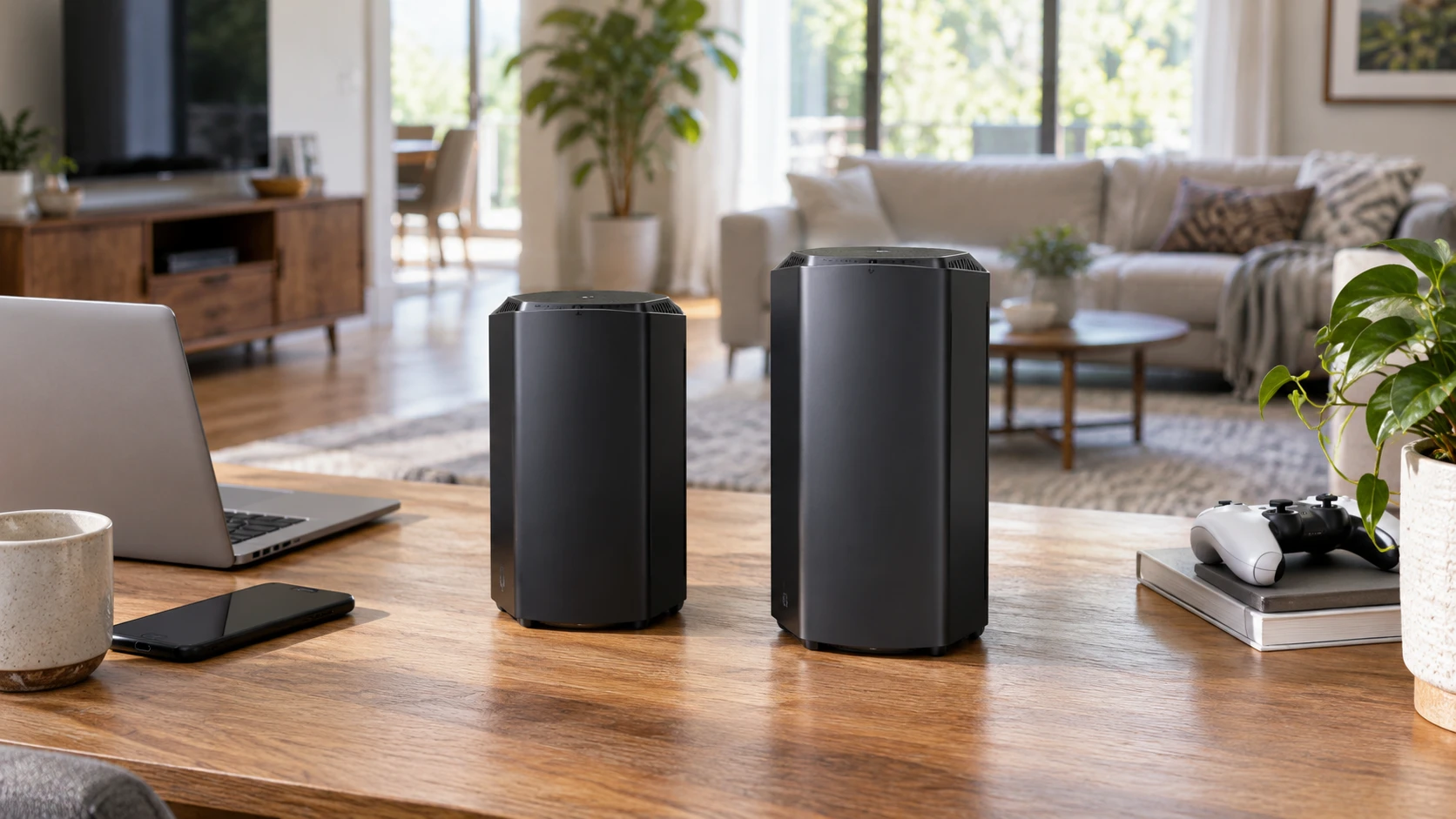
A router upgrade is easiest to judge by the home it will serve. The NETGEAR Nighthawk RS200 and RS500 both advertise WiFi 7 and a 2.5 Gig internet port, but their catalog listings describe different band layouts and coverage ceilings. RS200 is a dual-band BE6500 model rated for up to 2,500 square feet and 80 devices. RS500 is a tri-band BE12000 model rated for up to 3,000 square feet and 120 devices. Those figures are manufacturer-style maxima in the saved listings, not measured results inside a particular house with its walls, neighbors, and client devices.
The NETGEAR Nighthawk RS200 WiFi 7 router is listed at $286.25 in the September 30 catalog snapshot. Its row names a dedicated 2.5 Gig internet port, one 2.5G LAN port, and three 1G LAN ports. It lists automatic firmware updates, Advanced Router Protection, and a 30-day trial of NETGEAR Armor. The title calls it a dual-band WiFi 7 BE6500 router with speeds up to 6.5 Gbps. That speed label describes a product class and advertised wireless capacity; it is not a promise that one phone or computer will reach 6.5 Gbps.
The related MSI Radix AXE6600 tri-band router guide discusses a different WiFi 6E product. It offers a way to think about bands and client compatibility, but it does not test either Nighthawk. The NETGEAR Nighthawk RS500 tri-band WiFi 7 router is listed at $498.75. The row claims speeds up to 12 Gbps, up to 3,000 square feet of coverage, and support for up to 120 devices. It names the same 2.5 Gig internet and 2.5G-plus-three-1G LAN arrangement, automatic firmware updates, Advanced Router Protection, NETGEAR Armor with a 30-day trial, and management through the Nighthawk app.
Check what the household actually needs to connect — NETGEAR Nighthawk RS500 tri-band WiFi 7 router
Count devices in useful groups: televisions and streaming boxes, work computers, game consoles, phones, cameras, and small connected appliances. The advertised 80-device RS200 figure may already exceed the household's total. The RS500's 120-device claim is relevant only when there is a practical need for a larger concurrent network. These counts do not say how much traffic each device can send, how reliably it connects at the farthest room, or whether a particular IoT device supports the latest WiFi standard.
Record the age and capability of the busiest clients. A WiFi 7 router can still serve older WiFi devices, but an old laptop will not gain a new radio or receive WiFi 7 features merely because the access point is new. If the main work computer uses WiFi 6 and sits across a thick wall, placement or a wired connection may change its experience more than the BE rating. If a household is buying new WiFi 7 client devices, check their band support against the current router specifications. The saved rows state dual and tri-band, but do not enumerate every frequency band or optional feature supported by these exact variants.
A large device count often includes gadgets that use little bandwidth. A few video calls, local backups, and simultaneous streams can matter more than dozens of idle plugs. Identify the rooms where these activities overlap. A person gaming beside the router while another works two floors away has two different problems: local latency and distant coverage. Ask which problem caused the upgrade. The snapshot has no floor plan, interference survey, or simultaneous-use test, so a device-count maximum cannot answer either problem by itself.
Put the router where radio can reach people — NETGEAR Nighthawk RS500 tri-band WiFi 7 router
RS200's listing says up to 2,500 square feet of wireless coverage. RS500's says up to 3,000 square feet. The extra 500 square feet is a useful screening number, yet coverage is not a simple area drawn around a router. Exterior walls, metal shelving, heating ducts, neighboring access points, and where the cable or fiber enters the home can change the result. A small multi-level house can be harder to serve than a larger open room. Treat both numbers as advertised limits and use the real rooms as the test.
Make a rough map of the home and place the router where it can be wired to the modem or network handoff. Mark the desks, televisions, and weak-signal rooms. If the only permitted router position is a far corner or utility closet, the RS500's larger coverage claim may not cure that geometry. Check the manufacturer's support for adding compatible access points or mesh hardware before buying with a future expansion in mind. Neither saved row describes a particular mesh kit, backhaul mode, or guaranteed coverage after adding a second unit.
After installation, test the rooms at the times when the network is usually busy. Note signal and actual task performance at the work desk, television, and farthest room. Keep the modem and service plan constant while comparing router placement so changes are interpretable. If a weak spot remains behind a dense wall, a wired access point may be a more direct solution than switching between two single-router models. The product descriptions give no measured wall-penetration comparison.
Understand the band and speed labels — MSI Radix AXE6600 tri-band router guide
RS200 is listed as dual-band WiFi 7 BE6500, while RS500 is tri-band WiFi 7 BE12000. The larger aggregate label and third band suggest more total radio resources for compatible clients. They do not mean a single device gets the sum of all bands at once under ordinary conditions. Check the manufacturer's current specification sheet for exact frequencies, widths, and WiFi 7 features, and check the client device's own radio. A buyer in a region with different frequency rules should confirm that the sold variant is approved for local use.
The related MSI article covers WiFi 6E tri-band planning. Its specific frequencies and performance claims apply to the MSI router. The Nighthawk listings' 6.5 Gbps and 12 Gbps ceilings are theoretical marketing speeds. Actual throughput is also limited by internet service, the modem or optical terminal, distance, channel conditions, and the receiving device. A speed test on a 1 Gig Ethernet client may show a wired-port ceiling even when the wireless router advertises a much larger aggregate number.
For a home with a few compatible devices close to the router, RS200 may provide ample headroom at the lower saved price. For a busy home with several newer clients and usable coverage near the edge of a larger floor plan, RS500's tri-band design may be worth examining. That is a selection framework, not a claim that this pair has been tested head to head. Ask what each client can actually use before paying for the higher BE label.
Wire the stationary equipment first — NETGEAR Nighthawk RS500 tri-band WiFi 7 router
Both saved rows list one 2.5 Gig internet port, one 2.5G LAN port, and three 1G LAN ports. That parity is easy to miss when comparing their different WiFi claims. If the household has a multi-gig service plan, verify that its modem or fiber handoff can provide the necessary Ethernet connection. A 2.5 Gig WAN port alone does not create a faster internet subscription. The plan, handoff device, and cabling all have to support the chosen speed.
The 2.5G LAN port can serve one high-speed wired device or an appropriate downstream switch. Identify that device: a computer moving files to a local network storage unit, perhaps, or a switch that connects several fixed rooms. Check the other endpoint's port speed. A computer with a 1G Ethernet adapter will not become a 2.5G client by plugging into the router. The three 1G ports can accommodate televisions, consoles, or workstations whose steady wired link is more important than a higher advertised WiFi peak.
Count cables before checkout. Four LAN ports may be plenty in a small apartment but too few for a home with a television area, office, NAS, and wired cameras. A separate switch may then be needed regardless of which Nighthawk is chosen. The catalog rows do not specify supplied Ethernet cables, wall-mount hardware, or power adapter details. Confirm the current box contents and cable routes. A router with excellent radios still creates a practical problem when the modem is across the room and no safe cable path exists.
Security and administration are part of the cost — NETGEAR Nighthawk RS500 tri-band WiFi 7 router
Both listings mention automatic firmware updates and NETGEAR Advanced Router Protection. Both mention NETGEAR Armor with a 30-day trial. A trial can convert to a paid service depending on the Republeq's catalog and account terms, so inspect current terms before treating it as a permanent included feature. The saved rows do not give renewal pricing or a guarantee about exactly which security controls remain without the subscription. Keep the base router's firmware current and record the administrator credentials securely.
The RS500 description names the Nighthawk app for setup and management. The RS200 row does not mention an app, which is not proof that no app can manage it. Check current NETGEAR documentation if app-based setup is required or if a household prefers a local web interface. Account requirements, remote-management controls, guest networks, and parental controls can change across firmware versions. The catalog snapshot is a starting inventory, not a complete administration manual.
When replacing an old router, keep its settings available long enough to reconnect important devices. Reusing the same network name and password may ease a transition, but some devices still need manual reconnecting. Make a list of cameras, printers, and smart-home hubs that would be costly to overlook. Test work VPN and video calls after the move. A successful speed test in one room does not verify those day-to-day uses.
Price and the useful stopping point — NETGEAR Nighthawk RS500 tri-band WiFi 7 router
The RS500's saved $498.75 price is $212.50 above the RS200's $286.25. Current stock, tax, shipping, and promotions can change those totals. The snapshot does not show a matched home test proving that the extra price fixes a weak room. It does show a third band, a higher advertised aggregate WiFi class, a higher stated coverage ceiling, and a larger supported-device count. It also shows the same named wired-port arrangement for both models.
Choose RS200 when the home and active device count are within its advertised range, the existing service and clients will not use RS500's additional radio resources, and the shared 2.5G wired ports cover the network plan. Consider RS500 when tri-band capacity and the larger advertised footprint answer an identified need, with compatible devices and a placement that can use them. Verify the exact model, band support, service handoff, outlet, and return terms before ordering. Then test the farthest important room and the busiest hour in the real home; that observation is the best check on either router's catalog claims.