Laptops & Desktop PCs
A laptop desk for handwritten study notes: HP 14-DQ and Lenovo IdeaPad options
Plan a paper-and-screen study routine using HP 14-DQ and Lenovo IdeaPad offers, confirmed dimensions, software access, accessories and crypto order checks.
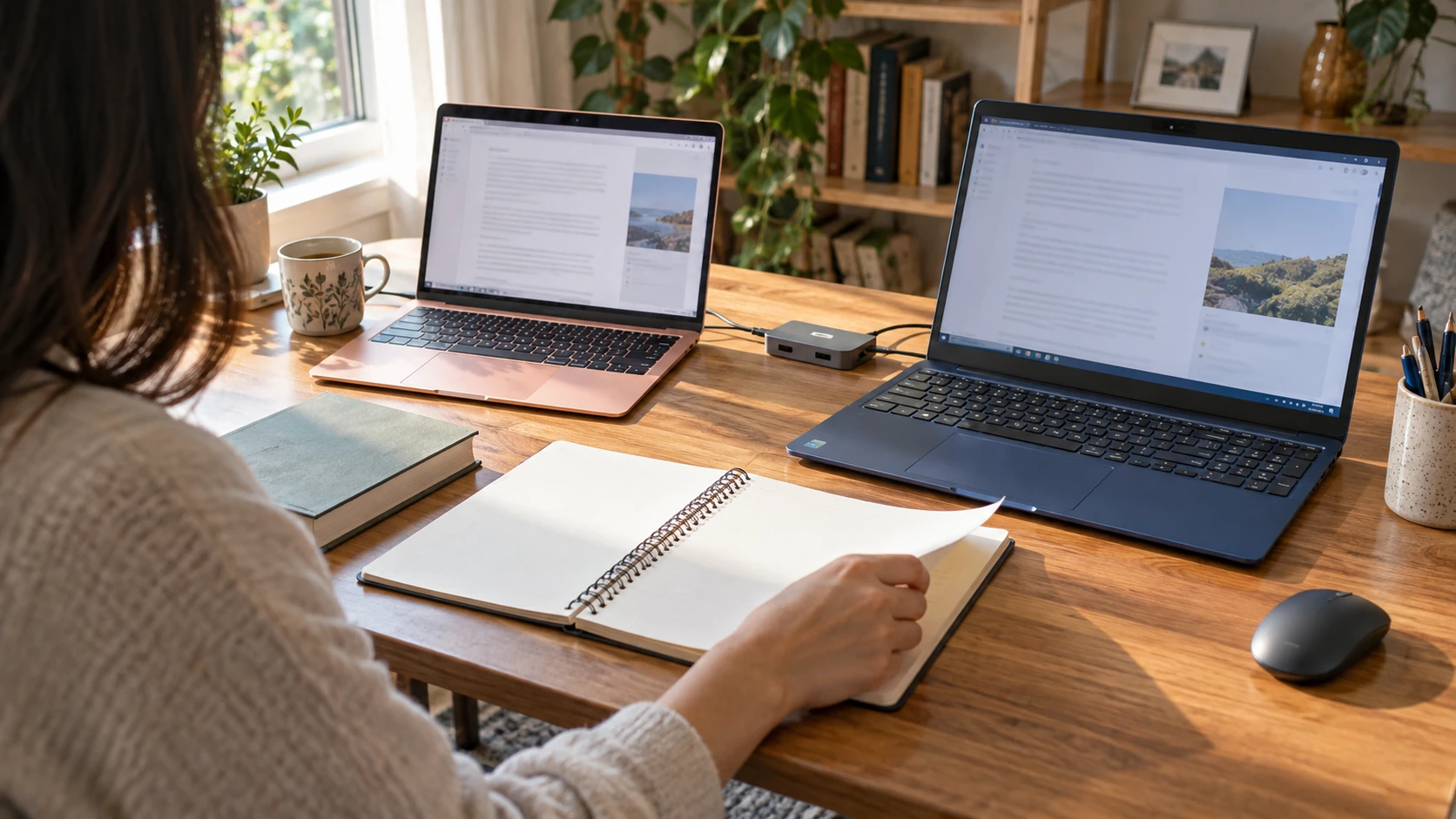
Set your notebook beside the computer and turn a page before you decide what belongs on a study desk. A space that holds an open laptop may become awkward once a spiral binding, a textbook or a mouse occupies the same surface. For a laptop desk for handwritten study notes, start with the work you move between: reading on screen, writing on paper and returning to the application without rearranging everything each time.
Two actual offers give different configurations to investigate for that routine. The HP 14-DQ lists a fourteen-inch laptop with Celeron N4500, 16GB RAM and a 256GB PCIe SSD at $659.00. Lenovo's IdeaPad lists a 15.6-inch Full HD touchscreen with Core i5-1334U, 16GB DDR4 and a 512GB PCIe SSD at $898.75. Their $239.75 recorded difference is a shopping reference. Neither screen diagonal tells you the complete space the chassis will occupy beside your notebook.
The editorial illustration uses generic laptops with an open notebook at a study table. It represents a paper-and-screen routine, not the exact HP or Lenovo models, the delivered accessory sets or a measured comfort result.
Keep the notebook turn inside the desk plan
Arrange the notebook where you actually write and move through an ordinary page turn. Note which objects must shift for that movement. A large open book may need a different place from a small pad used for occasional figures. Keep the desk plan attached to your own notes before assigning space to the selected laptop. You can discover a layout requirement without assuming that one product's smaller diagonal guarantees the necessary clearance.
If you copy an equation, a word or a short passage from the screen, examine how you move between the document and the paper. Some people want both visible at once; others look at a source briefly and then work through a page of notes. Choose the arrangement for that pattern. The two laptop descriptions do not provide a personal visibility or writing assessment, so the proposed table arrangement still needs your own trial with the materials you use.
Read laptop study desk size from actual dimensions
The HP 14-DQ listing describes a compact, lightweight fourteen-inch machine and calls its finish Rose Gold. Its text does not give the complete width, depth and carrying measurements needed to lay it out on a crowded table. Request those dimensions for the actual unit before ordering a stand, sleeve or desk organizer around an estimated shape.
The Lenovo IdeaPad touchscreen listing states 0.7-inch thickness and 3.56-pound weight in Dark Blue, but those figures do not supply its full table footprint. Obtain the width and depth needed for the desk plan. Include the space required to connect your actual peripherals and move any input device. A thin chassis can still need room around its sides for the selected connections.
For laptop study desk size, mark the confirmed chassis footprint beside the notebook, leaving the notebook's own working space visible in the plan. If the table is shared, account for the other person's materials rather than filling every available corner. Ask which items remain on the surface throughout the session. That practical inventory helps choose a layout before a product description's compact wording becomes a promise that the desk will fit.
Give the screen a job in the note-taking session
Decide what remains on screen while you write. It might be a lecture slide, a spreadsheet exercise or a document you return to after each short note. Check the application and text scaling needed for that material before comparing panel descriptions. Someone reading a long page needs a different window arrangement from someone leaving a small reference figure open. Try that material in the planned screen-and-notebook arrangement before deciding whether the configuration serves the session.
Lenovo describes a 15.6-inch 1920-by-1080 anti-glare IPS touchscreen with 300-nit brightness. HP's reviewed fourteen-inch description does not provide the equivalent panel resolution and brightness entries. Ask for those details if the source material makes them important. The Lenovo specifications give you a particular configuration to check; they do not establish a matched readability result against the HP or the right text size for your notes.
The live buying guide to screen space and installed capacity compares a different HP with an ASUS fourteen-inch offer. Its useful habit is to try the actual document at the desk. Its HP fingerprint reader, playback duration and specific processor do not belong to this HP 14-DQ. Keep your proposed paper-and-screen routine attached to the two listings here.
If touch input is part of the routine, ask what action you want it to support. Lenovo names a touchscreen, while the reviewed HP description does not state an equivalent touch feature. Neither account establishes a supplied pen or a complete handwriting system. Taking notes in a paper notebook can remain the intended arrangement even when the computer has a touchscreen. Confirm any separate digital-writing requirement before treating the display label as enough.
Place the mouse and confirmed hub where they are used
HP's described gift set names a wireless mouse, an external DVD drive and a USB hub. Those can be useful items when the desk needs them, but the description does not identify their complete models and functions. Obtain the actual package list and connection information. An extra mouse is not a saving for someone who already has the input device they want to use beside the notebook.
If the supplied mouse needs a receiver, determine which connection it occupies. Do not infer Bluetooth from the word wireless. Put the receiver and any connected hub in the desk plan so they remain reachable without crossing the space where you turn pages. The HP text does not supply a complete socket inventory here; request the laptop's actual connections before planning several accessories around it.
Lenovo names a USB hub as a bundled item. Ask for that hub's model, ports and supported functions, together with the parts supplied to connect it. Lenovo's laptop description lists HDMI 1.4, USB-C 3.0, USB-A 3.0, USB-A 2.0, an SD/MMC reader and an audio combination jack. Confirm the exact route needed by your chosen peripheral. A hub's presence does not certify every display or charging arrangement.
If a course or personal project uses materials on DVD, the HP's named external drive supplies a specific package question. Confirm which media it reads and how it connects to the selected unit. A listed DVD drive does not establish that every disc or required application will work. If the study routine uses no discs, that accessory may have little influence on the laptop decision.
Set up note-taking software access before judging the bundle
Both descriptions state Windows 11 Pro. HP also advertises a one-year Microsoft 365 subscription naming Word, Excel, PowerPoint and other applications. Lenovo advertises a pre-installed Microsoft Office Lifetime License. The two software offers leave their editions, activation, account requirements and continuing rights unspecified in these descriptions. Ask for the actual terms of the package you would order.
For note-taking software access, identify the application your own files require and the access you already have. A school arrangement or an existing personal subscription may answer the need before a laptop bundle does. Ask who activates the included offer and whether it supports your required programs. Keep the software decision specific to the study workflow rather than choosing from the words one year and lifetime alone.
The live buying guide about Office bundles and laptop capacity discusses another HP fourteen-inch offer and an ASUS. Its practical question is how an included application changes a purchase once the hardware fits the task. That article's N150 processor, 4GB configuration and exact package belong to its own HP listing. They should not overwrite this 14-DQ's stated Celeron N4500 and 16GB.
For HP's one-year statement, obtain the start point, activation requirements and what happens after the included period. Do not assign an invented renewal price to the desk budget. For Lenovo's lifetime wording, ask for the edition and the rights that term actually provides. It does not automatically establish every future upgrade or access to every service. Save those answers with the selected configuration before relying on the bundle for class or project work.
Keep the working files ready for the next session
Both listings name 16GB memory, while HP lists a 256GB PCIe SSD and Lenovo lists a 512GB PCIe SSD. The larger drive gives a different nominal storage amount; it does not add working memory. Estimate the files and applications that must stay on the computer, including anything needed when the internet is unavailable. Ask for remaining free space if the expected local library makes the fit close.
Use a representative study session to identify the required files. Some readers open a handful of documents and return to an online course; others keep large local media or project folders. Do not assign everyone the same storage need. The processor names also differ, but the two offers do not contain a matched application test showing which finishes your work sooner. Confirm the required configuration for the actual application.
Choose a place for the notebook when you leave the desk and identify which digital files belong to that session. A page number or a short project note can help you return to the right material later. This is a routine you can plan without assuming a particular cloud service, automatic backup or feature the package never describes. Use the backup arrangement you have actually confirmed for the files that matter.
Prepare for a shared table or a move between rooms
If another person uses the same table, agree on what stays connected and what must be moved. A notebook, mouse and external drive can be left in different places by different users. Keep your own required items together and identify the cable that belongs to each accessory. The package descriptions do not provide a complete storage system for shared study materials, so choose an arrangement that suits the actual household routine.
For a laptop that moves between rooms, check its dimensions with the bag or sleeve you plan to use. Lenovo supplies the weight and thickness figures above; the HP description does not give comparable carrying measurements. Include the correct charger and required accessories when checking what will travel. A smaller diagonal does not by itself establish that the complete HP package is lighter or easier to carry.
Ask which charging parts accompany the selected offer and where an outlet is available during the session. Lenovo describes up to ten hours of battery life and a Rapid Charge Boost claim, but the HP account provides no matched runtime evidence. Neither description contains a test of this note-taking routine. Obtain relevant evidence if time away from an outlet would decide the purchase, rather than turning the package into a promised full day of study.
Check the study package before cryptocurrency checkout
Treat cryptocurrency checkout as the last step in choosing the study desk package, after the notebook layout and application requirements are settled. For the HP, obtain the missing panel and port information and identify the mouse, DVD drive and hub in its gift set. For Lenovo, confirm the full footprint beside your notes and what the lifetime Office statement supplies. At the captured $659 and $898.75 prices, the $239.75 difference should follow those useful package answers, while the complete current order amount still needs checking. Republeq.com advertises product checkout using USDT, USDC, BTC and more. That advertisement does not identify a payment network or give the transfer amount for the particular laptop you select. Read the actual checkout instructions and use the coin and any network presented for your order; resolve an unclear instruction before sending funds. Keep the configuration, accessory confirmations and software terms together with the displayed total and payment proof. Under Republeq's posted policy, cryptocurrency purchases cannot be returned for a refund and the sales are final. Its exchange provisions require requesting within thirty days of purchase, keeping the item unused and in original condition with its packaging, and retaining proof of purchase; availability and applicable terms remain relevant. Read those conditions before ordering a laptop whose missing screen details or unconfirmed software access could change your choice. An exchange option does not promise that another configuration or accessory bundle will be available when you ask. Finish the desk measurement and package inquiry while you can choose the arrangement that fits your paper and digital work. If someone else will use the computer, make sure that person's required application and account access are confirmed. Save the seller's answers with the order so the delivered laptop can be checked against the study arrangement you intended.
Choose the package that supports the desk routine
Keep HP in the desk plan if its verified footprint leaves the notebook space you need and its 16GB and available local storage fit the application. Include its software or accessories in the decision once the parts and terms are confirmed. Ask for the panel details and laptop connections missing from the short account. The captured $659 price deserves to be checked with the delivered total and any required extra parts before you count it as the cost of the assembled desk.
Investigate Lenovo when its stated display configuration and 512GB drive address a requirement the study materials actually raise. Confirm the lifetime Office terms, bundled hub and full footprint alongside your notebook. Its $239.75 higher recorded price can then be considered against those usable differences. Write the selected model and confirmed application access beside the notebook layout. Use those notes to put the required accessories back in place when the next study session starts.