9 min read
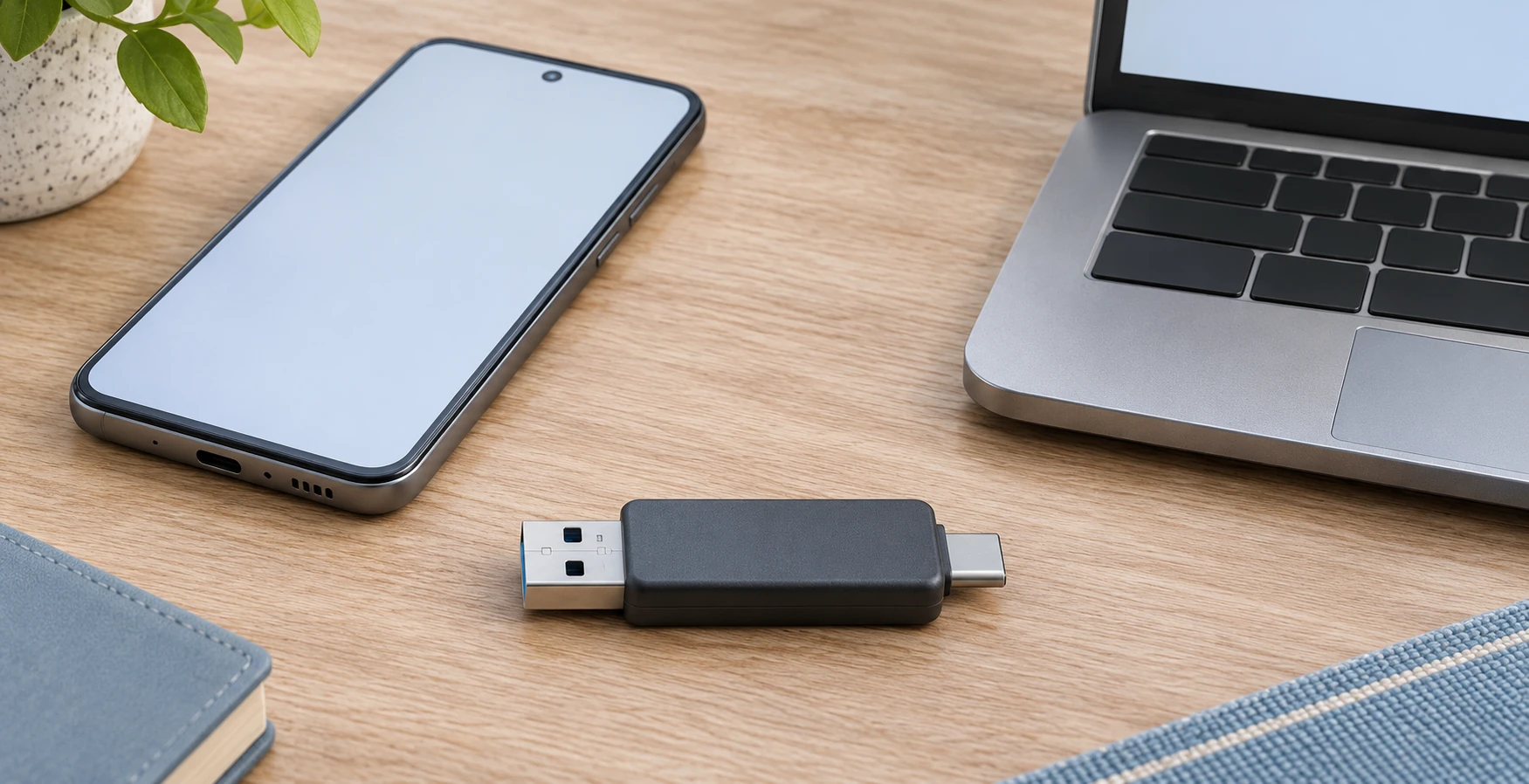
Android USB storage access: check a dual-connector drive
Separate the phone’s USB host requirements from the Files app’s storage-device access step before a file handoff.
Guides to computers, displays, connectivity, gaming, and office devices.
Showing 61–72 of 333 guides
Separate the phone’s USB host requirements from the Files app’s storage-device access step before a file handoff.
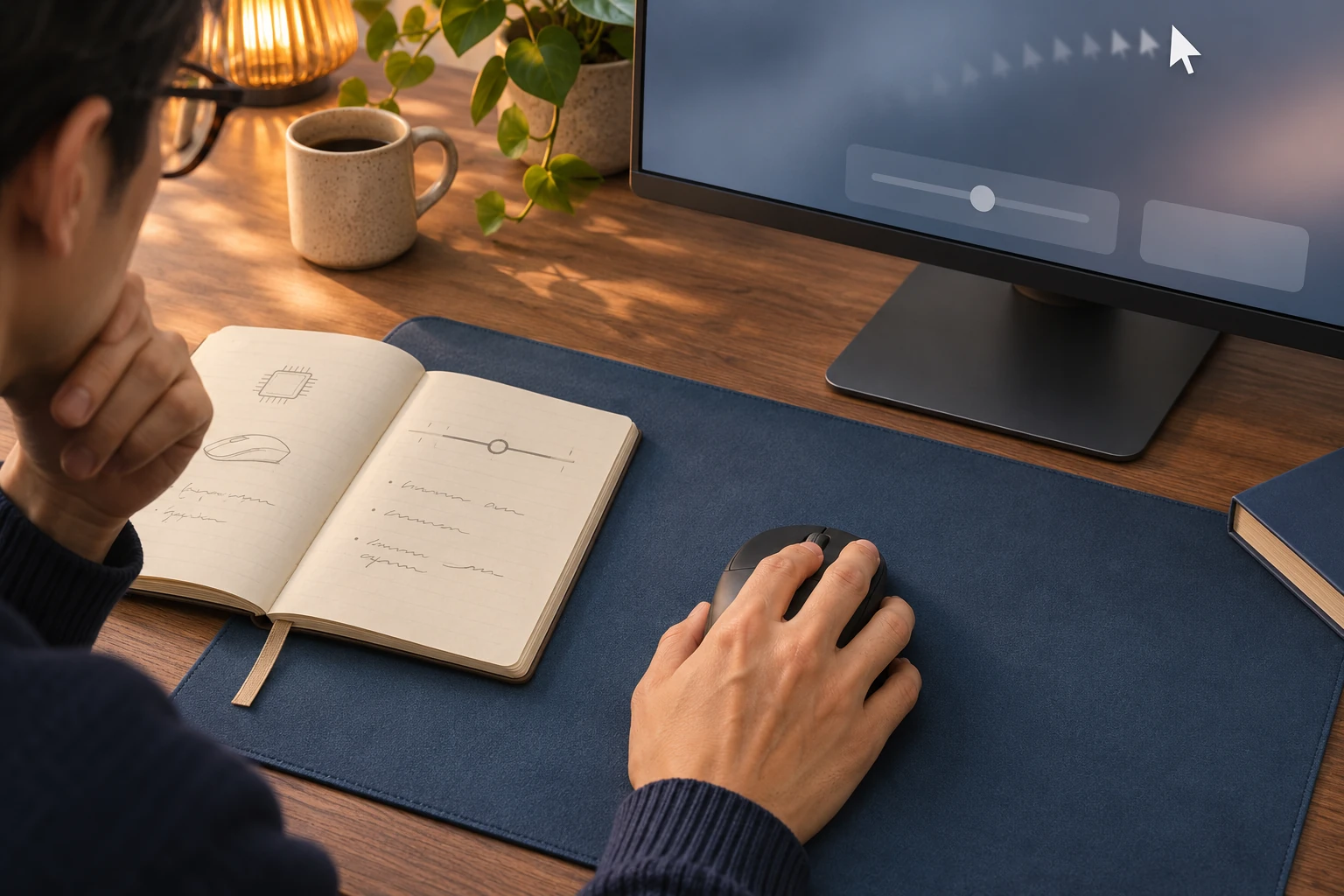
Read a mouse sensor specification without treating its maximum DPI as your current setting or a complete performance score.

Decide whether the holiday greeting is for one listener or people sharing the room, then confirm the arrangement with the person at the other end.
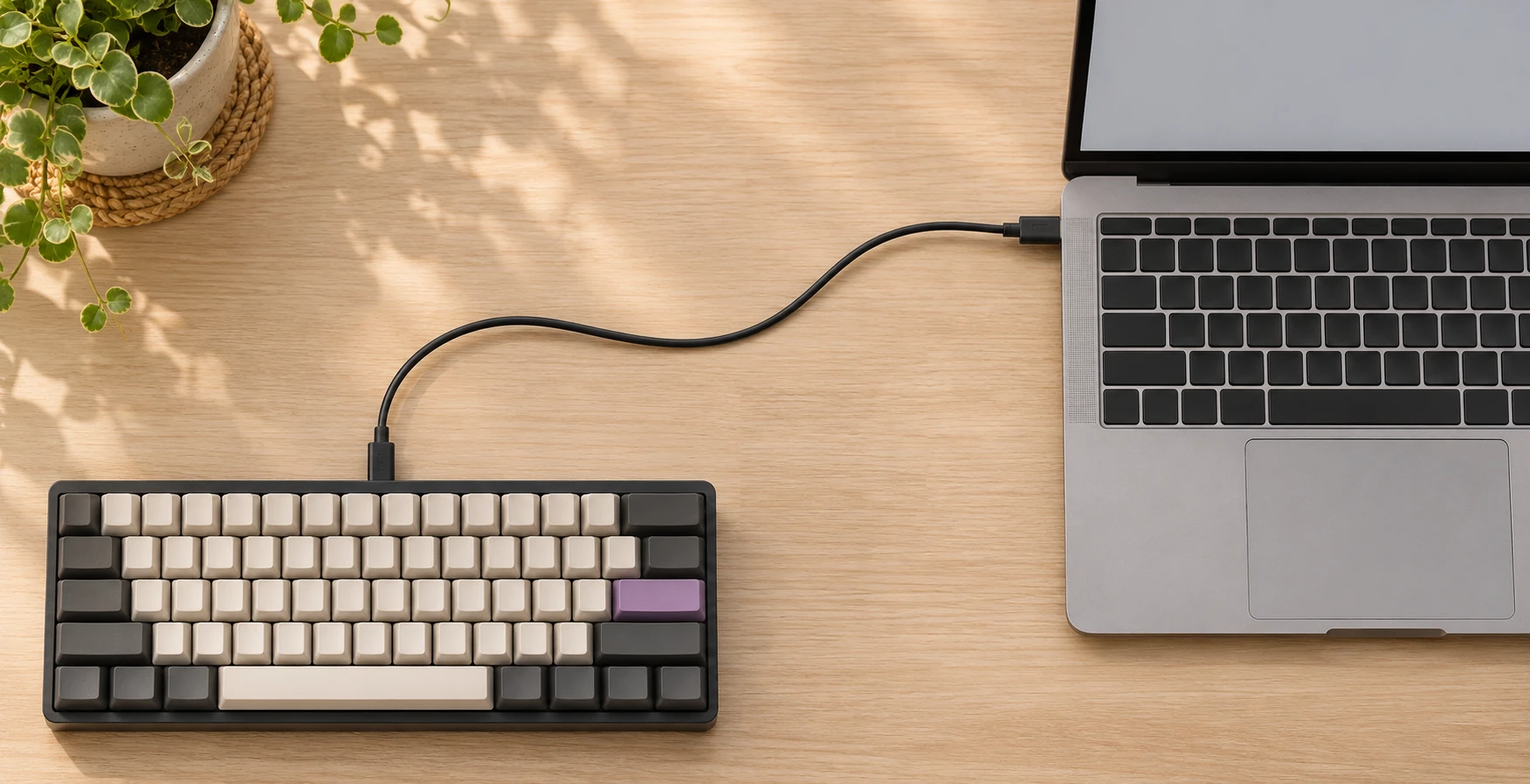
Trace a wired keyboard’s cable and USB path before making a replacement decision, with a clear record of what each check established.
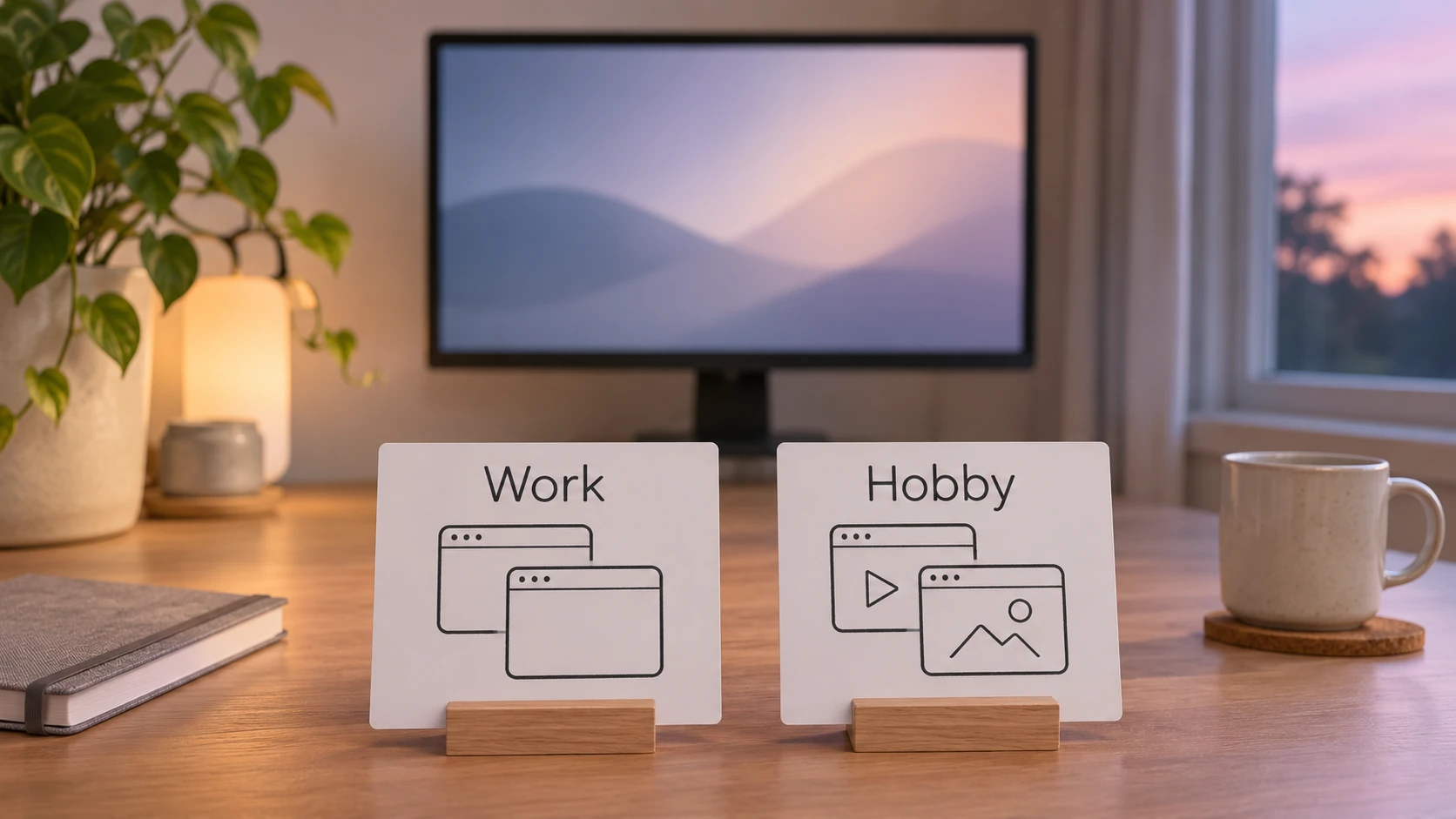
Keep ongoing work and hobby windows in separate Windows desktops, with a clear stopping point and a way back to each project.
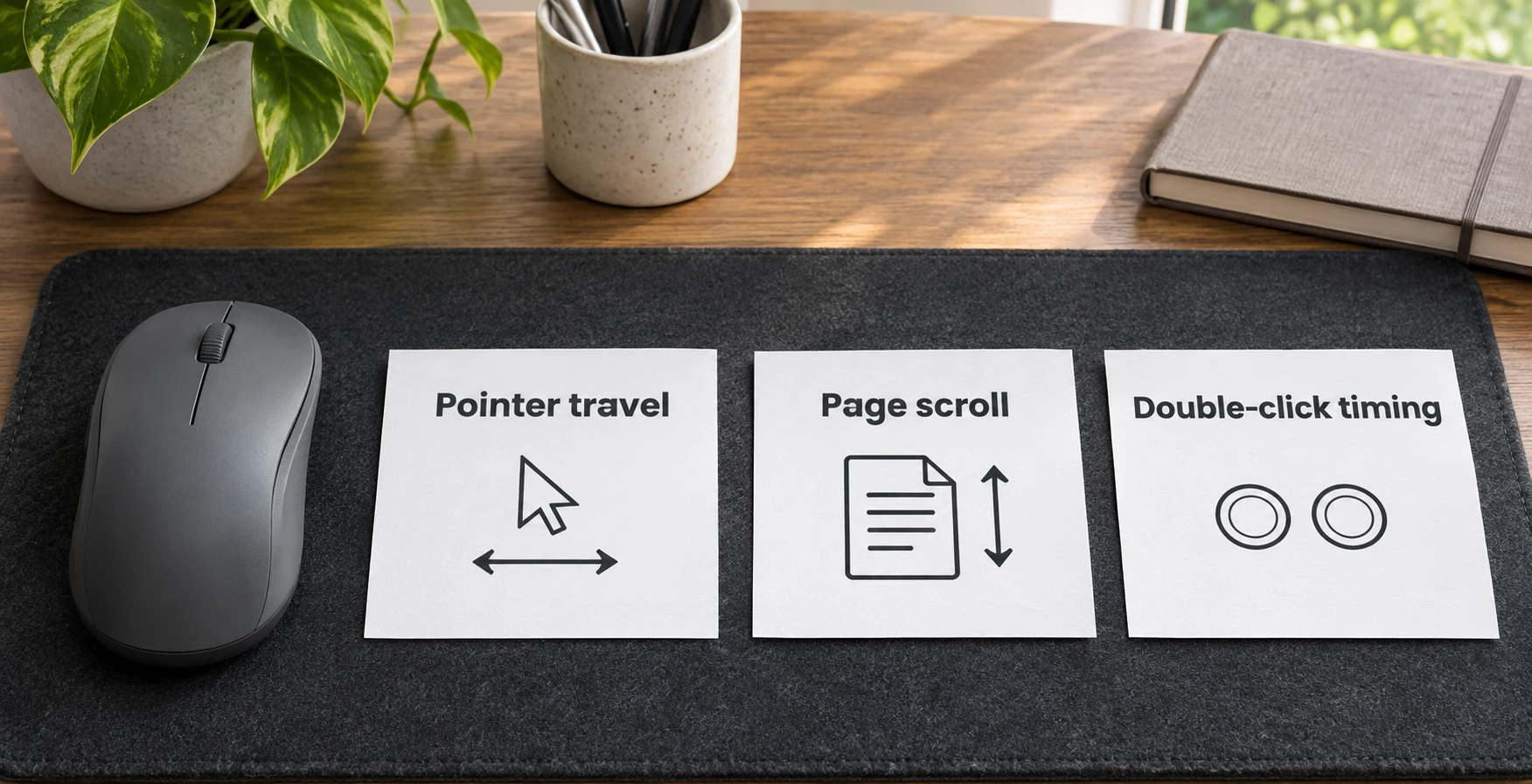
Separate cursor travel, page scrolling and double-click timing before changing a working mouse setup in Windows.
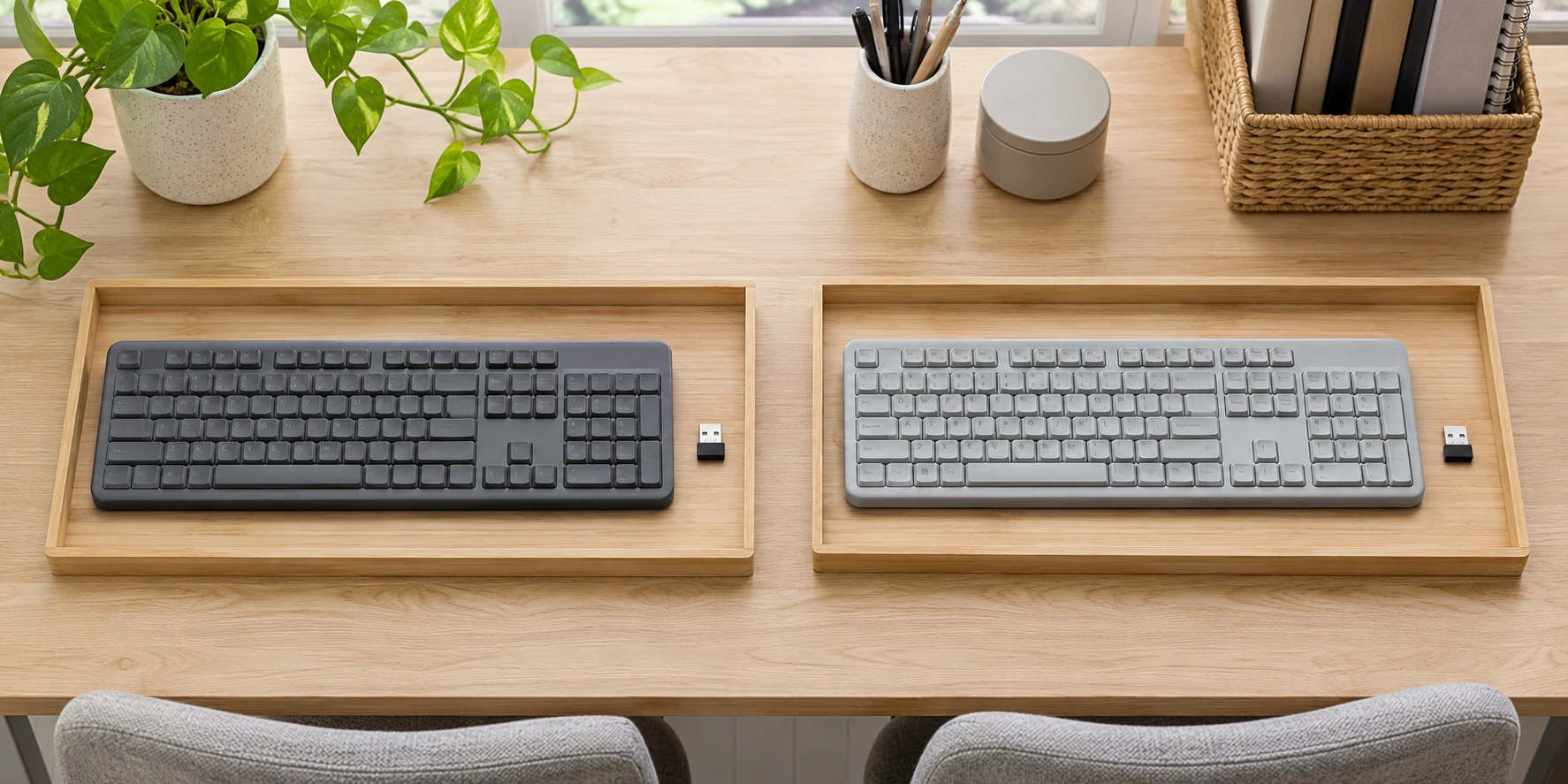
Identify a keyboard before pairing it, keep its receiver with it and check model-specific instructions when a dongle has gone missing.
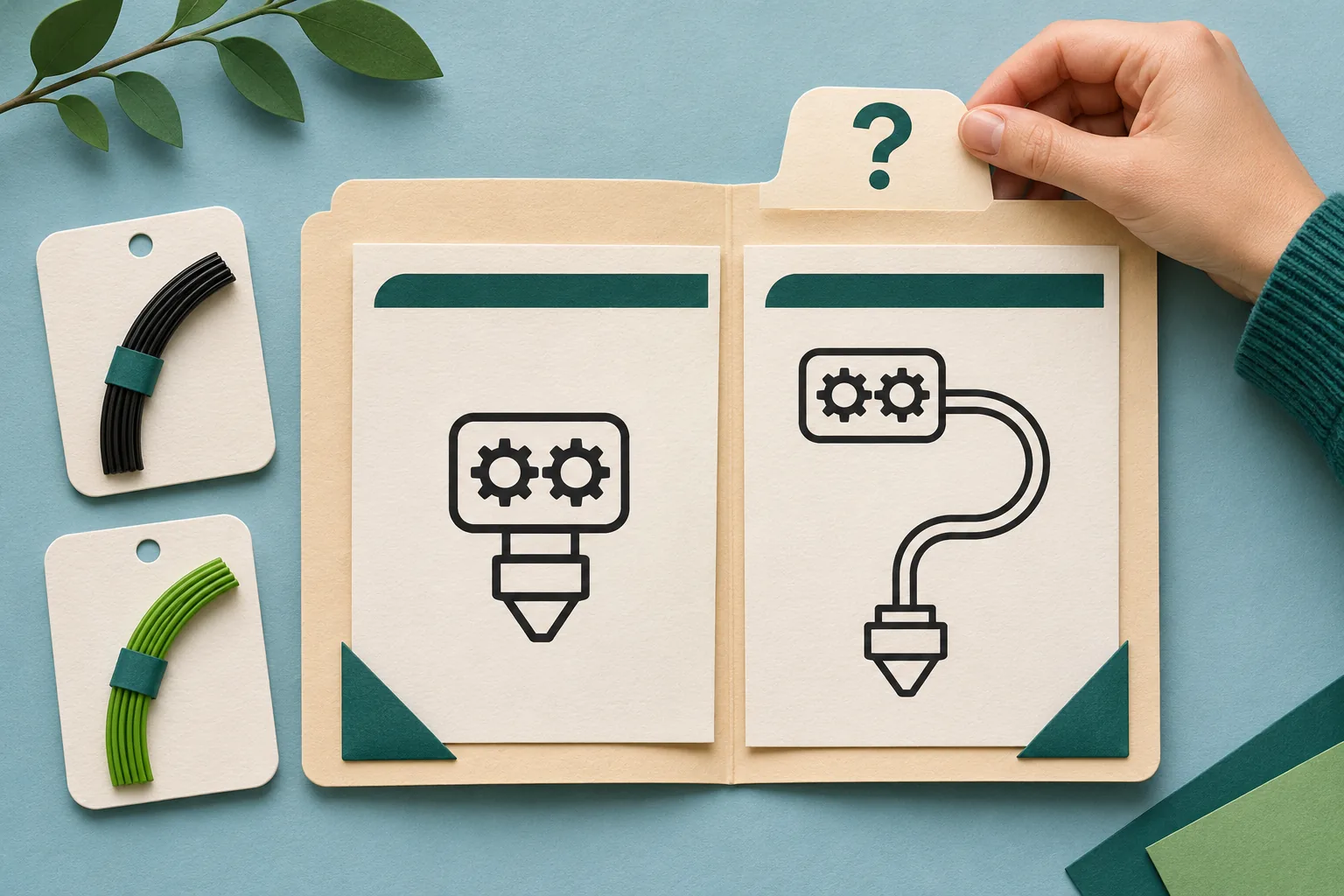
Identify the exact flexible material and its feed-path guidance before treating a shared filament diameter as printer compatibility.
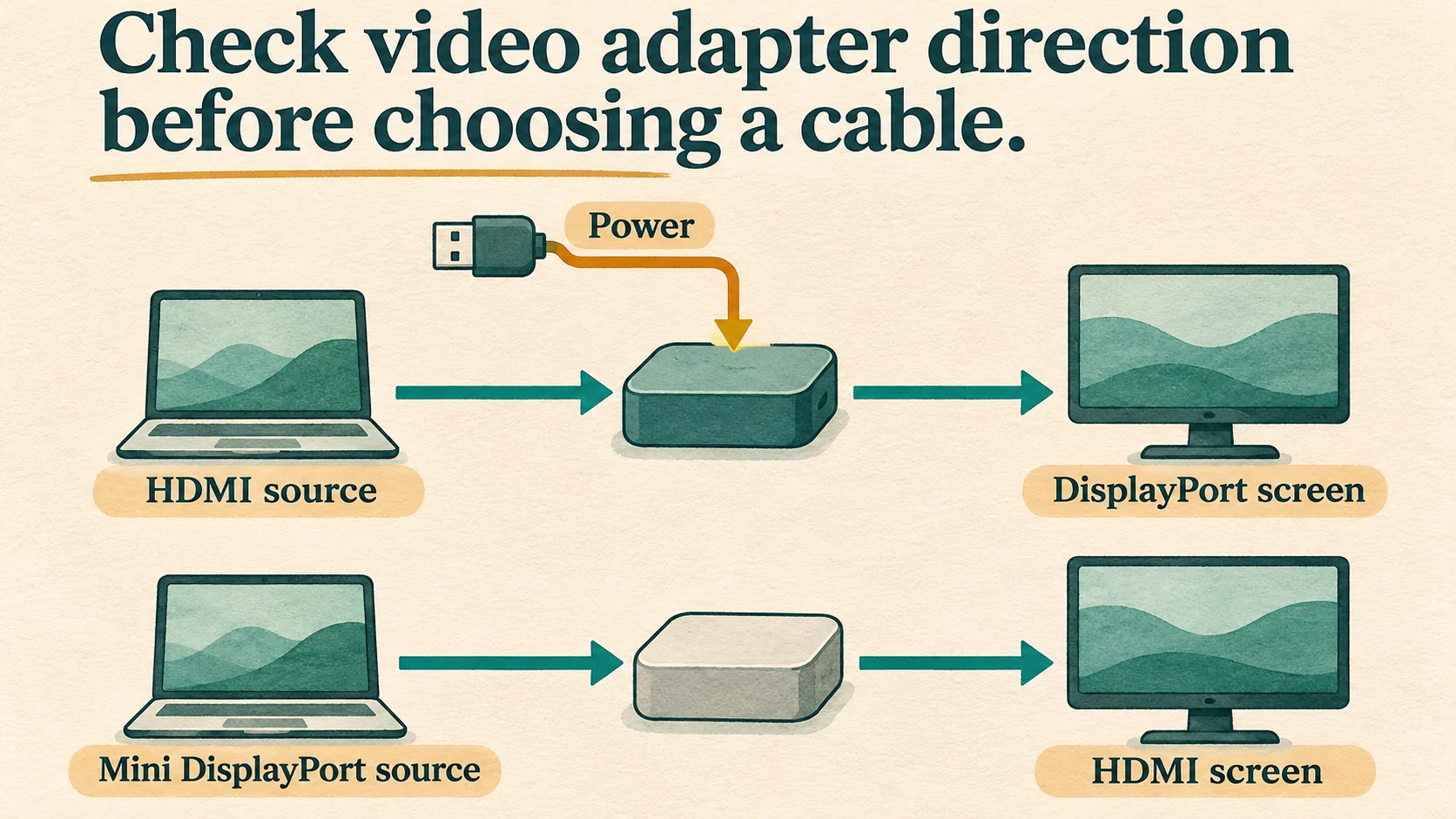
Choose a converter by documented source-to-display direction, conversion requirements and power.
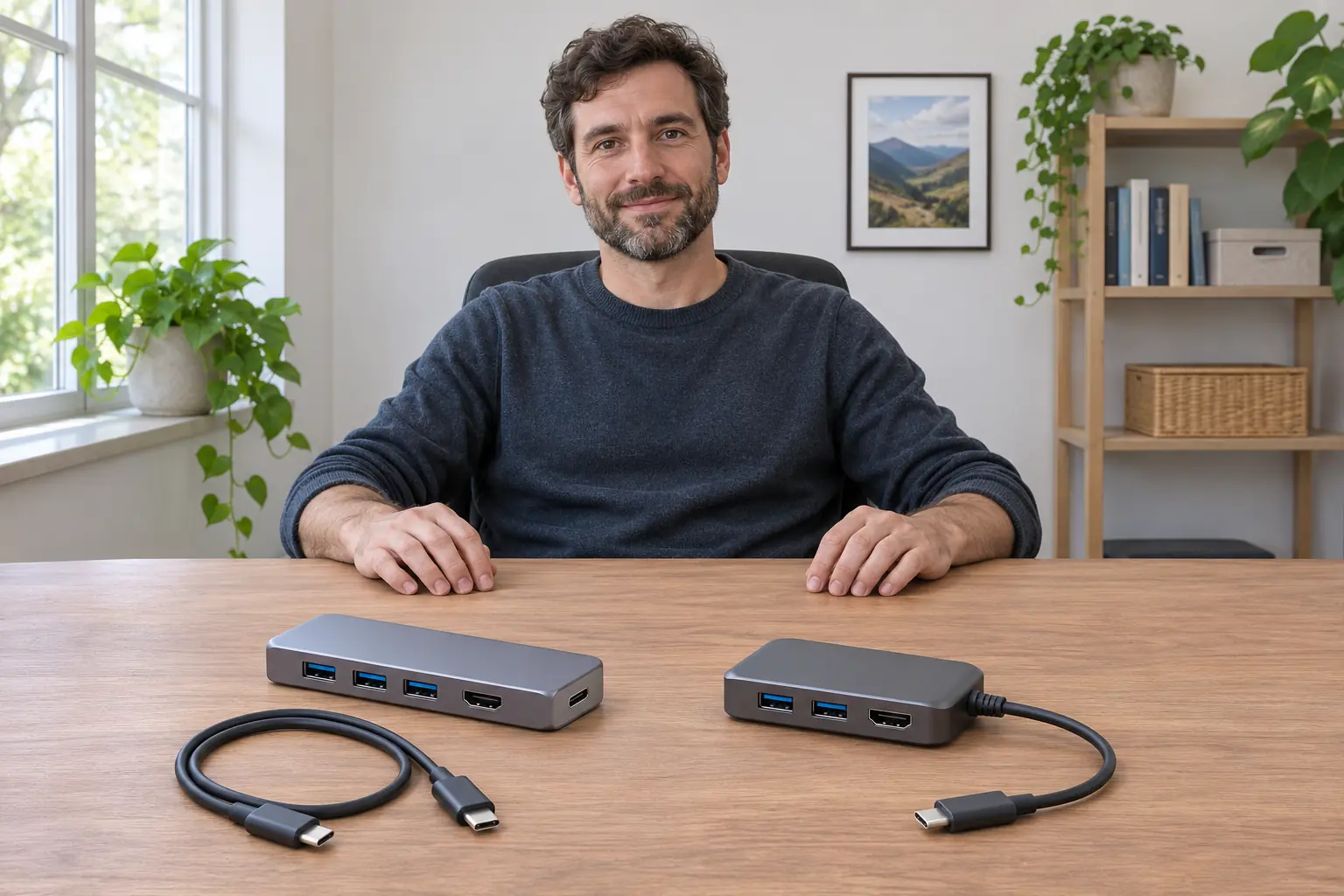
Check the host-lead attachment before shopping for a cable. Keep a separately connected lead and a built-in assembly with their own model information while leaving spare availability and any internal service question unresolved.
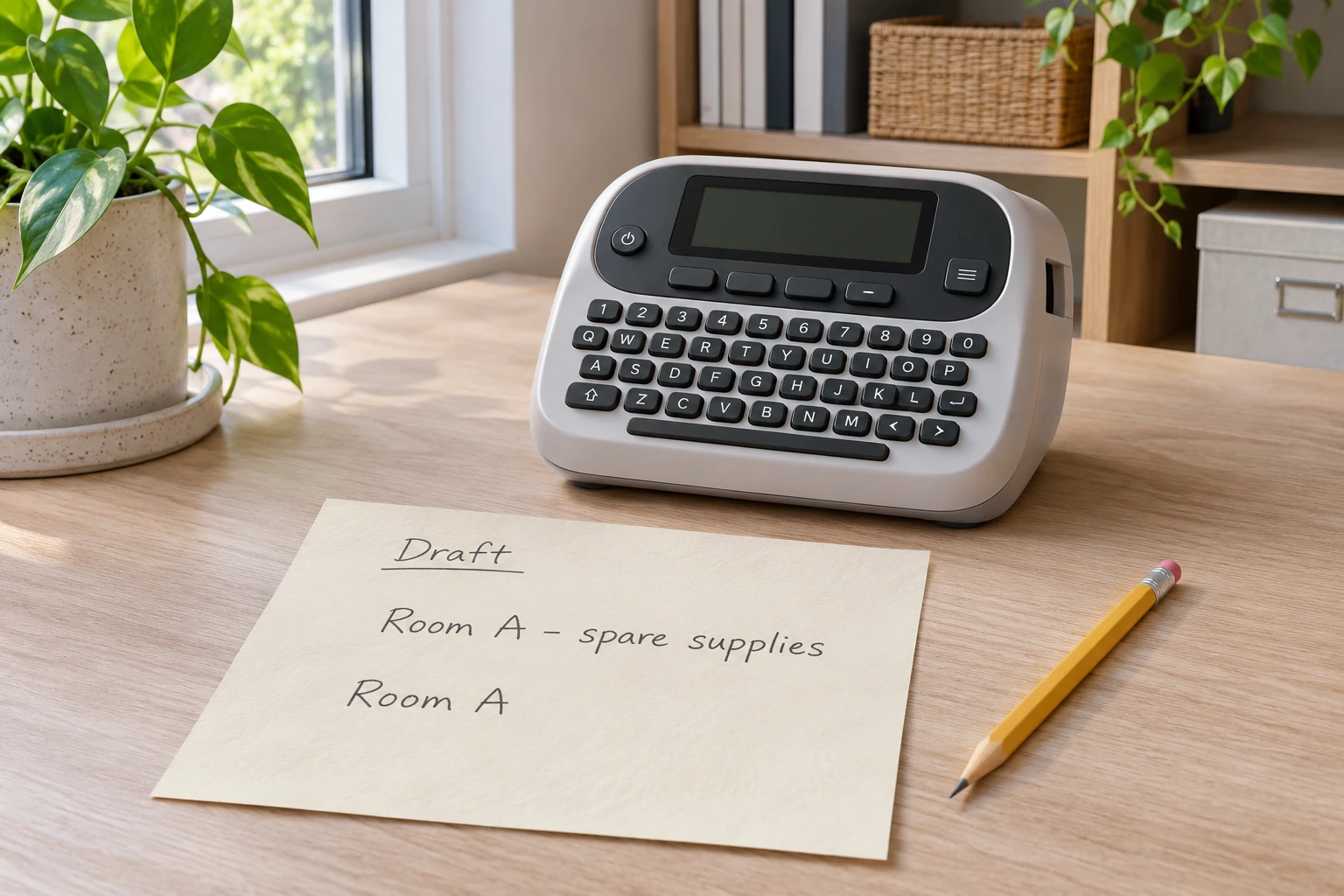
Match the exact printable-area error to the DYMO 500TS manual, then review editable text and the resulting legibility.
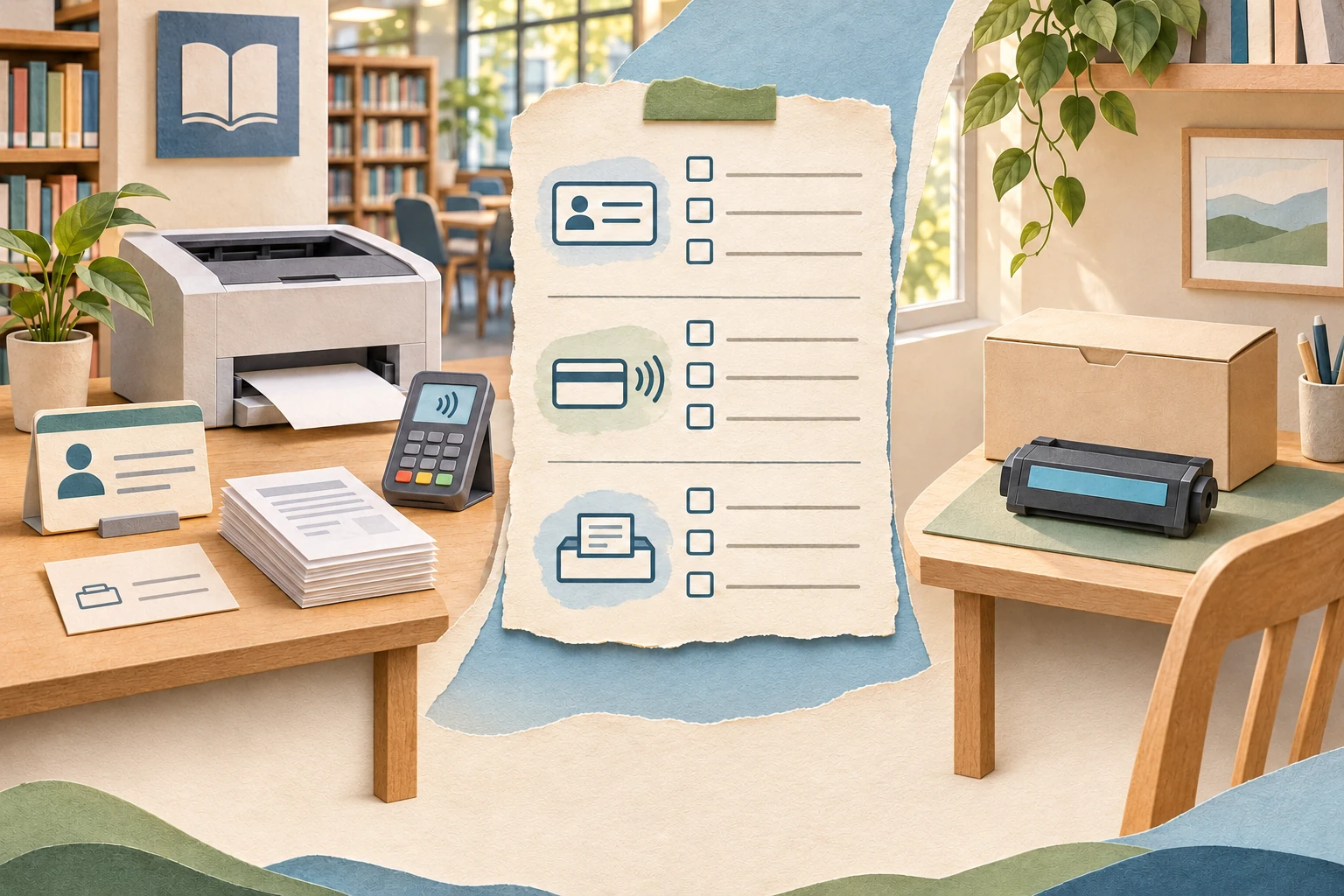
Compare the actual public-printing route with your needs, keeping service fees, access conditions and any home-supply purchase separate.