Computers & Gaming
wireless keyboard receiver setup: keep each dongle with its keyboard
Identify a keyboard before pairing it, keep its receiver with it and check model-specific instructions when a dongle has gone missing.
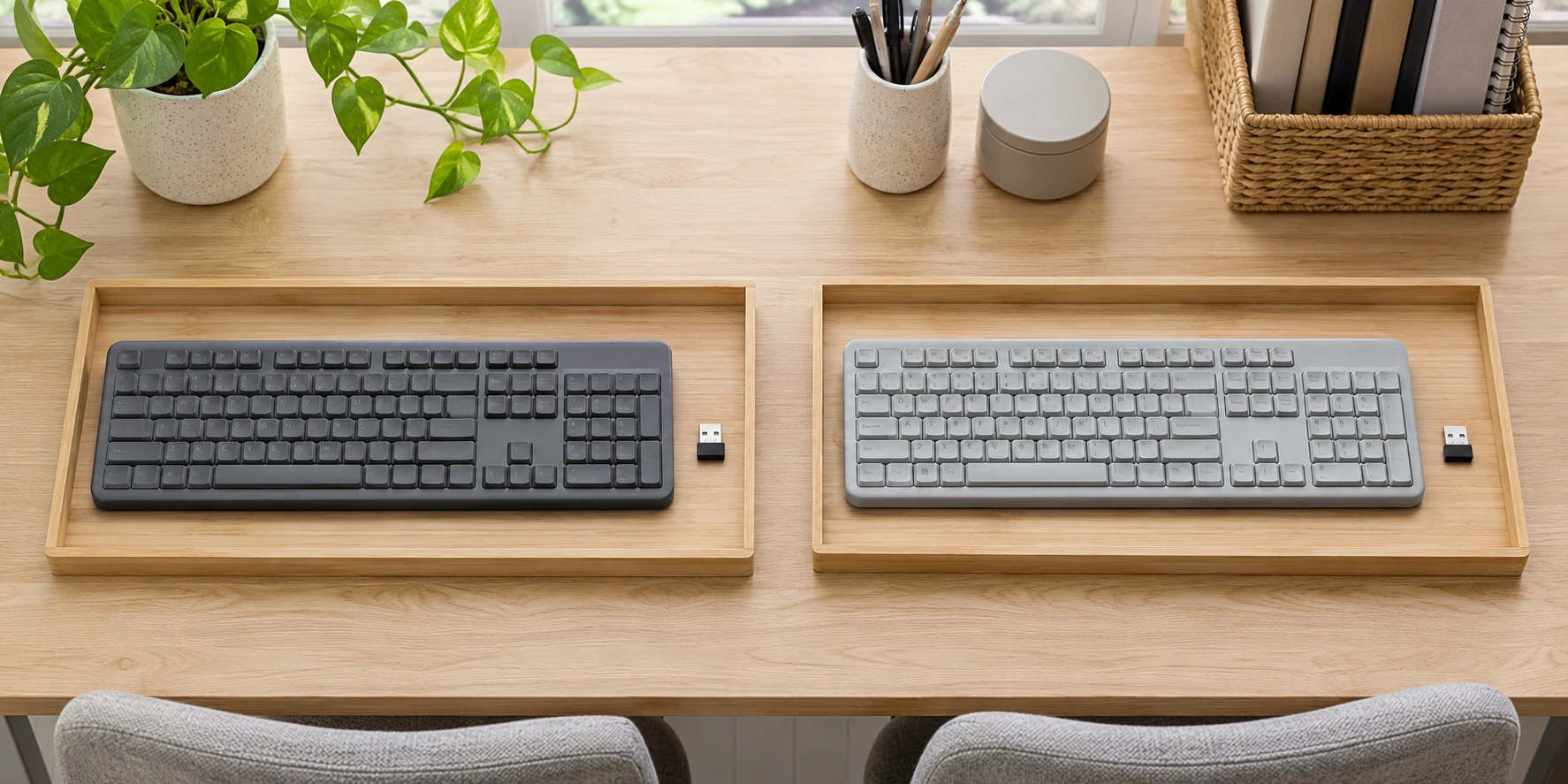
Start wireless keyboard receiver setup by deciding which keyboard and dongle you are trying to put back together. At a shared desk, a receiver can stay in a computer while its keyboard moves elsewhere. Before changing settings, put the keyboard in front of you and record what you know about its receiver. Leave any uncertain association marked as uncertain.
This tutorial concerns the identification work around a wireless USB keyboard. You will make a small record for each keyboard, find the instructions that match its hardware label and test one association at a time. The team designs below provide recognizable examples for that record. Their graphics do not establish different wireless features or tell you which hardware generation is underneath.
Read the underside before choosing instructions
Keyscaper's wireless-keyboard support page distinguishes several generations and directs owners to the underside model label. It identifies TK5216 as a fourth-generation model and TK-501G or 510W as older identifiers. Pairing instructions vary by generation.
Photograph the label clearly enough to read it later. Copy the model exactly, including punctuation, into a note beside your description of the keyboard. If a character is obscured, record that gap. Turning a partial label into a confident model name would send the next person back through the same uncertainty, even if the guess happened to lead to a familiar-looking support page.
Keep the printed design in a separate field. For example, your record might say "blue Detroit Lions design" under appearance and leave the hardware-model field blank until you have read the underside. That arrangement lets someone find the right object without treating its decoration as a technical specification. Add the purchase reference separately if you have it; an order number and a hardware model answer different questions.
A missing label changes the task. Take a photograph of the whole keyboard and preserve the purchase information you can find. Ask support to identify the appropriate instructions from that evidence. Until you have an answer, keep the keyboard out of a test that depends on a particular generation. You can still search for its original receiver and organize the evidence you already have.
Give each keyboard a clear entry in your desk record
The Texas Rangers Alternate Wireless Keyboard listing names Keyscaper as the catalog brand. Its pictured keyboard has a wood-grain design behind the team artwork. The listing mentions plug-and-play installation, a low-battery indicator and automatic sleep. Its front image does not reveal an underside hardware model.
The Detroit Lions Stripe Wireless Keyboard listing shows a blue-and-silver design. It describes a micro 2.4 GHz RF dongle and two AAA batteries. Those are listing claims about the offer; the front photograph does not authenticate delivered box contents or expose a hardware-generation label.
Use those visible differences to keep your own records understandable. A printed design is convenient shorthand when two keyboards are on the same table, while the underside label remains the place to look for the model. There is no need to rank the two designs for connection quality. Neither a photograph nor a team name gives you a measured comparison of radio performance.
While matching keyboard receivers, write one entry per physical keyboard, even when two entries have the same model. Include a space for the receiver association and the result of your eventual test. If both keyboards belong to one household, use descriptions everyone there recognizes. A note called "my keyboard" can become ambiguous as soon as another person uses the same computer.
Search for the original receiver before replacing it
For a missing receiver, Keyscaper recommends checking the keyboard's underside storage slot, the computer or hub it previously used, and the bag it travelled in. Its support account warns that a spare receiver from another keyboard is not a ready substitute. It directs replacement enquiries to support with the underside model and purchase information.
Search the previous setup while keeping the keyboard's record open. If the desk has several small USB devices, photograph the arrangement before you remove anything. Ask the other desk user which devices they still need. Put an unidentified dongle aside with a note describing where it was found, rather than immediately assigning it to whichever keyboard happens to be nearest.
In a shared workspace, "found in the same drawer" is a useful location note but incomplete ownership evidence. You might have a receiver that was put away with a different accessory. Record the discovery without turning it into a successful association. The distinction matters when another person returns and asks where their working receiver went.
Set a reasonable endpoint for the search. If you have checked the known storage locations and the previous computer, gather the model photograph and purchase reference for a support enquiry. Ask whether a compatible replacement is available for that exact unit. Keep the reply with the keyboard's record. A general replacement listing does not establish that its dongle can be paired to your keyboard.
Prepare one keyboard and receiver for a controlled check
Choose one keyboard to investigate first. Put the second keyboard and its known accessories aside without changing their association. On your note, identify the receiver you intend to try and explain why you think it belongs with the selected keyboard. "Used together yesterday" is a different starting point from "unlabelled receiver found in a bag." Preserve that difference.
Check the computer connection before following a pairing procedure. Identify the socket you will use and any adapter between it and the receiver. If the receiver is attached through a dock, include that dock in the test note. You want to be able to describe the actual arrangement afterward, including anything you changed during the check.
The published guide to OWC Thunderbolt 3 and Dell UD22 docks addresses the connections needed at a mixed laptop desk. Use that kind of port inventory when planning the desk. The keyboard's own model and receiver association still need their separate record.
Have an ordinary text field ready before you begin. Use an empty note that contains no password or private message. This is a place to observe whether the selected keyboard produces the input you expect, not a way to identify a receiver from its appearance. If you cannot tell which keyboard produced the input, pause and simplify the setup before drawing a conclusion.
Follow the procedure for the actual hardware model
Keyscaper publishes a manual pairing sequence specifically for TK5216. For an underside label that differs, its current support page directs the owner to request the appropriate sequence. The presence of familiar keys or similar artwork does not identify the model.
Keep the label photograph beside the instructions you intend to follow. Read the complete procedure before making a change, including any requirement about the receiver or power. If the model identifiers do not agree, stop there and resolve the discrepancy. Combining the first step from one generation with the last step from another would leave you unable to say which procedure you actually tested.
Record the outcome in plain terms. "Typed the test sentence in an empty note with this keyboard and this receiver" is more useful than "fixed." If nothing appeared, record the attempted model-specific procedure and what you observed. Avoid adding a diagnosis that the test did not establish. A failed check, by itself, does not tell you which component needs replacement.
Include enough detail for another person to repeat the same check: the computer used, the connection path, the keyboard label, the receiver identifier and the instruction followed. If you changed an adapter or moved the receiver to another socket, add that change to the record. Keep a previous successful configuration available as a reference rather than replacing its note with the latest failed attempt. You are building a short history of this pair, so the next enquiry can start with specific observations.
A support enquiry can distinguish two situations clearly: the original receiver is missing, or a receiver believed to be original is present but the check failed. State which situation applies. Attach the label photograph and the observed result, and ask what information is needed before ordering a replacement.
When support gives you a procedure, retain its model reference and any conditions attached to it. If the reply asks for more information, answer that request before improvising another sequence. Keep unsuccessful attempts in the same record so that the person helping you can see what has already happened. This also prevents the next desk user from repeating an unexplained change.
Work through a two-keyboard mix-up without losing the history
Imagine a desk move involving the wood-grain Rangers keyboard and the blue Lions keyboard. This is an example of how to organize a check, not a report of testing either listed product. Two receivers have been found, and nobody remembers which one travelled with which keyboard. Start two records and give the receivers temporary identifiers, such as the locations where each was discovered.
Ask whether either association is already known from the previous setup. Preserve a known working association while investigating the uncertain one. If both are uncertain, keep them that way in the notes and use the underside models to request the right instructions. The visual difference between the keyboards makes them easier to name during the conversation; it does not resolve the radio association.
After a model-appropriate check, update only the association that the observation supports. A successful result for the Rangers keyboard says nothing about which receiver the Lions keyboard needs. Give the second unit its own check and its own outcome. If one remains unresolved, put its parts together with the unresolved note instead of borrowing from the pair that now works.
Keep the working association with the keyboard
Once an association is established, make the record easy to find at the next move. Keep the model photograph, receiver description and successful setup note together. If you use a removable label or a storage envelope to identify the pair, choose a description that still makes sense away from this particular desk. Do not cover the hardware label you needed to identify the keyboard.
The ASUS NUC 15 Pro and Beelink EQi12 desk guide considers peripheral connections when choosing a small computer. Revisit that port plan if the computer changes. Keep the keyboard's pairing record with the keyboard so it remains available after the old computer leaves the desk.
For keyboard dongle pairing, your final note should show the actual keyboard model, the associated receiver and the procedure that applied. Leave unanswered fields visibly open. If a replacement is still needed, attach the support reply stating what is available for that unit before placing an order. The next person should be able to distinguish a working pair from a collection of parts awaiting an answer.
Check payment separately from receiver compatibility
If a checkout at republeq.com offers crypto payment, including USDT, settle the keyboard and receiver questions before deciding how to pay. Ask whether the order is for a complete keyboard, a replacement receiver or another specified item, and keep the exact model reference with the order. For a receiver enquiry, obtain an answer about the intended keyboard before treating an available payment option as a reason to proceed. Check the current checkout instructions for the accepted asset and network, the payment destination and the amount requested. If any part is unclear, use the checkout's support route before sending a payment. Keep a copy of the order description and the instructions you relied on. Ask how an unsuccessful or cancelled order would be handled and what return or refund terms apply to that purchase. Do not infer those terms from the keyboard's appearance, its team design or an earlier order. If somebody else shares the desk, agree which keyboard the purchase concerns so the new order does not add another unidentified receiver to the drawer. Record the payment reference separately from the hardware-model photograph, then keep both with the same order record. An order confirmation can document a purchase; it cannot demonstrate that a receiver pairs with a particular keyboard. After delivery, identify the actual item and follow the instructions for its hardware model before recording a working association. Leave an unresolved compatibility question open even if payment has completed. This paragraph is a conditional purchasing checklist and does not confirm that any particular payment method is currently offered for either linked keyboard or for a replacement part.
Conceptual keyboard and receiver identification scene; no device model or pairing procedure is demonstrated.