Crypto Commerce
OWC 14-port Thunderbolt 3 dock Thunderbolt 3 vs Dell UD22 USB-C docks for a mixed laptop desk
Compare OWC 14-port Thunderbolt 3 dock by host compatibility, screens, charging, network and peripheral ports, and saved price.
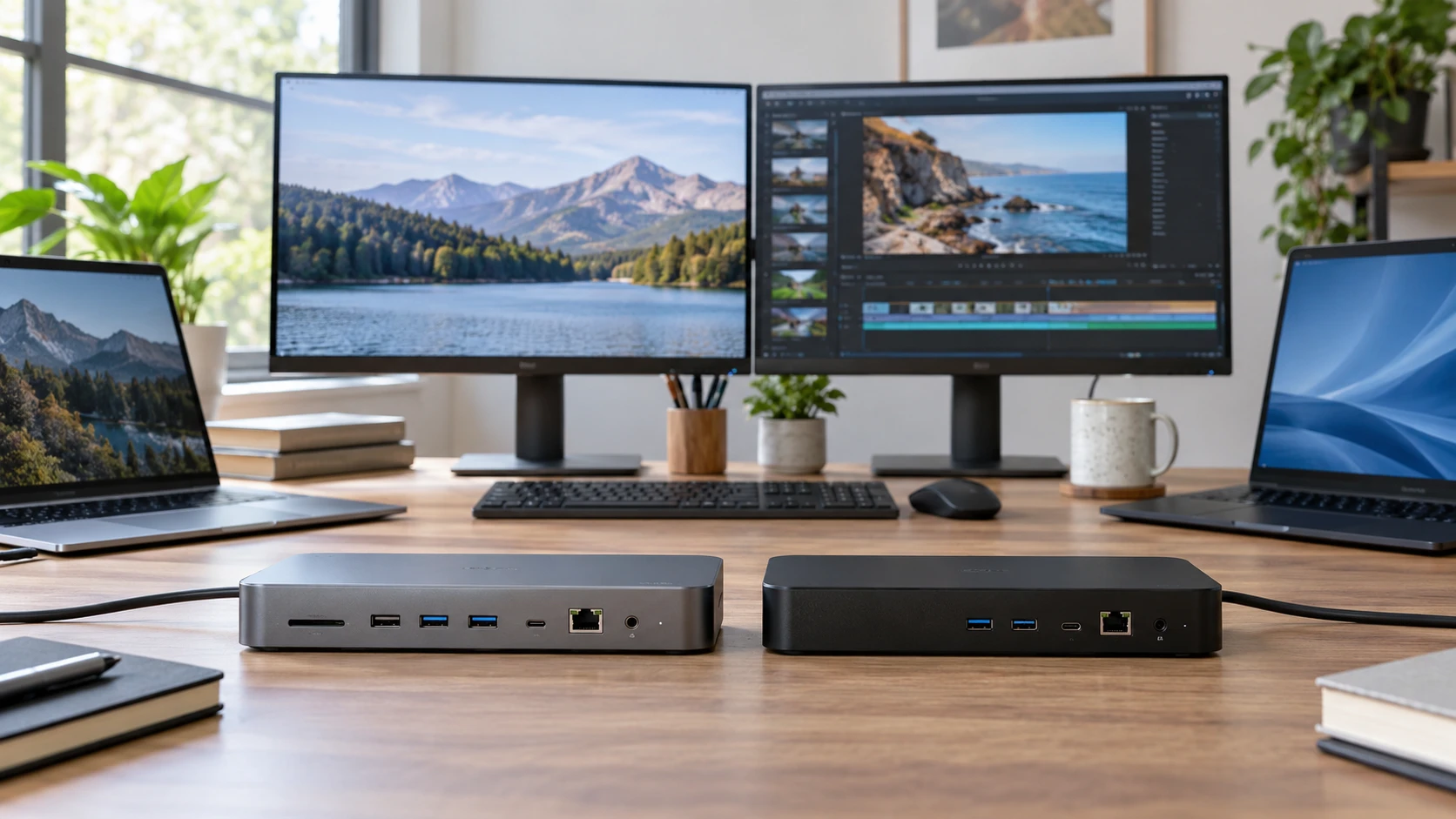
A dock is useful only when it connects the laptop, monitors, power, and everyday peripherals in the combination a desk needs. The OWC OWCTB3DK14PSG is a Thunderbolt 3 dock advertised with 14 connection points and up to 85 watts of notebook charging. The Dell UD22_EDI_1 bundle centers on a universal USB-C dock advertised with support for multiple displays and up to 96 watts delivered to a connected laptop. The port count and price are easy to compare; host compatibility and monitor behavior take more care.
The OWC 14-port Thunderbolt 3 dock is listed at $271.70 in the September 30 catalog snapshot. Its saved row names a Thunderbolt 3 host interface, six USB ports, Gigabit Ethernet, a card reader, and audio input and output. It is described as a way to expand a Mac or PC workstation with high-speed data connections. The excerpt does not specify its exact video outputs, display count, or included host cable. Verify those details on the current model page before purchasing it for a particular pair of monitors.
The related guide to laptop memory and dock planning discusses different computers. It can prompt a useful check of a laptop's actual ports, but it does not certify either dock here. The Dell UD22 universal USB-C dock bundle is listed at $589.94. The saved row says the bundle includes DisplayPort, USB-C, HDMI, and Ethernet cables, a cleaning kit, and six wire straps. The dock has two DisplayPort 1.2 connections, one HDMI 2.0, one USB-C DisplayPort 1.4, Gigabit Ethernet, four USB 3.2 Gen 2 Type-A ports, and two Type-C ports. One Type-C port supports PowerShare.
Identify the laptop's host port first — guide to laptop memory and dock planning
A USB-C-shaped opening does not describe every data and display capability behind it. The OWC requires a compatible Thunderbolt 3 host connection for the listed Thunderbolt use. Check the laptop's exact model and port specification, including whether the port supports Thunderbolt and what display and charging features it exposes. A laptop with only ordinary USB-C may plug into a similar-looking cable while failing to support the intended dock features. The saved OWC row says Mac or PC, but it does not list every compatible model or operating-system version.
The Dell UD22 is described as universal across a wide variety of USB-C laptops. That is a reason to examine it for a hot desk where several computers take turns. It is not proof that every USB-C laptop can drive four 4K screens, charge at 96 watts, and use all ports simultaneously. Those results depend on the host's video and USB capabilities, operating-system support, any required software, and the exact display arrangement. Check Dell's current compatibility details for each laptop expected to use the desk. Test the least capable laptop, since it will define the desk's practical floor.
The related laptop guide is a reminder to read the machine's own port information. Do not infer compatibility from its processor, year, or price. Find the model number, identify each external display output and power requirement, and check whether a docked connection is supported by that port. A work laptop may also have administrator restrictions on drivers or firmware. If the dock needs software or permission, resolve that with the device owner before buying hardware for a shared office.
Draw the display plan with resolutions and refresh rates — Dell UD22 universal USB-C dock bundle
The Dell row states support for multiple displays, including quad 4K setups. It lists two DisplayPort 1.2 outputs, an HDMI 2.0 output, and a USB-C DisplayPort 1.4 video connection. A four-monitor claim needs the right host, cable paths, and operating conditions. Confirm the number of monitors, their resolution and refresh rate, and whether they will be extended or mirrored. A gaming screen demanding high refresh can use a different amount of bandwidth from an office 4K display at 60 Hz. The short snapshot does not provide a matrix for every combination.
For OWC, the catalog excerpt omits named monitor connections. That omission prevents an honest four-screen comparison from the saved evidence. Find its exact port diagram and supported display configurations in the current manual. Check whether a display adapter would be required and whether that adapter is included. A buyer needing only one external office monitor may still find the OWC suitable, but that conclusion must be tied to a verified video output and host, not the phrase 14 ports.
A dock can have several physical video sockets while supporting fewer simultaneous independent displays. Check the laptop's own external-display limit as well as the dock's. Some laptops reserve one display path for the internal screen; some operating systems or drivers handle multiple external displays differently. None of those details are established for a specific computer by the two catalog rows. Write the full chain for each screen: laptop port, dock, output port, cable or adapter, monitor input, and desired mode. This simple map catches missing connections before checkout.
Compare power with the laptop's actual charger — guide to laptop memory and dock planning
OWC lists 85 watts of power delivery to a notebook. Dell's UD22 description names an included 130-watt adapter and up to 96 watts delivered to the connected laptop through USB Power Delivery 3.0 while it runs attached devices. The two ratings differ by 11 watts at the laptop, while the Dell adapter's 130-watt figure describes power supplied to the dock system. Do not treat the adapter rating as the laptop charging rate. Compare the laptop's required wattage with the stated delivery and the manufacturer's docking guidance.
A thin notebook that normally uses a lower-watt charger may be well served by either rating, assuming host compatibility. A workstation that draws more during heavy work could charge slowly, hold steady, or draw from its battery if a dock supplies less power than it needs. The snapshot contains no battery-charge tests for any laptop. If a machine requires its own charger while docked, plan a second power connection at the desk. Also confirm how each dock behaves when multiple USB devices and monitors are active.
The included power hardware matters in the price comparison. Dell's row explicitly names its 130-watt adapter. OWC's excerpt describes 85-watt delivery but does not itemize its adapter or host cable. Check the live boxed contents and exact power connector. A used or repackaged unit missing the proper supply may appear attractive until replacement parts are counted. Do not use an improvised power adapter for a dock simply because its connector fits.
Place data, network, and daily accessories — Dell UD22 universal USB-C dock bundle
OWC's six USB ports can serve a keyboard, mouse receiver, storage drive, webcam, and another accessory, subject to their types and speed. Its card reader and audio input and output may reduce separate adapters for a person handling photos or a headset. The saved row does not give a complete per-port speed map. Check which connections are USB-A or USB-C and where they are located, especially if a frequently swapped drive should be easy to reach from the front of the desk.
Dell's UD22 row explicitly lists four USB 3.2 Gen 2 Type-A and two Type-C ports, with PowerShare on one Type-C. The product title calls it a 10-in-1 dock while the description enumerates video and data connectors separately. Count the actual sockets on the current port diagram instead of using the headline count to decide if everything fits. A USB-C port used for video or host connection is not automatically a free peripheral port. Confirm what PowerShare does with the laptop asleep and whether it meets the charging needs of a phone or accessory.
Both rows list Gigabit Ethernet. A wired connection can simplify a desk where large downloads, office calls, or network storage are routine. It still depends on the wall port, switch, cable, and network configuration. If the home or office expects multi-gigabit Ethernet at the desk, neither saved description promises more than Gigabit Ethernet. A separate Ethernet adapter or a different dock may be required. Test network speed and connection stability through the full path after setup.
Shared desks and administration — Dell UD22 universal USB-C dock bundle
The Dell bundle is positioned for mixed-device households and hot desks. Its row lists a security lock slot, Wake-on-LAN, MAC address pass-through, and wireless vPro support. Those terms are useful only when the laptop, network, and management environment support them. An office administrator should verify exact platform requirements and configuration steps. A home user who simply wants monitors and peripherals may not benefit from paying for management features. The OWC excerpt does not mention comparable enterprise controls, so do not assume they are present or absent without current documentation.
The Dell bundle's supplied DisplayPort, USB-C, HDMI, and Ethernet cables could reduce a new desk's shopping list. Confirm cable lengths and specifications for the intended monitors. If the desk already has suitable cables, their presence may add less value than the dock's display compatibility. The cleaning kit and straps may help organize a workstation, but they do not fix a host that cannot drive the chosen monitors. Keep the plan centered on the devices and ports used every day.
A shared desk needs an easy arrival routine. Decide where the host cable will rest, whether the laptop lid stays open, and how a user selects the correct monitor arrangement. Test disconnecting and reconnecting each laptop without leaving an application stranded on an inactive screen. The catalog rows do not contain hot-plug reliability tests or a promise of identical behavior across macOS, Windows, and ChromeOS. A trial on the actual machines is the strongest check if the dock will serve more than one person.
Price and the smallest complete setup — Dell UD22 universal USB-C dock bundle
The Dell bundle's saved $589.94 price is $318.24 above OWC's $271.70. Current checkout prices may differ. The Dell listing gives more explicit video outputs, multi-display claims, supplied cables, and management features. OWC's listing gives a Thunderbolt 3 host, 85-watt delivery, six USB ports, a card reader, audio connections, and Gigabit Ethernet at the lower saved price. Neither saved row proves compatibility with the buyer's exact laptop and screens.
Choose OWC when the laptop has a verified Thunderbolt 3 port, its 85-watt charging limit fits, and current documentation confirms the needed display connection. Choose Dell UD22 when several USB-C laptops will share the desk or its named display outputs and included cable bundle solve a measured connection problem. Verify the full host-and-display matrix before ordering. A dock is successful when one cable brings up the expected screens, network, and peripherals each time; that outcome can only be confirmed with the actual laptop and desk.