7 min read
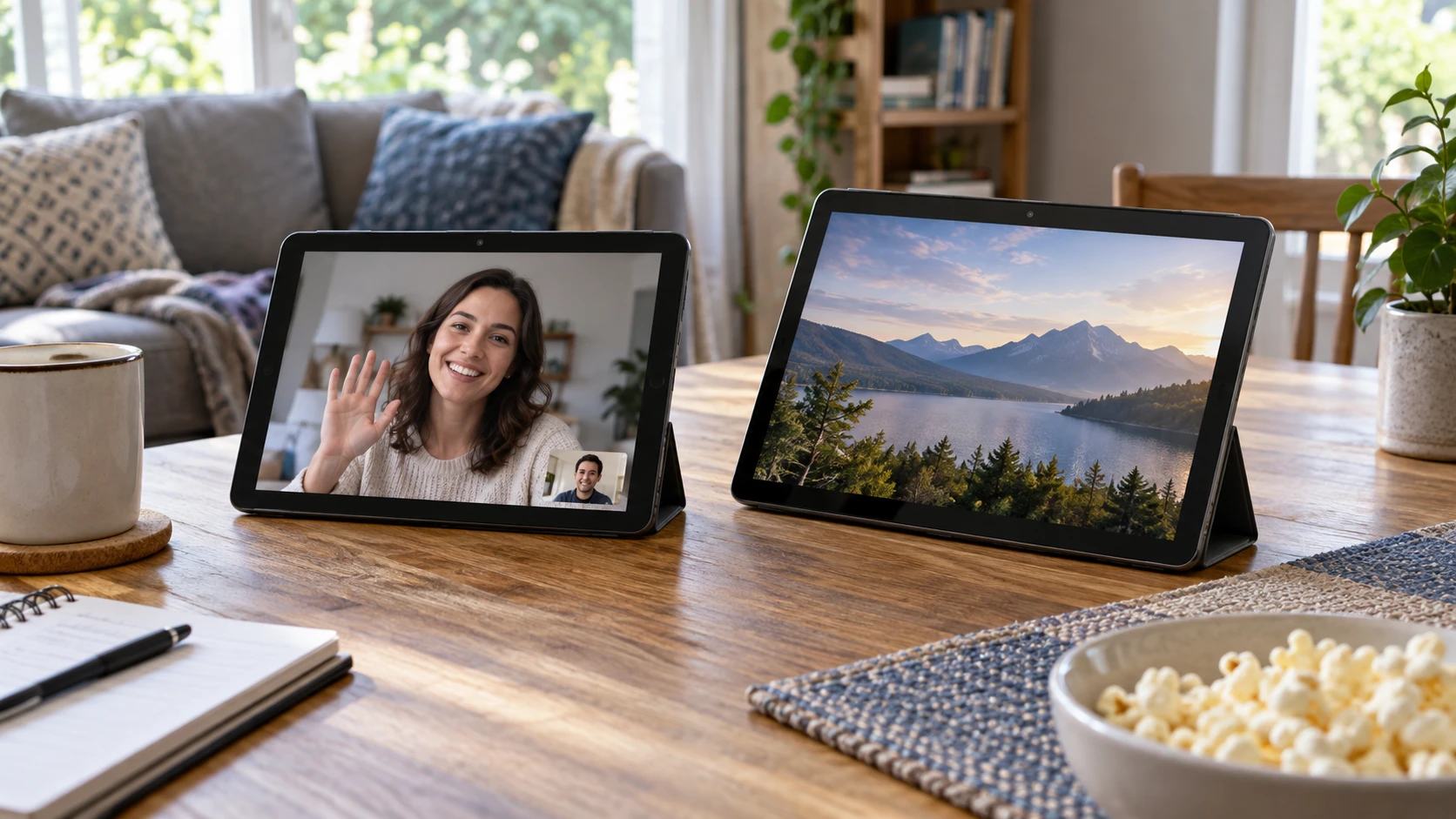
COM1950s CP10 Android tablet vs Galaxy Tab A8 bundle for calls and media
Compare COM1950s CP10 Android tablet by screen, camera evidence, storage, connectivity, battery claims, and variant clarity.
Tablets, e-readers, and portable touch computing.
Showing 13–23 of 23 guides
Compare COM1950s CP10 Android tablet by screen, camera evidence, storage, connectivity, battery claims, and variant clarity.
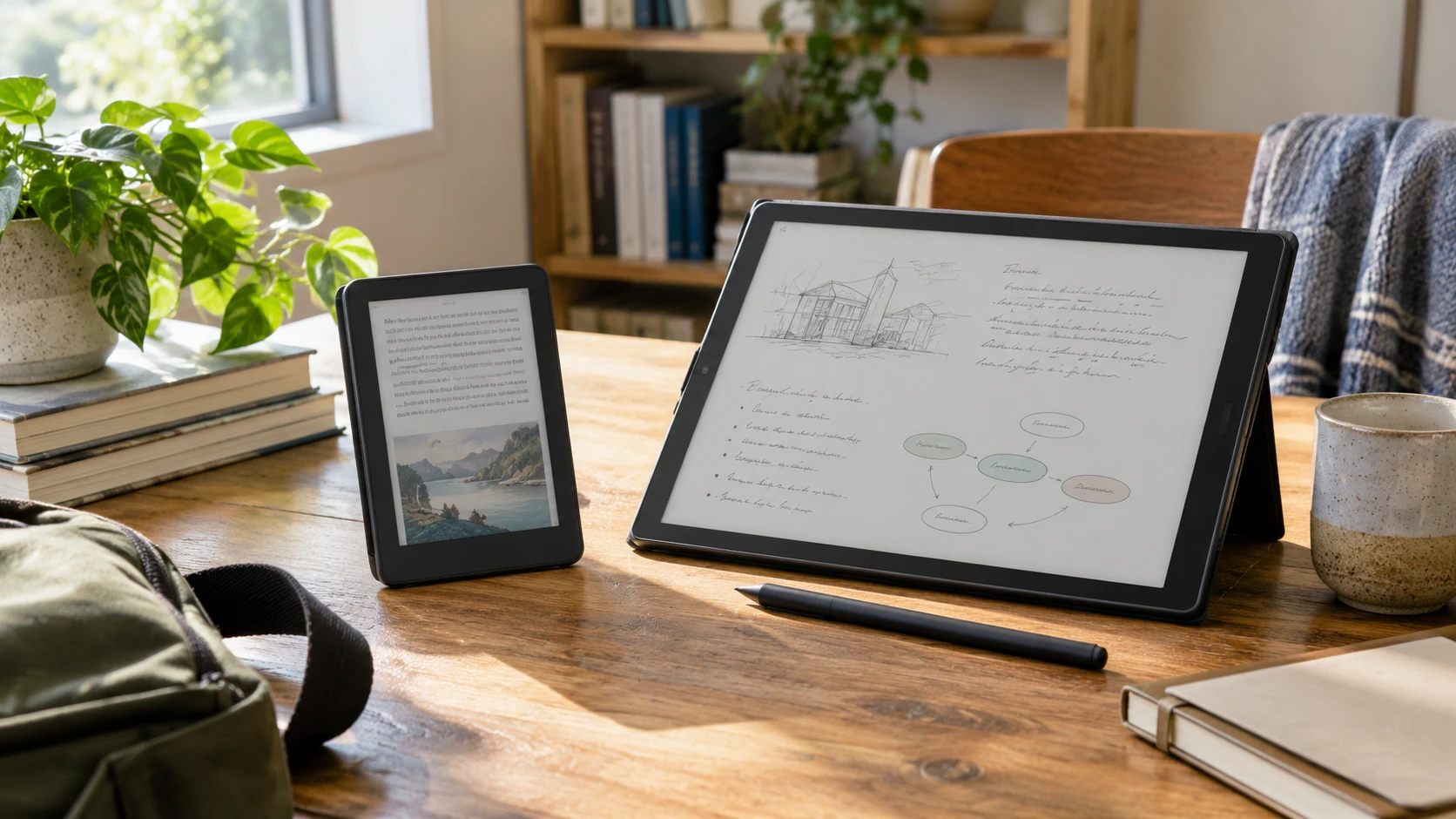
Compare Bigme B6 color e-paper tablet by screen, reading, pen features, Android 14, portability, storage, and saved price.
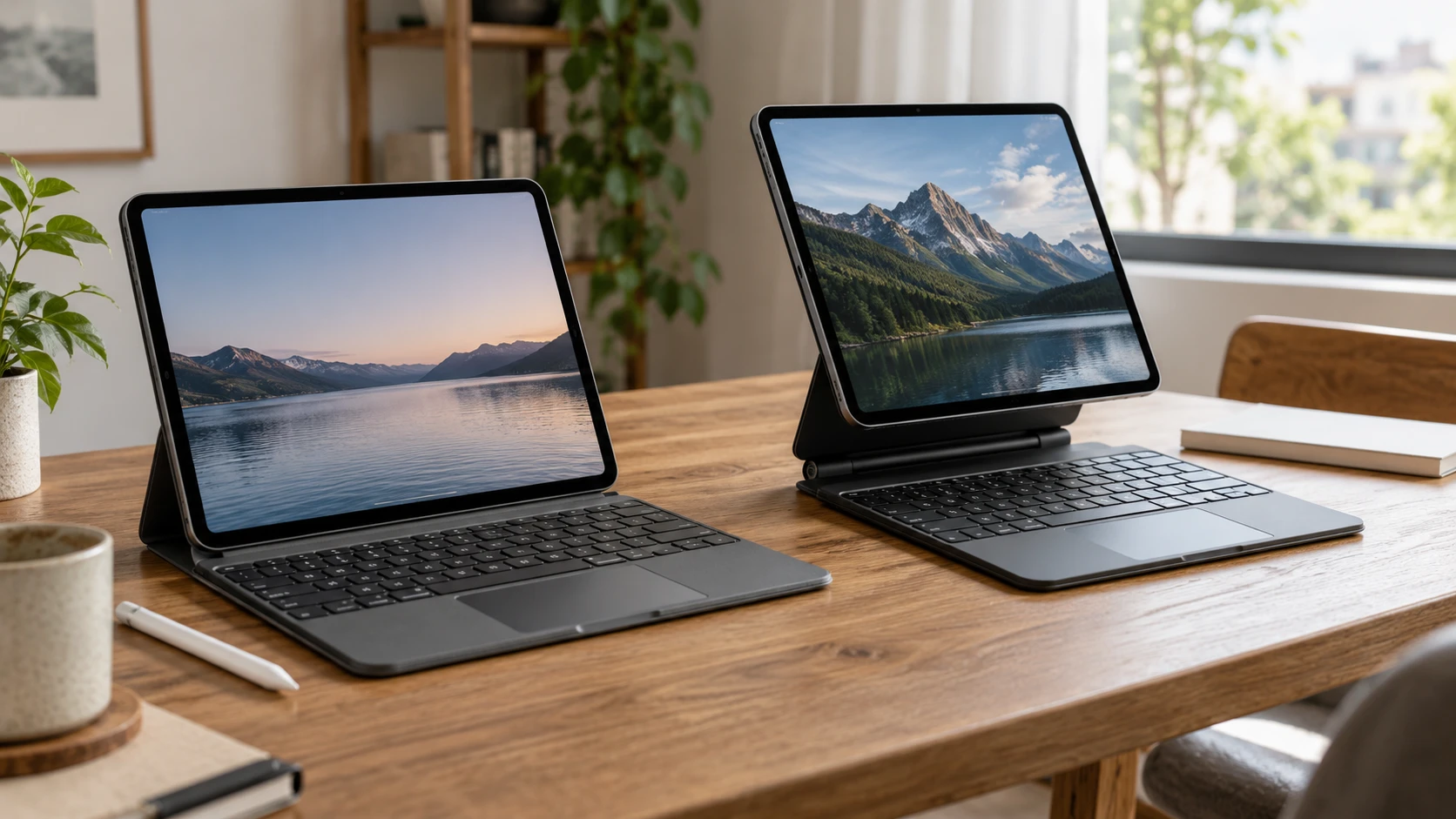
Compare CODi iPad Pro 13 keyboard folio by exact model fit, trackpad, Pencil storage, charging, and desk use.
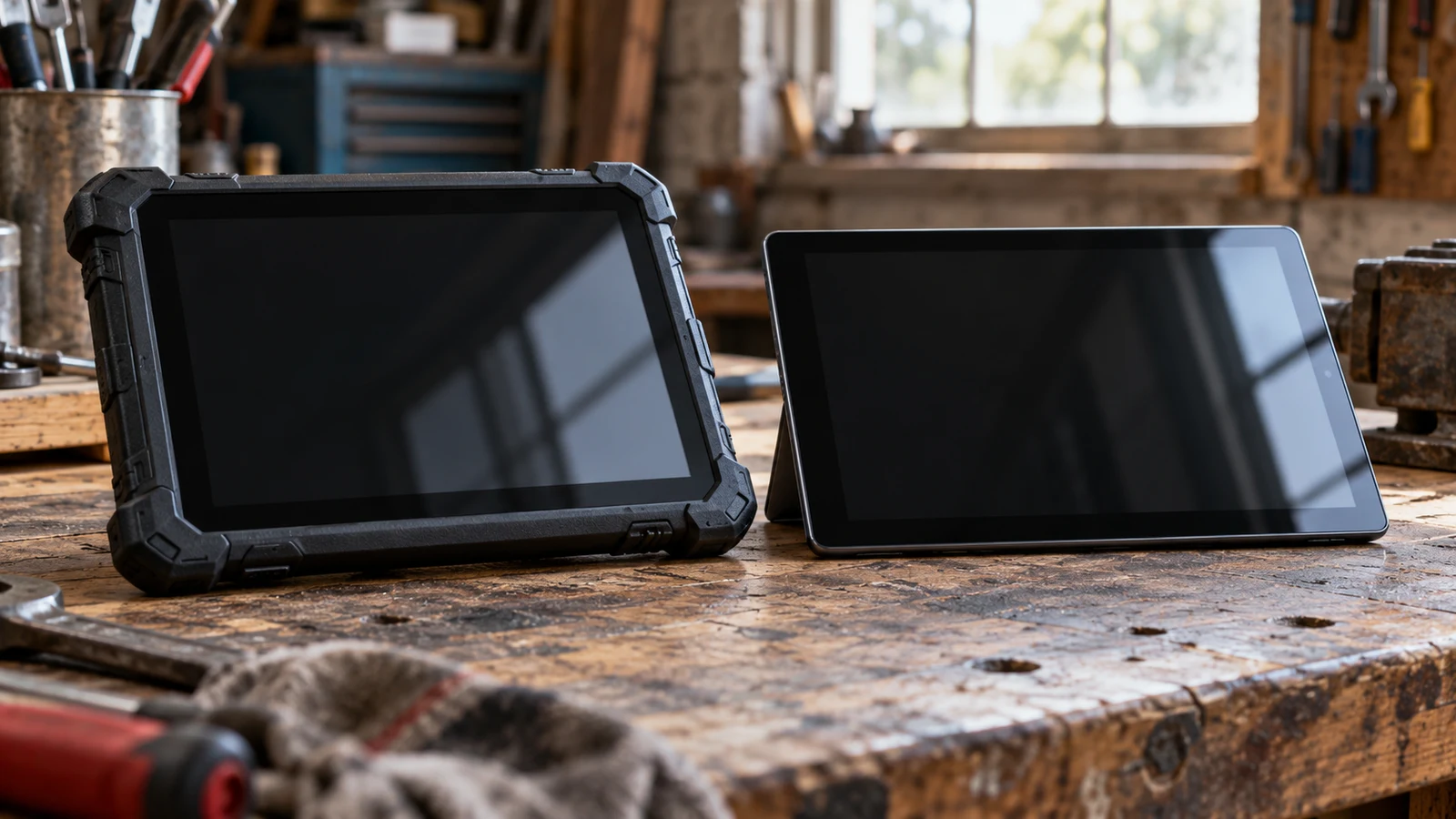
The Panasonic TOUGHPAD vs Fusion5 Windows tablet decision depends on what the tablet must tolerate while you use it. The refurbished Panasonic description lists a fully rugged design, sunlight viewable display, removable battery and programmable buttons. Those features make it the more relevant candidate to investigate for exposed, hands-on work. Fusion5 lists an ultra-slim Windows tablet with specific peripheral connections, making it worth examining for a protected work area or desk. Neither description establishes that the tablet will meet every requirement of your job.
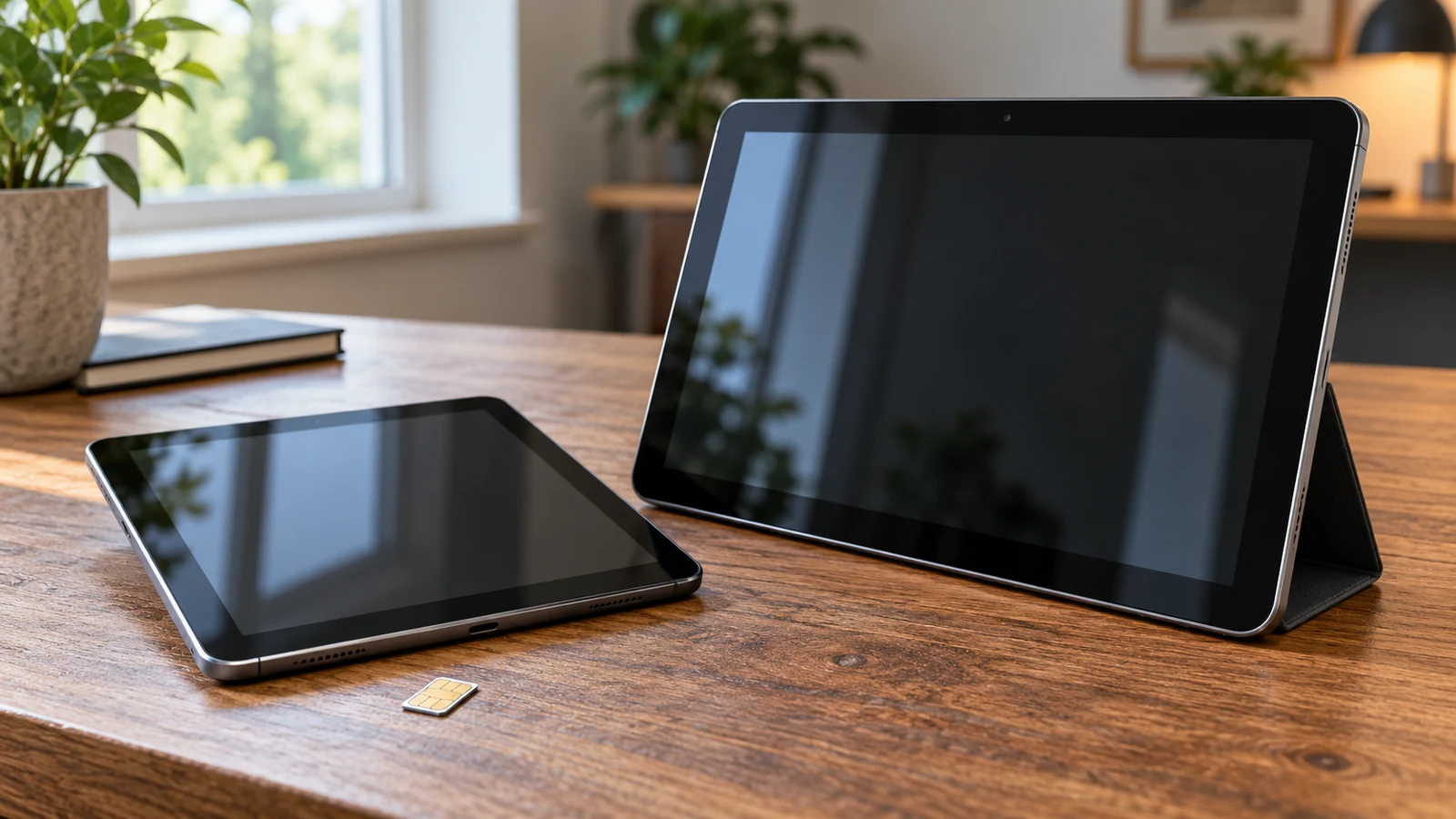
A document you need to edit away from your desk can make this tablet choice surprisingly specific. Does it require a Windows application, or can you complete it in Android while using a mobile data connection? The VBODN SIM tablet description lists Android and SIM communication for mobile data. Fusion5 lists Windows 11, USB 3.0 and Micro HDMI. Neither description establishes that your complete combination of software, network and accessories will work. For VBODN SIM tablet , verify each step.
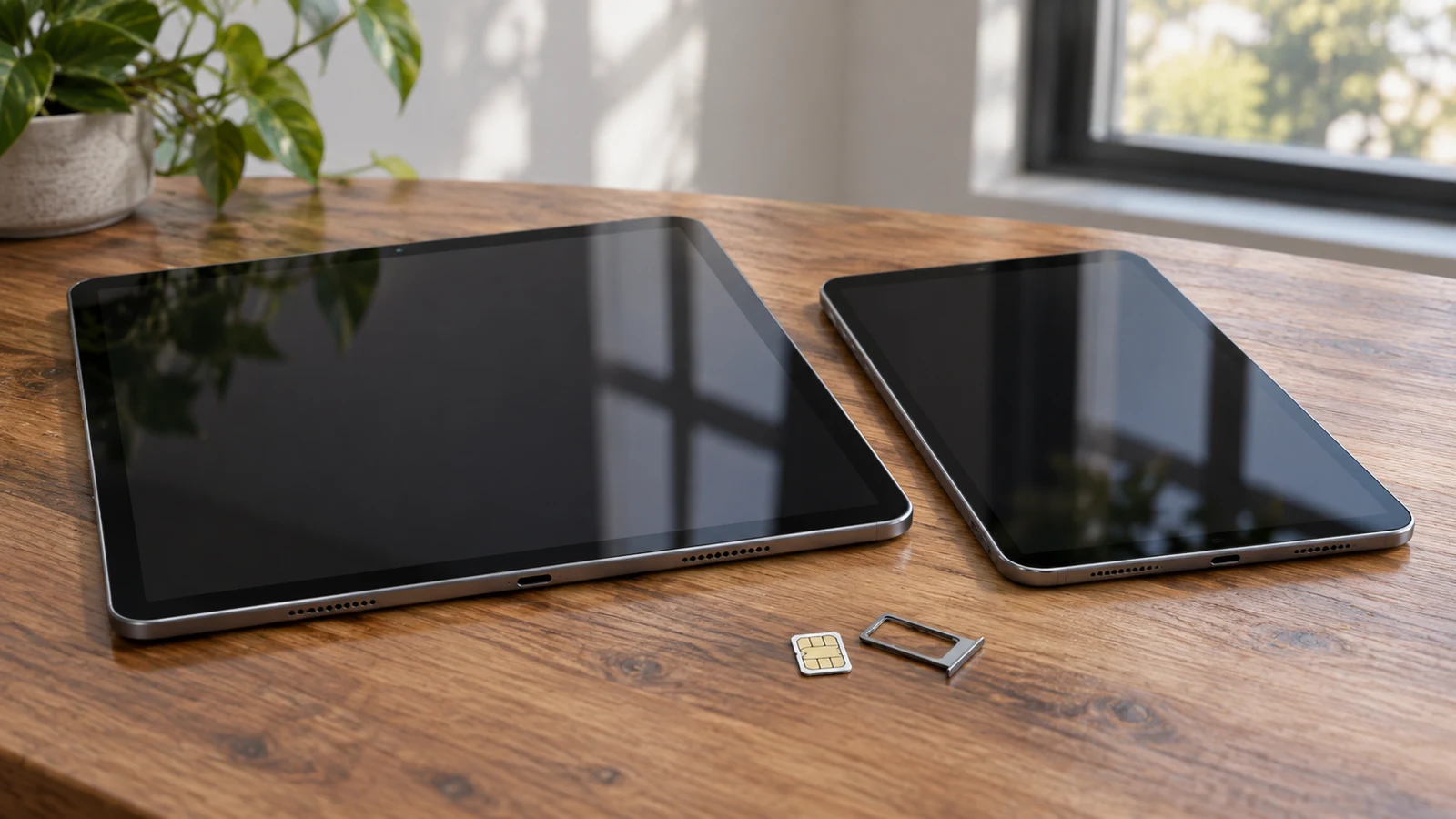
Your required apps and intended mobile service give this tablet comparison a practical starting point. The InsCrazy description states Android 8.1, a 2+32GB configuration and card standby. Jacenvly states Android 12, 4+64G, dual SIM and HD voice, with more detailed network information. Those differences make Jacenvly the more explicitly described option for investigating a SIM-based purchase. They do not establish that either tablet will run your particular apps or work with your carrier.
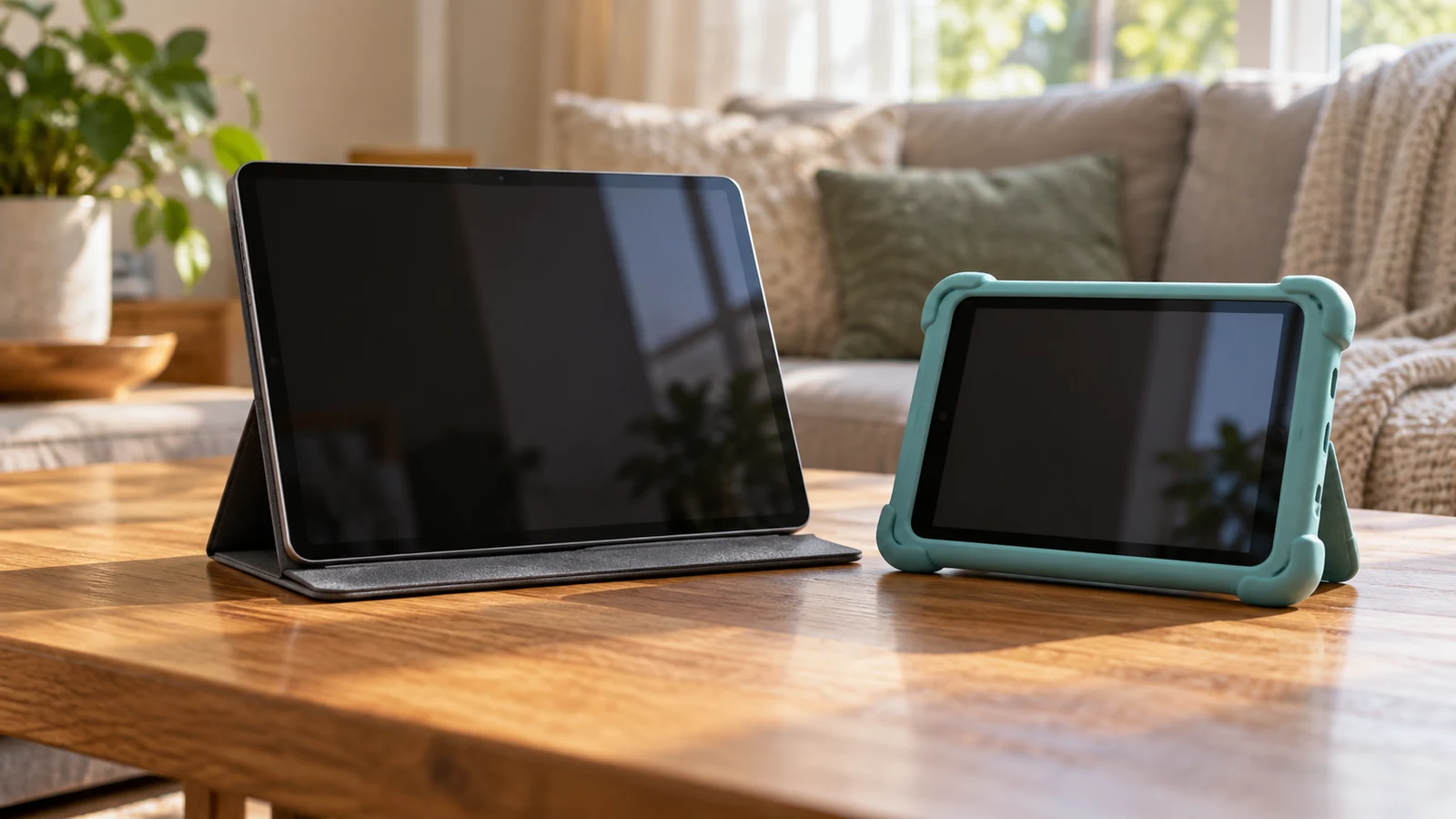
A shared tablet needs to work for the person who picks it up next. The Visual Land 10QH Android Go tablet has a documented starting package for a household media collection: 128GB of onboard storage, microSD expansion, and an included silicone case with a kickstand. The LG G Pad 5 description instead gives buyers a 10.1-inch FHD screen and fingerprint unlocking to consider. Visual Land is worth investigating for stored media and tabletop viewing; LG deserves attention when display detail and convenient access matter more. Neither description establishes which tablet handles your household's apps or separates different people's accounts better.
The Livindi Solo adult tablet is the more relevant option to investigate for an adult who wants the listed one-tap video calls, family photo sharing and medication reminders. JTNeq describes a tablet for children aged three to eight, with learning apps and parental controls. The choice depends on who will use the device and what help they want from another person. An adult agreeing to assistance with communication has different needs from a child whose parent sets content permissions.
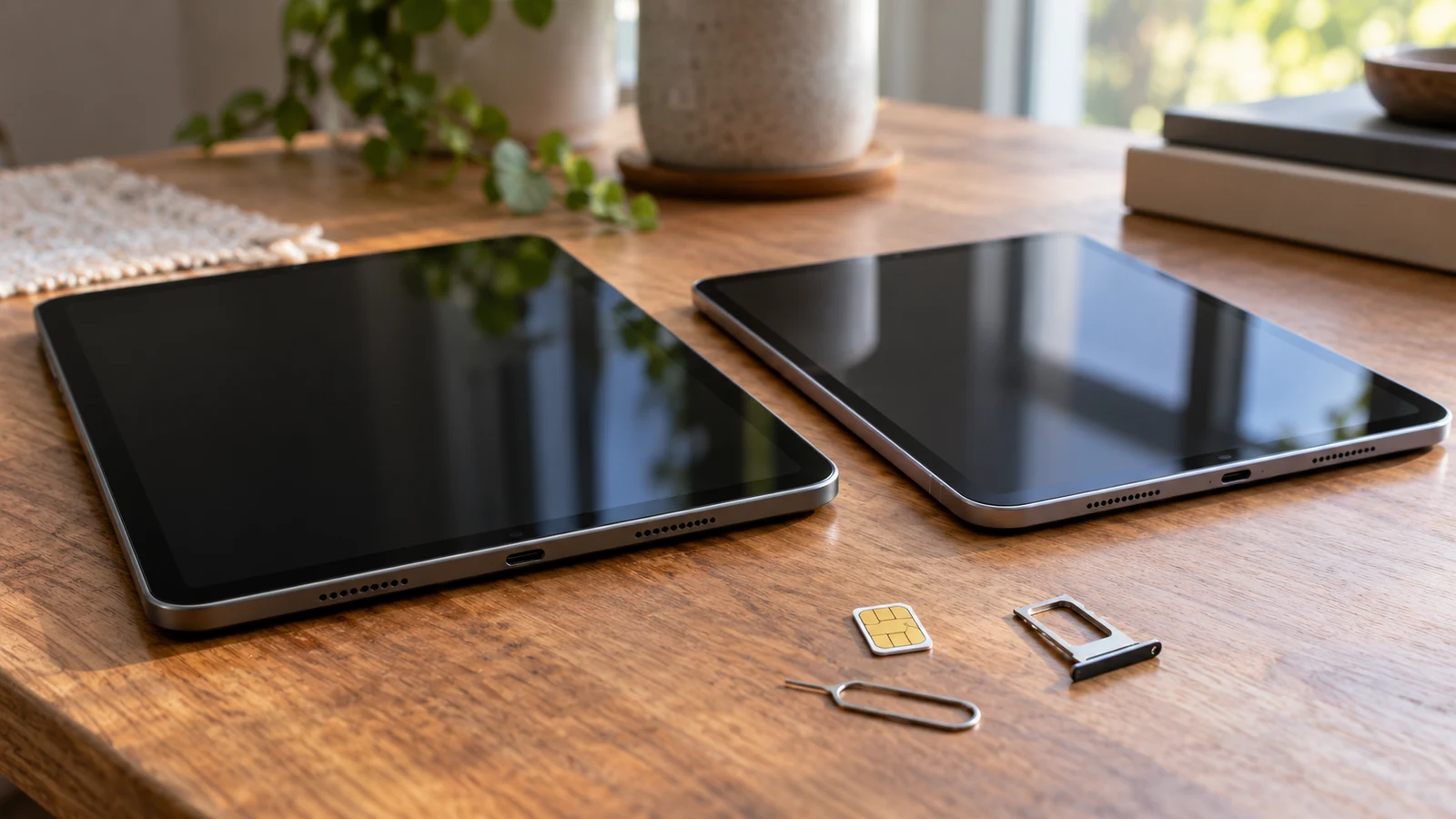
The RBCKVXZ description gives a screen resolution of 1280x800 but does not specify SIM support. Augper's description explicitly supports a SIM card for voice calls and mobile communication, but leaves its display's pixel dimensions unstated. Those differences answer the first buying question: each listing supplies a detail that the other leaves open. Neither description alone establishes both the screen specification and compatibility with your intended mobile service.
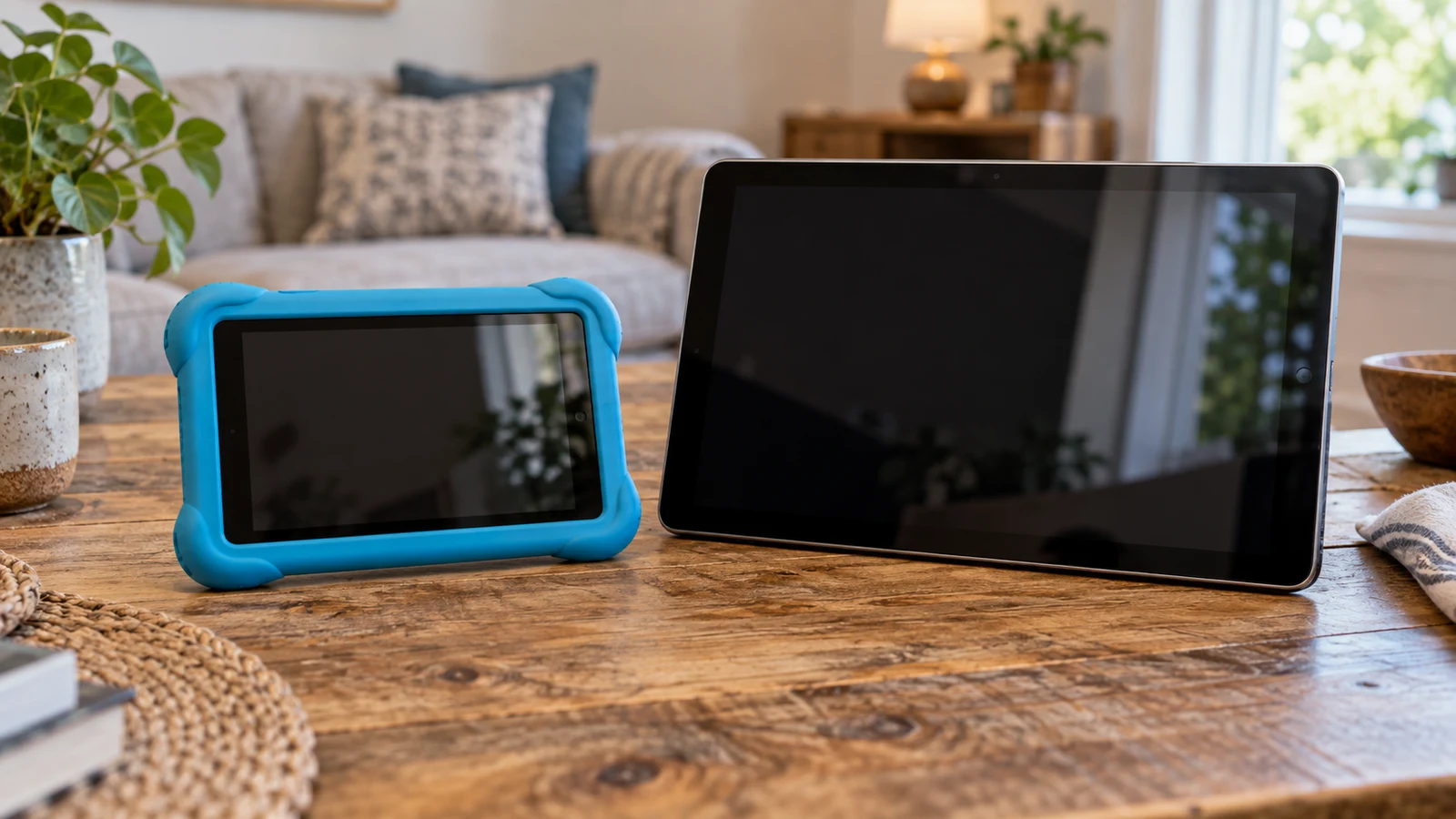
For a parent planning supervised learning, the Pritom 7-inch kids tablet has the more directly relevant starting package: its description names parental controls, preinstalled learning apps and an included case. Those features make it worth investigating for a child-focused setup. They do not establish how well the controls work or whether the apps suit your child. The Lenovo comparator deserves consideration if you also want a tablet for adult use, but its description leaves the child-management setup unresolved.
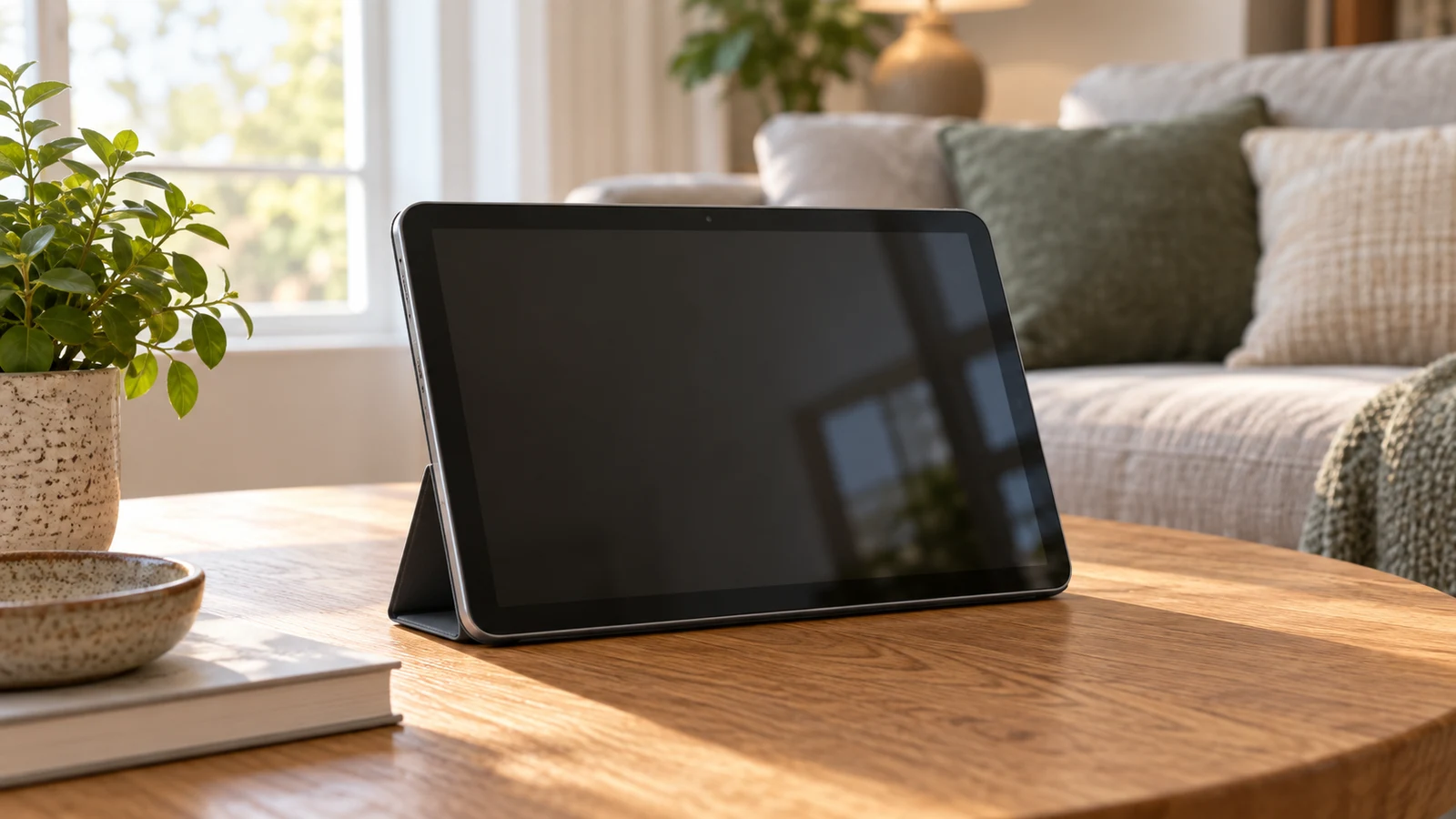
The Coollooc 10.1-inch tablet has stated features relevant to calls and entertainment: a 5MP front camera, a 13MP rear camera, 3GB RAM, Wi-Fi, and a display described as 10.1-inch Full HD. Those specifications justify considering it for the job, but they do not establish how your calling app will run or how a particular streaming service will look. Beside the LINSAY model discussed below, Coollooc provides more explicit camera information; LINSAY provides more detail about its operating system and storage. For Coollooc 10.1-inch tablet , verify each step.