
9 min read
USB-C display hub: choose HDMI-only or HDMI plus DisplayPort
Choose a USB-C display hub by matching HDMI or DisplayPort outputs to the monitor and cable you own, then check host video support.
Guides to computers, displays, connectivity, gaming, and office devices.
Showing 85–96 of 333 guides
Choose a USB-C display hub by matching HDMI or DisplayPort outputs to the monitor and cable you own, then check host video support.
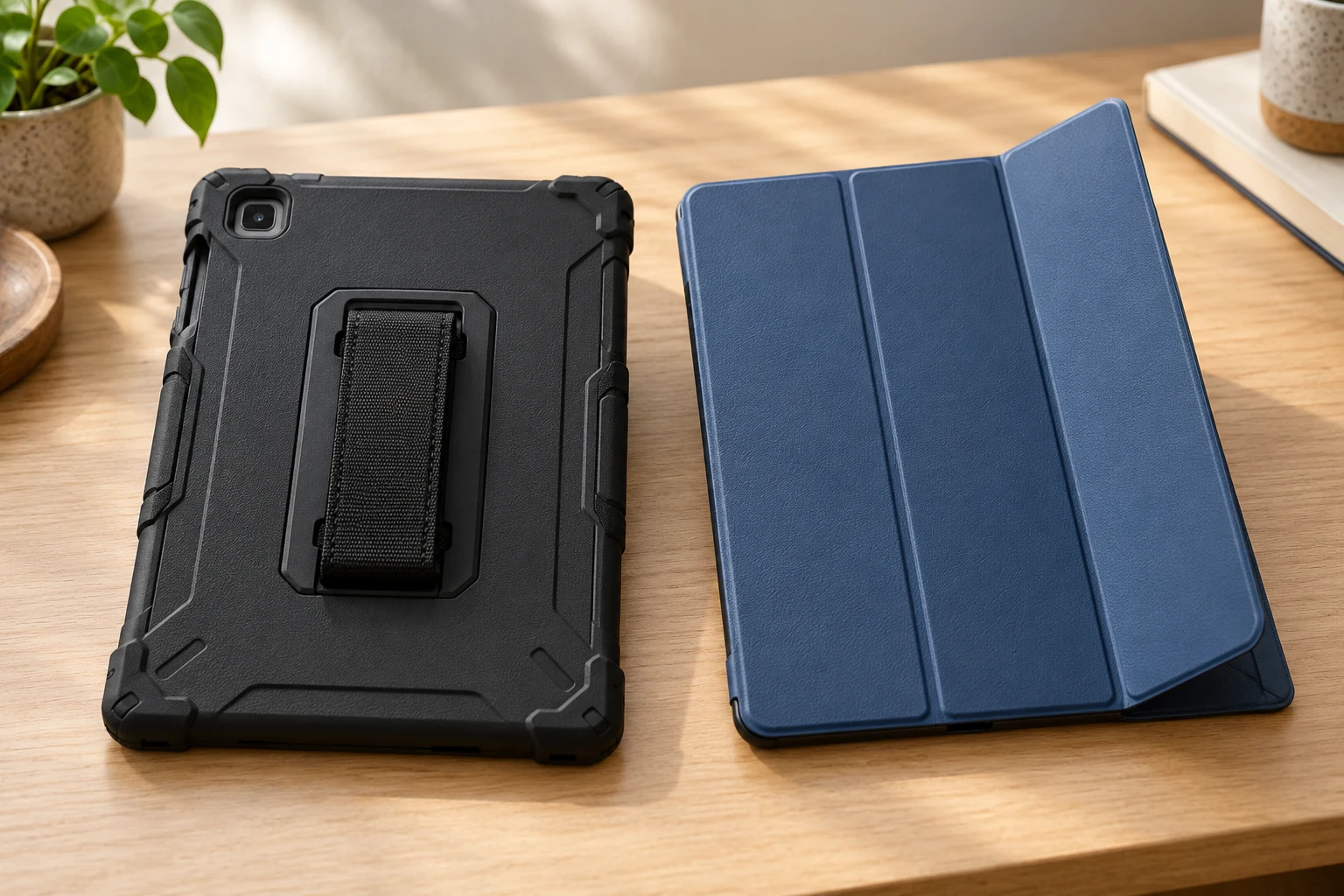
Confirm the exact Galaxy Tab S6 Lite 2020/2022 model, then compare the two fitted case forms and controls.
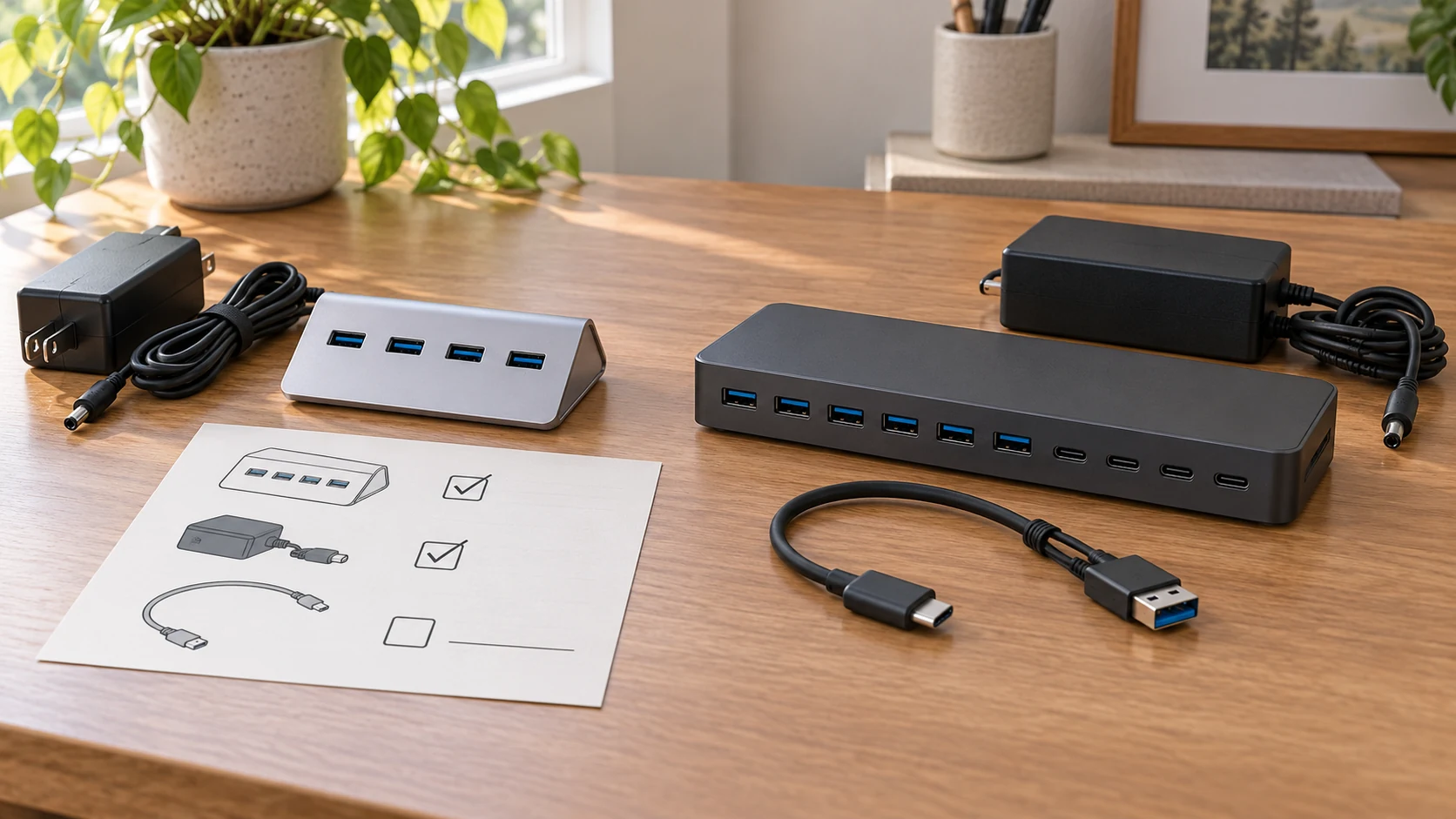
Compare two powered hubs by listing what the exact offer includes and what might need a separate purchase.

Check the rack standard, front and rear mounting options, usable depth and slide clearance against exact shelf instructions before choosing a tray.

Match the phone model to the exact case offer, then check what each seller says is included with that model.
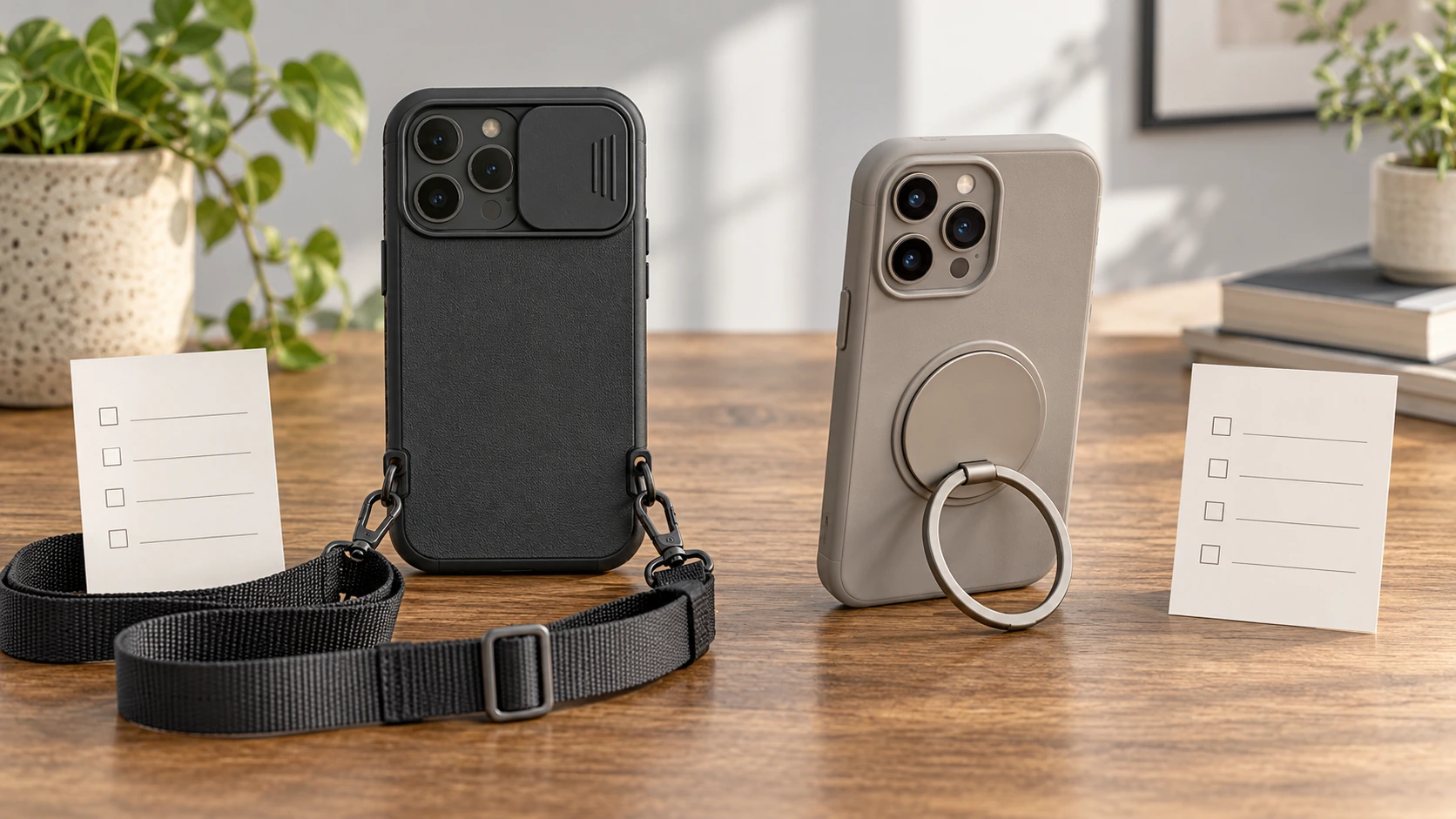
Two Yuyan case offers share model text but show different hardware. Match the strap or ring stand to a recurring need, then verify the exact SKU and claims.

Separate key inventories from recognized-combination claims through a small declared paper set, while preserving unresolved source counts and behavior.
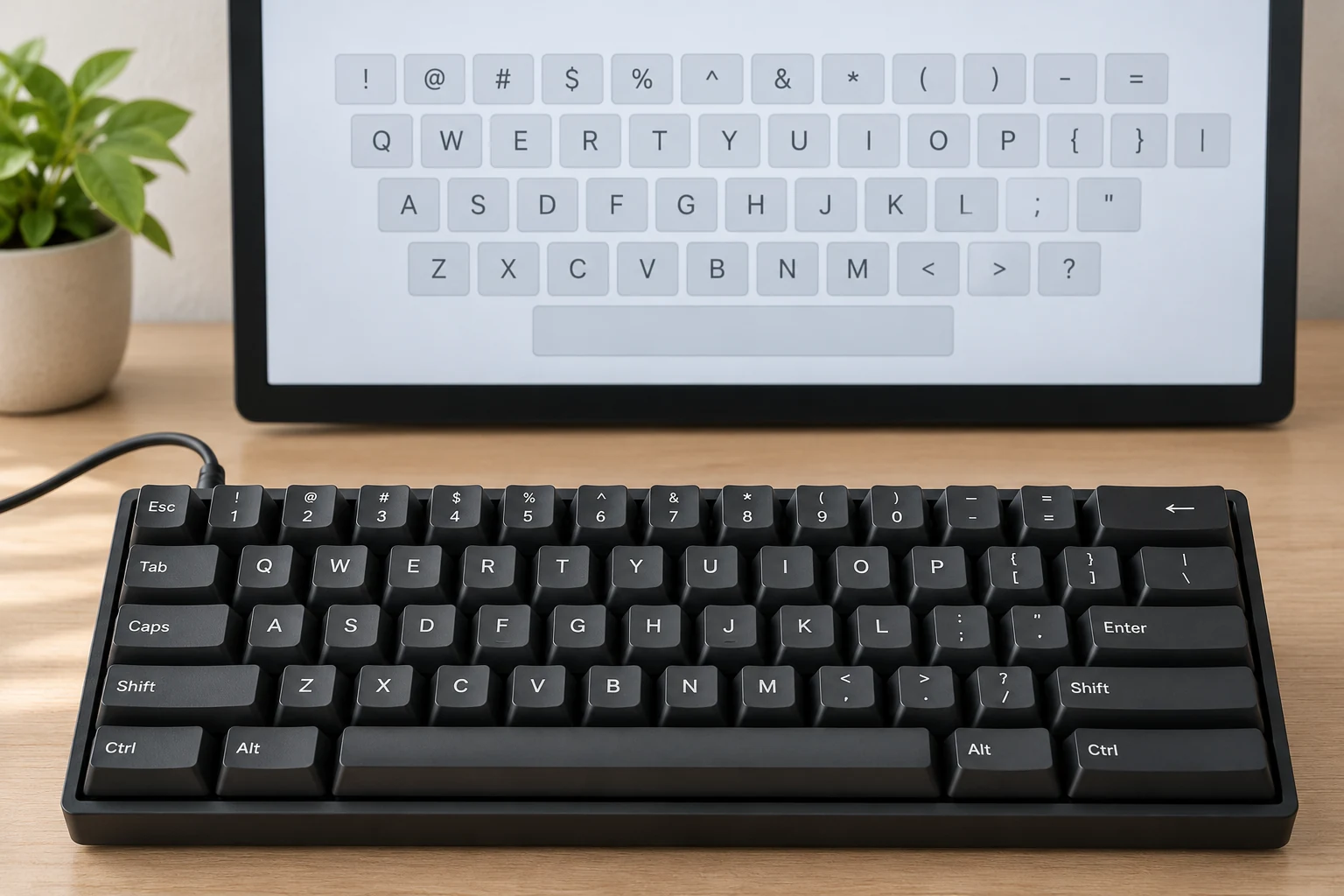
Compare a physical key legend with the applicable input-layout reference, using a bounded Mac documentation example and retaining exact variant questions.

Record the intended keyboard host and actual input destination before assuming a failed key, while keeping model-specific commands and mouse behavior unclaimed.
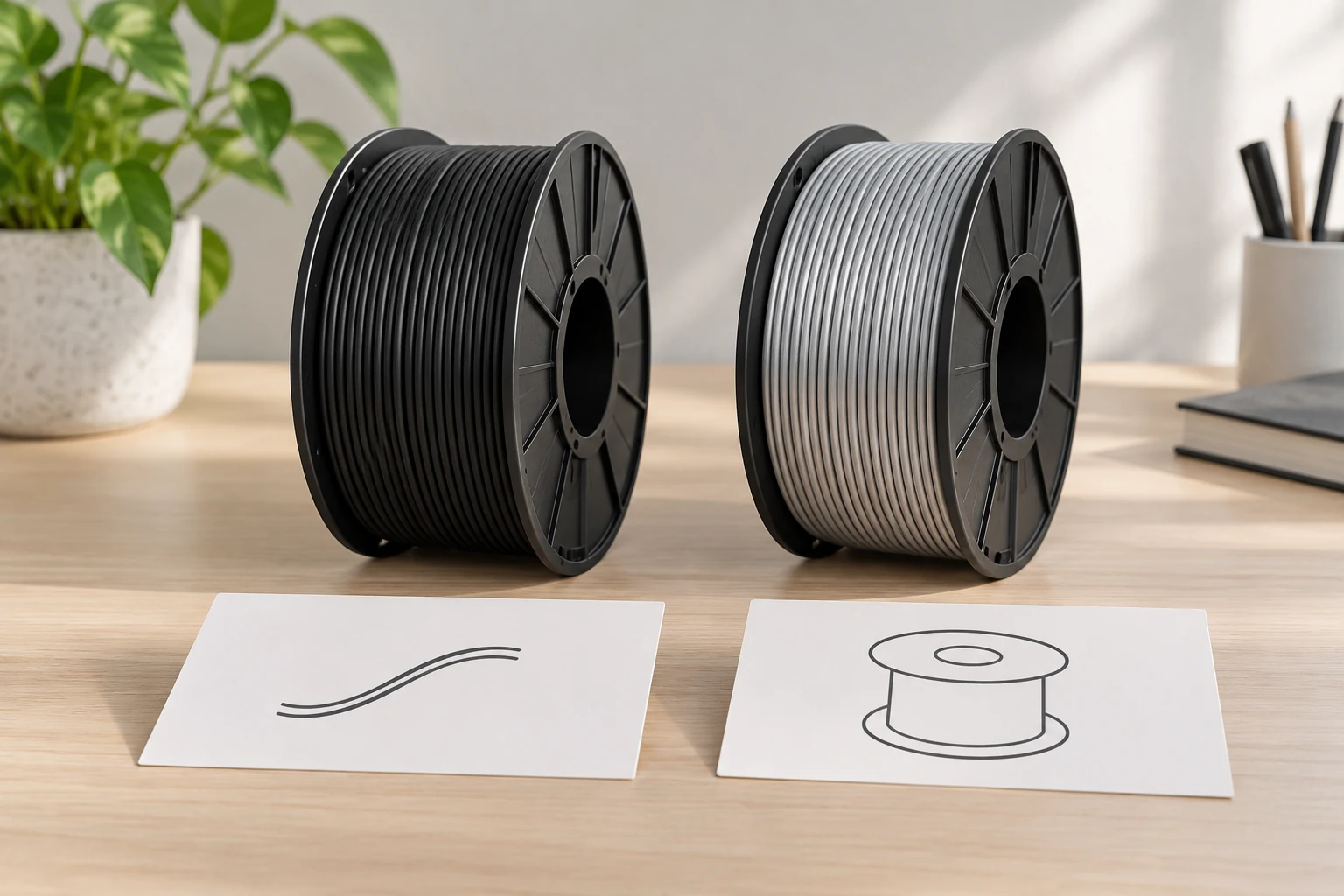
An enquiry-based troubleshooting guide separates filament strand diameter and nominal material quantity from the unlisted spool dimensions needed for an actual holder question.

Compare a third-generation snap pouch and a fourth-generation shell by exact stated fit, carrying role, and access to the charging case.

Measure shelf access and folder fit before choosing a collapsible hanging-file storage box.