Crypto Commerce
NETGEAR RS500 Wi-Fi 7 router or TP-Link Deco WB10800 for several rooms
Compare NETGEAR RS500 Wi-Fi 7 router by placement, backhaul, band claims, setup, and support questions.
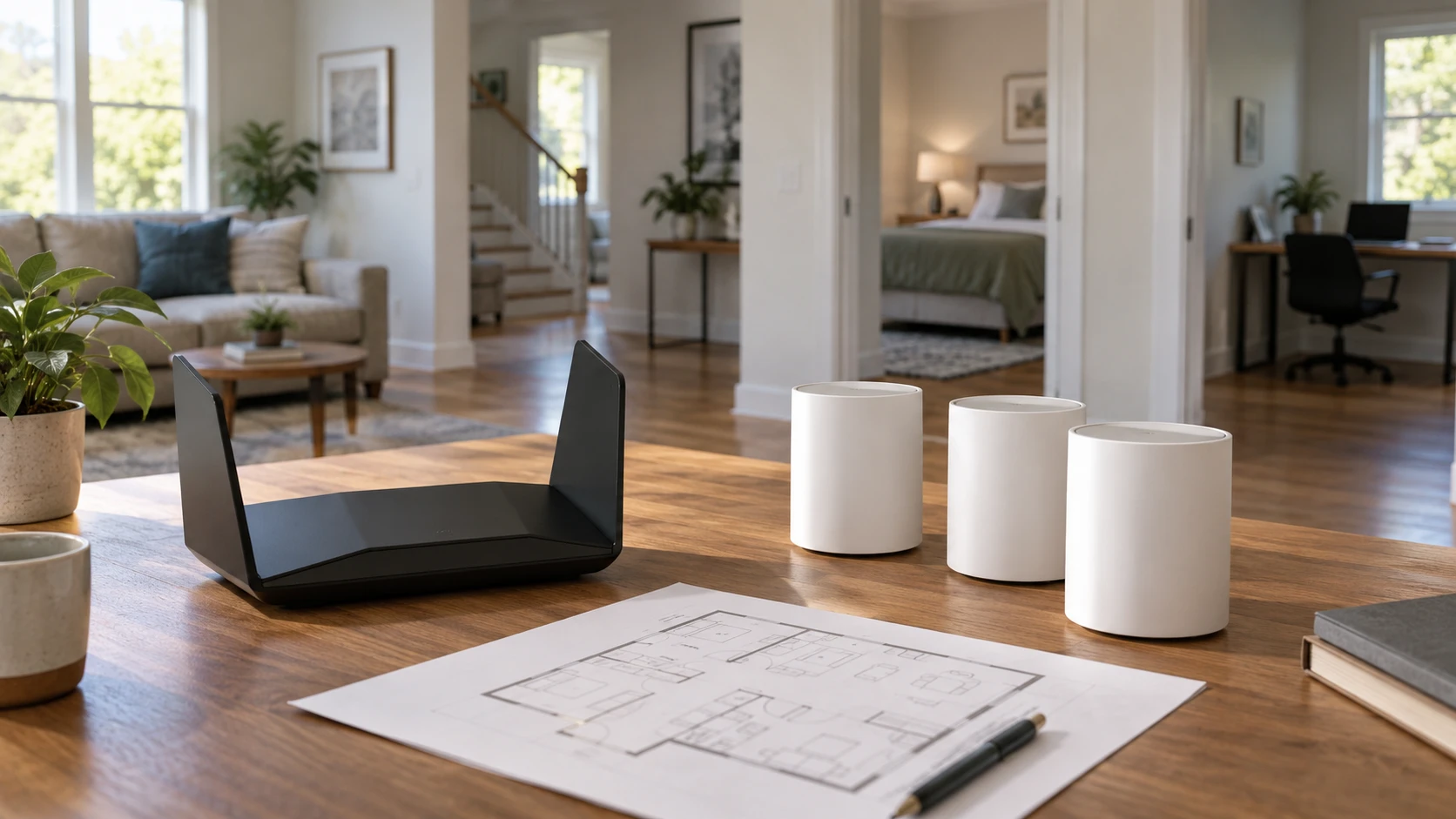
The difficult part of home Wi-Fi often happens one room away from the router. A good connection beside the modem says little about a back bedroom behind thick walls. The NETGEAR RS500 Wi-Fi 7 router is a restored single-router listing. TP-Link's Deco WB10800 listing is a three-unit mesh package. Both carry Wi-Fi 7 language, but they ask you to solve the house in different ways: find one strong location, or place several units with a dependable link between them.
Before comparing claimed speeds, draw a rough floor plan. Mark the modem, the rooms where calls or work must stay connected, the thickest walls, and any Ethernet outlets already installed. A one-story open layout may suit a central router. A long house or a second floor may need another radio closer to the weak area. The right answer depends on the building and the devices you own, not on a coverage figure printed beside a product photograph.
Begin at the modem and the weak room — TP-Link Deco WB10800 mesh system
NETGEAR's saved description calls the RS500 a router, not a modem. Confirm what connects to your internet provider and how the new router would attach to it. TP-Link's Deco listing also says a modem is required for most providers. If your present box combines modem and router, ask the provider or the equipment manual how an additional router should be connected and whether any router function should be changed. Buying a better Wi-Fi radio cannot fix an unplanned double-router setup or a faulty provider connection.
Find out whether the trouble is actually wireless. Connect a computer by Ethernet near the modem and compare its behavior with a device in the weak room. A slow wired connection suggests a problem upstream of Wi-Fi. If wired service works but a room drops calls, the building layout and radio placement deserve attention. The product listings do not diagnose your existing network, so spend a few minutes establishing where the slowdown begins before replacing equipment.
The restored RS500 is listed for coverage up to 3,000 square feet. The Deco three-pack claims up to 6,500 square feet. Those numbers come from different package shapes and unspecified test houses; they do not promise that either will cover those areas in your building. Metal appliances, masonry, floor construction, neighboring networks, and where a unit can be powered change the result. Treat the figures as a reason to sketch placement, not as a guarantee measured against the square footage on a property listing.
One central router or several useful locations — tri-band router band planning
A single router keeps the layout simple when the modem can sit near the center of the home. You need to choose a position away from a metal cabinet and not hide the antennas behind a television merely to keep the shelf tidy. NETGEAR describes the RS500 as compact, but its saved paragraph does not provide dimensions or an exact antenna diagram. Check the current installation guide for clearances and the direction in which it should stand. A central position can matter more than squeezing the router beside the modem in a far corner.
A three-pack gives you more possible radio locations. One Deco unit can connect near the modem while the others serve distant rooms, subject to the maker's setup rules. That only helps if the extra units can talk back to the network well. A node placed in the room with no signal may have little usable connection to relay. Place it between the main unit and the weak area, then test the actual room. TP-Link describes unified network naming and roaming behavior, but movement between nodes still depends on client devices and their settings.
The Deco description says its backhaul can use wireless and wired paths. If your house already has Ethernet, a wired link between units may help avoid sending every distant-room packet across the same difficult wireless route. If running cable is unrealistic, plan outlet locations and the path a wireless signal must cross. The listing does not give a floor-plan recipe for your walls. It also warns that client support and conditions affect the result, so test placement before mounting or hiding the units permanently.
Read band and speed labels carefully — tri-band router band planning
NETGEAR calls the RS500 a tri-band Wi-Fi 7 router and advertises speeds up to 12 Gbps. TP-Link's Deco WB10800 title calls its package dual-band, while the saved description calls it tri-band and then names rates for 5 GHz and 2.4 GHz. Those statements conflict. Do not decide that the Deco has a third usable band from that paragraph. Confirm the exact WB10800 hardware revision, radio bands, and specifications from current manufacturer documentation before comparing band layouts.
The published guide on tri-band router band planning discusses a different router, but it provides a useful way to ask whether a band is available to clients, used for a network link, or simply part of a headline speed class. Apply that question to these exact products. A tri-band label by itself does not explain how a client in the back bedroom will connect or what path its data takes through a mesh system.
The advertised 12 Gbps for RS500 and 3.6 Gbps for Deco are not results from the same computer downloading a file. They may combine rates across radios or describe physical link ceilings under favorable conditions. TP-Link's own saved notes say actual throughput and coverage vary with provider service, cables, clients, building materials, and traffic. If your internet plan is much slower than either headline number, the weak room may still improve with better placement, but your provider speed will not rise because the router's number is larger.
Wi-Fi 7 features also need compatible client devices to matter. TP-Link explicitly notes that Multi-Link Operation and other Wi-Fi 7 capabilities require client support. Older phones and laptops may still connect, but they cannot gain a feature their radios do not have. Check the network cards in the devices you use most and the current firmware for the router or nodes. If those devices are older, stable coverage and a clean setup may be a more immediate benefit than the newest wireless feature name.
What the mesh package actually changes — TP-Link Deco WB10800 mesh system
The TP-Link Deco WB10800 mesh system includes three units according to the saved title. That does not mean all three belong in every house. Start with the main unit and one additional location, test the weak room, and add the third where it improves a real gap. Too many closely placed radios can make a tidy diagram look busier without solving the problem. Use the setup app or manual to see which node a device actually uses rather than assuming it moved to the nearest one.
TP-Link claims support for more than 150 devices, based on a laboratory test described in its listing. That is not a promise that 150 active video calls will work in your home. Count the devices that transmit heavily at the same time, along with quieter smart-home items that merely stay connected. A camera uploading video and a laptop in a meeting stress a network differently from a smart plug. The saved NETGEAR paragraph does not provide a comparable connected-device figure, so do not rank the two by a single count.
The Deco listing mentions HomeShield protection, parental controls, a private IoT network, and VPN client and server functions. It does not establish which parts are included indefinitely, which require an account, or how every control behaves with your provider. NETGEAR mentions automatic firmware updates and Advanced Router Protection. Ask what security features are active on the exact delivered unit, how updates arrive, and whether any optional service costs extra. A feature name is useful only if you know which settings you can keep using.
Check the restored unit and the wired ports — TP-Link Deco WB10800 mesh system
The RS500 listing explicitly says restored and refurbished. Confirm the Republeq's catalog grading, included power adapter, warranty, return window, and whether its firmware can update through NETGEAR's current support path. Do not assume a restored router includes the same accessories or support terms as a new retail box. TP-Link's saved description does not settle its own warranty or package contents beyond the three-pack claim either. Check the live listing for the exact SKU before treating the current price as a full ownership comparison.
Neither reviewed excerpt gives a complete Ethernet port map with speeds for both products. That matters if you use a wired work computer, network storage, or an Ethernet backhaul between Deco units. Count how many devices need cable connections and check the port types on the exact router and each mesh node. TP-Link's notes warn that WAN or LAN port rates can limit real network speed. A fast wireless class cannot push a wired link beyond the capacity of the port and cable carrying its traffic.
Think about configuration and recovery as part of the purchase. Will the household need to keep the same network name and password? Are there smart devices that are difficult to reconnect? If a node goes offline, can you tell whether the issue is power, cable, or wireless backhaul? The descriptions do not show the full management screens. Read current setup guidance and check whether the controls you need are available without making assumptions from a product-family name.
Make the choice from a tested layout — TP-Link Deco WB10800 mesh system
The restored RS500 is worth examining when one well-placed router can reach your rooms and you want a relatively simple network. Its tri-band Wi-Fi 7 and coverage claims are starting points, not proof that a far room will improve. The refurbishment terms deserve a separate check before purchase. The Deco three-pack is worth examining when the house has several weak areas and useful places to position more than one unit, especially if Ethernet is available for backhaul. Its saved band description needs clarification before you rely on a dual- or tri-band comparison.
Test the room that has caused trouble, not only the one beside the modem. Use the same device and task at a few locations, and note whether a call stays connected as you move. Before ordering, confirm the modem arrangement, exact bands and ports, current support terms, and where the equipment can be powered. That turns the decision into a plan for your home rather than a contest between two large numbers.