Office Supplies & Stationery
Desk lamp light source compatibility: check before replacing
Identify an exact lamp and verify light-source replaceability and model-specific limits before choosing a bulb or service part.
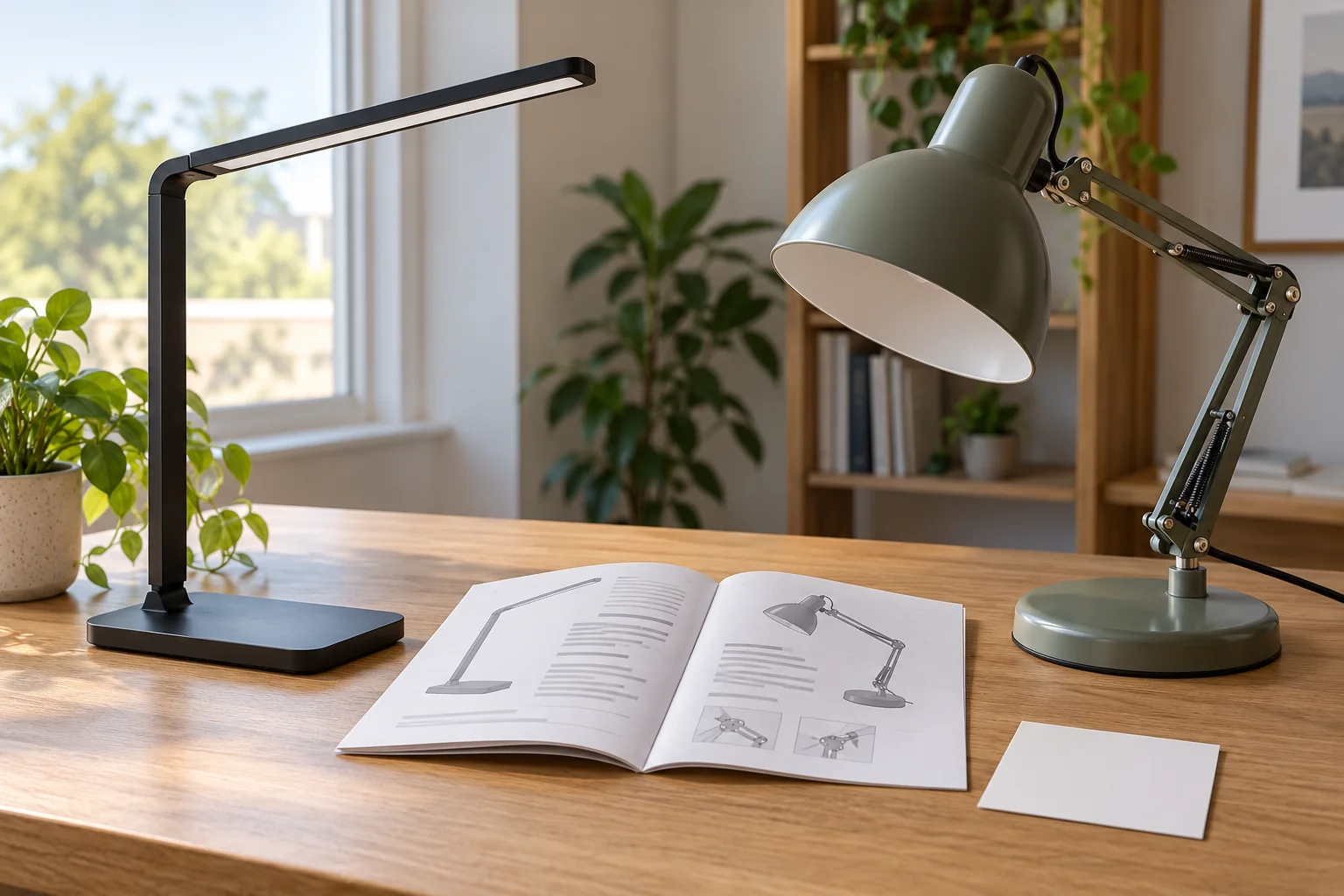
Desk lamp light source compatibility starts before you choose a bulb. First establish whether the exact lamp has a user-replaceable light source at all. A lamp described as having an integrated LED does not automatically accept a separate bulb. A lamp description that mentions an adjustable shade but says nothing about its socket does not prove that any familiar bulb fits. The useful decision is to identify the exact model, locate its maker's light-source instructions, and separate confirmed facts from assumptions before buying an accessory.
This guide is about replacement eligibility and matching information, not about diagnosing a lamp that will not turn on. Do not open an electrical housing or improvise a repair from a product photograph. If the lamp has no clear replacement instructions, stop at that uncertainty and seek the maker's guidance for the exact model. If it does have a replaceable source, the next task is to match the stated base, electrical rating, physical clearance, and any other model-specific limits. A familiar bulb shape alone is not enough.
Identify the exact lamp before the accessory
Look for the model name or number on the lamp, its packaging, purchase record, or official instructions. A brand may sell several desk lamps that look alike while using different light-source designs. Write down the exact identity rather than searching only for “desk lamp bulb.” If the identifying label is hard to read, use a clear photograph for your own reference, but do not guess a missing character from a similar-looking listing. The replacement decision belongs to the specific item on your desk.
Read the current product description and the maker's documentation as different kinds of evidence. A store listing can help you locate the model and basic design, but detailed replacement instructions may live in a manual or support page. If the two disagree, do not resolve the conflict by choosing whichever is more convenient. Preserve both statements and ask the maker or seller which one applies to your unit. A product page is not a license to infer an opening method or a hidden socket.
The listed Adesso Roman LED desk lamp explicitly describes an integrated 10W LED light in the captured listing. That supports a narrow statement about the listed light-source design; it does not prove whether a user can replace the LED module or how a repair would be performed. The listed Adesso Cove desk lamp describes its articulated shade, but the captured description does not establish a bulb base or user-replacement procedure. Treat the missing detail as unknown, not as evidence of a standard socket.
Separate integrated light from replaceable bulb
When a description says “integrated LED,” read it literally as a light source incorporated into the lamp design. Do not order a screw-in bulb for that lamp solely because another lamp from the same brand uses one. The next step is to find the exact manual or support guidance and learn whether service is offered, whether any part is user-replaceable, and what the maker recommends if the light source fails. If that information is unavailable, record it as unresolved rather than forcing a generic replacement path.
When a lamp does have a replaceable bulb, the socket and its limits still need confirmation. A bulb may have the right appearance yet a different base, draw more power than allowed, extend too far into a shade, or be incompatible with a control feature. Read the lamp's exact instructions and any label near the socket while the lamp is disconnected and handled only as the maker directs. The accessory listing must match the lamp's requirements; a shared brand name or “desk lamp” category is not a compatibility proof.
A dimmer adds another question. If the lamp uses stepped touch controls or another electronic control, a replacement light source must be appropriate for that control if the maker permits replacement. Do not infer compatibility from an accessory page that merely says “dimmable.” Verify the lamp's stated requirements and the accessory's own claim for the exact control type. An integrated LED lamp may have brightness settings without any separate bulb to choose. Keep the presence of a control separate from the presence of a replaceable component.
Make a short match record
For a lamp with confirmed user-replaceable bulbs, write down the specified base, maximum permitted power or equivalent rating language, permitted light-source type, and any physical clearance limit stated by the maker. Add the model number and the source of each fact. Do not fill a blank field with a common value from another lamp. If the manual says only one type is allowed, respect that limitation. The record helps you compare accessories without repeatedly guessing what the original lamp required.
Measure or inspect only where the maker's instructions allow. A bulb's overall size can matter inside a small shade even when its base matches. A long decorative shape may protrude or contact a surface that a shorter recommended shape does not. A desk lamp may also position a shade close to paper or a wall. Those are reasons to check stated clearances, not invitations to bend a holder, remove shielding, or substitute a part that barely fits. If a dimension is not specified, seek exact-model guidance instead of inventing a safe clearance.
Keep voltage and plug compatibility in their own column. The travel adapter compatibility guide
Avoid the common visual shortcuts
Photographs are useful for identifying a model, but they rarely settle a light-source specification. A shaded bulb can be hidden. An integrated LED can sit behind a diffuser that resembles a removable lens. A diagram in an unrelated accessory listing may depict a typical lamp rather than yours. Use the picture to locate the maker and model, then read the specific instructions. If the model remains uncertain, buying a bulb by visual resemblance is a gamble, not a verified match.
Do not assume that a color description such as warm or cool tells you what component is replaceable. It describes the appearance of light or a selectable setting. Similarly, a listing's claim that a light is efficient, bright, or adjustable does not establish the base, rating, or service method. Those are separate specifications. A useful search query starts with the exact model and the phrase used in its manual; a broad search for “LED desk lamp replacement” can return products that are entirely different.
Keep catalog changes in mind. A store title or photograph may be updated while a lamp on an older desk remains an earlier variant. The physical label and official documentation for the actual unit are stronger identity evidence than a current page for a similar name. If the label conflicts with your order record, stop and resolve that discrepancy before selecting an accessory. Do not silently switch to the closest-looking model; that shortcut turns a recorded mismatch into a false compatibility claim.
Check the intended use after fit is established
Once the exact replacement is allowed and matched, consider how the light will be used in the workspace. That is a separate choice from compatibility. The desk lamp evening writing spot guide
Preserve the order of decisions: exact model, replaceability, required accessory specifications, then the way the light serves the task. This order prevents a preference for a particular light appearance from pushing you into an unverified part. If the lamp is integrated and no user replacement is documented, the task becomes support or product-service inquiry, not bulb shopping. If a separate bulb is documented, compare candidates against every stated requirement before considering brightness or color preference.
Do not use the lamp's current failure as proof that the light source alone needs replacement. A lamp that is dark could have several causes, and this article does not diagnose them. A compatible replacement purchase should follow the maker's authorized instructions for the exact symptom, not a guess that the most visible component has failed. Keep any inspection non-invasive and within the manual. If the product is damaged, unusually hot, or otherwise concerning, stop use and seek qualified or manufacturer guidance.
Handle uncertainty honestly
Sometimes you will have a reliable model name but no accessible bulb specification. In that case, write “base unknown” rather than copying a specification from a similar lamp. Contact support with the model, relevant label, and the exact question: is the light source user-replaceable, and if so what part and limits apply? That short question is more likely to produce a useful answer than a broad request for “a bulb for my lamp.” Preserve the answer with the lamp's records for the next replacement.
If a seller's accessory claims compatibility with your model, compare that claim against the maker's documentation. Look for the exact model and variant, not merely a brand or a broad product family. A third-party compatibility list can be useful evidence, but it does not erase a stated lamp limit. If the claims conflict, do not choose by price or review count alone. Resolve the model and specification mismatch before an electrical part is installed.
An accessory package can also include pieces you do not need. Distinguish a bulb, an adapter, a power supply, and a shade-related item before ordering. They have different functions and different matching rules. An adapter that makes a plug fit cannot establish electrical suitability; a shade that fits the arm cannot establish light-source compatibility. Name the component you intend to replace, then ask whether the exact lamp documentation permits that component to be replaced by the user.
Keep a reusable decision record
After you find the correct guidance, store a short note with the lamp model: “integrated, no user bulb listed” or “replaceable bulb permitted; see manual page and exact specified base.” Include the date and source so the note can be checked if the product page changes. Do not write a stronger conclusion than the evidence supports. A careful record saves the next person from repeating an uncertain search and from treating an accessory left in a drawer as proof that it belongs to the lamp.
If a confirmed replacement works, retain the part's model and the lamp's specification for future reference. If it does not work, preserve the result and do not keep trying unrelated parts. A failure can mean the accessory is wrong, the lamp has another issue, or the documented procedure was incomplete. Those possibilities need exact-model support. Avoid turning an unsuccessful attempt into a claim that a product category is universally incompatible.
When you pass the lamp to someone else, pass along its exact model and the light-source note as well. A family member or coworker may see an old bulb box nearby and assume it belongs to this lamp. Put that box with the correct fixture or mark its identity instead of leaving it as ambiguous evidence. If the lamp's source is integrated, a simple note can prevent a future search for an ordinary bulb that the captured listing never says it accepts. This small handoff keeps accessory decisions attached to the actual device rather than to a shared drawer of spare parts.
Desk lamp light source compatibility is a chain of specific facts, not a guess from shape. Identify the lamp, establish whether the light source is integrated or user-replaceable, match every stated requirement, and keep uncertain details unresolved until the maker clarifies them. The Roman listing's integrated LED statement and the Cove listing's lack of a socket statement show why superficially similar desk lamps can lead to different next steps. A careful match avoids buying a part that has no verified place in the lamp.