Crypto Commerce
YOTON smart projector vs WEWATCH: build the picture around the room
Compare YOTON smart projector by input handling, brightness claims, built-in apps, ports, audio, and room setup.
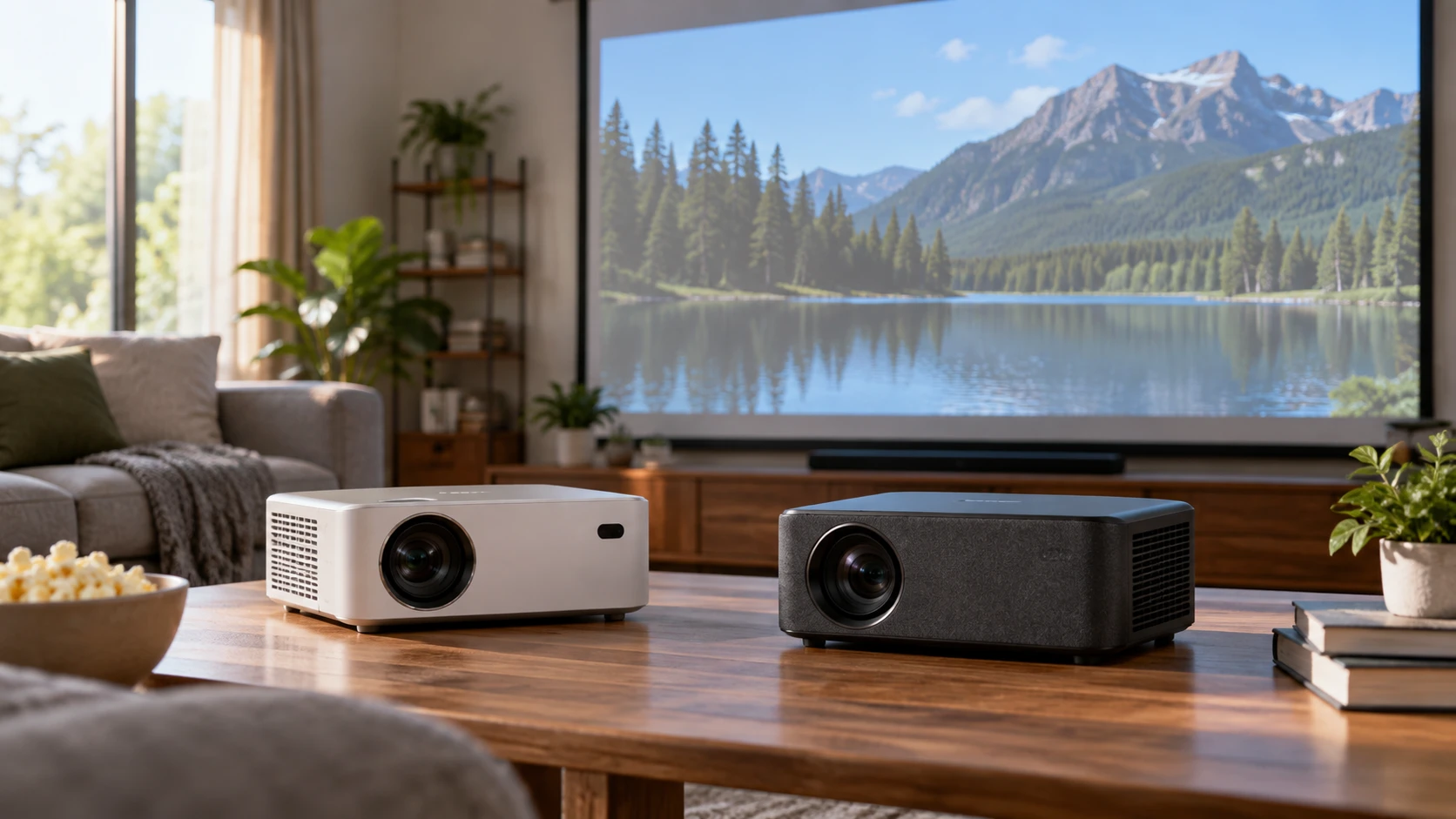
The YOTON smart projector accepts a 4K signal but lists a native 1080p image. This guide to identifying display connections before choosing a screen component gives a useful reason to map the source devices before comparing picture claims. The WEWATCH smart projector also lists native Full HD 1080p and emphasizes licensed streaming apps, automatic alignment, and an 8 W speaker. The published guide concerns other equipment, so its connection questions are relevant while its product details are not.
These two projectors may suit similar movie-night plans, but their saved catalog descriptions focus on different strengths. YOTON names HDMI, USB, 3.5-mm audio, Bluetooth, and 5G Wi-Fi connections, plus a 3 W integrated speaker. WEWATCH names HDMI and USB, dual-band Wi-Fi, Dolby Audio, Bluetooth Speaker Mode, and several image-alignment controls. The saved text does not give a common throw-distance chart, fan-noise measurement, or side-by-side picture test. Work backward from the room, screen, and devices that will actually be used.
Supported 4K is not native 4K — WEWATCH smart projector
YOTON's description says it supports 3840-by-2160 4K Ultra HD input while producing a native 1920-by-1080 image. That means a source can send a higher-resolution signal without turning the projector's native image into a 4K pixel grid. WEWATCH's entry calls its resolution native Full HD 1080p. It does not provide the same explicit accepted-input table in the saved excerpt. Ask for each model's current signal-support list, especially if a game console or media player will be fixed to a particular output mode.
Match the source to the projector instead of assuming every connection works at every format. An HDMI device might offer several frame rates and resolutions. The saved YOTON entry lists HDMI without specifying port version or all supported timing combinations. The WEWATCH entry also names HDMI without a full compatibility matrix. Check manuals for supported input modes, then try the actual source device if possible. A projector that displays a phone's menu may still handle a film, game, or protected stream differently through another path.
Both descriptions mention built-in streaming apps. YOTON names Netflix, YouTube, and Prime Video, while WEWATCH calls its Netflix, YouTube, and Prime Video apps officially licensed. That extra WEWATCH claim is useful to investigate, particularly if you want to avoid a separate streaming stick. Confirm the current app versions, account requirements, update path, and region availability on the exact model. An app logo in a catalog description does not ensure that every service or purchased title will remain available under the same conditions.
If a streaming stick is part of the plan anyway, check where it will sit, how it will get power, and whether a cable will reach without pulling at the HDMI port. The built-in apps may then be less important than input reliability and sound output. If the projector itself will supply all streaming, verify remote navigation, login, and software updates before choosing on that promise. This is the sort of connection chain the linked guide asks readers to identify, though its particular devices are different.
Brightness claims need the same measuring basis — WEWATCH smart projector
YOTON lists 450 ANSI lumens and a 5000:1 contrast ratio, with use suggested indoors or in darker outdoor settings. WEWATCH's listing says True 800 ISO Lumens and places "800ANSI" beside that claim, along with HDR10 and a high-contrast statement. The saved excerpts do not provide test reports that reconcile the brightness labels or establish how either measurement was made. Do not convert one figure into a verdict about image quality in a sunlit room. Ask for exact-model measurement methods and, where possible, see both projectors under similar light and screen conditions.
Picture size changes perceived brightness. YOTON advertises an image up to 300 inches, but the source does not give the throw distance or brightness conditions for that extreme size. WEWATCH does not give a maximum projected size in its short entry. A large image in a bright room can look washed out even if a catalog number sounds impressive. Decide the viewing distance and desired screen size, then get the throw charts and a realistic light-control plan for both models.
Write down when the room will be used. A darkened bedroom, a living room with daylight at one side, and a yard after dusk are different tests. YOTON's own description points to darker outdoor settings. WEWATCH mentions outdoor movie nights but does not give an ambient-light threshold. Neither entry establishes how much shade is enough. Try to evaluate a sample image at the actual screen size and time of day, or choose a return policy that permits that check with the exact model.
Native 1080p also does not determine sharpness by itself. Focus uniformity, placement angle, screen texture, and digital correction affect what a viewer sees. WEWATCH describes remote electronic focus, auto keystone, obstacle avoidance, screen alignment, and digital zoom from 50% to 100%. Those controls may simplify setup, but ask what they do to image resolution and where the projector can be placed while keeping the edges sharp. YOTON's saved excerpt does not describe comparable correction controls. Check its manual rather than assuming their presence or absence.
Place the projector before choosing the screen size — guide to identifying display connections before choosing a screen component
Measure the distance from the proposed projector position to the wall or screen. Check whether the unit can sit level and whether people or furniture will cross the light path. Neither saved description gives a complete throw chart, lens offset, chassis size, or power-cord length. Request those details before buying a mount or planning a shelf. A digital zoom feature can reduce the displayed picture in WEWATCH's listing, but it does not move the physical projector or solve a blocked beam.
WEWATCH says it can be used on a table or ceiling mount, with front or back projection. Verify compatible mounting hardware, orientation settings, ventilation clearance, and cable access in its exact manual. YOTON's entry does not specify mounting modes. Ask for its approved placement methods if a permanent installation is planned. A projector can produce an image from an improvised surface without that surface being a safe or stable long-term mount.
If a screen is already installed, measure its usable rectangle and identify its surface type. The biggest advertised projection size is not automatically the best match for that screen. If a portable screen is planned, include its setup space, tension or flatness, and the route to power in the room sketch. YOTON explicitly lists an AC adapter. WEWATCH's saved excerpt does not specify a power source or make an independent battery claim. Do not plan a cord-free outdoor session without verifying the exact power arrangement.
Sound and device connections — guide to identifying display connections before choosing a screen component
YOTON describes an integrated 3 W speaker and a 3.5-mm audio connection. WEWATCH describes Dolby Audio through a built-in 8 W digital speaker and a Bluetooth Speaker Mode that can pair earphones or let the projector serve as a standalone speaker. The different wattage figures do not establish which one will sound clearer from the back of a room. Listen at the intended distance, and check the manual for the available audio outputs if external speakers will be used. The saved WEWATCH description does not list a 3.5-mm output.
If you want late-night headphone listening, verify how each model pairs or connects headphones and whether video and audio stay synchronized. If you want to use an existing soundbar, check the supported physical and wireless outputs, not merely the word Bluetooth. A projector may use Bluetooth for one function while offering different support for another. The YOTON summary lists Bluetooth without a complete audio-routing table. WEWATCH's Bluetooth Speaker Mode deserves the same exact-model check before it becomes the center of an audio plan.
YOTON explicitly lists USB and HDMI alongside Wi-Fi and a 3.5-mm audio jack. WEWATCH lists HDMI and USB, with wireless mirroring over 2.4G or 5G Wi-Fi. Check the USB port's role on each unit: media playback, service, power, or a combination. The product summaries do not specify file formats or how protected content behaves during wireless mirroring. If a laptop presentation is the main use, test that laptop through the intended cable and resolution. If films are the main use, test the actual streaming route, including whether protected content plays through the selected wired or wireless connection.
Keep the comparison tied to a real setup — WEWATCH smart projector
YOTON has named HDMI, USB, Wi-Fi, Bluetooth, and 3.5-mm paths to check against your devices. Its native-1080p image and accepted 4K input may cover the source formats you use; verify the app support, throw chart, and brightness in your room. WEWATCH lists licensed built-in apps, remote focus, automatic alignment, and an 8 W speaker. Check app availability, accepted inputs, mounting details, and the method behind its brightness figures before choosing that setup.
Check each Republeq catalog entry for manuals that match the exact YOTON or WEWATCH listing, including its input table and power requirements. A model name shared across several listings does not confirm that the hardware and software are identical. Draw the room and source chain first, then judge the image at the size and light level you will actually use.