Crypto Commerce
YEYIAN YUMI gaming PC vs Novatech Prism
The YEYIAN YUMI gaming PC and Novatech Prism present a specific buying question: do you need the YUMI's listed i5-14400F, RTX5060 8GB and 1TB SSD configuration, or would the Prism satisfy your intended use? YEYIAN is the closer match if those named components are already on your shopping brief. Novatech remains a candidate if its configuration meets your requirements. The descriptions alone cannot establish which will deliver your preferred game settings or frame rate.
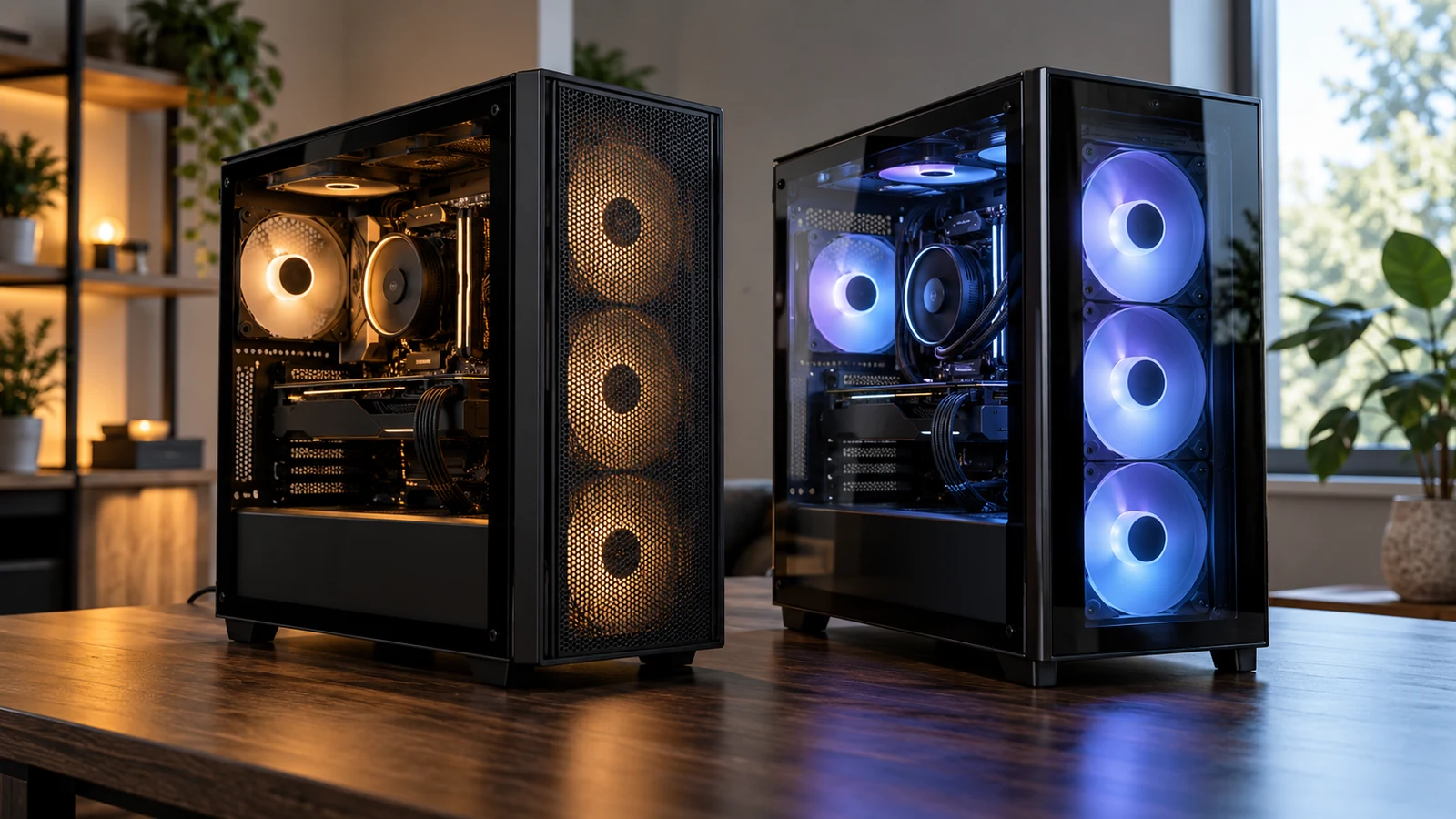
The YEYIAN YUMI gaming PC and Novatech Prism present a specific buying question: do you need the YUMI's listed i5-14400F, RTX5060 8GB and 1TB SSD configuration, or would the Prism satisfy your intended use? YEYIAN is the closer match if those named components are already on your shopping brief. Novatech remains a candidate if its configuration meets your requirements. The descriptions alone cannot establish which will deliver your preferred game settings or frame rate.
Both descriptions list 16GB of system memory, but the remaining specifications differ. YEYIAN names DDR5 memory and Windows 11 Home; Novatech names DDR4 and Windows 11 Pro. The Prism also lists WiFi and Bluetooth, while YEYIAN's description does not address wireless connectivity. These are useful distinctions when choosing between the two, provided you separate confirmed specifications from questions that still need an answer.
Start with the games you actually intend to play and the applications you expect to leave open beside them. Include your intended resolution and whether you want to broadcast gameplay. That gives the comparison a defined purpose. A desktop that satisfies a short, settled game list faces a different purchase test from one expected to handle unfamiliar releases, recording software and an expanding library.
Novatech Computer Alternative: What Each Configuration Establishes
The YEYIAN YUMI gaming PC description identifies an INTEL Core i5-14400F processor, GeForce RTX5060 8GB graphics, 16GB DDR5 memory and a 1TB SSD. It also specifies a 650W Gold PSU and Windows 11 Home preinstalled. These component names give you a concrete configuration to compare with your software requirements. They do not supply measured game results, cooling measurements or a complete inventory of connections.
The Prism description identifies its processor as “Intel XEON E3 V6 i7” running at 3.5GHz. It lists Radeon RX580 graphics, 16GB DDR4 RAM and a 512GB M.2 SSD, alongside Windows 11 Pro. WiFi, Bluetooth and RGB fans are also stated. If you are considering the Novatech computer alternative, obtain the exact processor model before relying on that wording for a detailed comparison.
The processor naming deserves attention because the Prism description does not provide one unambiguous, complete model identifier. Preserve that uncertainty when you compare it with the named i5-14400F. Ask the seller to identify the installed CPU for the selected variant, preferably with a specification record. A clock-speed figure by itself does not answer whether the complete computer will satisfy the demands of your chosen game.
The graphics descriptions also provide different amounts of detail. YEYIAN explicitly attaches an 8GB figure to its RTX5060. Novatech names the RX580 without stating its graphics-memory capacity in the supplied description. Do not carry YEYIAN's figure across to the Prism or assume that every RX580 configuration is identical. If a game's requirements specify graphics memory, that missing Prism detail becomes a purchase question with a direct effect on your shortlist.
Novatech describes 1080p gaming, 4K streaming, CS2 and VR experiences. Treat these as the listing's stated uses, without turning them into a promise about a particular settings preset. For example, someone shopping specifically for CS2 should establish their desired resolution and frame-rate target before asking for relevant performance evidence. The presence of the game's name does not resolve how the listed system behaves under those conditions.
YEYIAN's description refers broadly to modern games, streaming and smooth multitasking. Those statements likewise leave the workload unspecified. For the YEYIAN YUMI gaming PC, a useful follow-up would name the game, graphics settings and any simultaneous software. Ask whether supporting results concern that exact desktop configuration. Avoid treating footage from a different processor, memory arrangement or graphics card as a measurement of the machine you would receive.
Compare Computer Memory And Storage Without Adding Them Together: The Listed Capacities
The equal 16GB memory figures do not make these two builds equivalent. Their descriptions specify different memory generations, and neither supplied description states the module arrangement or memory speed. Keep the comparison at the level supported: YEYIAN lists 16GB DDR5, while Novatech lists 16GB DDR4. If your software calls for more memory than either stated amount, neither description establishes that the advertised configuration meets that requirement.
For an explanation of the separate capacity labels, read Compare computer memory and storage without adding them together. In this purchase decision, keep the two listed memory amounts alongside one another and compare the SSD figures separately. That preserves the actual difference between these configurations without creating a combined capacity score that cannot tell you which desktop fits your use.
YEYIAN lists a 1TB SSD; Novatech lists a 512GB M.2 SSD. If your purchasing brief already calls for a nominal 1TB internal drive, YEYIAN matches that item as described, while the Prism does not. The descriptions do not establish free space after setup, drive models or measured transfer speeds. Novatech's M.2 wording should therefore stay a specification detail, without becoming an unsupported claim that its drive is faster.
Use your own planned installations to decide whether the storage difference matters. Write down the games you want to keep installed, then consider any recordings or other files you intend to retain on the computer. Check those applications' current space requirements separately. If you are comfortable keeping a limited library, the Prism's stated capacity may remain worth evaluating; if you want more installed at once, examine the YUMI's larger listed drive against that plan.
Leave hypothetical upgrades out of the initial comparison unless you are prepared to investigate them. Neither supplied description establishes spare memory slots, maximum supported memory or available drive connections. Buying the Prism on the assumption that an easy storage addition will erase the difference introduces an unanswered hardware question. The same caution applies to choosing YEYIAN because you expect to expand its memory later.
Novatech Computer Alternative: Decide What Would Make Either Desktop Enough
A useful comparison ends with conditions for choosing each computer. For YEYIAN, those conditions might include a specific requirement for the listed RTX5060 8GB and a preference to start with a 1TB SSD. For Novatech, they might include confirmed suitability for a settled game list and a library that fits its available storage. These are buyer-defined conditions, not performance conclusions established by either product description.
Consider a buyer who mainly plays a familiar title and has no plans to broadcast gameplay. Their unresolved issue is whether the Prism meets their chosen settings comfortably enough to justify keeping it on the shortlist. They should seek evidence for the exact CPU and RX580 configuration, then compare the current purchase cost. A larger drive or a different graphics-card name does not independently answer that person's question about a familiar workload.
A buyer planning to game while broadcasting has a broader workload to evaluate. Neither description establishes results for a specified game running alongside a named broadcasting application and its chosen output settings. Ask for evidence that resembles that combined use. If only game-only results are available, keep the simultaneous workload unresolved. Do not convert a general reference to streaming into a guarantee that either system meets your particular broadcast target.
There is also a reasonable middle position: choosing a configuration because it matches known requirements while accepting that some future uses remain uncertain. The YEYIAN YUMI gaming PC provides a clearly named processor and graphics combination to investigate. That specificity helps you ask focused questions, but it cannot guarantee satisfaction with games you have not selected. Avoid paying for an imagined future capability that the description does not establish.
Windows edition is another difference to connect to a real requirement. YEYIAN lists Windows 11 Home, and Novatech lists Windows 11 Pro. If work or study software requires a particular edition, confirm the requirement with whoever supplies that software before deciding. Do not treat the Pro label as a gaming performance result. Equally, do not assume Home meets an organizational requirement merely because your personal applications seem straightforward.
Wireless needs can affect whether the purchase is ready for your room. The Prism explicitly lists WiFi and Bluetooth, although the supplied description does not identify their versions. YEYIAN's description leaves wireless support unspecified. If you need either connection, request confirmation of what the selected YUMI variant includes. Absence from the description is an unknown, so it should neither become an asserted omission nor be filled in from another computer's features.
The YUMI's listed 650W Gold PSU is a configuration fact, not a measurement of the desktop's electricity use during your games. Novatech's supplied description does not identify its PSU. Neither description supports a comparison of fan noise or thermal behavior. If your computer will share a quiet room, ask for relevant operating information before allowing RGB fans or a power-supply label to influence that part of the decision.
Before ordering, obtain a package list for the exact variant. Neither supplied description establishes an included monitor, keyboard or mouse. Confirm anything you need separately, along with the computer's dimensions and the connections required by your existing equipment. A desk setup can create a practical constraint even when the internal component list looks suitable. Do not infer display outputs or accessory compatibility from the graphics-card family alone.
Ask what initial setup involves, particularly if you expect someone else to install the computer. YEYIAN explicitly states that Windows 11 Home is preinstalled, and Novatech states that its system runs Windows 11 Pro. Those statements do not establish every setup step, account requirement or included software license. Clarify any application you depend on and whether you must arrange its installation separately.
Novatech's description includes a one-year limited manufacturer warranty. Read the applicable terms for coverage and the service process; that statement does not establish unrestricted returns. The supplied YEYIAN description does not state warranty terms. For either desktop, check the current return conditions before purchase, including how they apply after opening and setup. Keep warranty support and a change-of-mind return as separate questions.
Make the final choice using the current offer for the exact configuration, including any separately needed equipment. Reopen both product pages and compare the selected variants with your notes. Choose YEYIAN if its confirmed configuration meets your requirements and the total fits your budget. Keep Novatech in contention if its clarified processor and graphics details satisfy your workload. If performance remains the deciding uncertainty, request an answer tied to your game and settings before committing.