Crypto Commerce
XGODY N6 smart projector vs VANKYO L570S: fit the picture to the room first
Compare XGODY N6 smart projector by stated brightness, placement, app systems, auto setup, sound, and wired inputs.
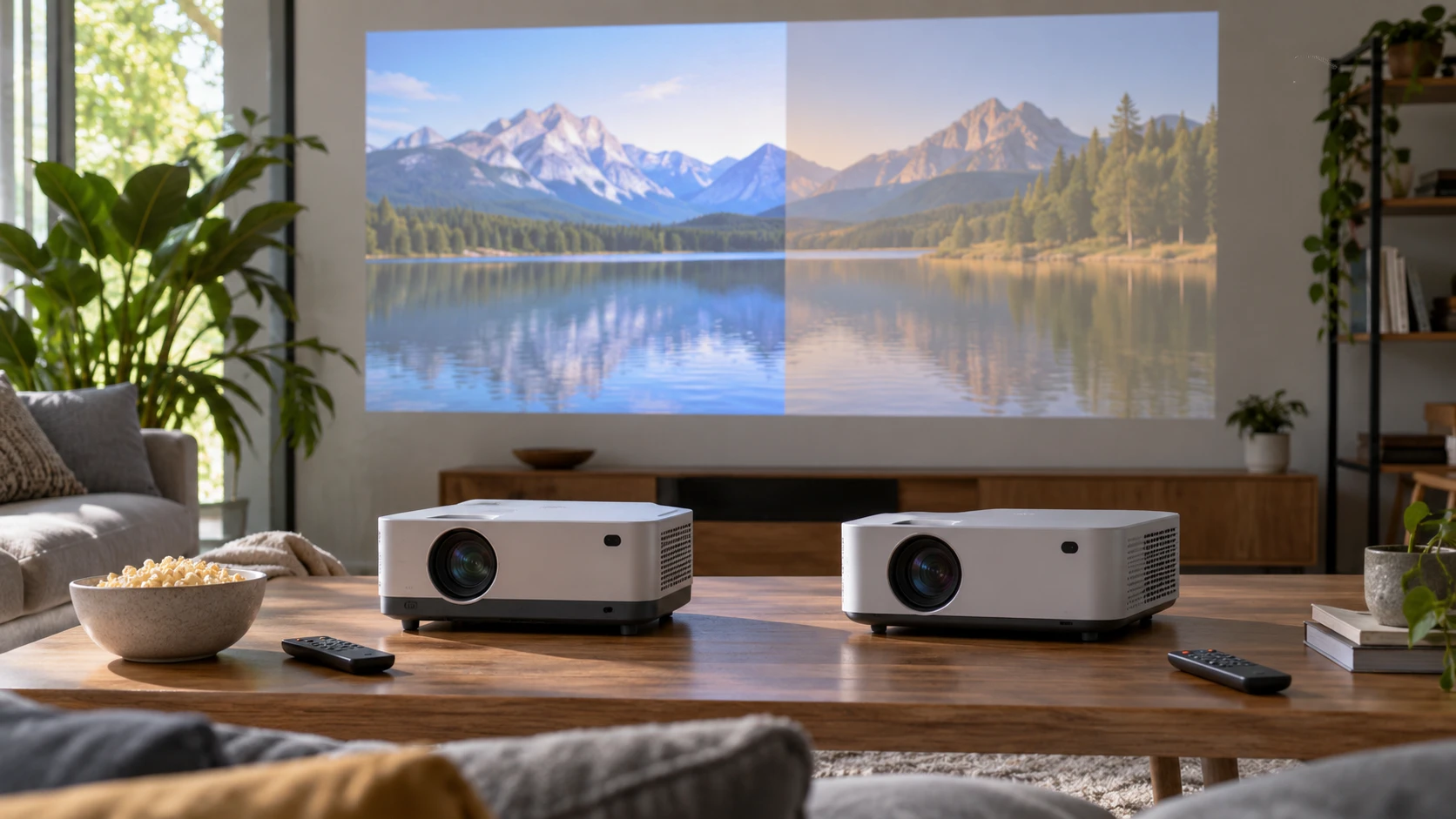
The XGODY N6 smart projector lists a native 1920-by-1080 image, a 300-ANSI-lumen output claim, and a 1.16:1 projection ratio. This guide to display connections offers a related checklist for matching a video source to a screen. The VANKYO Leisure L570S smart projector also lists native 1080p, with WebOS apps, a 200-ANSI-lumen claim, and two built-in 5-watt speakers. The guide is about connection planning; the model-specific specifications here come from these two exact listings.
Both Republeq product records present an all-in-one movie-night setup, but the room still determines what the picture looks like. Projection distance, screen size, wall color, and light entering the room can matter more than a streaming-app badge. The saved catalog prices are close: $226 for XGODY and $222.50 for VANKYO. Those are snapshot minimums, not current checkout totals. Begin by measuring where the projector can stand and how large an image you can actually watch, then compare apps and speakers.
Keep native resolution separate from 4K input — VANKYO Leisure L570S smart projector
XGODY says the N6 has a native 1920-by-1080 panel. Its listing also says it supports 4K video decoding at 30 frames per second and HDR10 content. Decoding a 4K file does not add pixels to a 1080p projection panel. The projector must scale incoming content to its native output. The saved description does not include a measured contrast or color test, so “richer contrast” in the Republeq's product-page text is not a comparative result against VANKYO.
VANKYO likewise states a native 1920-by-1080 image and support for 4K input. It does not say that it projects at a native 4K resolution. Its listing gives a 20,000:1 contrast-ratio claim, LCD imaging technology, and SDR/HDR support. No matched contrast test is provided for both machines. If small text in a presentation matters, test a familiar slide at the intended image size. If the main job is film viewing, compare dark scenes and skin tones under the same room lighting rather than ranking a single catalog contrast figure.
Both units are therefore native Full HD choices in the saved evidence. That may be adequate at a moderate screen size and a suitable viewing distance. The difference between “supports 4K” and “displays 4K” is worth checking whenever an external player or streaming app chooses an output format. Confirm the current manual's accepted frame rates and HDR modes for the source you intend to connect. Neither excerpt gives a complete HDMI compatibility table for all formats.
Use the room to test brightness claims — VANKYO Leisure L570S smart projector
XGODY states 300 ANSI lumens, while VANKYO states 200 ANSI lumens. Those are comparable units in the listing, yet there is no independent side-by-side test or explanation of the settings used. A larger projected image spreads a machine's light over more area. The difference might be visible in a controlled room; it does not prove that the N6 will overcome daylight or that the L570S is unusable in a dim room. Ask whether the brightness figure was measured in the mode you would actually use.
Try a practical room test. Close the blinds to the level you expect during a movie, place a temporary white surface where the screen would go, and note the distance available from lens to surface. Decide whether anyone will leave a lamp on for reading or snacks. A projector that looks bright in a dark product demonstration can lose contrast when a window lights the wall. The VANKYO listing calls the machine suitable for outdoor movie nights; that still implies darkness and a suitable surface, not an outdoor daylight image.
XGODY mentions three brightness levels. A lower level may be useful in a dark room, although the saved text does not quantify image output or fan noise in each mode. Its claim that the modes protect eyes is not supported by a study in the excerpt. Use normal projection safety practices and avoid looking into either lens. VANKYO does not specify selectable brightness modes here. If fan noise or light level in a bedroom matters, ask for the manual's settings and view the machine in the proposed location.
Check throw distance before believing the size range — VANKYO Leisure L570S smart projector
XGODY gives a 1.16:1 throw ratio and says it can make a 40-to-120-inch diagonal at distances of 1.05 to 3.15 meters. Those numbers offer a way to sketch the room. At a given distance, the image width is roughly distance divided by 1.16, before any digital correction. Leave room for the projector body, cables, and the people walking through the beam. The listing's 180-degree rotatable stand may help aim toward a wall or ceiling, but it does not change the optical throw distance.
VANKYO advertises a 36-to-200-inch projection range without giving a throw ratio or a matching distance table in the saved description. The 200-inch upper number should not be treated as a promise of a bright, sharp image in a normal room. Ask for the distance required for the size you want and check whether its brightness suits that size. The housing dimensions are listed as 8.7 by 6.69 by 3.11 inches, with a saved weight figure whose unit is unclear in the excerpt. Confirm weight before planning a stand or ceiling mount.
If a screen or wall is fixed, measure the available throw distance first. The projector's position may be limited by a sofa, shelf, ceiling fan, or electrical outlet. A digital keystone correction can square an image that is slightly off-axis, but it cannot compensate for a machine placed too far away for the desired size. Measure lens height as well as horizontal distance and check how each model handles the resulting alignment.
Compare automatic setup claims carefully — VANKYO Leisure L570S smart projector
The N6 entry names autofocus, automatic vertical keystone correction, obstacle avoidance, and screen alignment. It explicitly calls horizontal keystone correction manual. That distinction matters if the only available shelf is to one side of the screen. The feature can help straighten the picture, but repeated heavy correction may reduce usable image area. Try placing the lens as square to the screen as the room allows, then use digital correction for the remaining offset.
VANKYO lists autofocus, automatic keystone, obstacle avoidance, and automatic screen alignment under its PixPerfect name. The saved text does not say which axes its automatic keystone covers or how much correction it permits. Ask for the current manual before assuming it will handle a severe side angle better than XGODY's explicitly manual horizontal control. Obstacle avoidance is also a setup aid, not a reason to leave a plant or shelf permanently across the beam. A stable, clear path gives both projectors a better chance of keeping the image where intended.
Both entries imply simple setup, but a real room test should include moving between input sources, refocusing after an image-size change, and returning to the same position on the next evening. If the projector will be stored between uses, quick auto features may save time. If it will live on a fixed shelf, reliable placement and focus may matter more than automatic realignment each time.
Decide whether the built-in apps cover your sources — guide to display connections
XGODY describes Netflix licensing and an Android 13 operating system with 1GB of memory and 8GB of storage. Its listing names an included voice remote and wireless mirroring through TV Cast, Miracast, Eshare, and AirPlay. That is a broad connection menu, but app availability, casting rights, and video quality can depend on current software and each service. Confirm the exact app you pay for on the current unit; a licensing claim in a saved catalog snapshot is not an assurance that every future app version will work.
VANKYO says its WebOS system comes with official Netflix, YouTube, and Prime Video apps. It also lists dual-band Wi-Fi and two-way Bluetooth. The text claims ongoing updates, but provides no update period or app support guarantee. If one streaming service is essential, ask about the current version and region before buying. Built-in apps can make a projector easier to carry between rooms because there is no separate streaming stick, yet an external player may still be preferable if a particular service or account feature is missing.
The connection details differ. VANKYO lists one HDMI input, two USB ports, one AV input, and a 3.5mm audio output. XGODY says it works with PCs and phones and names wireless methods, but the saved excerpt does not provide a wired-port inventory. Ask for the N6's exact inputs if you intend to connect a console, laptop, or cable box. The display-connections guide is useful for making that device list before checkout. Do not assume Bluetooth replaces an HDMI video connection; it is listed mainly for accessory or audio pairing.
Both products name 2.4 GHz and 5 GHz Wi-Fi. That is relevant to wireless streaming and mirroring, but router distance and network congestion still affect playback. XGODY lists Bluetooth 5.2; VANKYO says two-way Bluetooth without a version in the saved text. If you plan to send audio to headphones or receive audio from a phone, verify the exact direction and pairing behavior in the manual. A feature label does not tell you whether two devices can be connected at once.
Leave room for audio and upkeep — VANKYO Leisure L570S smart projector
XGODY lists one built-in 3-watt speaker. VANKYO lists dual 5-watt speakers and Dolby Audio. The latter has more stated speaker power and two drivers, but wattage alone cannot establish sound quality, bass, or listening volume in a particular room. Try the movie at the distance where people will sit. If speech is hard to hear, check the available output connection and whether an external speaker introduces audio delay. VANKYO gives a 3.5mm output; XGODY's saved excerpt does not settle its wired-audio options.
VANKYO describes an LED lamp life above 50,000 hours. The saved excerpt gives no test method or replacement plan. XGODY's entry gives no matched lamp-life figure. Neither number should be converted into a certain number of years without knowing daily use and service conditions. Check filter, ventilation, and cleaning instructions for the exact model. A small projector needs unobstructed air flow even when it fits neatly on a shelf.
For the close saved prices, XGODY supplies a throw ratio, explicit vertical-versus-horizontal correction behavior, and the higher stated ANSI-lumen figure. VANKYO supplies a fuller port list, a broader advertised screen-size range, two built-in speakers, and specific preloaded apps. Measure the room and list the video sources first. Then test the current app set, image alignment, and sound at the screen size you can actually use. That is a better basis for choosing than a “4K support” label on either native-1080p projector.