Problem-Solving Articles
Why a photo frame hides part of the picture
Find why a photo frame hides part of the picture by separating a print crop, the mat opening and the intended photo-size configuration.
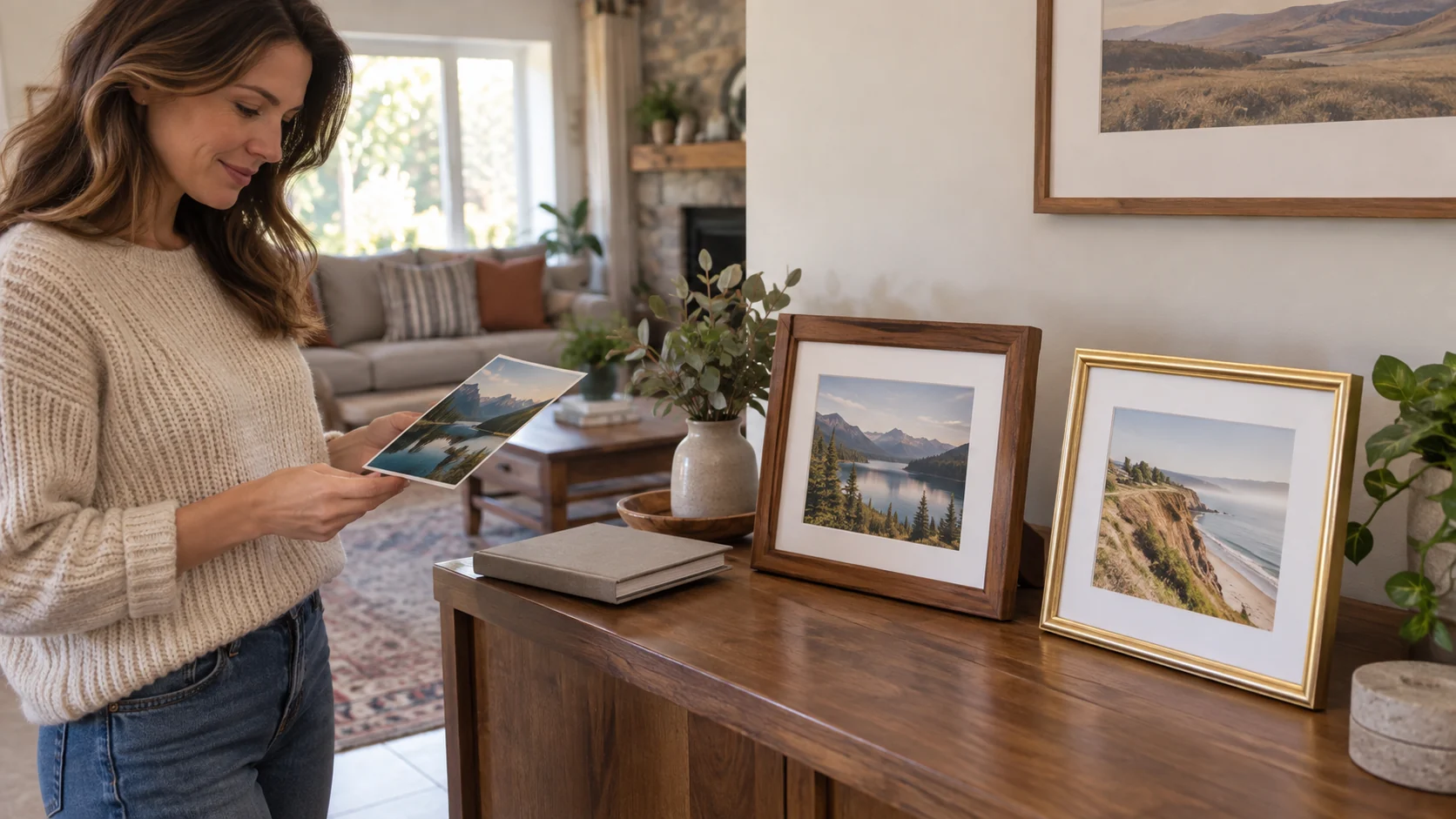
If a photo frame hides part of the picture, first identify where the detail disappeared. The printed photograph may already differ from the original image, or a mat may cover an edge that is present on the print. A size label can also describe a compatible photograph rather than the exact area visible through the mat. Locate the loss before choosing a replacement frame.
Start with the picture you want people to see. Is a face partly hidden, a date missing, or a landscape losing too much around its edges? Describe that result using the image you have, without opening the frame or repeating an unsuccessful fitting attempt. This guide helps interpret the print and frame information. It supplies no glass handling, disassembly, mounting, mat cutting or frame-alteration instructions.
Notice whether the detail is missing or merely hidden
If an available loose copy already lacks the detail, the frame cannot be the place where that copy lost it. Compare that print with the image from which it was made, if you have access to both. Check whether the print layout excluded that detail. A different frame would still display a print whose edge detail was already absent.
If the detail exists on the loose print but is hidden in the displayed arrangement, the visible opening becomes relevant. A mat surrounds the photograph, and its opening may leave some of the photo paper out of view. Use the available print and frame specifications for this comparison. The actual frame’s instructions should govern any later handling.
When you cannot tell which case applies, keep that distinction unresolved. A screenshot of the original image and a photograph of the framed display may help explain the issue to the person who printed or framed it. They provide context, not a measured drawing. A photograph of the display alone does not establish the complete dimensions of the print behind the mat.
Photo size and mat opening
For photo size and mat opening, name the object attached to each figure. A compatible photo size describes the print the offer is intended to display. An explicitly stated mat opening describes the opening through which it is seen. A frame’s outside dimensions would describe another boundary. The two selected offers do not supply every one of those measurements.
The Mat Board Center gold aluminum picture frame title and description name a 16-by-20-inch photo without a mat or an 11-by-14-inch photo with one. The description then explicitly states an actual mat opening of 10.5 by 13.5 inches. Keep that smaller opening beside the compatible 11-by-14 photo size. Both statements can describe the same offered arrangement.
The 11-by-14 photo-size label does not mean every edge of the print is visible through that smaller opening. The description gives no placement drawing defining the overlap on each particular edge. Do not distribute the difference into assumed margins or decide that a face near one edge must remain visible. The position of the important detail still matters to the actual display.
The nominal 16-by-20 format likewise does not supply the outside measurement across the whole frame and its border. That matters if you are also trying to fit the framed object into a wall arrangement or shelf space. Keep the photograph question separate from that larger physical placement question. An outside-width answer would not replace the mat-opening figure.
Read the Anyway.go alternative sizes as alternatives
The Anyway.go brown picture-frame offer is described as an 11-by-14 frame holding an 8-by-10-inch photo with the mat or an 11-by-14-inch photo without it. Those are two alternative display arrangements. The short description gives no exact measured mat opening.
Do not borrow Mat Board Center’s opening figure to complete the Anyway.go specification. The frames use different size accounts, and the explicit 10.5-by-13.5 opening belongs to the Mat Board Center offer. An 8-by-10 compatible-photo statement also should not silently become an exact opening measurement. If the precise visible boundary determines whether the picture works, obtain that specific information for the Anyway.go item.
The current Anyway.go product name includes “Picture Frames 4,” while its description calls the package a set of six MDF frames. Keep that quantity difference visible if you are considering an order. The material is described as MDF rather than solid wood, and the description says no stand or installation is provided. Those details concern the offer and its support arrangement; they do not answer how much of your picture would be visible.
Checking where the photograph was cropped
When checking where the photograph was cropped, separate the image layout from the physical display. A phone image may have been prepared for a particular print shape before it reached the frame. Compare the available original and the actual print rather than assuming the file’s full composition survived every layout choice. The frame cannot restore detail that was excluded from that printed version.
The Canon QX20 and HP Sprocket Panorama scrapbook guide discusses Canon’s card-sized and square formats and asks readers to inspect crops near faces and meaningful details. Its actual print-format discussion supports identifying a crop made before framing. Those printer formats do not establish either frame’s visible opening or a way to produce the larger prints named by these offers.
If the print has its own white border, look at where the photograph ends within that piece of paper. The listed paper size does not describe the image area after a bordered layout has been applied. A border visible around the subject may belong to the print itself, the mat or both. That distinction helps explain why the complete composition can occupy less space than expected even when no person has been cut off. Use an available print or its layout information to identify the boundary before changing the display.
A print’s outline is also separate from its physical size. The Canon CP1500 and Kodak small-print guide compares four-by-six and two-by-three prints that share the same two-to-three shape despite their different areas. That distinction is useful when a picture seems familiar in a preview but occupies a different physical display. Neither printer’s format supplies the measurements for an 8-by-10, 11-by-14 or 16-by-20 framed arrangement.
Three possible causes of the same missing face
Imagine a group photograph in which the person at the right edge appears incomplete. In a first possible case, the print itself already cuts off that part of the person. The question belongs with the chosen image and print layout. A larger mat opening would not add the missing part to that print. Establish what is actually on the paper before changing a frame purchase.
In a second possible case, an available loose copy shows the whole person but the displayed arrangement hides the edge. The question concerns the visible opening and the intended placement of the photograph behind it. A compatible photo-size label leaves that exact result unconfirmed. You can explain the important edge detail and request the relevant display information without attempting a cutting or fitting procedure yourself.
In a third case, the offered frame configuration was intended for a different photo format from the print in hand. The overall title may sound right while its with-mat and without-mat alternatives describe different intended prints. Identify which arrangement the actual offer describes. Do not treat two alternative sizes as simultaneous permission to place any print between them.
A photograph of the finished display can make these cases look similar. Locating the loss tells you whether the next question concerns the printed image, the visible boundary or the intended configuration. None supplies a diagnosis of an unseen frame. Use the observations you actually have to identify which question can be answered next.
Choose the display around the image you want to preserve
Once the source of the loss is understood, describe the composition you want viewers to see. A group picture may need space around every person; another image may tolerate less of its surrounding background. That is a choice about this photograph. Avoid assigning the same acceptable overlap to every picture just because one arrangement looked good with a different image.
For the Mat Board Center offer, the stated opening provides a specific visible-size question to compare with the intended picture. For Anyway.go, that opening remains an explicit missing specification. The two offers can be described accurately without declaring either one the answer to your particular edge-detail problem.
Mat Board Center names a gold aluminum frame, a tempered-glass front and horizontal or vertical wall display, with two-pack wording in the title. The description supplies no preservation test or full damage guarantee for your photograph. Anyway.go’s lightweight acrylic account describes a different front material. Neither material name settles the crop or visible-image question.
Keep an order separate from an unresolved display result
If you are considering either picture-frame offer through republeq.com and would prefer crypto such as USDT, resolve the intended display arrangement before choosing an order. Check the payment methods actually offered for that purchase at checkout and the conditions that apply to them. A guide mentioning USDT does not establish acceptance for a particular transaction. If the option is unavailable, keep it out of the purchase plan. For Mat Board Center, preserve the difference between the compatible photo sizes and the explicitly stated smaller mat opening. For Anyway.go, ask about the opening needed for your picture and resolve the difference between the product name’s number and the description’s six-frame package. Payment preference cannot confirm a visible-image result, a missing measurement or the contents of a parcel. Check the actual condition, included components and return terms for the selected offer. A package containing several frames is useful only if the intended arrangements meet the photographs and space you actually have; its quantity does not correct a crop already present on a print. If you change to another size or configuration, revisit the measurements affected by that change. Keep any delivery estimate separate from a plan to display the picture at a dated gathering. A purchase confirmation should remain with the order records, while the unresolved image or opening question stays visible until an applicable answer addresses it. Paying by USDT, using another available method or postponing the order gives no additional information about glass, mounting or preservation. Return to the photograph and its intended visible area before deciding whether a different frame or a different print layout is the relevant next choice.
If a photo frame hides part of the picture, finish the inquiry with an answer about the actual loss. Identify a crop present on the print, a confirmed visible-opening issue or a mismatch with the intended configuration. Where evidence is incomplete, name that specific gap. Choose another frame only after its display specification addresses the picture you want to show.
Conceptual editorial scene for a case where a photo frame hides part of the picture: two whole generic matted frames and a person consulting a loose print; no exact retail model or measured fit is depicted.