Crypto Commerce
ViewSonic PA504W WXGA projector or pre-owned NEC NP-M311W for a shared room
Compare ViewSonic PA504W WXGA projector by room throw, light output, inputs, installation controls, and the extra checks a pre-owned NEC unit needs.
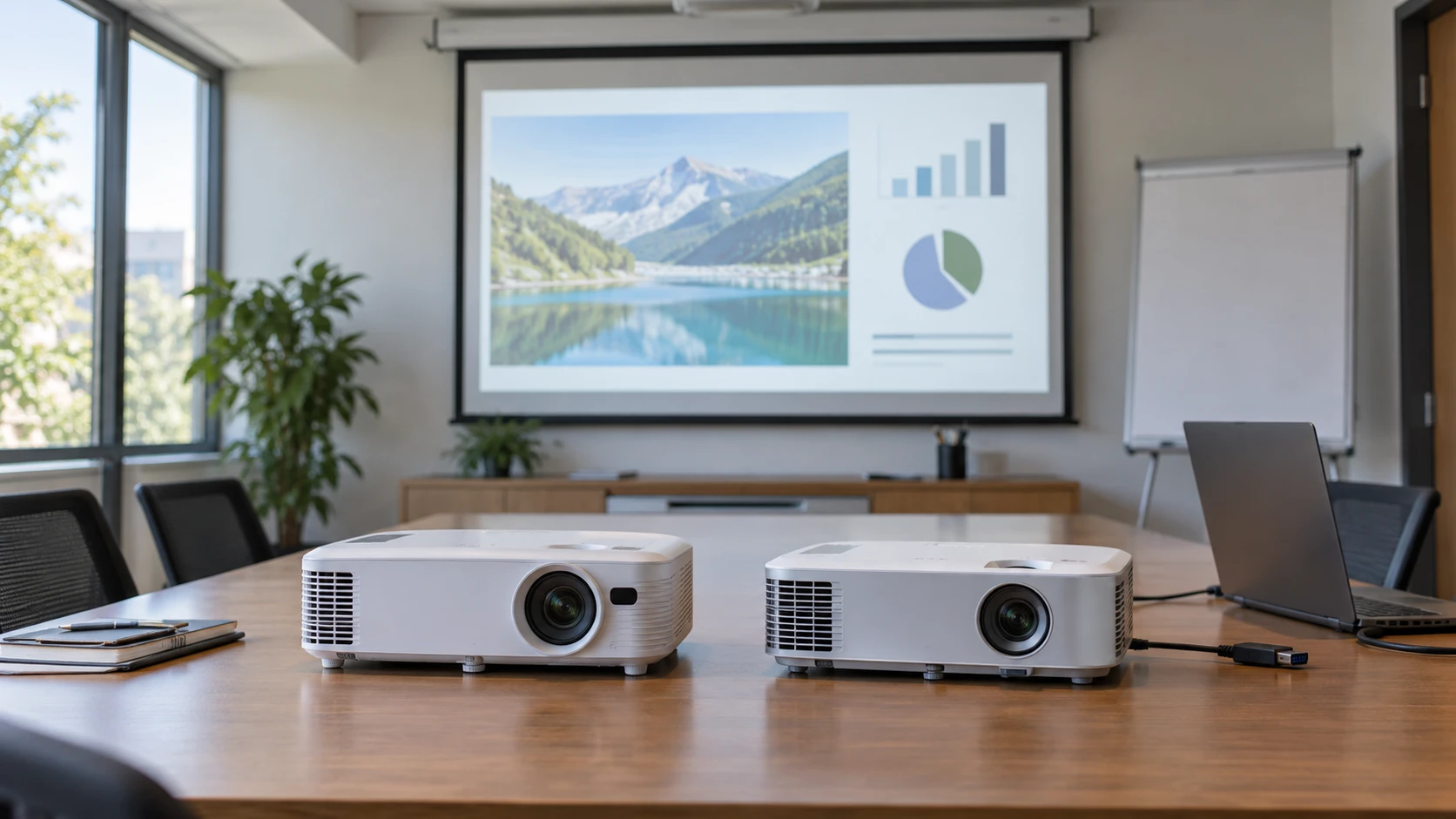
The ViewSonic PA504W WXGA projector and NEC NP-M311W both list 1280 by 800 native resolution. That makes them plausible choices for a meeting room still built around wide slides, shared spreadsheets, and older computer connections. The choice depends on where a projector can sit, which cables already reach the table, and what condition the actual unit arrives in. The NEC offer is explicitly pre-owned, so its lamp and physical state deserve their own inspection.
Start with a sketch of the room. Mark the screen width, ceiling or cart position, nearest power outlet, and the computer connection point. Measure the distance from lens position to screen, rather than the distance from the back of a cart. A projector that accepts the right signal can still be awkward if the image is too large at the only available mounting location. The saved Republeq's product descriptions provide useful starting figures, but they are no substitute for installation manuals and a test with the real screen.
Fit the image to the room — pre-owned NEC NP-M311W projector
ViewSonic lists a throw ratio of 1.2 to 1.6 and gives one practical reference: a 100-inch image at 8.6 feet. Its listing also describes images from 80 to 150 inches at distances from 6.8 to 12.8 feet. Those ranges are useful for a first sketch, although the exact image size will depend on zoom setting and the way the Republeq's catalog measured distance. Ask for the manufacturer's throw calculator or installation chart before fixing a ceiling mount. Measure the available distance and screen width on site.
The NEC listing calls its throw medium or standard and gives a 40-to-280-inch image range. It does not give a numerical throw ratio in the saved row. That broad image range cannot tell you whether a particular 100-inch screen will fit from the room's planned shelf. Find the NP-M311W manual and calculate the required lens position for the chosen image width. If a room has a short distance between screen and rear wall, this check may eliminate one option before brightness or input lists matter.
ViewSonic names 1.3x optical zoom, digital zoom from 0.8x to 2.0x, and vertical keystone correction. Optical zoom gives some placement flexibility without changing the source's pixel count. Digital zoom and keystone can help frame an image, but correction may reduce usable image detail and should not replace sensible mounting geometry. The NEC excerpt does not provide comparable zoom and keystone figures. Check its exact manual and test the actual controls, especially if the unit must sit to one side of the screen or be moved between rooms.
Read the light figures with the screen in mind — pre-owned NEC NP-M311W projector
The ViewSonic row states 4,000 ANSI lumens, while the NEC row states 3,100 ANSI lumens. Those are specifications for the named models, not a side-by-side measurement of these two delivered units. Room light, chosen picture mode, screen gain, image size, and lamp wear affect the picture viewers will see. The pre-owned NEC could be carrying a lamp with substantial use. Ask for its lamp-hour reading, lamp history, and a picture of the image projected at the intended size before treating the listed output as its current output.
The ViewSonic description calls out a 22,000:1 dynamic contrast ratio; the NEC gives 3,000:1 without describing the same measurement method. Do not rank their black levels from those two figures. In a bright meeting room, a washed-out black area may be caused by ambient light falling on the screen. In a dark room, color and image settings may change how a slide looks. Test a slide with small dark text and a photograph under the lighting the room actually uses. That reveals more about meeting readability than marketing contrast numbers.
Both are WXGA, or 1280 by 800, with a 16:10 shape stated for the NEC. A modern laptop may send a higher-resolution 16:9 signal. The NEC listing says it accepts signals up to 1080p, which does not make its native projected image 1080p. The ViewSonic row gives its native resolution but does not supply a complete accepted-signal table. Check the manufacturer's input specifications for the laptops you plan to connect. A presentation may look fine while dense spreadsheet cells remain too small, so test the most demanding real file at the intended seating distance.
Confirm every connection in the chain — display connection planning guide
ViewSonic lists HDMI 1.4, VGA, and USB 2.0 connectivity, along with LAN control. The saved description does not clarify what the USB connection can play or power. NEC lists HDMI, USB, VGA or SVGA D-Sub, composite RCA, S-Video, RJ-45 networking, and RS232. That longer input list may help a room with legacy equipment, but a connector on the chassis is useful only if the matching cable and source still work. Verify port condition on the pre-owned unit and check whether any adapters are included.
The published display connection planning guide gives a way to identify source outputs before buying a screen component. Apply that process to the actual meeting laptop, conference-room switch, and any document camera. Follow the signal through each adapter and wall plate. A USB-C laptop may need an adapter for HDMI, while a room wired for VGA may require a different plan. Test audio separately if the presentation includes video. Neither saved row establishes that one cable will handle every room's picture and sound needs.
NEC names built-in speakers, closed captioning, Blackboard Mode, color correction, and DICOM support. These are model features, not evidence of how well the delivered speaker sounds or whether a medical-use workflow is approved. A small projector speaker might be sufficient for spoken video in a quiet room, or the meeting may need external sound. ViewSonic's row focuses on image and management features and gives no matched speaker specification. Check the exact PA504W manual if onboard audio is part of the purchase decision.
Think about mounting and daily operation — pre-owned NEC NP-M311W projector
The ViewSonic listing identifies ceiling mounting with ViewSonic mount PJ-WMK-007. Before buying a bracket, confirm current compatibility, attachment hardware, ceiling structure, service access, and cable route. Its LAN control description names remote scheduling and administration through Crestron, AMX, Extron, PJ Link, ATEN, and ViewSonic vController. A room manager should verify which of those systems the installed network actually runs and whether the projector's firmware and connection method support the required commands.
NEC lists ceiling projection and Crestron RoomView network monitoring and control. It also names an RJ-45 port and RS232 connection. That is enough to plan a compatibility check, not to assume the existing controller can operate a particular pre-owned unit without setup. Confirm with Republeq that the network and control ports work. If the projector will be on a cart, consider where people will walk, how the power cord is protected, and whether a quick setup can reproduce the same image position each time.
ViewSonic states 16-millisecond input latency and a 120 Hz refresh figure. The saved NEC listing has no comparable latency measurement. For slide decks and most training videos, the connection and readable image may be more consequential than a single latency number. If the room also hosts interactive demonstrations, test a representative computer and application. Confirm what signal format produced the ViewSonic figures before assuming every input and picture mode performs identically.
Run a short rehearsal before settling on either model. Connect the laptop that normally leads meetings, open a slide with small labels, switch to a video clip, and then return to the slide. Check whether the screen edges stay sharp and whether people at the back can read the labels without enlarging them. Have the person who usually sets up the room repeat the input selection and shutdown steps. A projector that looks fine during a careful first installation may be frustrating if every meeting starts with several minutes of menu hunting. If the room has daylight blinds, test with them in the position people normally leave them. Record the picture mode and cable arrangement that worked so another presenter can reproduce them. These observations will describe the room's use more reliably than a claim about a model in isolation.
Treat the pre-owned unit as an individual purchase — pre-owned NEC NP-M311W projector
The pre-owned NEC NP-M311W projector has a detailed model feature list, but the saved row does not document its lamp hours, lens condition, filter state, included remote, or remaining warranty. Request photographs of the exact unit powered on, including a plain bright field and a dark field. Look for persistent spots, discoloration, damaged ports, and an image that cannot focus evenly. Ask what accessories arrive with it and how a return would work if a defect appears during setup.
A replacement lamp or filter can change the total cost of a pre-owned projector. Check the manufacturer part numbers and current availability before assuming service will be simple. The ViewSonic is also a lamp projector according to its saved description, so ask about its lamp replacement path and operating costs as well. Neither saved Republeq catalog record supplies a reliable comparison of replacement intervals or the condition of a delivered lamp. Keep model numbers attached to every part lookup; parts from similar-looking projector families may not fit.
The sensible decision is the unit that fits the measured throw, handles the room's actual sources, and survives a realistic setup test. ViewSonic's row gives more numerical placement detail and a stated output figure. NEC's pre-owned listing supplies a broad set of older connections and room features but needs more proof about the physical unit. Record the chosen screen size, cable path, and test file before ordering so those checks can be repeated when the projector arrives.