Crypto Commerce
Valerion StreamMaster Plus2 laser projector Plus2 vs X88 Pro Max: start with the room, then compare the picture
Compare Valerion StreamMaster Plus2 laser projector by room setup, connections, image claims, audio, and saved price.
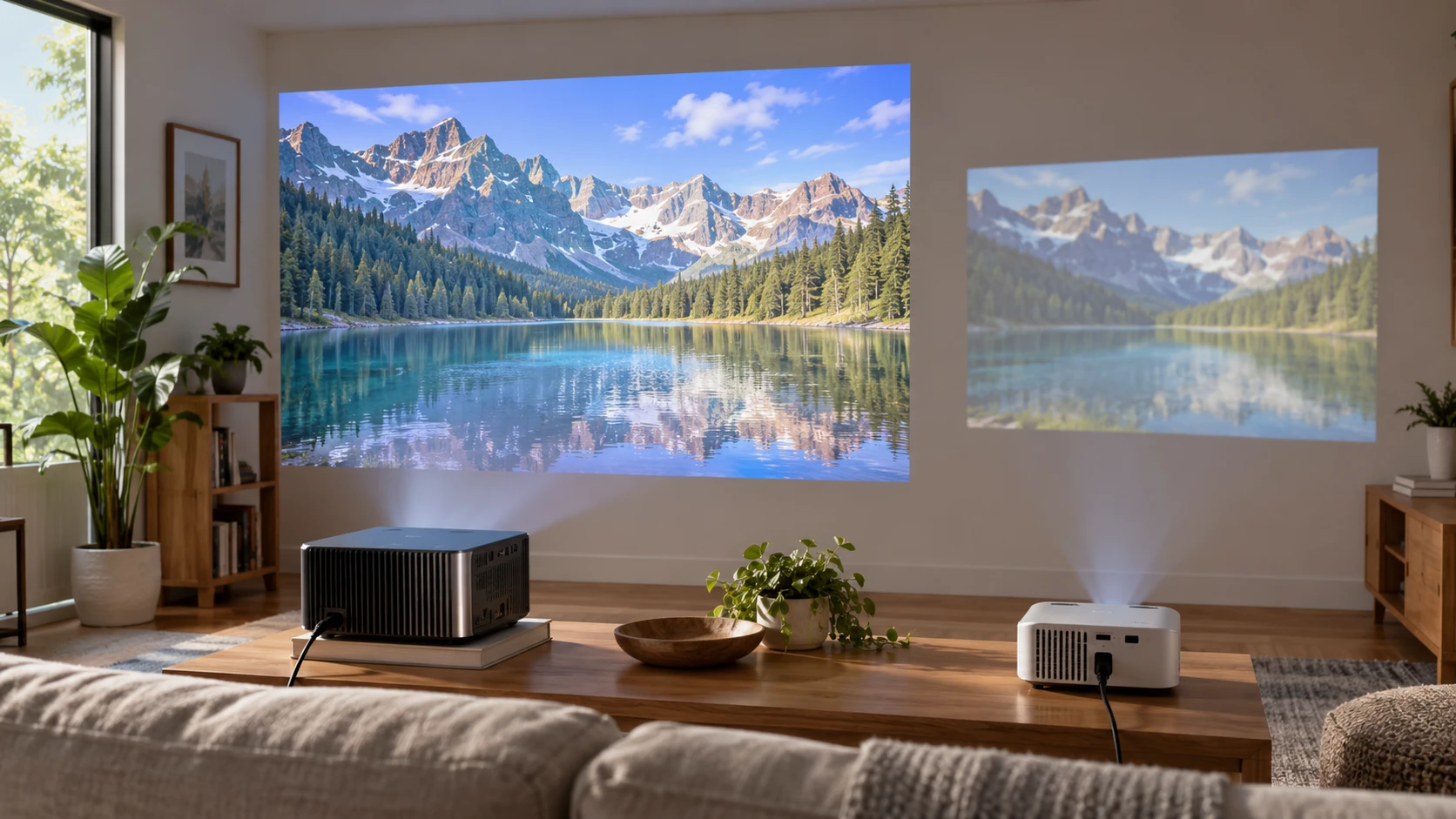
The Valerion StreamMaster Plus2 laser projector lists a triple-laser light system, Google TV, automated setup features, and 4K streaming support. This guide to identifying display connections is relevant when deciding how a source device will send a picture to a projector. The X88 Pro Max mini projector lists a 1280-by-720 LCD image, Android 9.0, HDMI and USB inputs, and manual focus. Both can play content described as 4K in their listings, but that phrase has different implications for the displayed image. Confirm each unit's actual projection mode before paying for a room installation.
The saved catalog also puts them in very different price brackets: $1,623.75 for Valerion and $210 for X88. Those are snapshot minimum prices, not current checkout totals. A buyer should first decide where the projector can sit, how large the image must be, and which sources need to connect. Otherwise the lower price can hide a setup that does not fit the room, while the higher price can buy capabilities the room never uses.
Draw the projection path — guide to identifying display connections
X88 lists a 60-to-120-inch projection area, a 1.6:1 throw ratio, and a projection distance of 1.2 to 5 meters. Check these figures together. Mark the intended screen width, then measure from the proposed lens position to the wall or screen. A ceiling beam, shelf edge, or seated viewer can interrupt the path even if the throw calculation works. The saved listing does not identify a lens-shift control, so verify whether the physical placement can put the picture where it belongs before planning to fix geometry in software.
Valerion lists image sizes from 50 to 300 inches. Its excerpt does not provide a throw ratio or the distance required for a chosen size. Do not assume that a 300-inch claim means the projector can fill a large wall from the same shelf used by X88. Ask for the current installation chart, then mark the lens position for the actual target size. Check where power and source cables will run. An image that fits the wall but leaves a cable across the walking path is an unfinished layout.
The screen or wall matters as much as the box. Test from the seat where the image will be watched. Nearby lamps, daylight, and a colored wall can change the visible picture. The listings provide brightness claims, but they do not tell us how either unit performs in this particular room. If there is a choice of locations, try the darker one before deciding that an advertised brightness figure will overcome a window.
Read the resolution claims carefully — X88 Pro Max mini projector
X88's saved description names a 1280-by-720 LCD image, yet elsewhere calls the projector native 1080p. That conflict needs confirmation from current model documentation. The listing also says it supports video formats up to 4K. A file or stream the processor can accept is different from the panel's own pixel count. At the screen, this is a listed 720p projection system unless the exact shipped unit and its current documentation establish otherwise. For small text, subtitles, or a close viewing position, test a sample image at the proposed size. Scaling a 4K source onto a 720p panel cannot create detail beyond that panel's native grid.
Valerion describes 4K streaming, AI 4K UHD playback, Dolby Vision, and HDR10+ support. The saved excerpt does not give a simple native-panel pixel specification. Confirm how the device forms the projected image before calling it native 4K. Its Enhanced Black Level and Dynamic Tone Mapping are Republeq's catalog feature claims, not matched measurements against X88. If HDR viewing is the reason for paying more, ask what source, app, and picture mode are required, then inspect representative dark and bright scenes in the intended room.
X88 lists 250 ANSI lumens and a 1000:1 contrast ratio. Valerion lists up to 2000 ISO lumens and a 10,000:1 contrast figure. The brightness figures use different stated standards, and neither entry supplies a side-by-side test at the same image size or picture mode. Those numbers indicate what to ask about; they do not establish a precise eightfold real-world brightness difference. Try to obtain measured results under comparable conditions if daylight use is essential. At a minimum, compare each projected image at the size you will actually watch.
Valerion also claims 110% Rec. 2020 color gamut coverage and ISF-certified calibration. X88's excerpt names an LED-and-LCD projection system without a comparable gamut report. Do not translate the absence of a figure into a verdict on color. For either projector, a known video clip can reveal whether skin tones, shadow detail, and subtitles remain usable in the chosen picture mode. If color-critical work is involved, ask for independent measurements of the exact model and screen combination.
Decide how much setup work is acceptable — X88 Pro Max mini projector
Valerion lists automatic obstacle avoidance, motorized alignment, focus, and keystone correction. That collection may reduce the time spent adjusting a temporary setup. It still makes sense to place the projector square to the screen first. Heavy digital correction can change the usable image area, and the product excerpt does not specify how much correction is available at every size. Run the automatic setup from the actual shelf or mount and inspect the edges before relying on it for a movie night.
X88 lists manual focus, manual vertical keystone correction of plus or minus 45 degrees, and a separate 4D correction claim of plus or minus 15 degrees. Its listing does not explain how those ranges combine. Plan for a few minutes of manual alignment, especially after moving the unit between rooms. A firm surface and a repeatable position will matter more than a remote's correction button if the lens is far off center. Test whether the projected rectangle stays sharp from center to edge after the adjustments needed in your room.
The X88 product description names front projection. Valerion's excerpt does not provide every mounting and orientation detail. If rear projection, ceiling mounting, or frequent movement is required, check the current manual and mounting hardware for the exact variant. Neither a compact case nor automated focus establishes that the necessary orientation is supported. The room plan should specify whether the projector stays installed or is put away after each session.
Follow the source and audio cables — X88 Pro Max mini projector
X88 lists one HDMI 2.0 input, a USB 2.0 port that reads drives, and a 3.5-mm audio output. It names a 3W built-in speaker and Bluetooth 4.1. That is enough to sketch a simple connection chain: a player or computer to HDMI, or files from a supported USB drive, with audio through the speaker or an external output. It does not prove that every laptop or game console will send the desired resolution and sound over a chosen cable. Test the exact source and input mode, then inspect lip sync if an external speaker is part of the setup.
Valerion's excerpt emphasizes Google TV and casting through AirPlay 2, Miracast, and Chromecast. It names Dolby TrueHD Atmos and DTS-HD Master Audio support, but does not list the full set of physical inputs and audio outputs in the saved source. If an external receiver, game console, or Blu-ray player must connect, get the current port diagram. Audio format support also depends on the source and playback chain. A logo on a listing is not a guarantee that an existing receiver will play every track in the intended mode.
Both descriptions include wireless connection options. X88 lists 2.4- and 5.8-GHz Wi-Fi language and screen mirroring through AirPlay or MiraCast. Valerion lists casting from phones, tablets, and laptops. Check the actual phone and network used in the room, especially if guests will cast. App availability and wireless behavior can change with software, account region, and updates. If a presentation or scheduled screening cannot tolerate an uncertain connection, prepare and test a wired route as well.
Compare the built-in systems with a time horizon — X88 Pro Max mini projector
Valerion lists an AI-9618 chipset, 4GB of RAM, 128GB of storage, and Google TV apps including Netflix, YouTube, and Disney+. X88 lists a quad-core RK3328A processor, 1GB of DDR3 memory, 8GB of storage, and Android 9.0. These specifications describe the saved offers; they do not establish current app support or update commitments. Open the services actually used in the household and check that login, playback, and remote navigation work on the current software version.
X88's format list is long, including H.265 and H.264 video. File support also depends on the container, audio track, and storage media. Try a short file from the same source used at home before planning around USB playback. Valerion's larger listed storage may suit installed apps and local content, but the excerpt does not say how much space remains after its system files. Storage capacity alone does not predict whether an app will stay compatible over several years.
Valerion makes a 4-ms input-lag claim for gaming. X88's excerpt provides no matching latency measurement. A fast game on a large screen should be tested with the intended console, controller, input mode, and picture setting. Automatic processing, wireless casting, and gaming settings can change the path from button press to image. The saved sources do not provide a matched test that would let us rank both devices for every game.
For a fixed viewing room that will use streaming apps, advanced setup tools, and a larger image, Valerion gives more documented features to evaluate. For a smaller, dimmer room where a 720p panel and manual setup are acceptable, X88 has a much lower saved entry price and named HDMI and USB paths. Recheck the current variant and return terms for either one. The buying decision should follow a measured throw path and one complete test of the source, picture, and audio arrangement the room will actually use.