Audio Production
USB mixer recording modes: finished effects or dry takes
Compare Mackie ProFX10 GO finished-mix and dry input modes with the documented live controls and USB recording evidence in the Behringer X1204USB B bundle.
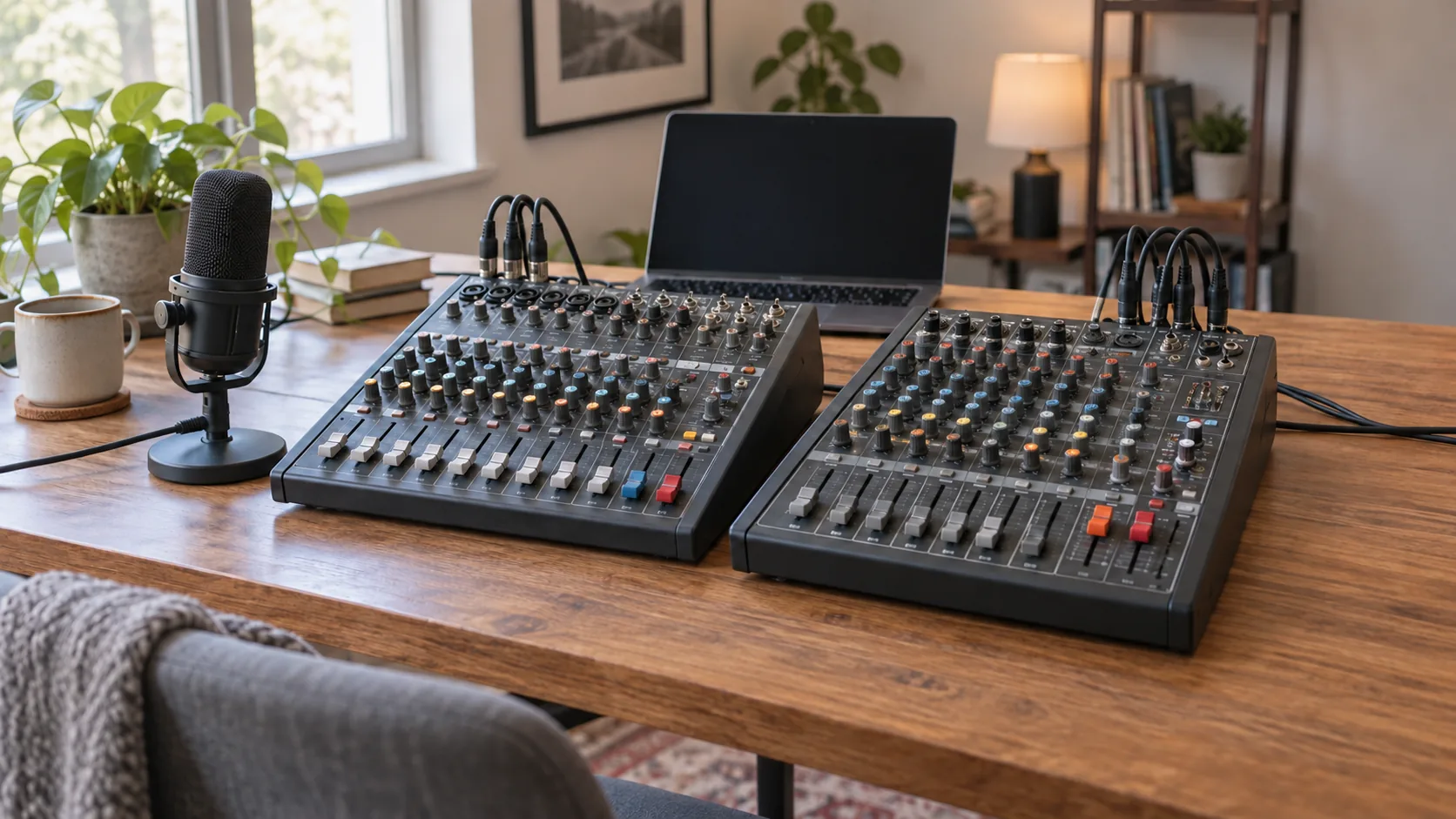
A recording can sound finished as soon as it leaves a mixer, or it can preserve a plain input for decisions made later in software. Think about the intended file when comparing USB mixer recording modes. The Mackie ProFX10 GO explicitly distinguishes a main-mix recording that includes its hardware effects and EQ from an untouched recording of channels 1 and 2. The Behringer X1204USB B offer documents live mixing controls and USB recording and playback, but does not define an equivalent dry-capture mode. Choose the file you want to keep before treating the available controls as recording features.
The Mackie ProFX10 GO mixer package names GigFX+ reverb, delay and chorus, an editable preset display and three USB recording modes. Its Standard mode includes effects; its Interface mode captures channels 1 and 2 dry. Consider its documented modes when the same purchaser expects both finished performances and recordings that will be processed later. The checked listing gives $514.25 and includes a bag, two XLR cables and reusable ties. Those accessories help identify this package, but they do not define which signal enters the recording.
The Behringer X1204USB B White mixer bundle lists four XLR mic inputs, six line inputs, compressors, channel EQ and two aux sends per channel. Its USB interface is described for recording and playback with Mac, Windows and Linux. Those features give a buyer reasons to investigate it for combining live sources with tone and dynamics controls. The checked offer is $336.25, with a rack kit, EnergyXT2.5 software, mixer bag and 25-foot XLR cable. Its $178 lower listed amount cannot establish an equivalent recording mode; the source does not identify a dry USB path.
Conceptual editorial illustration of USB mixer recording modes with two generic complete mixing consoles and recording equipment; it does not depict exact retail models, a supplied package or a measured audio result.
Choose what should be preserved in the recording
Consider a singer who likes the reverb used during a performance. One intended result is a recording that preserves that performed sound as part of the mix. Another is a plain vocal take whose reverb will be chosen during editing. Both are reasonable purposes. A pleasant sound at the headphones does not tell the buyer which result is being saved. The recording path has to be identified separately from the listening path and the controls available on the desk.
For the first purpose, the buyer wants the recorded result to reflect the live mixing decisions. For the second, the buyer wants room to change processing after the performance. Write the purpose in ordinary terms: keep the mixed show, or keep an input for later work. A finished mix does not automatically supply an additional untouched take. Neither product description promises that every available input will be saved separately alongside that mix.
A two-person spoken recording creates a different requirement from a larger live performance. Two dry sources may fit a plan for editing each voice later, while a session with several microphones and instruments asks whether all necessary sources reach the saved mix. Count the sources for the actual job before selecting a recording mode. Mackie's Interface account names channels 1 and 2 specifically; it should not be expanded into a promise of independent dry files from all four mic inputs.
Hardware effects in recordings: Mackie's Standard mode
The exact ProFX10 GO owner's manual describes Standard as recording the complete main mix to the computer, including GigFX+ effects and tone-shaping EQ. The manual connects the processing choice to the saved signal. It identifies hardware effects in recordings as part of this particular mode's recorded result. Someone who wants a completed performance mix has a documented reason to investigate Standard rather than assuming any USB connection captures the same thing.
The main mix is a combined result. Its usefulness depends on whether that is what the session needs to preserve. A small performance, rehearsal reference or other mixed program may benefit from retaining the chosen balance and processing. A producer who expects to reconsider every source later needs a different plan. Standard's description is not an assurance that the software receives a separate track for each physical channel, nor does the presence of four mic preamps change that recording-mode description.
Decide how much later work is expected. If the intended deliverable is the performed mix, the recorded effects can be part of the desired sound. If the intended deliverable is raw material for later production, those same effects may narrow the available choices. A recording with effects does not automatically include a clean copy hidden elsewhere in the file. Establish whether a separate clean recording is needed and how it would be obtained before relying on a finished main mix as the only saved artifact.
Mackie's GigFX+ account also names a color LCD for editing and saving presets. A buyer who uses a chosen sound during a recurring performance can investigate that feature as part of preparing the live mix. Saving an effects preset and saving a performance are different jobs: one retains a control choice, while the other preserves audio. The listing does not describe every parameter saved, the number of user slots or an automatic recall sequence. Those details matter when a purchaser expects to carry one specific sound from rehearsal into a later session.
Dry two-channel capture has a specific channel boundary
Mackie's manual describes Interface mode as sending untouched audio from channels 1 and 2 directly to the computer without effects. The retail listing calls this dry recording. A purchaser seeking later processing can investigate dry two-channel capture: those two inputs can be retained for processing choices made later. The word untouched comes from the exact mode description; it does not make a broader promise about every output, every control or the way a listener hears the session.
Keep the channel boundary visible in the purchase plan. A pair of sources connected for this purpose is different from four microphones whose individual takes must all remain available. The offer names four Onyx mic preamps, while the dry mode names channels 1 and 2. The two counts describe different parts of the mixer. A buyer should not treat the preamp count as the dry recording count. Likewise, the ten-channel mixer name does not establish ten independent computer recording tracks.
Dry capture leaves the later processing decision open; it does not make the source automatically well recorded. The microphone, room, performer and input arrangement still matter. Mackie lists Hi-Z switches and one-knob compression on channels 1 and 2, plus channel EQ and low-cut filters. Their presence describes available hardware features. The mode account supplied here does not authorize a control-by-control setup recipe or explain every signal tap. Use the exact applicable instructions for those details rather than inventing a sequence from the control names.
The listed 24-bit/192 kHz 2x4 USB-C interface belongs to a different part of the specification from the recording-mode choice. Its format and connection labels cannot turn the ten-channel mixing desk into ten independent dry recording tracks. Decide the needed source count and saved processing first, then check the host and recording application's supported format for that plan. A purchaser whose work requires the two named clean channels has a different requirement from someone seeking a mixed reference of a larger session, even when both connect through the same USB port.
Keep computer audio separate from the effects decision
The third Mackie recording mode is Loopback. Its documented purpose includes computer audio in the recording. This answers a separate question from whether a vocal is being retained with effects or as an untouched input. A buyer who needs backing tracks or computer playback in the recorded program must account for that source. The mere presence of playback in the headphones does not prove that it has entered the file.
The actual MOTU M2 and Rockville R-TRACK bundle guide develops that distinction using MOTU's stated driver loopback and Rockville's direct/computer playback blend. It is useful background for identifying computer audio as its own source and avoiding a doubled or delayed return. Those interface features do not become Mackie or Behringer permissions. Here, the new purchase question is whether the recorded result preserves hardware processing or the explicitly named clean inputs; loopback remains an additional source-routing requirement.
Separate these requirements on the session plan. One line can identify the live sources that must be recorded. Another can identify computer playback that belongs in the program. A third can state whether processing should be retained or decided later. That makes the buyer's intended result clearer than asking for a mixer that records everything. The exact software and hardware route still need confirmation, especially when a session includes a remote participant or a program returning audio to the mixer.
Monitoring and USB returns answer listening questions
Mackie's product description distinguishes USB 1–2 playback with a blend control for monitoring from a separate USB 3–4 return on channel 7/8. These are useful details when planning how computer audio reaches the listener or the mix. They should remain separate from the three recording-mode descriptions. A blend control is not proof that the listener's chosen balance is the computer's recorded balance, and a return channel does not establish an additional dry microphone recording path.
The actual AudioBox 96 and Scarlett Solo first-interview guide compares real recording bundles and explains why Focusrite's Direct Monitor feature concerns hearing a voice without a distracting computer delay. It also separates physical input capacity from the microphones supplied in a kit. That is directly useful here: a comfortable monitoring arrangement and a complete source inventory are prerequisites for a session, while the saved processing endpoint remains a further decision. No Scarlett or AudioBox switch behavior transfers to either mixer.
When assessing a package, ask two concrete questions: what reaches the listener, and what reaches the file? Keep the answers attached to the exact mode and source. This avoids treating a satisfying headphone sound as evidence that effects were recorded, or treating a clean recording description as a promise about the listening arrangement. This article identifies the documented mode choices; it does not prescribe a routing sequence, computer driver configuration or software monitoring setting.
What the Behringer bundle establishes about processing
The X1204USB B description gives a clear live-control inventory. It names compressors and three-band EQ, plus one aux send switchable between pre- and post-fader and another post-fader send for internal effects or external use. Those distinctions matter when a purchaser needs more than a simple input adapter. They describe ways the actual mixer handles live signals. The same source states USB recording and playback, but does not identify the exact USB recording tap.
The listing leaves the USB recording tap unresolved. If retaining or excluding the hardware processing is essential, obtain the applicable X1204USB B signal-path documentation before treating it as a substitute for Mackie's explicitly named modes. Do not assign Behringer an Interface mode because another brand has one. Do not infer a dry path from the USB connector, the supplied software or a solo/PFL control. The retail description gives none of those as evidence of a separate untouched USB take.
The documented compressors, EQ, clip indicators, mute/alt 3–4, solo and PFL still deserve attention for the live mixing task. A buyer might value those controls even while its precise computer recording behavior remains unresolved. Keep that live use case distinct from a promise about saved tracks. The B/White bundle identity and supplied accessories should also remain attached to this offer; a general X1204USB family page or a different retail package cannot settle its exact inventory.
Keep software inventory separate from signal-path evidence. Behringer's offer names EnergyXT2.5, while Mackie's names Waveform OEM. A named application can be part of the package account without proving a current license entitlement, support for the buyer's exact host or access to a desired recording arrangement. Establish those requirements for the selected offer. The operating-system recording/playback statement in the Behringer description should remain attached to Behringer; it is not a reason to promise identical platform behavior for Mackie. Neither software name supplies the missing Behringer hardware recording tap.
Account for the full session and the exact package
Mackie includes a Gator G-MIXERBAG-1212 bag, two Clutch 20-foot XLR cables and five eight-inch reusable ties. Behringer names a bag, rack mount kit, software and one 25-foot XLR cable. Neither listed inventory includes microphones in this source account. Count the actual microphones or instruments already owned, the appropriate cables and the needed listening equipment before calling either package a complete session. Extra cable length does not change the number or processing character of the recorded paths.
The ProFX10 GO also has a GB-10 battery with a stated up-to-eight-hour mixing and recording claim, and a separately sold spare. That can make it relevant to investigating a session away from a wall outlet, but the claim does not provide a measured runtime for the intended arrangement. Bluetooth, Mix Minus and the battery add other possible uses; they are not evidence that a different recording mode saves more independent tracks. Keep those uses secondary to the file requirement that brought the buyer to this comparison.
Choose Mackie for further investigation when the documented choice between a finished main mix and untouched channels 1 and 2 matches the planned work. Investigate the Behringer bundle when its live input, compression, EQ and aux inventory fits the performance task, while obtaining its exact USB path before depending on a particular saved-processing result. Record the intended artifact, source count, required computer audio and exact package together. Use those details to choose USB mixer recording modes that preserve the intended session artifact.