Crypto Commerce
TP-Link Deco XE75 three-pack mesh system vs Cudy M3600 three-pack mesh systems
Compare TP-Link Deco XE75 three-pack mesh system by Wi-Fi 6E and Wi-Fi 7 bands, backhaul, coverage claims, wired ports, VPN controls, and practical home…
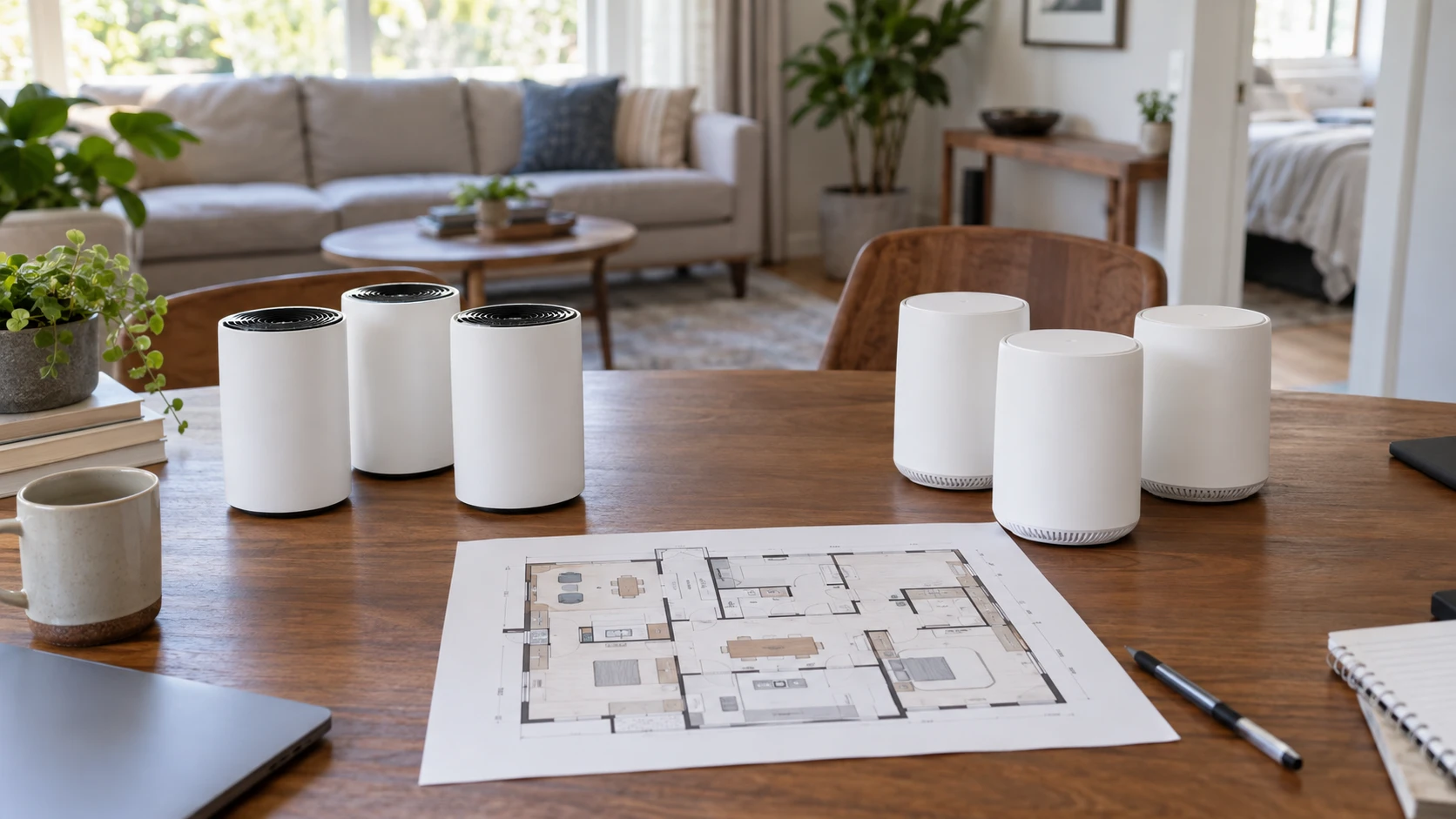
The TP-Link Deco XE75 three-pack mesh system uses a 6 GHz band for node-to-node backhaul by default, according to its saved listing. The published guide to planning tri-band Wi-Fi 6E coverage explains why band choice and placement deserve attention in a multi-room home. The Cudy M3600 three-pack mesh system is described as dual-band Wi-Fi 7, with app setup, VPN options, and three Gigabit ports. Both are sold as three-unit kits in the pinned catalog, but their band arrangements and documented settings differ. Check the floor plan and current devices before choosing by generation label.
Put the three nodes on a floor plan — Cudy M3600 three-pack mesh system
Start with the service handoff: the place where the cable modem, fiber terminal, or provider gateway brings internet into the home. One mesh unit will need to connect there. Mark the two rooms with the worst current service and the outlets available between those rooms and the main router. Three nodes can be useful in a long or divided home, but they need viable paths to one another. A satellite hidden at the far edge of an already weak signal may give the appearance of more coverage while carrying a slow connection back to the network.
The Deco listing claims coverage up to 7,200 square feet for its three-pack. The Cudy entry gives two different area figures: it mentions 2,900 square feet and separately says coverage up to 7,000 square feet. The saved text does not explain whether the smaller number applies to one unit, a different configuration, or a test condition. Treat that as a question for the current Republeq's catalog or manual, not a number to silently reconcile. Neither page includes a measured plan for your walls, floor materials, neighboring networks, or node placement.
Make a simple baseline with the router you already have. Record the connection in a far bedroom, a room on another floor, and any work space where interruptions matter. Use the same phone or laptop and repeat at a similar time of day after installing the new kit. Check a normal activity such as a video call alongside a local file transfer if those are part of the household routine. A single speed test beside the main unit tells you little about the reason for buying a three-pack.
Understand what each band can do — planning tri-band Wi-Fi 6E coverage
The Deco XE75 source gives a clear band arrangement: 2.4, 5, and 6 GHz, with the 6 GHz band dedicated to backhaul by default. Its description says that band can instead be switched to a Wi-Fi network for compatible Wi-Fi 6E devices. That choice may matter if the household has a recent laptop that can use 6 GHz and also needs distant Deco nodes to communicate wirelessly. The source does not say how a particular home's speeds change after switching modes. Check the current firmware instructions and test the rooms that depend on the backhaul before committing to one setting.
Cudy's M3600 is described as dual-band BE3600 Wi-Fi 7 with 160 MHz operation. Its saved description does not identify a 6 GHz band, a dedicated wireless backhaul radio, or the exact channels available to clients. A Wi-Fi 7 label alone should not be read as a promise that a 6 GHz client can connect on that band. Ask for the current radio specification if the household bought devices specifically for 6 GHz. Conversely, an older phone that uses 2.4 or 5 GHz can still benefit from better placement even without the newest wireless features.
The Deco advertises aggregate speeds up to 5,400 Mbps, with listed figures of 2,402 Mbps on 6 GHz, 2,402 Mbps on 5 GHz, and 574 Mbps on 2.4 GHz. Cudy quotes 3.6 Gbps for its BE3600 system. These are wireless capacity claims under conditions the saved catalog does not reproduce in one home. They should not be added to predict a single device's download rate. The internet plan, client radio, distance, interference, and connection between nodes can each limit the observed result. Compare actual tasks from the rooms that matter rather than two totals built from different band layouts.
Check the wired and setup details — Cudy M3600 three-pack mesh system
The Cudy listing names three Gigabit ports but does not say in the saved excerpt whether that count applies to each unit or the package. Request a port diagram for the exact M3600 three-pack. If a desktop or console needs a wired connection beside a satellite, check the satellite's available port and the path it uses back to the router. A Gigabit port can be useful for a stable local cable connection, though it does not make a slower wireless backhaul faster. The Deco catalog entry does not state a port count or speed, so obtain its current hardware specification before choosing it for a wired desk.
Cudy describes a unified network name for roaming and an app that guides setup and supports remote network management. It also lists OpenVPN, WireGuard, IPsec, Zerotier, PPTP, and L2TP among its VPN options. A protocol name in a product listing does not show how each mode is configured or what throughput it sustains. If remote access or a VPN connection is required for work, verify the exact supported role, authentication method, and current firmware documentation. The Deco description does not give comparable VPN or management details. Its silence on those features is a reason to check, not evidence that they are missing.
Both systems need to coexist with the equipment already installed. If the provider gateway stays in place, identify which device will perform routing and whether the gateway's wireless network should remain active. The saved listings do not contain provider-specific setup directions. Keep the old router's settings and account access until the new network has passed a wired and wireless test. Check whether smart plugs, printers, and cameras reconnect to the new network before putting the older kit away. Those devices may be less forgiving of a network-name or security-setting change than a phone.
Price the package you will receive — Cudy M3600 three-pack mesh system
The September 30 catalog snapshot listed a minimum price of $346.35 for the Deco XE75 and $361 for the Cudy M3600. These values are historical listing prices, not live checkout totals or confirmed inventory. The gap is small enough that accessories, shipping, return terms, or a needed Ethernet switch could change the purchase decision. Confirm that the current offer is the same three-pack represented in the saved title. The Cudy row's title explicitly identifies an M3600 three-pack, while its URL emphasizes the system's wireless claims rather than the unit count.
Ask what is in each box: three mesh units, power adapters, any Ethernet cable, setup instructions, and the warranty documentation. The pinned descriptions do not provide a full itemized package list or return window for either kit. If the installation uses a shelf or a wall location, check the unit dimensions and power-cord reach in current product documentation. A good theoretical node location is unusable if it lacks safe power or leaves a cable crossing a walkway.
Both listings claim support for 200 connected devices. That common ceiling does not mean 200 active video streams will perform equally, and it is not a substitute for checking the household's actual mix. Count the work laptops, televisions, phones, cameras, and small smart devices, then identify which ones are busy at the same time. The number of devices in use during dinner or a workday matters more than a simple inventory total. If the network is being expanded for one busy room, its sustained connection deserves a specific test.
Run one installation trial — Cudy M3600 three-pack mesh system
Install the main unit and test from the rooms that currently work and fail. Add the second node in a place with a dependable connection to the first, then measure the weak room again. Add the third only after you know what gap remains. Record each placement, the firmware version, and the device used for testing. A move of a few feet can change the path through a wall or floor. If the kit's app reports the satellite link, compare that report with a real task in the far room rather than treating a status icon as the entire result.
Test the fastest current client and at least one older device. For Deco, examine the effect of its 6 GHz backhaul setting on both a compatible client and a distant node if the setup allows it. For Cudy, verify the radio bands and the location of the named Gigabit ports with the unit in hand. Run a video call or transfer while another household device is active. If the internet result is disappointing, check the upstream plan and gateway before assuming the mesh radio is at fault. Neither saved product page supplies an independent side-by-side result under these conditions.
Deco XE75 suits a buyer who wants the documented tri-band Wi-Fi 6E layout and the choice of 6 GHz backhaul or compatible-client access. Cudy M3600 is worth investigating for its dual-band Wi-Fi 7 design, app controls, and stated VPN options, provided the exact band and port specifications meet the household's needs. Resolve Cudy's two coverage figures with current documentation, then choose the kit that improves the measured weak rooms without complicating the wired setup.