Crypto Commerce
Thunderobot Storm 16 vs Oyzzraze: GPU and RAM proof
The Thunderobot Storm 16 description names a GeForce RTX 4050, while Oyzzraze names integrated Radeon 680M graphics. That difference deserves attention if gaming is your reason for buying, but these descriptions do not establish how either laptop runs your games. The useful decision is whether results for the exact configuration support the settings and responsiveness you want. Oyzzraze also has conflicting memory specifications, which leaves its comparison configuration unresolved.
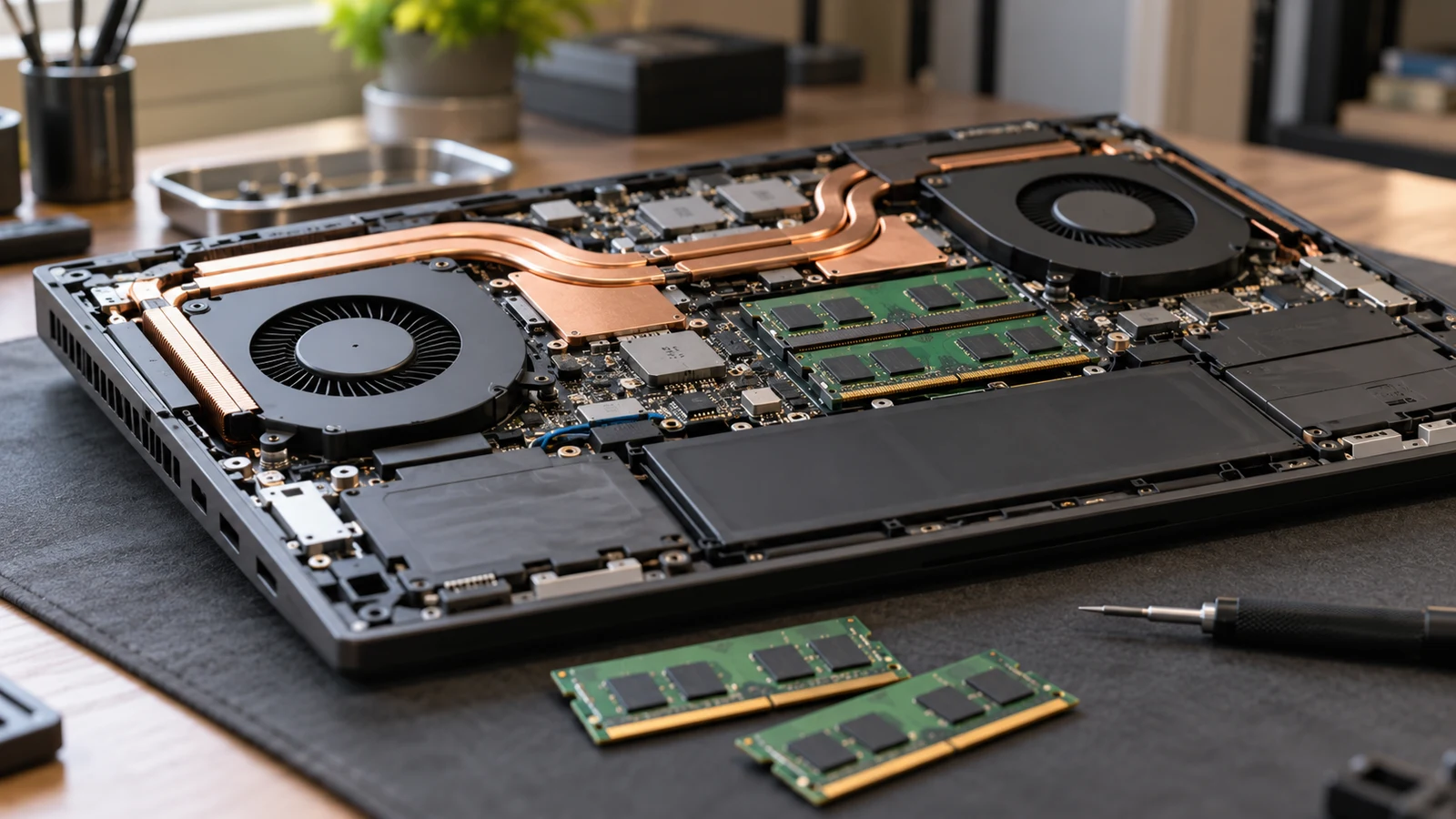
The Thunderobot Storm 16 description names a GeForce RTX 4050, while Oyzzraze names integrated Radeon 680M graphics. That difference deserves attention if gaming is your reason for buying, but these descriptions do not establish how either laptop runs your games. The useful decision is whether results for the exact configuration support the settings and responsiveness you want. Oyzzraze also has conflicting memory specifications, which leaves its comparison configuration unresolved.
Thunderobot describes a Core i7-13620H system with 32GB DDR4 RAM, a 1TB PCIe M.2 SSD and a 15.6-inch Full HD, 165Hz display. Oyzzraze describes a Ryzen 7 6800H system, but gives both 64GB DDR5 with a 2TB SSD and a pre-installed 16GB DDR4 configuration with a 1TB PCIe SSD. Treat those as conflicting descriptions, not interchangeable versions of a confirmed purchase.
For a gaming decision, separate what the descriptions identify from what a performance demonstration would establish. A named graphics processor gives you something specific to investigate. A larger advertised RAM capacity, a high display refresh rate or a general promise of smooth play cannot settle the comparison. Neither supplied description includes a controlled, game-by-game comparison of these two laptops.
Oyzzraze Computer Alternative: What Would Make The GPU Difference Matter?
Start with a gaming target you can describe without naming either computer. Pick a game you expect to play regularly, the resolution you intend to use and the visual settings you are willing to adjust. Include whether you care more about a consistent response during busy scenes or preserving particular visual effects. This gives any later performance evidence a purpose.
For example, a reader who wants responsive competitive play needs evidence from demanding moments of a match. Someone interested in slower single-player games might accept different settings and a different level of responsiveness. These are hypothetical preferences, not claims about either laptop. The same demonstration can be persuasive to one buyer and irrelevant to the other because their acceptance conditions differ.
The Thunderobot Storm 16 listing identifies the RTX 4050 hardware that this comparison needs to investigate. Its description also makes broad claims about handling demanding games and multitasking. Those statements do not supply a measured result for your chosen game, and they should not become a promise of a particular frame rate.
The Oyzzraze computer alternative describes its Radeon 680M as integrated graphics and markets it for light gaming and everyday graphics tasks. That wording does not identify which games, settings or test conditions support the claim. It also does not establish that the machine would be unsuitable for your preferences. A relevant result would need to answer the specific gaming target you set.
Avoid declaring a winner from the processor names. The descriptions identify different CPU and graphics combinations, but provide no common test that isolates their effects. Oyzzraze's marketing comparison with an i7-12700H is especially unhelpful here: Thunderobot lists an i7-13620H, and the supplied comparison does not identify a test that answers this laptop-versus-laptop question.
Oyzzraze Computer Alternative: Read A Demonstration Before Accepting Its Result
If you obtain a benchmark or gameplay demonstration, first inspect its configuration information. A result should identify the laptop model, graphics hardware and installed RAM. Then look for the game version, resolution and graphics settings. If the result belongs to another laptop carrying the same GPU name, keep it separate from evidence about the machine offered for sale.
Read how the demonstration was produced. Ask whether the laptop was plugged in, which performance mode was selected and whether the result came from a brief scene or an extended session. These are questions to use when evaluating evidence; the supplied descriptions do not establish the answers for either product. An unexplained number is a weak basis for choosing between them.
Settings deserve close attention when two results seem far apart. Look for disclosures about resolution scaling, upscaling and generated frames, if those options were used. This does not assert that either listing includes a particular feature. It is a way to avoid treating differently configured demonstrations as an equal comparison. Keep the settings beside the result instead of copying only the headline figure.
A short average also leaves a practical question unanswered: what happened during the parts you would find frustrating? Seek an explanation of noticeable pauses or changes in responsiveness, where available. A useful demonstration should let you judge the experience against your target, rather than leaving you to infer it from a single successful scene.
Compare Computer Memory And Storage Without Adding Them Together: Establish The Test Configuration
The RAM discrepancy matters here because an unidentified configuration weakens any gaming comparison. Oyzzraze's description repeats the title's 64GB DDR5 and 2TB SSD combination, then says units ship with 16GB DDR4 RAM and a 1TB PCIe SSD. The text does not explain which specification applies to the selected unit. Neither statement should silently become the confirmed configuration.
Ask the seller to identify the installed RAM capacity and memory generation for the exact variant, along with the installed SSD capacity. A reply that simply repeats the product title leaves the contradictory shipping statement unresolved. A useful response would state which configuration will be supplied and explain whether the other wording refers to a different version or an error.
Thunderobot's supplied description consistently states 32GB DDR4 and a 1TB PCIe M.2 SSD. That makes its written configuration clearer within this comparison, although it is still a description of the offered product, not a physical inspection. Confirm that the selected variant retains those specifications before connecting a performance result to the purchase.
For a separate explanation of the capacity terms, read Compare computer memory and storage without adding them together. Here, keep the focus on identifying the machine behind a gaming result. Do not use a larger advertised capacity to fill a missing GPU benchmark or to rank the laptops without evidence from the intended workload.
Suppose you find a favorable demonstration of an Oyzzraze configuration described as 64GB DDR5, but the seller confirms a different installed configuration for the available unit. Keep that demonstration marked as a configuration mismatch. It may suggest questions worth asking, but it does not establish the performance of the confirmed offer. The same rule applies to a Thunderobot demonstration with different hardware.
Oyzzraze also describes upgradable RAM and SSD slots. That statement does not resolve the installed configuration or specify every detail of a future upgrade. If your decision depends on changing the machine after purchase, ask about supported parts and the actual slot arrangement. Avoid building the gaming comparison around an upgrade whose suitability and cost remain unknown.
Oyzzraze Computer Alternative: Match The Screen And Connections To The Gaming Test
The Thunderobot description lists a 15.6-inch Full HD display with a 165Hz refresh rate. Its product name includes “16,” but the supplied display measurement is 15.6 inches; use the stated measurement when considering physical size. The description's claims about color accuracy and smooth motion are vendor statements, with no supporting measurements included in this comparison.
Keep the 165Hz specification separate from game performance. It describes the listed screen refresh rate and does not establish a game running at a matching frame rate. If that screen specification is part of your reason for choosing the machine, look for a relevant gaming result before assigning it value. Otherwise, you would be judging a promised experience that the description has not demonstrated.
Oyzzraze describes a 15.6-inch Full HD IPS anti-glare screen, but the supplied description does not give a refresh rate. Record that field as unknown. It would be misleading to supply a familiar default or assume that the two displays offer the same experience because both are described as Full HD. Ask for the selected panel's specification if refresh rate affects your choice.
An external monitor introduces another condition. Thunderobot lists HDMI and USB-C among its ports, but does not specify their versions or all supported display modes. Ask which output supports your intended monitor settings. The presence of a connector name alone is insufficient evidence for a particular resolution and refresh-rate combination, and the description does not establish USB-C video output.
For Oyzzraze, the description names a 100W PD USB-C charger and a 6.56-foot USB-C cable. It does not provide a complete monitor-connection specification. Keep the charging information separate from display connectivity. If your comparison assumes both laptops will drive the same external screen, establish that connection before relying on results obtained with such a setup.
Package details also affect whether a demonstration resembles the way you will use the computer. Ask which power adapter comes with the selected Thunderobot variant; its supplied description does not identify one. For Oyzzraze, confirm that the described charger and cable belong to the selected offer. Neither description provides measured gaming performance under the power conditions you intend to use.
Oyzzraze Computer Alternative: Decide What The Evidence Justifies Before Buying
At this point, the comparison can have different outcomes without requiring a universal winner. If a configuration-matched Thunderobot result meets your gaming target and the competing result does not, you have a specific reason to favor it. If both meet your target, the graphics distinction alone does not settle how much you should spend. Consider the confirmed offer and the features you will actually use.
If you have no relevant performance results, keep the conclusion narrower. The Thunderobot Storm 16 has a clearer supplied memory specification and a named RTX 4050 in its description. Oyzzraze names integrated Radeon 680M graphics, with unresolved RAM and storage wording. Those are documented listing differences. They do not establish a measured performance margin, battery-life advantage or overall value ranking.
Before buying, revisit the selected variant and its current availability. Check that any seller clarification applies to that exact offer, then review the current total and applicable purchase terms. This is particularly important if you are choosing a machine on the strength of a promised configuration correction. Do not assume that a general answer automatically changes the item shown at checkout.
If paying with cryptocurrency, review the payment options and instructions actually presented for the order. This article does not establish current networks, fees or payment deadlines. Keep that purchase check proportionate: its purpose is to confirm the transaction you are considering, while the laptop decision remains grounded in the hardware and gaming evidence.
Use your next product inquiry to resolve the detail that would change your choice. For Thunderobot, that may be a configuration-matched demonstration of your planned game. For Oyzzraze, the installed memory specification must be clear enough to identify a relevant test. Once those answers are available, compare them with your original gaming target and choose only as much capability as the evidence supports.