Crypto Commerce
ThinkPad E16 Gen 2 business laptop vs Dell Pro 14 Plus for a moving workday
Compare ThinkPad E16 Gen 2 business laptop by display size, RAM, SSD capacity, ports, sign-in, and service.
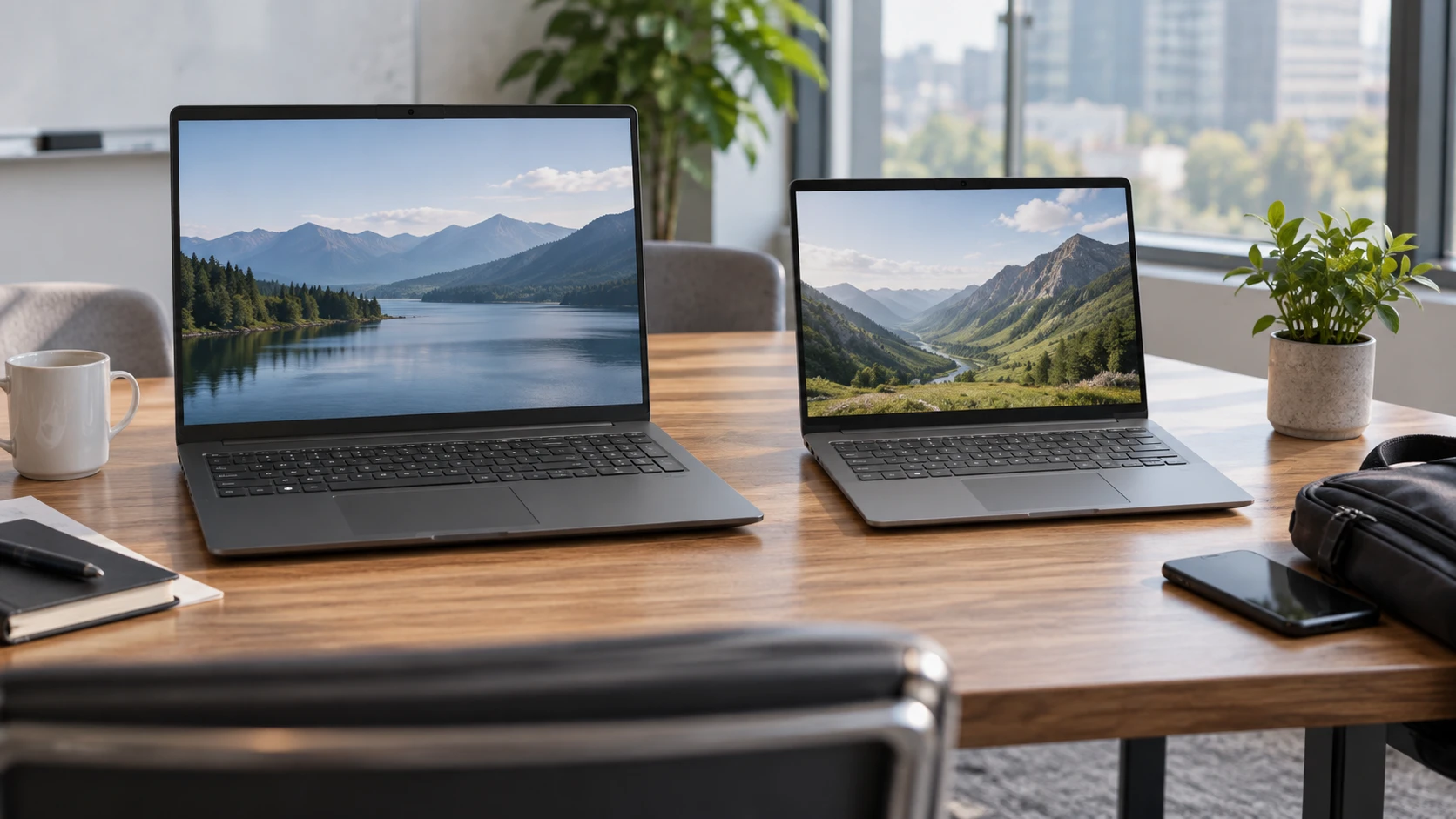
A business laptop can spend the same day on a desk, in a meeting room, and inside a travel bag. A bigger screen and more local storage help one part of that routine; a smaller machine and a clear support plan help another. The ThinkPad E16 Gen 2 and Dell Pro 14 Plus listings both describe Windows 11 Pro laptops with 1920-by-1200 anti-glare displays. Lenovo's saved configuration gives a 16-inch panel, 64GB of memory, and a 2TB SSD. Dell's gives a 14-inch panel, 32GB of memory, a 256GB SSD, and a stated three-year on-site warranty. Those are specific Republeq's catalog configurations, so confirm the exact order before comparing them to other units with the same model family name.
The ThinkPad E16 Gen 2 business laptop row names an Intel Core Ultra 7 155H processor, integrated Arc graphics, Wi-Fi 6E, a backlit keyboard with numeric keypad, and a fingerprint reader in the power button. It also lists 64GB DDR5 RAM and a 2TB PCIe NVMe SSD. The computer memory and storage capacity guide helps keep those two figures in their proper roles. The Dell Pro 14 Plus laptop row names an Intel Core Ultra 7 268V, 32GB memory, a 256GB NVMe SSD, Wi-Fi 7, a backlit keyboard, and an FHD HDR IR camera with a shutter.
Decide how much of the day is spent looking at the screen — Dell Pro 14 Plus laptop
Both panels are listed at 1920 by 1200 pixels with anti-glare finishes and 300-nit brightness. Lenovo's row calls its screen 16-inch WUXGA IPS; Dell's is 14-inch FHD+ non-touch. Those different marketing names describe the same stated pixel dimensions here. The ThinkPad spreads the workspace over a larger physical surface. Dell packs the same grid into a smaller panel. Open the application that fills your workday and check whether text, toolbars, and multiple windows fit comfortably at the scaling you prefer.
A larger panel can reduce the need to lean toward fine text, but the available pixel count has not increased. If a spreadsheet requires more columns, changing scaling or adding an external monitor may help more than the diagonal difference. The 14-inch screen may fit more easily on a narrow train table or a shared meeting desk, though the saved rows do not give complete chassis dimensions or weight for a direct portability ranking. Measure the bag and desk surface, and compare current manufacturer weights for these exact configurations if carrying comfort matters.
Both listings specify 45% NTSC coverage. That is a color-gamut statement, not a matched test of accuracy or brightness uniformity. For office documents and calls it may be sufficient, but color-sensitive photo or video work should be checked against the actual panel and an external display plan. Neither product row provides a calibrated color report. A bright showroom screen can also differ from a laptop used beside a window; try the display where it will be used most often.
Separate working memory from file space — computer memory and storage capacity guide
Lenovo's saved configuration has 64GB RAM and 2TB of SSD storage. Dell's has 32GB RAM and a 256GB SSD. RAM supports applications while they run; SSD space holds the operating system, local files, and applications between sessions. The larger RAM number does not let you store eight times as many documents, and the larger SSD does not automatically make every application faster. Look at the present laptop's memory use during a normal workday and the amount of disk space occupied by files that must stay local.
A 256GB SSD can be workable when documents live mostly in managed cloud or network storage and the device is kept lean. It can also fill quickly with downloaded projects, offline sync, virtual machines, or media caches. A 2TB SSD gives more room for those files, but the organization may require encryption, backup, and retention rules for any local copy. List the folders that need offline access during travel. Then estimate the space they use now and how much they grow each quarter. That is a better purchase input than assuming every worker needs the largest drive.
The ThinkPad row also says a separate 64GB USB 3.0 flash drive is included. That accessory is not a substitute for the built-in 2TB SSD and may be governed by a different security policy. Confirm whether it is part of the retailer's final package and what it is intended for. Dell's listing does not mention a removable storage accessory. Do not turn that omission into a claim about the laptop's own ports or ability to use external drives.
Read processor names as configurations, not rankings — Dell Pro 14 Plus laptop
ThinkPad E16's row names a Core Ultra 7 155H with 16 cores and 22 threads. Dell's names a Core Ultra 7 268V with eight cores. Those are processors from different designs with different power targets; core count alone cannot rank the two complete laptops for a spreadsheet, a video call, or a long compilation. The saved rows do not include matched benchmarks, cooling behavior, or battery runtime under the same workload. Use independent tests of the exact configurations if a demanding application is central to the purchase.
For ordinary office work, run the important software on a demo or a similar machine if one is available. Check whether the task feels responsive with the browser tabs and background tools you really keep open. The ThinkPad listing names integrated Intel Arc graphics. Dell's row focuses on its processor and enterprise features; it does not provide a matched graphics test. Neither row supports a promise about a particular game's frame rate or a creative application's rendering time. Keep the comparison tied to the work software rather than a marketing class of processor.
Both descriptions mention AI-related hardware, but the Dell saved row gives inconsistent NPU figures in different sentences. That conflict is not a basis for comparing TOPS values or deciding whether a software feature will run locally. If a specific application requires an NPU feature, verify its requirements and the exact processor specification from the manufacturer. An advertised AI capability may also depend on software, policy, and account settings in a managed workplace.
Check the ports at the desk and in meeting rooms — Dell Pro 14 Plus laptop
The ThinkPad row identifies USB-C connections including Thunderbolt 4, along with HDMI and an Ethernet jack in its port description. Some of its port text is poorly formed, so the exact number and speed of every socket should be checked against the current manufacturer diagram. Dell lists Thunderbolt 4, HDMI, and USB-A in a shorter connection summary. If the office uses a dock, verify whether one cable can carry display, power, and data in the intended setup. A connector name alone does not guarantee a particular dock's full behavior.
Take an inventory of the devices that will connect: monitor, camera, storage drive, keyboard, and wired network if required. Mark which ones need USB-A, USB-C, HDMI, or another port. If a meeting room offers only HDMI, confirm the laptop's available output and carry a tested cable. If you need two external monitors, verify the exact dock and display configuration rather than assuming Thunderbolt 4 automatically supports the arrangement you want. Test a full workday at the desk after setup, not just a quick picture on one display.
Lenovo lists Wi-Fi 6E; Dell lists Wi-Fi 7. The newer wireless label may matter on a compatible network, but it does not improve a slow internet connection or a weak signal in every room. Check the organization's access points and security settings before making Wi-Fi generation the deciding feature. Both are business laptops that should also be tested on the actual VPN, video meeting platform, and printer environment used by the team.
Consider sign-in and service as part of the workday — Dell Pro 14 Plus laptop
The ThinkPad row names a power button with an integrated fingerprint reader. Dell names an IR camera with shutter and ExpressSign-In. Those are different ways of reducing sign-in friction and handling the camera at a meeting desk. Their usefulness depends on the organization's Windows configuration and biometric policy. Try the sign-in method under the conditions you use: dim light, a shared workspace, or a laptop on a dock. Keep a secure password or approved recovery method available when a sensor fails.
Dell's listing says Windows 11 Pro and a three-year on-site warranty. Lenovo's also says Windows 11 Pro, but its saved row does not give a comparable service term. Verify what each retailer will actually provide, the coverage start date, and whether on-site service applies at the location where the laptop will live. A warranty phrase does not replace an organization's own backup or spare-device plan. If a worker cannot be without a computer for a day, decide what happens while repair is arranged.
Battery life is a major travel question, but neither saved row gives a comparable hours claim for these exact configurations. Do not infer endurance from screen size, processor suffix, or a vague efficiency label. Find independent battery tests under a workload similar to yours, and run a local trial if possible. Include video calls, VPN, screen brightness, and the apps that normally remain open. Note the charger size and whether the machine can use the organization's existing USB-C power setup, subject to the manufacturer's requirements.
Make the choice with a real week's workload — Dell Pro 14 Plus laptop
Write down a week's typical tasks: hours at the desk, hours in transit, the largest offline project, and the applications that remain open together. The ThinkPad E16 configuration makes sense to investigate when the 16-inch work area, 64GB RAM, and 2TB of local space solve known constraints. Dell Pro 14 Plus deserves attention when a 14-inch screen, 32GB memory, documented camera shutter, Wi-Fi 7, and stated on-site support fit the work pattern. These are reasons to test, not proof that one machine will run longer or feel faster.
The deciding check is the exact order. Confirm display, RAM, SSD, operating system, ports, included accessories, and warranty in the Republeq's catalog final specification. Then connect the laptop to the real dock and run the software that makes the current machine slow. The two listings give enough detail to frame that trial, while leaving battery endurance and application performance to actual evidence.