Crypto Commerce
SYLVOX Deck Pro outdoor TV for a patio
A partially sunny patio calls for a television whose outdoor use and sunlight suitability are documented. The SYLVOX Deck Pro outdoor TV has a relevant starting point: its description identifies the Deck Pro QLED 2.0 as a 43-inch outdoor model intended for partial sunlight, with an IP55 rating and up to 1000-nit peak brightness. Those listed specifications justify considering it for the patio. They do not establish that every position on your patio will suit it.
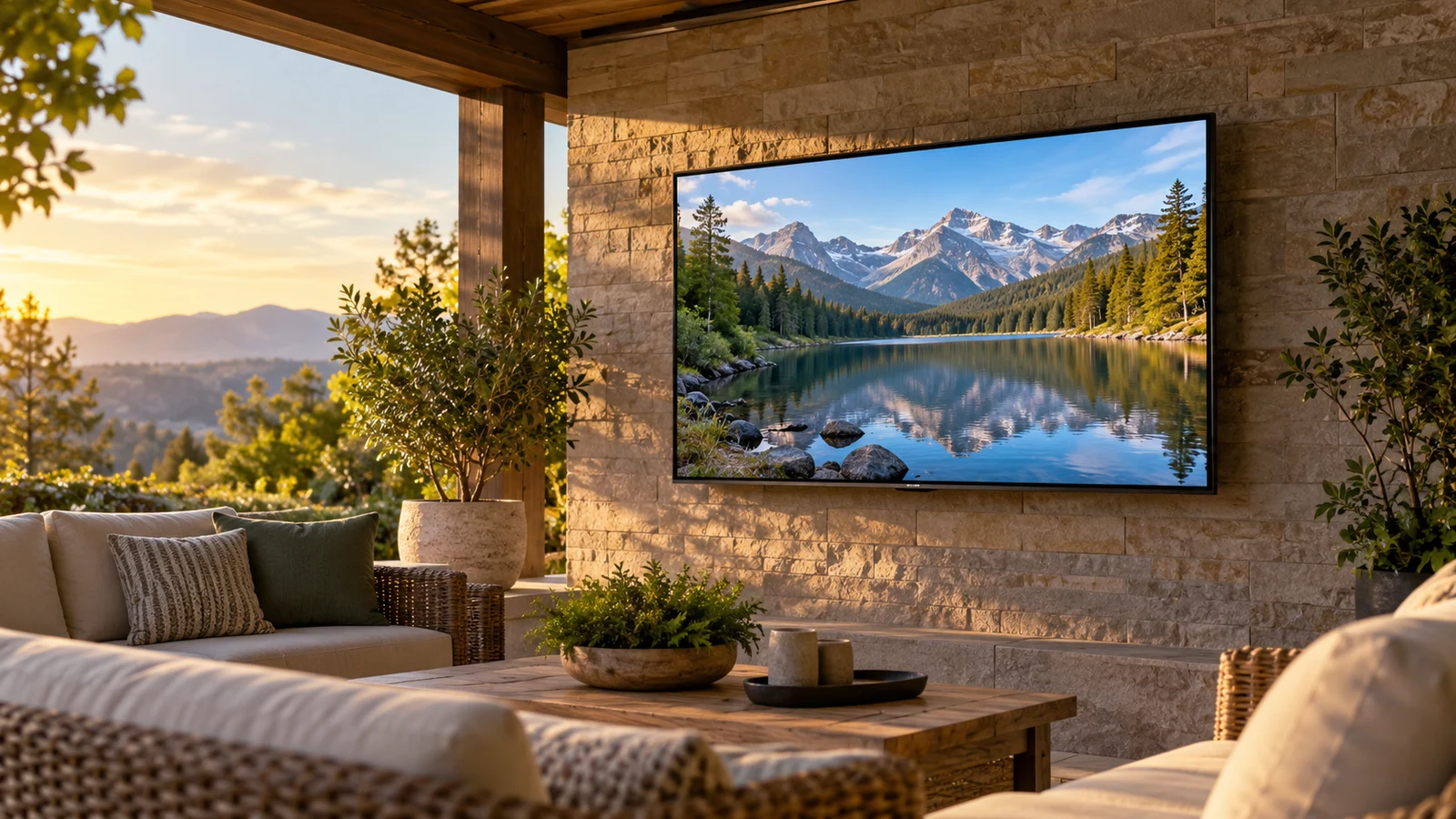
A partially sunny patio calls for a television whose outdoor use and sunlight suitability are documented. The SYLVOX Deck Pro outdoor TV has a relevant starting point: its description identifies the Deck Pro QLED 2.0 as a 43-inch outdoor model intended for partial sunlight, with an IP55 rating and up to 1000-nit peak brightness. Those listed specifications justify considering it for the patio. They do not establish that every position on your patio will suit it.
The practical question is whether your proposed screen position matches the conditions the manufacturer permits. Establish that before choosing between this outdoor model and a larger indoor television. The TCL 55Q51K offers a 55-inch screen for an indoor viewing arrangement, but its supplied description does not establish outdoor suitability. If you want the television installed outside, a larger panel alone cannot resolve the exposure question.
Start with the SYLVOX Deck Pro outdoor TV listing to identify the exact 43-inch Deck Pro QLED 2.0 model. Keep that identity attached to your installation questions. Answers about another screen size or a different SYLVOX series should not determine this purchase unless the seller confirms that they apply to this unit.
Compare Screen Aspect Ratio Before Fitting Content To A Display: Place The Patio Screen First
Choose a possible mounting position and observe it during the hours when you expect to watch. Note whether sunlight reaches the screen directly, whether the position stays shaded, and whether those conditions change during a viewing session. A patio described casually as partly shaded may still have a screen position that receives direct afternoon sun. Your observations give the seller something specific to assess against the model's partial-sun designation.
Keep the viewing position separate from the television position in your notes. You might sit under a roof while the proposed screen hangs beyond its edge. Alternatively, the screen might stay sheltered while bright surroundings remain in your field of view. Describe both locations when asking about fit. A photograph taken from the main seat, together with the intended viewing time, can make the question clearer without pretending to measure display performance.
The SYLVOX description lists peak brightness of up to 1000 nits. Treat that as a vendor specification, not a measured result for your patio or a guarantee that every scene will remain equally easy to see. It provides no patio-specific reflection test or sustained-brightness measurement. If the intended position receives stronger exposure than the partial-sun description suggests, resolve that mismatch before using the brightness figure to justify the location.
Weather exposure deserves its own answer. The description identifies an IP55 rating and a full metal shell, and it markets the television for outdoor use. Ask how the installation instructions apply to the proposed position, including the rear connections and any required covers or clearances. Do not expand the rating into permission for any installation arrangement. The product description alone does not supply a complete mounting or exposure plan.
The listed operating temperature range is -20°C to 45°C. That is an operating specification, not a statement about every storage condition or every surface exposed to sunshine. If your intended location raises temperature questions, ask the manufacturer how to evaluate that location and whether additional restrictions apply. Keep any answer tied to this model, especially if you plan to leave the screen installed throughout the year.
Compare Screen Aspect Ratio Before Fitting Content To A Display: Assess The View From Your Seat
Once the location appears suitable, assess whether a 43-inch screen fits the way you actually watch. Mark out the proposed enclosure using confirmed product dimensions, then sit in the usual seats. Include the chair farthest from the television and any seat significantly off to the side. The supplied description gives the screen diagonal but does not establish the enclosure dimensions or measured viewing-angle performance, so avoid treating a rough outline as a performance demonstration.
Think about the content that matters to you. Someone following a match may care about reading the score from the dining table; someone watching films may spend most of the evening in a closer chair. Write down the viewing task that would make the purchase disappointing if it failed. That gives you a more useful question for a demonstration or seller discussion than simply asking whether 43 inches is big enough.
The panel is listed as QLED with 3840 × 2160 4K UHD resolution and HDR10 support. Those are documented display features, but they do not answer whether small text will be comfortable from your seating position. Content presentation is another consideration. For that separate question, Compare screen aspect ratio before fitting content to a display before deciding how you want a programme or film to occupy the screen.
Keep screen size and mounting height open until you have considered the whole seating area. An attractive position high on a wall may not be the position you prefer for a full film. Try the proposed sightline while seated, and note any obstruction from furniture or the patio structure. This is a planning exercise; it does not replace confirmation of the television's mounting requirements or the suitability of the supporting surface.
TCL Television Alternative: Consider A Separate Indoor Viewing Plan
The TCL television alternative is useful if your decision includes keeping the main viewing area indoors. Its description identifies the 55Q51K as a 55-inch 4K UHD QLED television for the home. It describes a high-brightness LED backlight for bright rooms, but gives no comparable numerical brightness figure and no outdoor weather rating in the supplied text.
That distinction prevents a misleading comparison. The TCL's bright-room language does not establish suitability for a patio, and the description does not support ranking its outdoor visibility against the SYLVOX. Compare the two as candidates for different locations: a documented outdoor model for an appropriately assessed patio position, and a larger indoor model if you decide to watch inside. Do not place the indoor option outdoors on the strength of shared picture features.
The TCL description lists Dolby Vision, HDR10+ and HLG support, along with Dolby Atmos and DTS Virtual:X audio. It also lists Google TV and built-in Chromecast. These features may matter when choosing an indoor television, particularly if you already know which playback functions you need. They do not answer the patio exposure question, and their presence should not distract from the reason you were considering an outdoor screen.
For example, suppose the patio's preferred wall receives direct sun during the only hours you normally watch. The next step is to establish whether the SYLVOX manufacturer permits that exposure or whether another position meets its requirements. Choosing the TCL would mean reconsidering where viewing happens. It would not settle the unresolved suitability of that exterior wall. Keep the location decision explicit so that the larger screen does not become an accidental substitute for outdoor approval.
If indoor viewing is acceptable, assess the TCL's 55-inch size in that indoor room on its own merits. If watching from the patio is essential, keep the comparison focused on a suitable outdoor installation and the readability of the SYLVOX from your seats. You do not need to declare an overall winner between these products. You need an answer for the location and viewing habit you intend to keep.
Compare Screen Aspect Ratio Before Fitting Content To A Display: Complete The Patio Setup Questions
After exposure and seating, work through how you will start an ordinary viewing session. The SYLVOX description lists Google TV, built-in Chromecast, Google Assistant, WiFi and Bluetooth. It also describes access to apps through Google Play. These are supported reasons to investigate its streaming functions. They do not establish that your particular app, account, phone or accessory will work exactly as you expect.
Choose one everyday example, such as opening your preferred streaming service from the main patio seat. Confirm that service's availability for the model and your region, then check any account requirements separately. Assess the connection at the intended television location, without treating another device's successful connection as proof of this TV's performance. If casting is important, identify the device and service you want to cast before asking about compatibility.
The supplied description does not give a complete physical port inventory. If your plan depends on a cable box, games console or external audio device, request the relevant connection details for this exact model. Ask where those connections sit and how the intended installation accommodates them. Do not buy cables or assume a particular audio return feature from the presence of Google TV, Bluetooth or Dolby Atmos.
Audio should be judged around your own listening needs. Dolby Atmos is listed, but the description does not provide a listening test from your seating area or establish how clearly dialogue will carry across it. Decide whether the television's own sound is something you can assess before adding equipment. If you later consider external audio, confirm both its connection requirements and its suitability for the place where it will be installed.
The included remote is described as combining infrared, Bluetooth and voice operation. That gives you several listed control methods, although the supplied text does not establish outdoor exposure protection for the remote itself. Ask about its care and storage, and decide where you would keep it between sessions. Also check whether your preferred control method requires a particular setup so that routine operation suits everyone who will use the television.
Before ordering, request the installation information still missing from the description: enclosure dimensions, unit weight, mounting pattern and required clearances. Confirm what mounting hardware or accessories, if any, come with the selected package. The listing's outdoor designation does not establish that a bracket is included or that an existing mount is compatible. Use the manufacturer's installation instructions when assessing the finished arrangement.
Finish with the current purchase details for the selected model and variant. Check the displayed price, availability, delivery terms and applicable return conditions without assuming they follow from the product specifications. If you choose a cryptocurrency payment option, read the currency and network requested by the actual checkout before proceeding. None of those transaction details determines whether the patio position is suitable, so settle the physical fit before reaching payment.
Proceed with the SYLVOX Deck Pro outdoor TV when you can describe the proposed exposure, explain why the 43-inch view suits your seats, and match your playback plan to confirmed model details. If a point remains unresolved, ask a focused question using the exact model and a description of the intended position. That gives you a concrete basis for choosing the patio installation, changing its location or keeping television viewing indoors.