Crypto Commerce
Suevery 34 inch curved ultrawide gaming monitor ultrawide vs Alienware AW2723DF for game space and refresh rate
Compare Suevery 34 inch curved ultrawide gaming monitor by game view, desk fit, connections, and refresh needs.
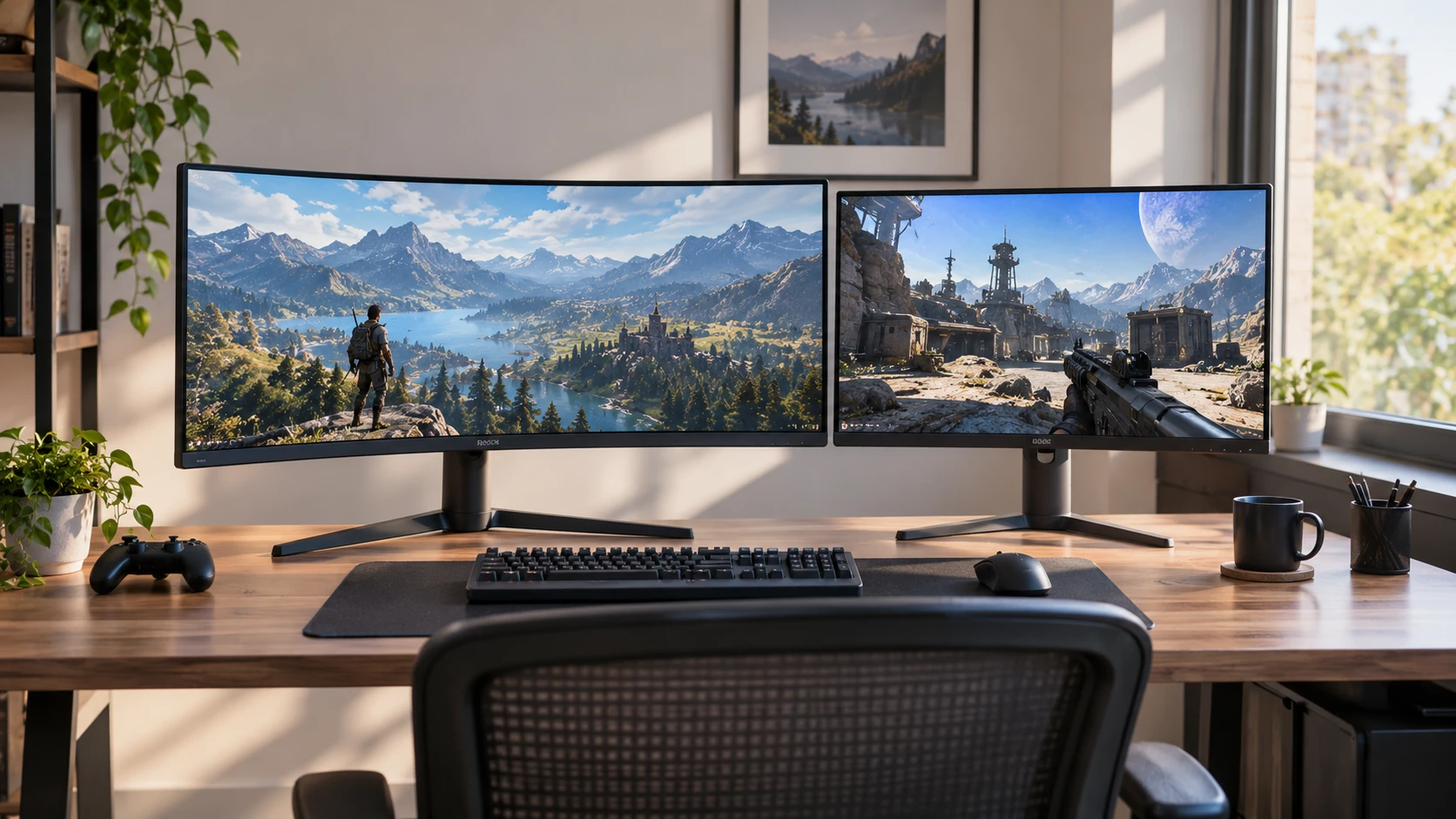
Two gaming monitors can have nearly the same vertical resolution and feel entirely different at a desk. The Suevery listing describes a curved 34-inch, 3440-by-1440 ultrawide panel at 120Hz. The Alienware AW2723DF listing describes a 27-inch, 2560-by-1440 Fast IPS panel at a native 240Hz, with an advertised 280Hz overclock. One gives more horizontal room; the other gives a much higher listed refresh ceiling in a narrower 16:9 frame. The right question is which difference your games, computer, and desk will actually let you use.
The exact product pages and related guide returned HTTP 200 during an October 3 check. The prices, availability labels, and specifications here are taken from a saved September 30 catalog snapshot. Page reachability does not verify the current cart or measure either screen. Before ordering, confirm the exact model, included cables, warranty, and input modes offered by the current Republeq's catalog.
Start with the games you play — Alienware AW2723DF 27 inch gaming monitor
The Suevery 34 inch curved ultrawide gaming monitor is listed with a 21:9 aspect ratio and 3440-by-1440 resolution. An ultrawide image can show more of a game world or provide space for a map, browser, or chat window beside a main task. That benefit depends on the software. Some games support 21:9 well; others present bars, stretch an image, or place menus and cutscenes differently. Check the exact games you care about before buying for an imagined wider view.
Alienware's listing gives the AW2723DF a 27-inch, 2560-by-1440 display with a 16:9 aspect ratio. That shape is widely used for games and video. It may be easier to fit into a desk where another monitor already sits nearby. A 27-inch QHD screen can also keep the center of the image closer to your line of sight, though personal viewing distance and seating position determine comfort. The saved description does not measure your desk or your sightline.
Try a simple comparison using your current display. For the games you play most, note whether the view feels cramped because of horizontal space or because fast motion is hard to follow. A strategy game with several panels may benefit from width. A fast competitive title may make refresh behavior and clear motion more important. Do not use a genre label alone: game interfaces, field-of-view settings, and personal preferences vary. Look for screenshots or a demonstration at the exact aspect ratio and settings you would use.
Some games limit the field of view or handle ultrawide multiplayer play differently. A wider panel does not guarantee a competitive advantage, and a high-refresh panel does not guarantee better results. If a particular title drives the purchase, verify its support and any display-mode restrictions from that game's current documentation. The monitor listing cannot settle a software policy that may change.
Compare pixels and refresh separately — Alienware AW2723DF 27 inch gaming monitor
Both listings have 1440 pixels vertically. Suevery's 3440-pixel width gives it more total pixels to draw than Alienware's 2560-pixel width. That extra work may affect the frame rate your current graphics hardware can sustain in a demanding game. It is also useful for side-by-side desktop work. A higher pixel count is not automatically a sharper image at normal viewing distance, since screen size, panel quality, scaling, and your eyesight also matter.
Suevery lists a 120Hz refresh rate. Alienware lists a native 240Hz variable refresh rate and says it can be overclocked to 280Hz, with DisplayPort 1.4 used for peak performance. These are different claims: the overclocked mode should be treated as an optional mode to verify, while 240Hz is the stated native figure. A computer that delivers 80 frames per second in your game cannot turn that into 240 distinct game frames simply because the monitor can refresh at 240Hz. Measure or estimate the frame rates of your actual games at the resolution you would use.
Higher refresh can still make input and movement feel smoother when the game and computer supply frames fast enough. What matters is the whole path: graphics settings, GPU, cable, output port, monitor input, and selected mode in the operating system. If you buy the Alienware for 240Hz or 280Hz, confirm the exact supported mode and cable for your system. If you buy the Suevery for 3440-by-1440 at 120Hz, confirm that your machine can drive that mode through the port you intend to use.
The related guide on curved monitor resolution checks concerns different products, but it makes a useful comparison habit: verify the exact panel resolution and input mode when listing language is inconsistent. Here, the two saved resolutions are distinct and clearly expressed. Check the Republeq's catalog current specification and the monitor's on-screen menu after setup. An application may not select the advertised mode automatically.
Put the connections on a desk diagram — Alienware AW2723DF 27 inch gaming monitor
Suevery's saved description names DisplayPort 1.4 and HDMI 2.0. Alienware's names DisplayPort 1.4 for its peak refresh behavior. The two listings do not provide a complete, identical table of refresh rate by resolution and input. That missing table matters when the graphics card has only one free DisplayPort connector, when a laptop uses an adapter, or when a console uses HDMI. List every device that will connect, then ask which mode each input supports on the exact monitor.
For a laptop, the physical USB-C or HDMI shape does not guarantee the needed video standard or refresh rate. Check the laptop's output specification, any dock or adapter, and the cable as a system. A dock that supports an office display at 60Hz may not support the gaming mode you want. If several devices will share the monitor, ask how input switching works and whether settings are saved per input. The saved product descriptions do not establish a complete switching workflow.
Audio is another small but practical detail. The Suevery candidate text mentions an audio connection without a clear speaker claim. The Alienware description focuses on image and stand features. Do not assume either will replace the speakers or headset you use now. Confirm whether the exact variant has speakers, an audio output, or only audio pass-through, and plan where the sound will come from. This avoids discovering after setup that a game has picture but no convenient sound path.
Measure the screen and desk together — Alienware AW2723DF 27 inch gaming monitor
A 34-inch curved ultrawide occupies more horizontal visual space than a 27-inch 16:9 display. Suevery lists a 1500R curve. That figure describes the intended curve radius, not how far every user should sit. Set a rough screen-width template on your desk and look at the proposed viewing distance. Leave room for keyboard, speakers, a lamp, and any second display. If your chair is off-center for much of the day, inspect how the curved edges appear from that position.
Alienware's listing says its stand adjusts for height, tilt, swivel, and pivot. Those adjustments can make the 27-inch monitor easier to align with a laptop screen or another display. The Suevery description mentions tilt but does not give an equally clear list of stand adjustments in the saved text. Ask for the current stand range and mounting pattern before buying a separate arm. An ultrawide screen's weight and dimensions must fit the arm's rating, and the desktop must support the clamp or base.
Measure depth as well as width. A monitor can fit across a desk and still place its face too close when the stand projects forward. The saved descriptions do not provide complete, comparable stand footprints. Find those dimensions in the current manual or product drawing. Also leave access to ports and enough clearance for cable bends. A clean photograph of a monitor on an empty desk is a poor guide to a desk already holding a keyboard, microphone, and notes.
Read image claims with their limits — Alienware AW2723DF 27 inch gaming monitor
The Suevery listing mentions FreeSync, an 8-bit color specification, and a wide-gamut percentage. Alienware lists a Fast IPS panel, NVIDIA G-SYNC Compatible and VESA Adaptive-Sync certifications, 95% DCI-P3 coverage, and VESA DisplayHDR 600 certification. These descriptions point to features to verify, but they do not provide a controlled side-by-side picture test. A gamut percentage also needs its color-space reference and measurement method; a larger printed number is not a simple quality score.
Alienware's saved text gives a 1ms gray-to-gray response claim. That figure does not describe every pixel transition, overshoot setting, or the complete motion experience. Suevery's candidate does not provide an equally clear response measurement here. If motion clarity drives the purchase, look for independent tests using comparable methods or try the exact screens with the games you play. Pay attention to trails, overshoot halos, and the settings that change those effects.
HDR support has several layers. A game must output HDR, the operating system and connection must pass it through, and the monitor must display it well. Alienware's DisplayHDR 600 certification is a specific published claim in the saved listing. The Suevery description contains display-marketing language without a comparable certification in the candidate text. Neither fact tells you how your favorite game will look at your desk under the room's lighting. If HDR is important, inspect an HDR scene and its controls on the exact model.
Put the saved prices beside the remaining checks — curved monitor resolution checks
The September 30 catalog snapshot marked both models available and listed Suevery at a minimum of $351 and Alienware at $524.99. Those historical figures do not establish current stock or checkout prices. The gap may change with shipping, tax, Republeq's catalog, warranty, included stand, and any cable or arm needed for the desired setup. Confirm the current offer before treating the price difference as decisive.
Suevery is worth investigating if a wider work area and 21:9 game presentation matter more to you than chasing the highest listed refresh rate. Check the exact game's ultrawide support, the desk footprint, and whether your graphics card can run its 3440-by-1440 mode as planned. Alienware deserves closer attention if a 27-inch QHD frame fits your space and your computer can supply enough frames to use its native 240Hz mode. Verify the chosen DisplayPort path and the stand position you need.
The Alienware AW2723DF 27 inch gaming monitor and the Suevery are best compared with the same short list of games, desk measurements, and input devices. Once those are known, screen width and refresh rate stop being abstract numbers. You can see which limitation you are actually trying to remove and which attractive specification would sit unused.