Tools & DIY
When a stud finder shows stud and metal signals at one wall location
Record a wall scanner’s stud and metal indications separately, then resolve uncertain mounting locations before drilling.
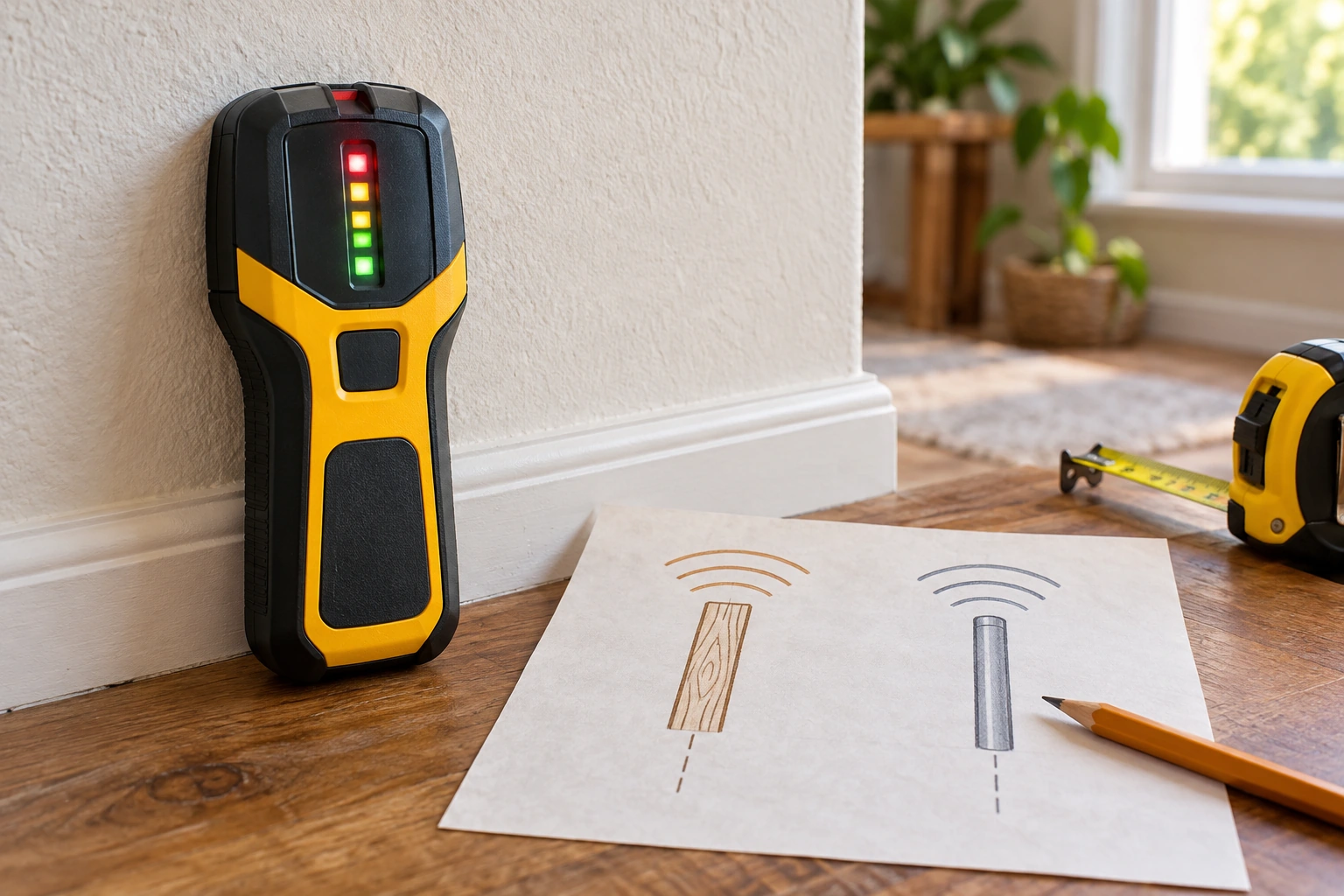
A stud finder can respond to more than one thing in the same patch of wall. A device may have a stud mode, a metal mode, and a warning for live electrical activity, each with its own meaning. When two signals appear near one pencil mark, do not turn them into a single confident “stud center.” First record which mode was active and what the display actually indicated. The practical problem is deciding whether you have enough consistent information to plan the next step without mistaking a material warning for a fastening location.
Separate the signals before marking a hole
Write the intended task at the top of a paper sketch: perhaps locate framing for a shelf or identify a safe place to ask an installer about a television bracket. Mark the approximate wall area but leave the drilling point blank. A scanner indication is a clue about what its selected mode senses; it does not reveal the full contents of a wall. Drywall, framing, metal fasteners, pipes, and wiring may occupy nearby paths. Treat a flashing symbol or a beep as something to interpret through the exact device instructions, not as a permit to drill.
Read the mode label before moving the scanner. A stud or deep-scan setting is not the same as a metal scan, and an AC warning is not a wood-stud center. Some displays combine a center graphic with other icons, so note every visible indicator rather than copying only the brightest one. If the label is unclear, find the corresponding diagram in the manual for the actual model. Do not rely on the color or sound used by a different brand, even when its housing and buttons look familiar.
Make a small table with four columns: mode selected, starting position, observed indication, and where it appeared on your sketch. This prevents a metal-mode mark from being carried into a stud-mode conclusion. Use a different pencil symbol for each type of signal. Do not label a mark “pipe,” “wire,” or “stud” simply because the scanner advertises detection of those materials. The instrument's response and your interpretation are separate entries. If two interpretations remain possible, leave both visible on the sketch.
Keep the scanner's operating instructions beside you. They may specify how to start, calibrate, move, and repeat a pass on the wall surface. A rushed pass or a changed start point can make two readings hard to compare. Follow the manual's method for the current mode, then reproduce the observation in that same mode before switching. A repeated signal is more informative than one sweep, but it still cannot certify a wall cavity's entire contents.
Understand what the two product pages actually say
The live 3-in-1 wall scanner listing describes stud, metal, and AC-related detection modes along with a laser distance meter and digital level. Its structured brand is Unbranded, while the product description names NOYAFA NF-518S and the inspected image appears to show that brand. The page gives seller-stated scan depths and other performance claims, not a verified map of any particular wall. Before following a button sequence or trusting a depth figure, reconcile the delivered model and use its exact manual.
The live 5-in-1 wall scanner listing claims stud, deep, and metal scan modes, center and edge indicators, and warnings for other concealed objects. Its structured brand is Unbranded, while the inspected image carries HAMMATEK branding. The listing describes a backlit screen and audio alert, but neither a beep nor a center graphic establishes that all nearby hazards have been excluded. Confirm the shipped unit and its mode-specific instructions before treating this product page as an operating reference.
These offers show why an icon cannot be interpreted in isolation. Both pages advertise several kinds of detection, yet the same type of wall may trigger different display elements depending on the selected mode and device. The listed functions are seller claims for products whose structured and pictured identities differ. Do not transfer a pictured indicator, depth claim, or warning behavior from one listing to the other. Record the exact model you hold, then compare only its documented meanings with your observations.
Repeat one mode at a time
Choose the mode that corresponds to the first question you are trying to answer. If the question is where framing might be, make a pass in the documented stud mode and mark the indicated region, not an assumed drilling center. Return to a clear starting place specified by the manual and repeat the same pass. A consistent region may justify further investigation. A mark that shifts with every pass is an unresolved observation. Do not fix it by averaging the marks into a location that the scanner never indicated.
Next, select a different mode only if it answers a distinct question. A metal-mode response near the earlier mark may relate to a fastener, pipe, reinforcement, or another object; the scanner alone may not identify which. Draw that response with its own symbol and write “metal-mode indication,” not a conclusion about material or depth. Keep the scan paths and starting positions in your notes. If an electrical warning appears, follow the device instructions and stop any planned penetration until the location can be assessed safely.
A broad or changing light pattern deserves its own treatment. The M210 indication guide examines how an ambiguous region differs from a precise center mark on that particular device. This article uses it only as a neighboring example of cautious interpretation. The current decision is whether signals from different modes are being mixed on one sketch. Do not import the M210's buttons, graphics, or test behavior into either of the two products discussed here.
Note the wall surface as well. A scanner may behave differently over trim, an uneven finish, tile, or a patch where the device does not sit as its instructions require. Follow the maker's suitability limits for the wall type, and avoid changing surfaces between comparison passes. If the manual excludes a surface or the scanner cannot lie flat, the result may not support the intended decision. A visible mark on the wall should remain provisional until the method and surface both fit the actual instructions.
If the battery or screen status looks abnormal, address that according to the exact manual before comparing signals. A dim screen can make small icons hard to distinguish; a device may also show a calibration or error state. Record that state instead of interpreting a partial display as a normal scan. Do not assume a charged battery makes every indication correct. Power is one prerequisite for a readable test, while mode, surface, motion, and the wall's unknown contents remain separate issues.
Keep the wall decision separate
For a heavy or consequential fixture, a scanner mark is only part of planning. The TV wall mount compatibility guide treats the wall attachment method as one part of a documented installation alongside the television and bracket. This article does not establish that method. Do not use a stud-finder response to override the fixture maker's requirements for wall material, structural support, fasteners, or placement. If the wall construction is uncertain, a qualified installer should assess it before holes are made.
Consider what would have to be true for your intended hole to be safe and useful. You would need the correct wall construction, a fastening method permitted by the fixture instructions, sufficient clearance from concealed hazards, and a location that fits the object being hung. A scanner cannot prove all of those conditions. If its stud and metal indications overlap without a clear explanation, the next action is more information, not a stronger pencil mark. Keep the area unmodified while resolving the uncertainty.
Do not assume a negative electrical indication proves a wire-free path. Detection claims have conditions and limits, and concealed wiring can be outside a device's response in a given situation. Likewise, a positive warning is a reason to stop and investigate, not a measurement of a wire's exact route. Follow the manufacturer's safety instructions and applicable work practices. Where the consequences of a mistake are serious, use a qualified person and appropriate independent methods rather than relying on a single consumer scanner.
If you are comparing several possible mounting positions, save one sketch per location. Mixing marks from different wall sections can create a fictitious pattern that no single scan showed. Label each sheet with the wall, approximate position, device model, mode, and date. Use a removable pencil or tape where possible so provisional marks do not become permanent instructions to someone else. A later installer should be able to distinguish observed signals from assumptions and from confirmed construction details.
Decide whether the signal is actionable
An actionable note says what was observed and what still needs confirmation. For example: “Stud-mode region appeared here twice; metal-mode response appeared slightly to the left; wall cavity not verified.” That is more useful than “stud found.” It preserves the difference between the scanner's outputs and the proposed interpretation. If a mode-specific manual explains the pattern clearly, attach that exact instruction to the note. If it does not, ask the manufacturer or a qualified installer before using the mark for a fixture.
Stop when the device identity cannot be established. A listing with Unbranded structured data and a branded gallery image may represent a description mismatch, a generic storefront record, or another unresolved difference. The image alone does not certify what will ship. Match the model on the package, case, and manual before drawing conclusions from advertised scan depths or display symbols. If those sources disagree, ask the seller to resolve the identity and keep your wall plan provisional.
Stop as well when repeated passes under the same documented conditions remain inconsistent. Preserve the chosen mode, start point, surface, and sequence of readings. This is the evidence needed for product support or an installer to understand the problem. Avoid an endless cycle of scanning until one mark happens to look convenient. A new reading that contradicts the earlier ones is new uncertainty to record, not permission to discard the less convenient evidence.
A stud finder is useful when its signal is kept in context. Name the mode, record the actual indication, repeat it according to the delivered model's instructions, and mark uncertain material or electrical responses separately. The two live listings show how easily a multi-function product can invite overinterpretation, especially when product identity differs across fields and pictures. The safe outcome of an unresolved scan is a documented question for the maker or a qualified installer, with the wall left intact until the mounting method and location are established.