Crypto Commerce
Prociv HY260Pro smart projector or Sainellor for a shared movie and presentation room
Compare Prociv HY260Pro smart projector by room placement, app claims, source inputs, focus, audio, and the difference between decoding and displayed…
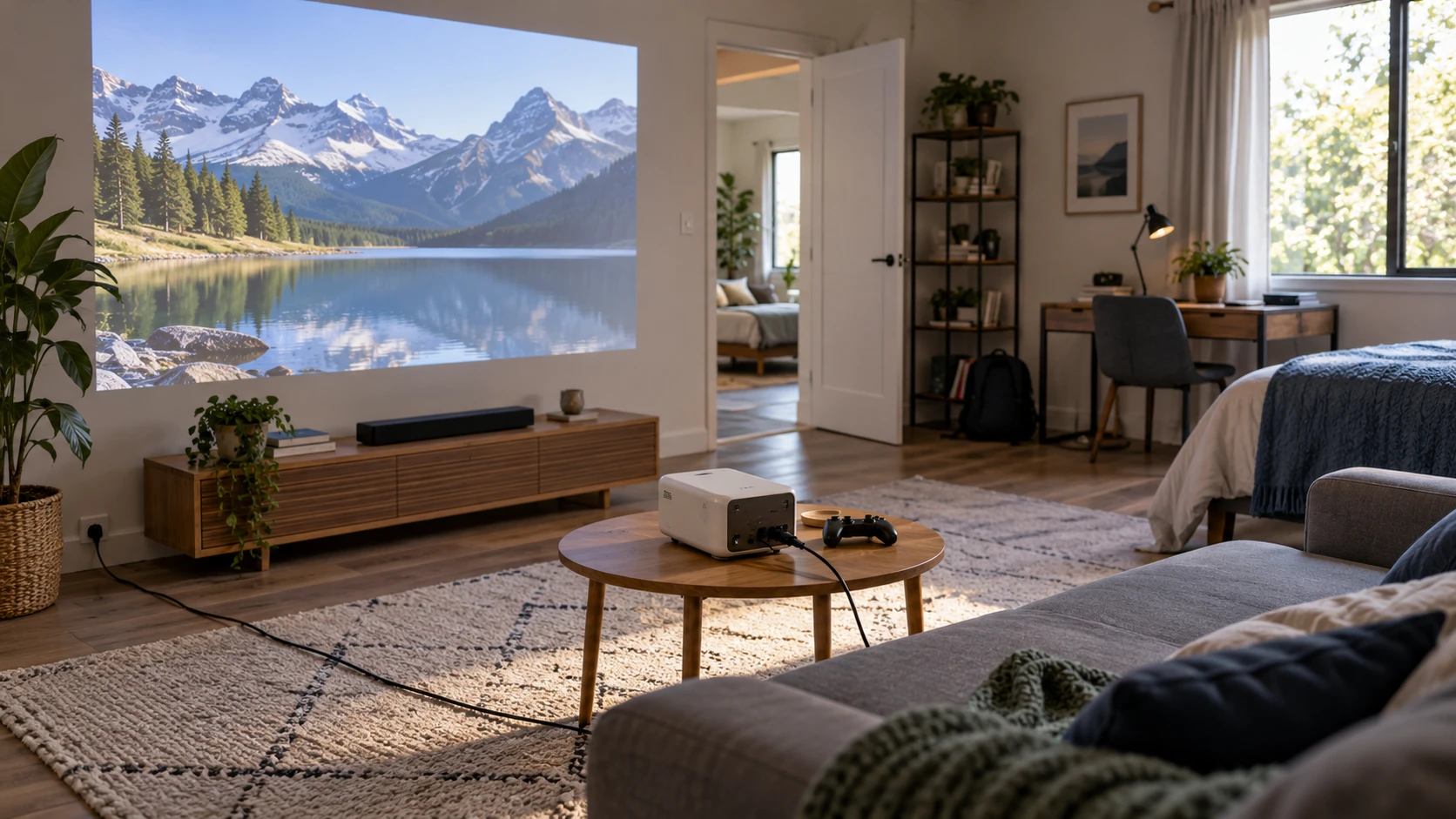
The Prociv HY260Pro smart projector lists a 1920-by-1080 native image, Android 11, automatic focus, and a body that can rotate for flexible placement. The published guide on projector source connection checks offers a way to plan the laptop, game console, or streaming source before buying a display. The Sainellor X1PRO smart projector also lists native 1080p, with Android TV 12.0, built-in streaming apps, and digital focus and alignment controls. Both need a room and a source plan before app lists or high-resolution decoding claims become useful.
Sketch the room at the image size people will actually watch. Mark a wall or screen, likely projector position, seating distance, outlet, and any cable crossing a walkway. Determine whether the projector will stay on a shelf or be moved between rooms. The saved rows do not give complete throw-ratio and projection-distance tables. A claimed maximum image size does not guarantee that the picture will be bright or sharp at the distance available in a particular room. Get model-specific placement charts and measure before buying a ceiling mount or long cable.
Separate native pixels from accepted video — Sainellor X1PRO smart projector
Prociv's listing says it displays Full HD 1920 by 1080 images and can decode 4K video. Sainellor's row also says native 1080p, while claiming it can decode 4K and 8K. Decoding a file or accepting a signal is different from displaying every pixel in that source. The projected panel remains at its stated native pixel count. Check which 4K formats and frame rates are actually accepted and whether the app or HDMI source will downscale as expected. An 8K phrase in a listing should not be treated as an 8K projected image.
For a movie, perceived detail will also depend on the source and the room. An image that looks crisp on a small wall may reveal focus and alignment limits when enlarged. For a presentation, small spreadsheet text is often a tougher test than a scenic video. Open a representative slide at the planned seating distance and see whether the smallest labels remain readable. Do not assume a high-resolution video-decoding claim compensates for a poor lens position, a textured wall, or excessive digital correction.
Prociv states an LED light engine rated at 920 lumens but does not clarify the measurement standard in the saved row. Sainellor's row does not provide a directly comparable brightness figure. Neither description proves which projector will be easier to see with daylight entering the room. Ask for measured brightness under the same standard, then test at the intended image size and picture mode. Curtains, screen surface, and how much of the wall is covered can matter as much as a standalone number. A Republeq's catalog contrast ratio without matched test conditions will not settle the comparison either.
Make the app plan explicit — Sainellor X1PRO smart projector
Prociv names Android 11, 1 GB of RAM, 8 GB of storage, and an Android TV environment with apps including Netflix and YouTube. Sainellor names Android TV 12.0, 4 GB of RAM, 32 GB of storage, and built-in YouTube, Prime Video, Disney+, and a Netflix certification claim. Those are Republeq's product descriptions of software, not a guarantee every app will remain licensed or updated for the life of the projector. Check current app availability, required subscriptions, sign-in methods, and whether the exact shipped firmware is supported.
Sainellor's larger listed memory and storage may make room for more apps, but the rows do not contain a matched responsiveness test. Try switching from a streaming app to HDMI and back, opening a settings screen, and resuming playback. If the room is shared, decide whose account stays signed in and how a guest can use the projector without seeing another person's watch history or purchases. A device with convenient built-in apps can still be awkward in a meeting room if private accounts are left exposed.
Prociv lists a supplied remote, wireless mouse, and voice control. Sainellor lists a motion-sensing Bluetooth remote. Confirm which items are in the actual package and test the control method from normal seating. A remote that requires a pointer may be fine for one owner but cumbersome when several people use the room. Keep a simple route to change inputs and volume without signing into a service. Ask whether either projector can be operated if the remote is misplaced or batteries are depleted.
Check external connections and audio — projector source connection checks
The guide's source-first approach applies even to smart projectors. List every device the room already uses: laptop, game console, disc player, TV stick, or camera. Sainellor explicitly names HDMI, USB, and an audio output, plus Wi-Fi and Bluetooth 5 in its saved Republeq catalog record. Prociv emphasizes dual-band Wi-Fi 6 and Bluetooth 5.4, but its excerpt does not provide a complete physical-port table. Ask for photographs of the exact input panel and the supported signal and audio formats before assuming an HDMI cable or USB drive will work a certain way.
An external streaming stick may solve an app compatibility problem, but it adds a power requirement and another remote. A laptop connection may provide more predictable presentation software while introducing a cable across the room. Follow the path from source to projector to speakers, including adapters. A connector shape does not establish whether audio will travel on the selected path or whether a Bluetooth speaker will remain in sync with video. Test the actual combination with dialogue and a quick scene change.
Prociv says its Bluetooth can send audio to headphones or speakers and can also receive audio. Its listing calls the built-in sound 360-degree surround, a description that does not measure the listening result in your room. Sainellor lists built-in stereo sound and an audio output. If speech clarity matters for classes or meetings, test a quiet speaker and a person talking from the back of the room. Consider an external speaker only after checking the available wired or wireless route and whether it introduces delay.
Position the image without overcorrecting it — Sainellor X1PRO smart projector
Prociv lists automatic focus and keystone, image rotation by 180 degrees, a body that rotates up to 270 degrees, and a quarter-inch mounting thread for tripod, ceiling, or desktop use. Sainellor lists electric focus, digital 4D+4P keystone adjustment of plus or minus 45 degrees, a 35% zoom claim, and front or rear projection modes. Those controls can help align an image when the projector is not centered. They do not remove the need for a suitable throw distance and stable support. Heavy digital correction can reduce usable image detail.
Test the projector near the intended position with correction minimized. Check focus at the center and all four corners using a slide with small text. Then apply only the alignment needed for the actual room. If the image cannot be made even and readable without extreme correction, change the physical position rather than accepting a distorted picture. Ask what Sainellor's stated zoom percentage means in its manual; the saved row does not distinguish an optical adjustment from digital scaling.
Sainellor claims an image up to 300 inches. The row does not supply a matching brightness, throw, or sharpness test at that size. A much smaller screen may be the sensible use for the available room. Prociv does not give a comparable maximum in its saved excerpt. Compare both at one realistic image width and viewing distance, using the same source file and room lighting. That is a better basis for a purchase than comparing one model's maximum with another model's omitted figure.
Consider portable use and upkeep — Sainellor X1PRO smart projector
Both Republeq's product descriptions describe home-entertainment uses, and Sainellor also mentions indoor or outdoor projection. Neither saved row establishes a weatherproof rating or battery operation. If the projector will be used outside, plan an approved power source, dry stable placement, cable protection, and a way to bring it indoors before moisture or dust becomes a problem. Do not leave it in the yard under a generic cover. Check the operating temperature and ventilation clearance in the exact manual, particularly if it will sit on a crowded shelf.
Smart software needs maintenance. Ask how each maker distributes security and app updates and how to reset the device before resale or sharing. Keep the lens clean according to the manual and check whether filters or ventilation openings need regular attention. The saved listings do not provide matching service intervals or repair parts. A simple test of app sign-in, input switching, focus, and audio soon after delivery can reveal problems while the unit is easy to return or exchange under the applicable order terms.
Choose the model that fits the planned image and source workflow. Prociv's row emphasizes rotating placement, automatic alignment, and a compact Android 11 setup. Sainellor's row emphasizes newer listed software, more memory, named streaming apps, and more manual digital adjustment. Verify the actual app and port behavior, then test a real film and a real presentation at the size the room can support. Native 1080p on both means neither should be bought as an 8K display on the strength of a decoding phrase.