Product Compatibility & Accessories
Oscillating tool blade fit: identify mount and model
Identify the actual oscillating tool, mounting family and accessory part before treating a blade offer as compatible.
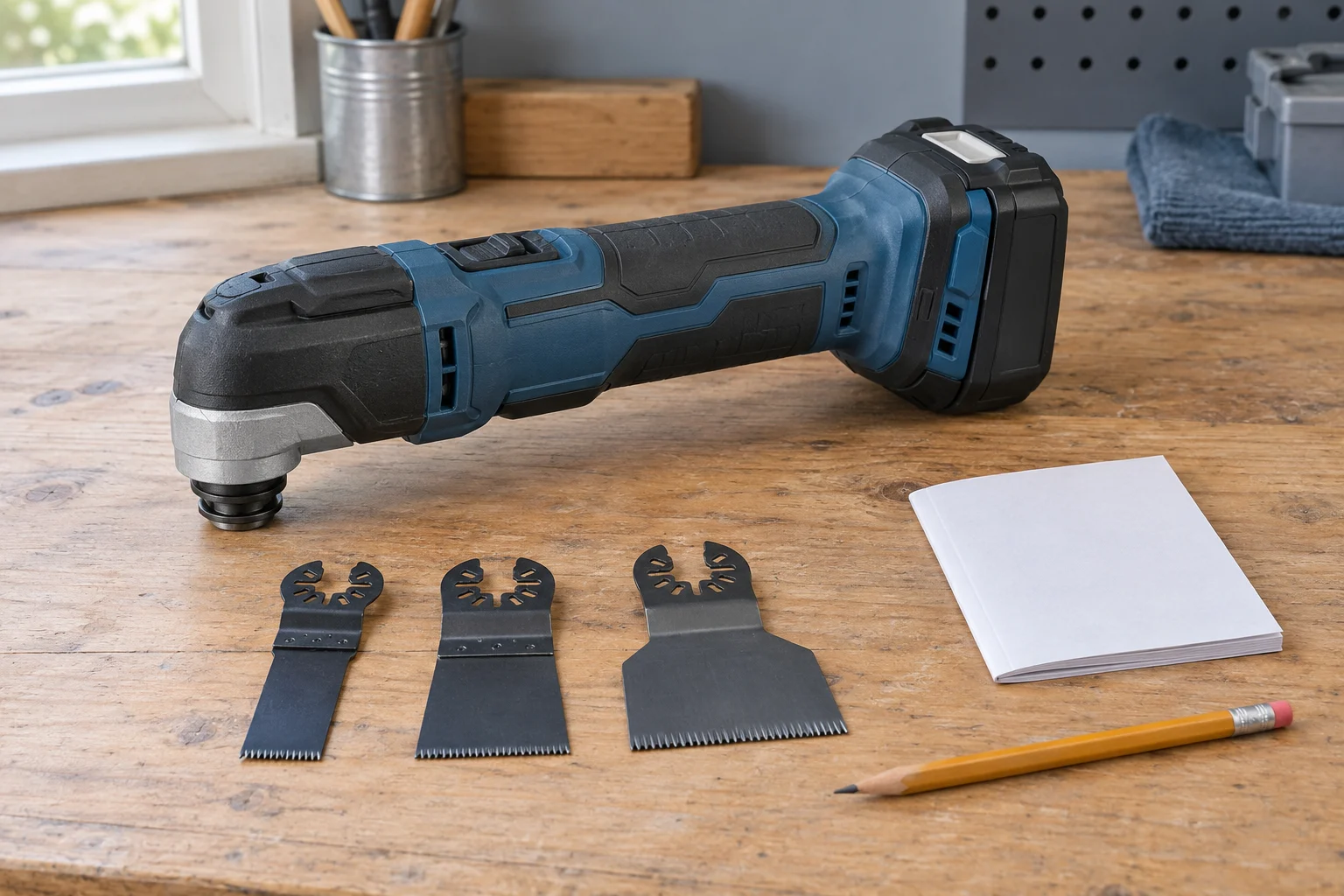
Check oscillating tool blade fit with the exact tool model, the complete mounting designation and the proposed blade's part number together. A description of the material a blade can cut does not establish how it attaches to your tool. Resolve the mounting question before buying a set around an assumed connection.
The two actual offers here are a FEIN Starlock E-Cut Carbide Pro 10-pack and a Diablo DOU3BS set. Their source descriptions supply different information. Keep each offer's identity with its own claims and use the tool's applicable instructions for installation, permitted accessories and operation.
Identify the tool you actually own
Begin with the manufacturer's model identification on the actual tool and the matching instructions. Keep the full name or code, including relevant suffixes, instead of reducing it to a brand. A brand can offer more than one mounting arrangement, and a general statement about the brand leaves the individual tool unresolved.
If the instructions distinguish versions or generations, retain that distinction. Do not select a manual solely because its front-page product looks similar. The information you need is the applicable tool identification and the accessory requirements attached to it.
When the tool is shared, confirm which actual unit is involved in the proposed purchase. A blade previously bought for another unit should not become the evidence that it suits this one. Keep any existing accessory package with its own part number while identifying the new order.
Ask for help locating the correct instructions when the model cannot be established. A replacement accessory can remain an undecided purchase while that question is resolved. Guessing the tool identity first would leave every later compatibility answer attached to an uncertain starting point.
Starlock mount compatibility needs the complete designation
For Starlock mount compatibility, FEIN's model-based information distinguishes Starlock, StarlockPlus and StarlockMax. Its dated 2021 chart marks MULTIMASTER 500 for Starlock and StarlockPlus, with a dash for StarlockMax; MULTIMASTER 700 has marks for all three. The current website's corresponding FEIN model data makes the same distinction.
These manufacturer examples show why the complete designation matters. They do not identify the tool you own or authorize every accessory bearing a related name. Match the applicable model and instructions before treating a chart entry as the answer to your purchase question.
Read a chart's headings and notes with the row. Keep an adapter condition or model limitation attached to the result where one is supplied. A mark copied out of its column can lose the very distinction you were trying to verify.
If a chart gives a broad brand row while another source identifies a particular model, use the more specific information to form the enquiry. Ask the manufacturer to resolve any remaining uncertainty. Do not expand a broad chart entry into a personal guarantee for an unidentified tool.
Read the actual FEIN offer as a specific part
The FEIN E-Cut Carbide Pro offer identifies part 63502236290, Starlock mounting and a 10-pack. The title states 1¼-inch width and 1⅝-inch length. Its description names titanium-coated carbide teeth and materials including hard metals and abrasive materials. These are the supplied part's statements, without a cutting test here.
Keep the part number with the mounting description when asking whether it suits your actual tool. A dimension or a material claim should not replace that pairing. The source's durability comparisons supply no result for your job and are not used to rank this offer against the other set.
A tool's mounting allowance and the proposed operation remain separate checks. Follow the actual tool and accessory requirements for the material and work you intend. A documented mounting family does not, by itself, supply the complete operating instructions or settle every job condition.
Oscillating blade set compatibility remains open for DOU3BS
For oscillating blade set compatibility, the Diablo DOU3BS offer identifies one new, bulk-packed oscillating-blade set described as a genuine OEM replacement part. It directs the buyer to the owner's manual for the correct part number and installation and refers to a compatibility list. That list is not supplied in the native description read here.
Obtain the applicable list and the actual set contents before treating the order as a match. The OEM statement supplies no universal mounting approval. This article does not infer a mounting family or a particular number of individual blades from the part code.
Keep an answer about DOU3BS distinct from information about another Diablo set. If a supplier sends a link or document for a similar-looking product, compare the actual part reference before using it. A response that does not identify the offered set leaves the original question open.
Check the tool manual's additional accessory restrictions
Bosch's September 2018 GOP18V-28 manual supplies a separate example. Its interface table accepts OSL and OSP accessory ranges and excludes OSM. The assembly section and accessory section also state: “Only use Bosch accessories rated 21000 OPM or greater.” Keep that instruction attached to this identified tool and manual.
The mounting-family table therefore does not stand alone as an approval for either selected offer on that Bosch tool. The manual supplies a brand and rating restriction as well. Obtain an applicable manufacturer answer rather than using an accessory-maker chart to override the tool's instructions.
The same manual requires disconnecting the battery pack before assembly, adjustments or accessory changes. This is an identified manual's instruction, not an installation sequence supplied here. Use the instructions applicable to your actual equipment, and retain every relevant accessory condition when deciding whether a proposed part can be used.
Use dimensions for the question they actually answer
A listed blade width or length can help describe the proposed accessory, but those dimensions do not establish the mounting interface. Keep the different questions on separate lines in your purchase note: what part it is, what connection it uses and what working dimensions are stated.
If a dimension is important to the planned work, confirm what the supplier means by the stated measurement. An overall dimension and a working dimension can answer different questions. Do not manufacture a missing definition by measuring a product image or transferring a number from another part.
The same care applies when you compare an accessory already in your toolbox with a new listing. Similar width or shape is useful identification information, not proof of a complete match. Retain the existing part number and its applicable instructions when seeking a replacement.
The caliper zero-check guide keeps one reference check within its actual scope. Here, an observed dimension should also stay with the part and measurement it describes. It cannot establish an undocumented mounting approval or replace the manufacturer's compatibility information.
Keep package quantity separate from accessory selection
Confirm what the order includes before planning a supply around it. A pack count answers the number supplied as described; it does not establish the range of mounting arrangements or materials supported. Keep the exact part and quantity together when comparing offers.
For a set with several components, obtain an itemized contents list where the individual pieces matter. Check the relevant identification for each piece you intend to use. Do not assume that every accessory in an assortment has the same role merely because it arrives in one package.
If you need a particular accessory for a specific task, make sure the actual proposed order contains that item. A broad set title cannot resolve an omitted component list. Ask for the missing detail while the purchase is still open rather than discovering the difference after delivery.
Ask a compatibility question that identifies both sides
A useful enquiry names the actual tool and its applicable version, the proposed accessory part and the mounting requirement you are trying to confirm. Include the source of a conflicting statement if one exists. This gives the supplier a defined pairing to answer.
Keep the response attached to that pairing. If the supplier confirms another model or another accessory, ask about the original combination explicitly. Avoid summarizing an answer as fits the brand when the answer actually covered one identified tool.
Retain conditions such as a manufacturer-specified additional part, where an applicable answer includes one. Obtain its exact identity and instructions before adding it to the plan. This article provides no adapter choice, modified mounting arrangement or substitute attachment method.
A useful answer can also be that the source does not establish the pairing. Keep that uncertainty visible and seek the applicable manufacturer information. There is no need to turn an incomplete answer into a fit claim simply to finish a shopping list.
Read installation instructions before planning a trial
Use only the applicable tool and accessory instructions for handling and installation. Follow the specified power-isolation and other safety requirements for the actual equipment. This guide does not provide an installation sequence, adjustment method or powered fit test.
Do not force a part into an unidentified mount or alter the accessory to make it resemble another interface. An unresolved compatibility question needs the matching information or an appropriate replacement decision. A visually plausible attachment is not the same evidence as a manufacturer-supported combination.
Keep questions about the tool's condition separate from accessory selection. If a component is damaged or the mounting mechanism behaves unexpectedly, use the actual equipment's support and service instructions. Buying another blade should not silently become a diagnosis or repair of the tool.
Use the related router guide for its specific distinction
The router guide-bushing compatibility guide distinguishes the different interfaces in a mounting path. It is useful here as an example of asking which connection a specification describes. Its router plates, collars and Bosch-specific clearance figures supply no oscillating-tool mounting method or blade allowance.
Keep each tool's instructions attached to its own parts. A workshop can contain several accessories with similar descriptions while their connections and permitted use differ. The specific reference you retain should identify the tool and component currently being considered.
If two sources appear to disagree, send their exact references with the model and part question. Keep the supplier's explanation with the purchase records so a later order does not lose the qualification that mattered.
Check the delivered identity before using the purchase
Compare the delivered part identification and contents with the order and the compatibility information you obtained. Keep a mismatch unresolved until the supplier or manufacturer provides the applicable answer. A completed order does not establish that a different delivered part has the same fit. Photograph the actual packaging information if the supplier requests it and your workplace permits that record.
For oscillating tool blade fit, retain the actual tool, complete mounting designation and exact accessory reference throughout the decision. If those agree within the applicable manufacturer information, continue through the matching instructions. If an essential field remains unknown, keep the purchase or use decision open while obtaining that specific answer.