Crypto Commerce
Omen 34c curved monitor vs onn curved monitors for ultrawide games and desk work
Compare Omen 34c curved monitor by refresh rate, stated resolution, response-time modes, stand and mount details, inputs, and audio.
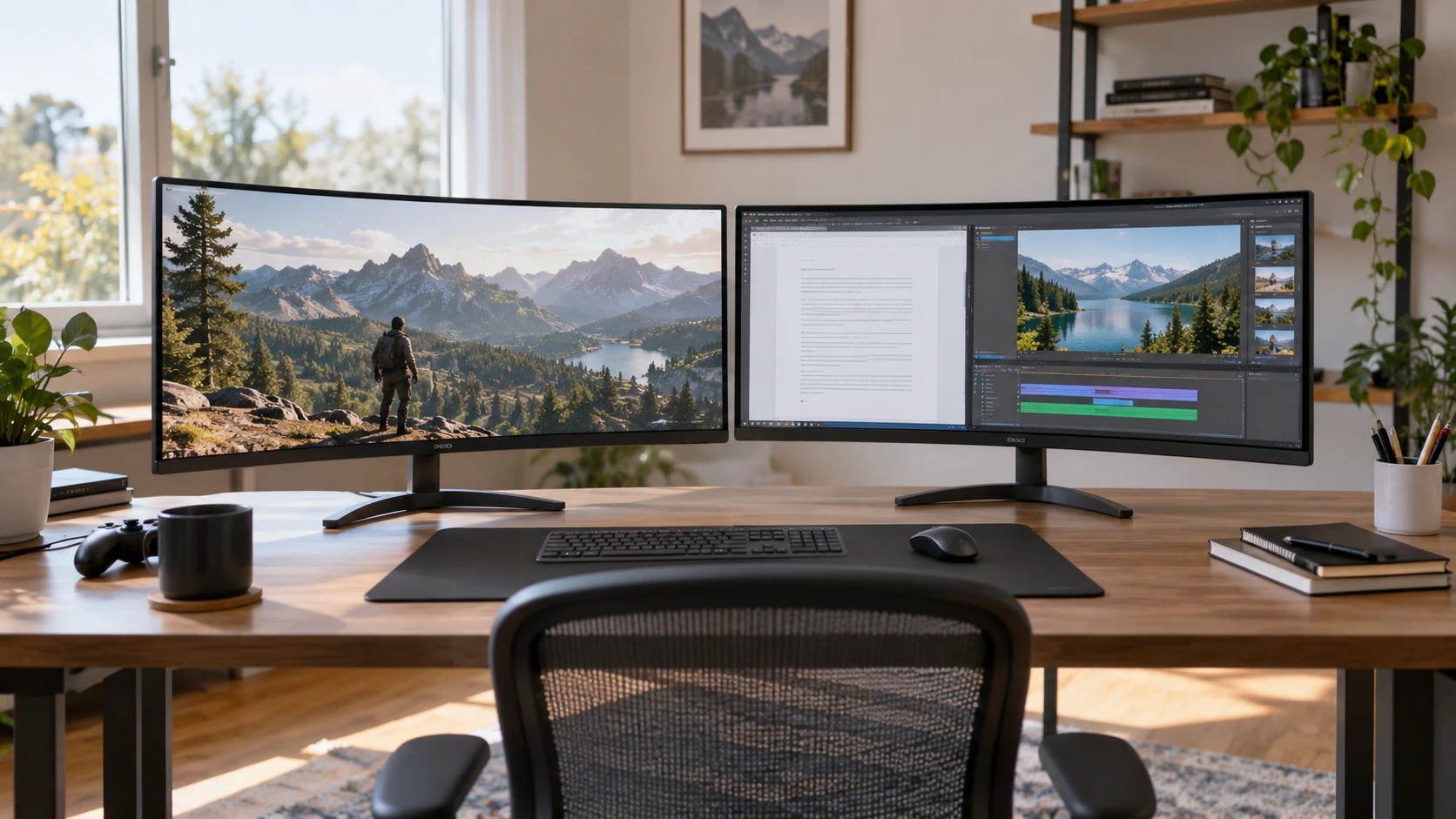
The Omen 34c curved monitor and onn's 34-inch curved display both target a desk with room for a broad screen. Omen lists a 165 Hz refresh rate, a VA panel, variable-refresh features, and built-in speakers. onn specifies 3440 by 1440 pixels, 120 Hz, a 1500R curve, and several input and mounting details. These descriptions offer different levels of detail, so the decision should begin with your actual computer and desk. A screen can promise smooth motion yet run at a lower mode if the source or cable cannot provide the signal, and a 34-inch diagonal says little about available clearance around the stand.
The published guide on ultrawide screen aspect ratio explains how the shape of content affects a wide display. Its examples are not tests of Omen or onn. The onn listing explicitly gives a 21:9 ratio and 3440 by 1440 resolution. Omen's short source says WQHD but does not state the exact pixel grid or aspect ratio. Confirm that specification before assuming both monitors show the same number of desktop columns or handle a game identically. The width can be useful for side-by-side work, but it also changes how films, calls, and games fill the screen.
Look beyond the diagonal size — onn 34-inch WQHD monitor
A 34-inch screen may replace two smaller windows on a desk if you can arrange applications comfortably. Try your usual pair of tasks: a document beside a browser, a timeline beside a preview, or a game beside a chat window. The onn pixel count and 21:9 shape give a concrete basis for planning that layout. Omen's WQHD wording needs a manufacturer timing sheet to establish the exact width and height of its image. Some software may leave empty side bands or crop content when the source uses a different shape. Check how your most-used applications handle a wide desktop before treating extra width as automatically useful.
Curvature changes how the panel wraps around your viewing position. onn gives an R1500 mm curve, commonly written 1500R. Omen's saved excerpt calls the screen curved without a radius figure. If a precise curve matters to your desk arrangement, request its current specification. Sit where you normally work and consider whether the screen edges remain comfortable to view without turning your head too far. The experience will depend on viewing distance and desk depth. A close desk may put the sides nearer to your face than you expect from a flat product photo.
The two listings also differ in what they disclose about the surface. onn names an anti-glare finish and bezel-less design. Omen's excerpt does not state a surface treatment. Ask how each handles reflections in the room where it will be used. A bright window behind your chair can matter more than a catalog photograph taken in controlled light. If possible, examine a similar finish under your room's lighting at the brightness you would actually use. A wide screen gives reflections more area to appear, especially when dark game scenes fill much of the panel.
Separate refresh from response-time language — onn 34-inch WQHD monitor
Omen advertises 165 Hz and a 1 ms gray-to-gray response time in an Overdrive mode. It also claims VESA Certified AdaptiveSync and AMD FreeSync Premium, including low-framerate compensation. Those features can matter when game frames arrive at uneven intervals, but the saved source does not list every supported range or source compatibility detail. Check the current manual for the exact input modes, variable-refresh range, and any settings needed in your graphics driver. A 165 Hz display cannot create frames that a computer does not render, so test the games you play at the resolution you intend to use.
onn lists 120 Hz and gives two different response figures: 5 ms with Overdrive on and 1 ms with Trailing Reduction on. Those are not directly interchangeable with Omen's 1 ms gray-to-gray Overdrive claim. The numbers name different modes, and the short listing does not explain the trade-offs in brightness, overshoot, or motion artifacts. Ask for independent motion tests if that difference is important to you. When trying a unit, watch moving text and a familiar game scene rather than choosing by the smallest printed millisecond figure. Image clarity during motion is what you will notice at the desk.
The gap between 165 and 120 Hz is meaningful only if your source can deliver the higher mode and you value it in the material you use. A competitive game running well above 120 frames per second may make the higher ceiling attractive. A computer used mostly for documents and video may not benefit as much. onn's source does not mention variable refresh, which is an evidence gap rather than proof that the function is absent. Verify its current feature list before deciding. Omen provides more explicit variable-refresh information, while onn provides more exact panel geometry in the saved text.
Neither short excerpt provides a complete port-by-port refresh table. onn names two HDMI inputs and one DisplayPort, along with a 3.5 mm headphone jack. Omen's excerpt does not identify its video-input types or versions. Before buying either, check whether your laptop, desktop, or console can output the desired resolution and refresh through a supported connector. Adapters, docks, and cables can impose their own limits. A monitor's maximum refresh number alone does not prove that your current connection will reach it. Ask for the supported-timing chart and keep the cable path simple during the first setup.
Place the screen on your desk — ultrawide screen aspect ratio
onn describes a stand that tilts from minus 5 to plus 20 degrees and a 100 by 100 mm VESA mount. The saved source does not state height or swivel adjustment. Omen's excerpt gives product dimensions of 31.81 by 4.27 by 14.44 inches without clarifying whether the numbers include the stand, and it does not detail stand movement or a mount pattern. Those gaps matter for a desk with a shelf above it or an arm already installed. Request a drawing with the stand attached, screen height at its lowest and highest positions, and the weight supported by any proposed arm.
Measure more than the bare screen width. Leave room for a keyboard, speakers, and any notebook you use alongside the monitor. An ultrawide unit can occupy the area where a lamp or desk microphone currently sits. If you plan to mount it, check the arm's weight range and how far it will project toward you. onn's listed VESA pattern identifies the mounting hole spacing, not the suitability of a particular arm. Omen may have a compatible mount, but its short excerpt does not establish one. Do not buy an arm based solely on another monitor in the same size class.
Cable access is easier to plan with onn's named ports. Its saved box list includes an HDMI cable and an AC power cable, each about six feet long. Verify the contents of the exact offer and whether the supplied HDMI cable supports your intended refresh mode. Omen's saved excerpt does not describe included cables. For either unit, leave slack so tilting or moving the screen does not strain a connector. Check whether a dock will be needed for a laptop that lacks a matching port. The box contents can save a shopping trip, but only if they fit your signal plan.
Consider audio and long sessions — onn 34-inch WQHD monitor
Omen lists two built-in 3-watt speakers. They may be convenient for system sounds or casual video, though the wattage does not describe their sound quality. onn's short source names a headphone jack but does not say whether it has built-in speakers. Confirm the exact audio path if you do not want separate speakers on the desk. A headphone jack may route audio from an input source, but check the manual for supported behavior and controls. If you already use external speakers or a headset, this difference may have little effect on the decision.
Omen's saved description names HP Eye Ease with Eyesafe Certification, saying it reduces blue light while maintaining color. onn lists an adjustable low-blue-light mode. Those are different claims, and neither is a guarantee of comfort for every person. Try the modes with text and familiar images, then set brightness to match the room. A very bright wide screen close to your face can be tiring even when a product has an eye-care label. Take breaks and arrange the display at a comfortable viewing distance. The source descriptions do not replace an in-person check of your own workspace.
The panel technologies are not equally specified. Omen explicitly identifies VA in the saved source. onn gives resolution, curve, refresh, and response modes but does not name its panel type in the excerpt. Do not infer it from the curvature or a marketing photograph. If viewing angles, dark-scene behavior, or color consistency matter, seek an exact panel specification and trustworthy measurements for both. These sources cannot prove a contrast or color-quality winner. The room's lighting and your seating position will also influence what you see.
Confirm the mode you will actually use — onn 34-inch WQHD monitor
The onn 34-inch WQHD monitor gives a detailed starting plan: 3440 by 1440 pixels, 21:9 shape, 120 Hz, three named video inputs, tilt, and a 100 by 100 mm mount pattern. Omen offers a higher claimed refresh ceiling, named variable-refresh features, and built-in speakers, but its short source leaves the exact pixel grid, ports, and mounting details to verify. Map your source and cable to a supported mode, measure the desk, and compare motion at the settings you will actually use.