Crypto Commerce
NETGEAR Nighthawk RS180 BE5500 router vs RS140 Wi-Fi 7 routers for a home network
Compare NETGEAR Nighthawk RS180 BE5500 router by wired ports, internet handoff, coverage claims, client needs, security trials, and saved price.
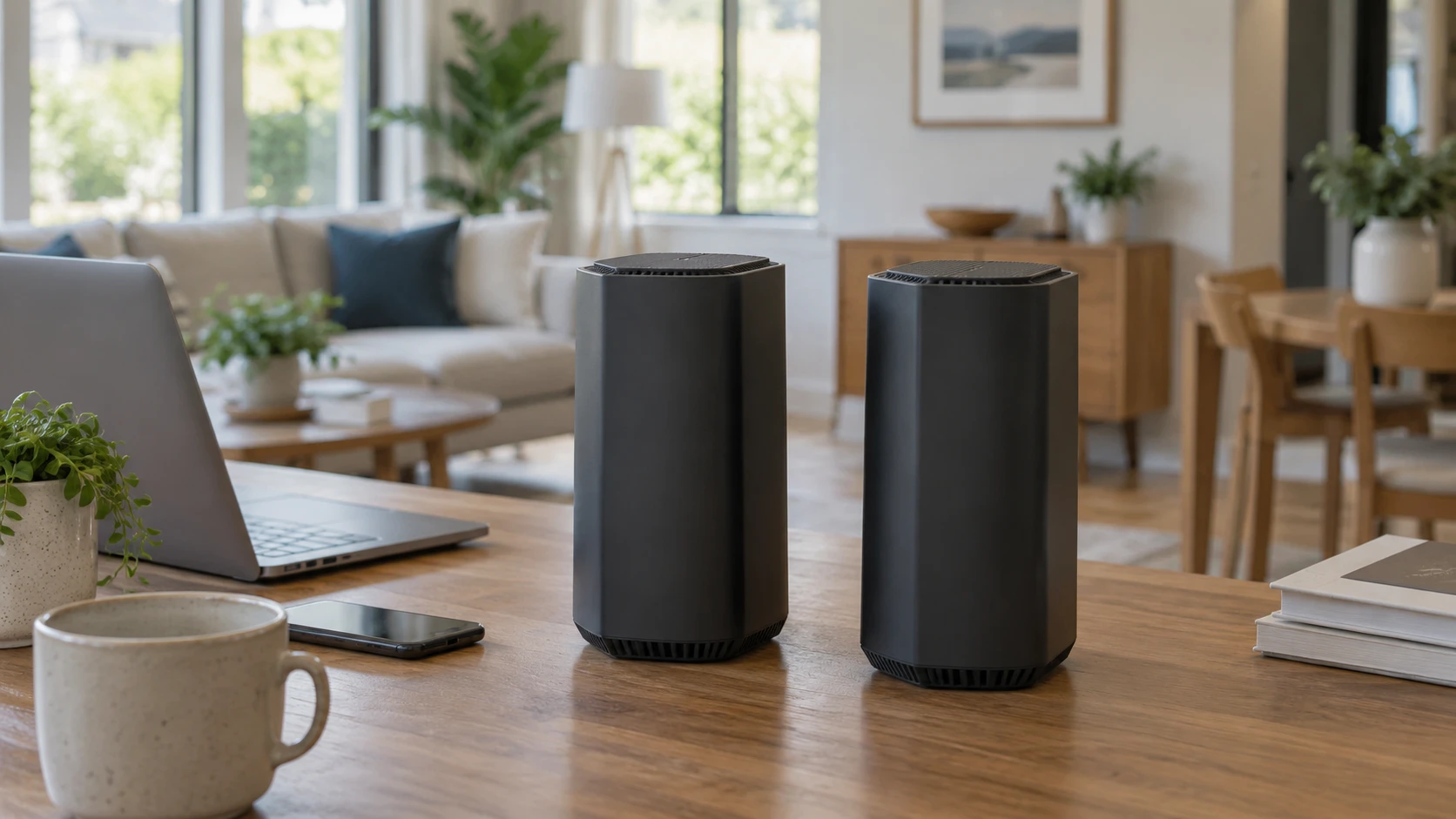
The NETGEAR Nighthawk RS180 and RS140 are closely related dual-band Wi-Fi 7 routers. Their saved listings claim support for up to 80 devices, a 2.5-gigabit internet port, and a 30-day NETGEAR Armor trial. The RS180 adds a listed 2.5-gigabit LAN port and slightly higher headline wireless speed and coverage figures. The practical choice depends on the wired equipment you own, the layout of your home, and whether the current internet service can make use of the faster connection.
The September 30 catalog snapshot marked both products available. It listed a minimum price of $248.75 for RS180 and $223.75 for RS140, a $25 difference. Both exact product pages and a related guide returned HTTP 200 on October 3. Those checks do not verify a coverage map or a wireless speed in your home. A router's name can help narrow the options, but the cabling, client devices, and actual signal paths will determine what changes after installation.
Start at the internet connection — NETGEAR Nighthawk RS140 BE5000 router
The NETGEAR Nighthawk RS180 BE5500 router lists one 2.5-gigabit internet port. The RS140 also lists a 2.5-gigabit internet port. Both are routers, not cable modems: the saved descriptions say a separate modem or other service handoff is needed and that there is no coaxial input. Check the device supplied by your internet provider and its Ethernet output before buying. A cable plan advertised at high speed does not make a router a direct replacement for the coax-connected modem.
If the internet service is below one gigabit, a 2.5-gigabit WAN port may still be useful for a later upgrade, but it will not turn the existing plan into a faster one. If your provider supplies a multi-gig handoff, confirm the modem or optical terminal, Ethernet cable, and subscribed speed. The router's port is one part of that path. A slow link elsewhere can limit a speed test even when the router has a faster socket.
Both listings describe Wi-Fi 7 as faster than Wi-Fi 6 under favorable conditions. RS180's headline is “up to 5.5 Gbps” and RS140's is “up to 5.0 Gbps.” Those are marketing maxima, not a promise to a single phone or laptop. The saved descriptions do not show the test clients, distance, interference, or how multiple radio streams were counted. Measure the connection you have now and define the problem you want to solve: weak signal in one room, slow wired transfers, congestion with many active devices, or a faster internet plan.
The router will also need a place near the service handoff. A central open location may be better for wireless reach than a utility cupboard, but the modem cable and power outlet can constrain placement. Look at the route from the provider's equipment to a shelf where antennas are unobstructed. The saved listings do not provide cabinet dimensions, mounting instructions, or a common radio survey, so verify those details before choosing a tight spot.
The wired-port difference may settle the choice — MSI Radix AXE6600 tri-band Wi-Fi 6E router
RS180 lists a 2.5-gigabit LAN port plus three 1-gigabit LAN ports. RS140 lists three 1-gigabit LAN ports and does not name a 2.5-gigabit LAN port in its pinned description. This is the clearest stated difference for a home with a multi-gig desktop, network storage device, or switch. If one local device can actually link at 2.5 gigabits and you regularly move large files, RS180's extra port may be useful. Confirm the exact current port layout and cable requirements in the manual.
A 2.5-gigabit port does not guarantee 2.5-gigabit application throughput. Both ends must support that link rate, and storage or software can be slower than the network. If every wired device you own has only a 1-gigabit port, the RS180's extra socket may sit unused. The RS140 can still attach a console, computer, and other wired device to its three listed LAN ports. If you need more connections, plan for a suitable Ethernet switch and its cost.
Consider which devices should use wires. A gaming console near the router, a work computer on a fixed desk, or a network storage box may benefit from a predictable Ethernet link. Wireless capacity is then left for phones, tablets, and devices that move. The saved pages do not give latency measurements comparing the two models. A router chosen for gaming should be evaluated with the actual game service and connection path, not only with the word “gaming” in marketing copy.
The published MSI Radix AXE6600 tri-band Wi-Fi 6E router guide discusses a different model and standard. It is a useful reminder to separate WAN service, wired LAN ports, radio bands, and client capability. Its MSI numbers do not transfer to these Nighthawks. In particular, both NETGEAR listings call their models dual-band Wi-Fi 7; do not assume a third radio band from the Wi-Fi 7 name. Check the exact supported frequencies in the current specifications if a particular client or band matters to you.
Read coverage claims against the floor plan — NETGEAR Nighthawk RS140 BE5000 router
RS180 claims coverage up to 2,500 square feet, while RS140 claims up to 2,250 square feet. Both say up to 80 devices. Those figures do not describe the shape of your rooms, wall materials, neighboring networks, or the location of the router. A 250-square-foot difference in a Republeq's catalog headline cannot predict signal in a basement or behind a masonry wall. Sketch the home and identify rooms where the existing connection fails. The distance and obstacles to those rooms are more informative than total floor area alone.
Neither saved listing provides a same-household test of two routers placed in the same location. If coverage is the main reason for replacing a router, look for independent measurements or plan to test the purchased unit during the return window. Walk to the weakest room with the same phone or laptop, repeat a practical task, and note whether the signal and connection remain stable. Run wired tests separately so a provider slowdown is not mistaken for a wireless coverage problem.
A count of 80 supported devices is not a statement that 80 simultaneous video streams will run well. Many smart-home devices send little data, while one large download can use substantial capacity. List the devices that are active at the same time and which bands they can use. Older clients may connect successfully without gaining every Wi-Fi 7 feature. A new router can be valuable while the client mix remains mostly Wi-Fi 5 or 6, but the gains will depend on the bottleneck.
If one router cannot cover the home well, check the current model's supported extension or mesh options and the placement of any added node. The saved descriptions do not give a complete mesh compatibility list for RS180 or RS140. Do not buy a second unit on the assumption that all NETGEAR models pair in the same way. A wired access point may also be an option where Ethernet is already available, subject to the home layout and equipment.
Check setup and security after the trial — NETGEAR Nighthawk RS140 BE5000 router
Both descriptions mention built-in security features and ongoing updates, plus a 30-day NETGEAR Armor trial. The trial does not tell you what remains free after it ends or what a subscription costs. Review the current terms before counting on malware or identity-protection features in the long-term budget. Ask what core router functions and firmware updates continue without a paid service. Security settings also require attention during setup: change defaults where instructed, enable appropriate encryption, and keep firmware current.
If the internet provider supplied a combined modem and router, adding a Nighthawk may create two devices handling routing or Wi-Fi. Decide which one will manage the home network and follow the relevant setup instructions. The saved product pages do not document your provider's bridge mode or account requirements. Take a photo of the existing cable connections and note the current network name and devices before changing anything. That makes it easier to restore service if a setting must be revised.
An app may make setup convenient, but it is worth checking what account, phone, and local access are required for each model. The pinned descriptions do not provide a complete setup flow or privacy terms. A household that needs remote management should confirm those functions explicitly. Someone who only wants reliable local routing may care more about accessible basic settings and continued security updates.
Decide whether the extra port earns $25 — NETGEAR Nighthawk RS140 BE5000 router
The saved price gap is small enough that RS180's 2.5-gigabit LAN port may be worth considering for a known multi-gig device. RS140 may be sufficient when all wired equipment is gigabit and the home's weak spots will not be resolved by a modest coverage claim. Neither model's headline wireless maximum is a measured outcome in your rooms. Compare today's checkout price, return policy, warranty, and exact hardware revision before deciding.
Draw the current network from the internet handoff to its wired and wireless clients. Label port speeds where known and mark the rooms that need better service. Then compare the RS180 with the NETGEAR Nighthawk RS140 BE5000 router using that map. The right router is the one whose verified ports and placement address your actual bottleneck, not merely the one with a higher number in its name.