Crypto Commerce
NETGEAR Nighthawk C7000 cable router C7000 vs PULSE TR200 for cable and cellular home internet
Compare NETGEAR Nighthawk C7000 cable router by service compatibility, Wi-Fi, ports, device claims, power, and setup costs.
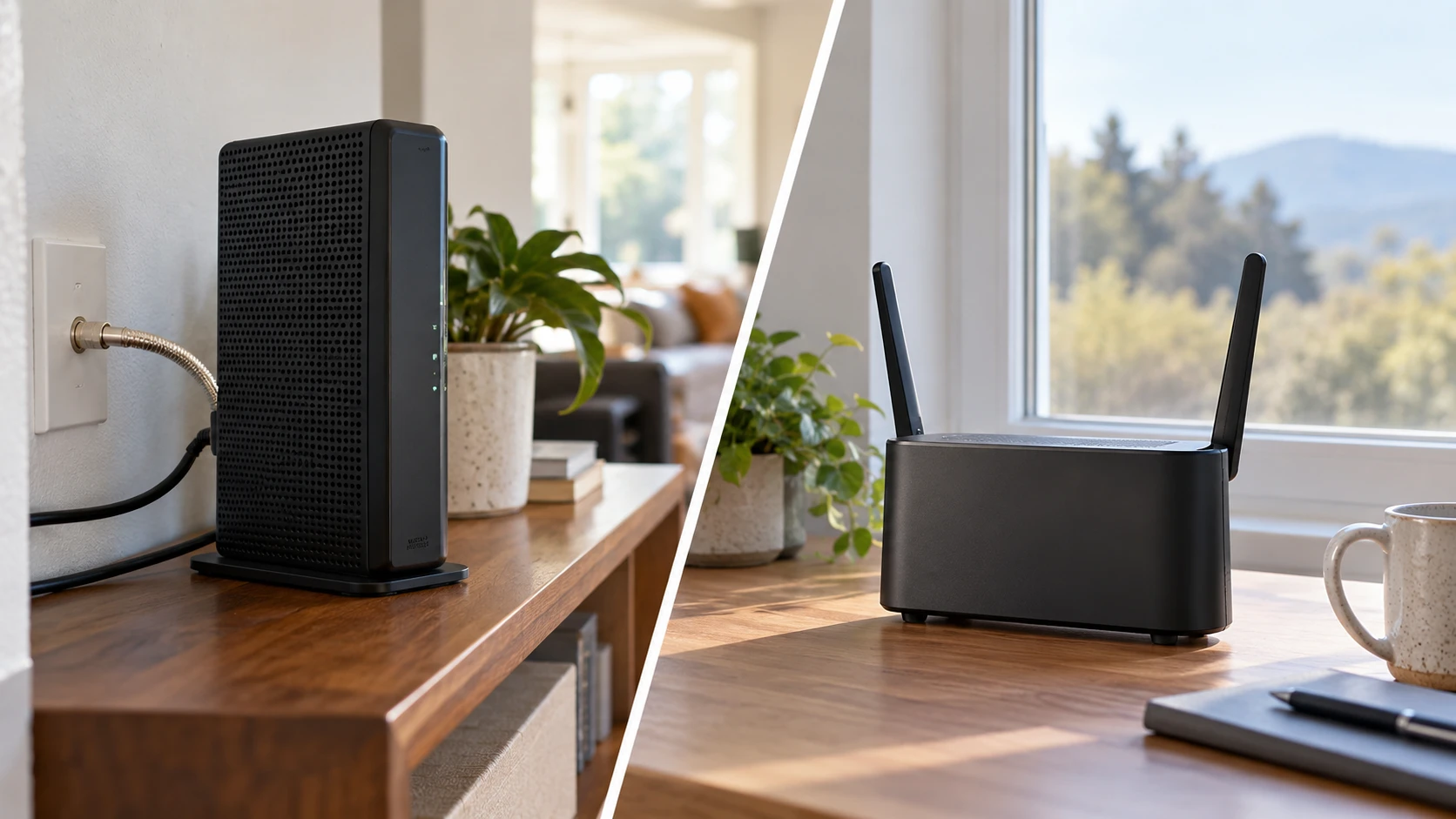
A router cannot create an internet connection on its own. It has to match the service entering the home. The saved listing for the refurbished NETGEAR Nighthawk C7000 cable router combines a DOCSIS 3.0 cable modem and a dual-band Wi-Fi 5 router. The PULSE TR200 listing describes an indoor 4G LTE router that uses a cellular connection and broadcasts dual-band Wi-Fi. These are different answers to the first installation question: is the available service a compatible cable line or an appropriate mobile network? Settle that before comparing wireless labels or the number of Ethernet ports.
The C7000 source names Xfinity, Spectrum, and Cox among supported cable providers and says the model is for plans up to 800 Mbps. It explicitly excludes DSL providers, satellite television services, bundled voice service, and several named providers outside its cable use. A listing can become outdated when a provider changes its approved-device list. Give the service provider the exact C7000 model, hardware revision if available, and plan speed, then obtain current approval before buying. A modem router that works on another company's cable network may still fail activation on yours.
The service line comes first — PULSE CELLULAR TR200 router
PULSE's source describes 4G LTE Cat 6 cellular service, eSIM or SIM setup, and a list of supported LTE and older network bands. That is a route for a location without the right cable line or for a separate connection, but the saved excerpt does not identify an included data plan or a confirmed carrier. Check the local carrier's bands, coverage at the address, SIM provisioning, data allowance, and any network restrictions for a router. A mobile phone showing bars indoors does not prove this device will deliver the needed speed or stay connected in the proposed position.
The two products cannot be swapped onto the same incoming line without changing service. C7000 needs a compatible cable provider and a coaxial connection. TR200 needs a working cellular plan and signal. A household may already pay to rent a cable modem; the C7000 listing claims replacement could save up to $168 a year. That is a estimate in Republeq's catalog, not a guaranteed saving. Compare the actual monthly rental charge, purchase price, service life, support terms, and any provider fees. Cellular service has its own recurring data cost that cannot be inferred from the router price.
Before installation, note what happens when the primary connection fails. A cellular router could serve as a separate backup if it has a live plan and signal, but the saved description does not say this particular product automatically takes over for a cable modem. Its WAN port may support another connection, yet failover behavior must be confirmed in the manual. Do not plan an outage strategy around a port name alone. Test the intended backup path before depending on it for work, security alerts, or a remote household member.
Wireless labels need context — router Wi-Fi band planning
The C7000 listing names dual-band Wi-Fi 5 and an AC1900 combined performance label. The label is not a promise that one laptop will transfer data at 1,900 Mbps or that the cable service can deliver that speed. It aggregates a class of wireless capabilities under ideal conditions. PULSE names 2.4 GHz and 5 GHz bands and 2x2 MU-MIMO but does not state a Wi-Fi generation in the saved excerpt. Ask for the exact wireless standard and channel options if compatibility with a particular device matters.
The published guide to router Wi-Fi band planning examines a newer tri-band Wi-Fi 6E router. That is a useful reminder that client devices, supported bands, and home layout shape the result. Neither C7000 nor TR200 is claimed in these saved excerpts to provide the guide's tri-band feature. A newer wireless name does not solve a weak internet service connection, and a strong service line cannot overcome a poorly placed router. Choose the service technology first, then test wireless coverage where people use it.
The C7000 listing claims coverage up to 1,800 square feet and approximately 30 Wi-Fi devices. These are advertised figures without a floor plan or wall material. PULSE's source contains inconsistent device-count statements: it mentions up to 32 simultaneous connections and elsewhere says support up to 10 devices depending on use. Ask the PULSE Republeq's catalog or maker which limit applies, whether it refers to active traffic or connected clients, and what workload was assumed. A number of connected smart-home devices says little about performance when several people stream or upload at once.
Map the home before placing either router. A central, elevated spot may help wireless reach, but C7000's position is also constrained by the coaxial cable and power. TR200 needs a good cellular signal as well as useful indoor Wi-Fi coverage. The best cellular reception may be at a window, while the best Wi-Fi location is nearer the center of the home. Check whether a wired extension, approved antenna, or separate access point is supported rather than assuming one position will optimize both. The saved excerpts do not describe external antenna options.
Ports and wired devices — PULSE CELLULAR TR200 router
C7000 lists four gigabit Ethernet ports and one USB 2.0 port. The source suggests computers, game consoles, streaming players, and storage drives as possible connected devices. Verify what the USB port actually supports under current firmware before buying for network storage or printer sharing. A USB socket does not automatically provide every network service. Check the locations of the Ethernet ports and whether four wired devices are enough for the desk, television, and any separate access point.
TR200 lists four RJ45 LAN ports and one RJ45 WAN port, with 10/100/1000 Mbps support for each in the saved description. This could accommodate several wired clients and a separate incoming network line if the firmware supports the desired configuration. Ask how the WAN port is used, what mode options exist, and whether the unit can bridge or route traffic as needed. The source does not confirm advanced features such as automatic service failover, VPN throughput, or a particular firewall policy. Obtain the current manual instead of assuming such functions from the port count.
For gaming or video calls, a wired connection can make the local hop more predictable, but it does not remove delays in the provider's network. Cellular performance varies with signal and network load, while cable plans can vary with neighborhood capacity and the subscribed speed. Test latency, upload speed, and download speed in the hours when the household uses the service. A peak midday result may miss the conditions at those hours. Ask the provider about data limits or traffic policies that might matter to large downloads. The router listing cannot supply those service terms.
Power, placement, and outage expectations — PULSE CELLULAR TR200 router
The refurbished C7000 box is listed with a power adapter, Ethernet cable, and quick-install guide. Its source says the unit weighs 1.6 pounds. Check the actual delivered adapter and condition of the coaxial connector, LAN sockets, vents, and case. Place it where air can circulate and where the cable is not sharply bent. A refurbished device should be activated and tested within the return window, including a reboot and an ordinary day of wireless use. Ask who backs the refurbishment and how long the warranty lasts; the saved excerpt does not give a term.
TR200 is described as using a standard US household outlet. Its listing mentions an optional internal battery with a claimed three-hour reserve for temporary outdoor use. Optional means the battery may not be in the box. Confirm the exact version sold, included power supply, and whether the battery is present before relying on outage operation. Even a powered router cannot maintain internet if the nearby cellular site is unavailable. For a backup plan, check the whole path during a controlled test and keep the data plan active.
TR200 dimensions are listed as 180 by 132 by 48 millimeters. The C7000 source gives weight but no dimensions in the saved excerpt. Measure the shelf, access to cables, and available ventilation. A router placed behind a television or in a metal cabinet may have a less useful wireless path than one in the open. If the best cellular spot is hard to reach, ask about approved mounting and cable options. Avoid placing either near water, heat, or a tight stack of other electronics contrary to the maker's directions.
Setup and security after delivery — PULSE CELLULAR TR200 router
For C7000, check the cable provider's activation process, update availability, and current security support for the exact refurbished unit. The listing names WPA/WPA2, parental controls, and Alexa compatibility, but does not state firmware version or update duration. Change the default administrative credentials and wireless settings according to the maker's instructions. If the provider refuses to activate the unit because of model, revision, or account restrictions, resolve it while the return terms in Republeq's offer is open rather than assuming a factory reset will change provider policy.
For TR200, confirm the carrier's SIM or eSIM activation steps and the APN setting needed for the purchased plan. The source names cellular bands and Wi-Fi but does not give an activation guide or subscription. Keep account credentials out of screenshots shared for support. After setup, test a wired client, a wireless client on each relevant band, and service recovery after a restart. If the device is intended for a remote site, learn how alerts or management access work before leaving it unattended. The product excerpt does not establish remote management features.
The C7000 is a cable modem router for a confirmed compatible cable service; the refurbished condition adds a need to check activation and warranty promptly. The PULSE CELLULAR TR200 router is a cellular route that needs an independently verified carrier plan, local signal, and clarification of its conflicting device-count figures. Compare the recurring service terms first, then the wireless coverage and wired connections the household will actually use. A live test at the address is more decisive than either product's advertised speed or coverage number.