Crypto Commerce
Nest Wifi Pro Wi-Fi 6E one-pack vs Netgear RS600 for mesh coverage and multi-gig wiring
Compare Nest Wifi Pro Wi-Fi 6E one-pack by coverage claims, 6 GHz clients, 10 GbE ports, home controls, and upgrade paths.
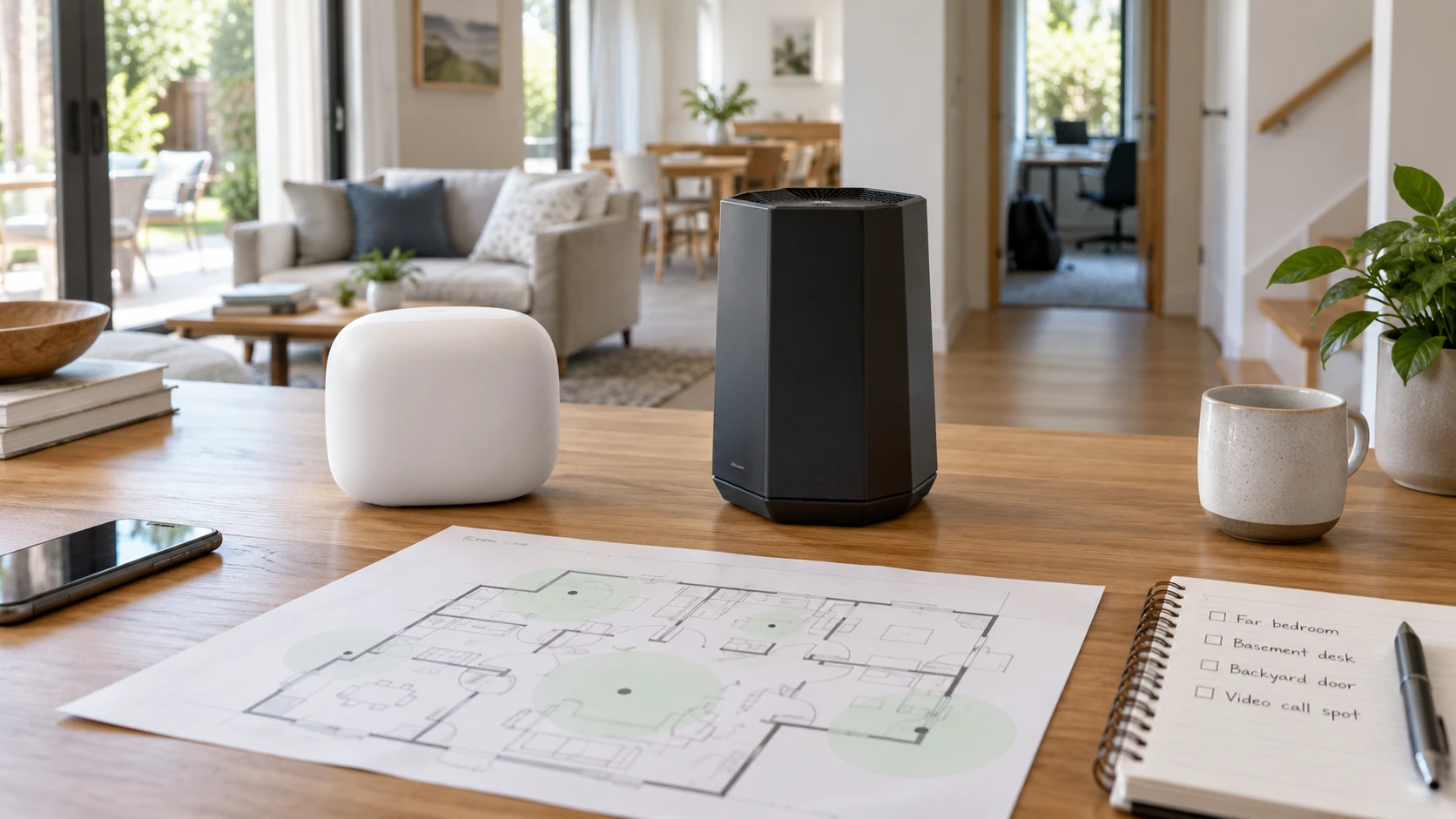
The Nest Wifi Pro Wi-Fi 6E one-pack is a single tri-band router intended for a mesh system that can be expanded with compatible points. Its saved listing claims coverage up to 2,200 square feet and names controls in the Google Home app. The published guide to planning tri-band Wi-Fi 6E coverage is relevant because a new 6 GHz band helps only devices and rooms that can use it. The refurbished Netgear Nighthawk RS600 lists Wi-Fi 7, a 10 GbE internet port, a 10 GbE LAN port, three 1 GbE LAN ports, and a claimed 3,300-square-foot reach. Decide from the home's layout, wired devices, and actual internet plan. Neither coverage figure is a measured result for a house with its particular walls and neighboring networks.
Start with the weak room, not the router label — refurbished Netgear Nighthawk RS600
Walk the home and note where current service slows or drops: a far bedroom, a basement desk, a backyard doorway, or a video-call spot beside a masonry wall. Run a few measurements at the same times of day, using a device and service that will remain after the router upgrade. A single-router coverage claim cannot tell you how a long hallway, metal duct, or thick floor changes the signal. Nest's source specifically warns that home shape, building materials, and placement can require extra points. Netgear's antenna and 3,300-square-foot claim likewise need a real placement trial before they can be treated as a promise of whole-home coverage.
Nest Wifi Pro's one-pack is the start of a compatible mesh path. The page says additional Wifi Pro points can be added when the home needs more reach. It also says this Pro generation is incompatible with older Google Wifi and Nest Wifi hardware, and warns against building a network with more than five points. If the household already owns older points, price the complete replacement path rather than assuming the new router can join them. Position the first router openly where its internet connection permits, then add a point only after measuring the area the first one misses. A second box in the wrong place may extend a weak signal instead of improving it.
RS600's listing presents one router and does not describe a matching mesh kit or expansion method. It may be a good fit when the home is compact enough for a well-placed single access point or already has wired connections for other network equipment. The product excerpt does not give the full antenna pattern or a floor-plan test. Before purchase, map the modem location, possible router location, and the rooms that need service. If the modem is hidden in a cabinet at one edge of the house, the best router may still need a better placement or a wired extension plan.
Make the 6 GHz band earn its place — planning tri-band Wi-Fi 6E coverage
Nest Wifi Pro lists 2.4, 5, and 6 GHz operation. A Wi-Fi 6E-compatible client is required to connect directly to its 6 GHz band, and the source notes indoor-use limits. An older phone or laptop may keep using 2.4 or 5 GHz. The RS600 also lists a 6 GHz band, alongside its Wi-Fi 7 label. Check the exact wireless capabilities of the computers, phones, consoles, and smart devices already in use. A newer router can serve older clients, but its highest-band features do not appear on an older radio by changing the router alone.
The Nest page says it can be up to twice as fast as a particular Wi-Fi 6 router with 80 MHz channels, under the stated comparison. That is a narrow marketing comparison, not a speed forecast for the home. The RS600 page quotes up to 18 Gbps of combined Wi-Fi throughput. “Combined” describes a wireless capacity claim across radios and conditions, not a single download speed from one laptop or an 18-Gbps internet connection. Ask which client modes and channel widths are supported, then test a large local transfer and an internet task separately. A slow internet test may be limited by the subscription or modem even when local Wi-Fi has room to spare.
Band steering and client choice matter in a busy home. A smart plug at the far end may use 2.4 GHz for reach, while a nearby newer laptop may benefit from 6 GHz. The source for Nest says its network management balances activity and may prioritize video calls; it does not disclose how every client is assigned under load. RS600's excerpt focuses on speed and capacity, without comparable traffic-management details. Check the settings and run a video call while another device downloads a large file. That trial is more useful than comparing theoretical wireless totals from two different standards.
Check the wired chain before buying for speed — refurbished Netgear Nighthawk RS600
Netgear's RS600 is explicit about its wired ports: one 10 GbE internet port, one 10 GbE LAN port, and three 1 GbE LAN ports. A household with a multi-gig fiber plan, a fast desktop, or a network storage device can examine whether that arrangement matches its cables and equipment. A 10 GbE port does not make a slower internet plan faster, and a 1 GbE switch downstream can become the limit for several devices. Draw the chain from the service handoff through the router, switches, and end devices. Verify the negotiated link rate after installation rather than assuming the cable and adapter reach the port's maximum.
The Nest listing does not state wired port speeds or a comparable port count in the pinned description. Request the exact specification before connecting a faster internet plan or a wired workstation to it. The one-pack's mesh appeal does not answer whether a particular modem, switch, or Ethernet backhaul arrangement is supported. If the household has a television, game console, and computer that should stay wired, count their ports and the location of the switch. A router choice can create a second purchase if the wired layout is ignored.
RS600 is described as compatible with any internet service provider, but the buyer still must check the physical service handoff and any provider-supplied gateway. Some homes may need bridge settings or provider instructions to avoid two routers assigning addresses. The catalog excerpt does not document this installation path. Keep the current network details and account access available during a planned change, and test one wired and one wireless device before removing the old equipment. A faster-looking box is no help if the service connection is not provisioned for it.
Compare household controls and support evidence — refurbished Netgear Nighthawk RS600
Nest's saved listing names secure boot, software updates, a device list, the ability to pause unknown devices, a guest network, and parental tools in Google Home. It describes website blocking, Wi-Fi schedules, and internet time-outs. These controls can help a family manage access if someone will actually maintain the rules. Test a guest device before visitors arrive and confirm that a pause affects the intended device. App controls may require an account and network access; the product excerpt does not give every account or privacy detail. Review the current setup instructions for the exact unit.
The RS600 listing claims support for up to 150 connected devices but does not describe the security and family-control interface in the saved source. “Up to” is a capacity ceiling in marketing, not evidence that a household with 150 active streams will have a good experience. Ask for the current firmware, update process, guest-network options, and administrative controls. A camera, speaker, printer, and phone all count as devices, though they create different traffic. Put the critical devices on a test network and verify that they reconnect after an update or restart.
The Netgear offer is explicitly refurbished. The saved description says it was rebuilt to Netgear's quality standards, but it does not state a warranty period, included accessories, return terms, or a battery of test results for this serial-numbered unit. Get those details in writing, especially if a 10 GbE port is the reason to buy it. Nest's listing does not state a warranty or included cable list either. Confirm the exact package contents and support route for both products. A missing adapter or an uncertain return window can make a router change unnecessarily disruptive.
Stage a practical network trial — refurbished Netgear Nighthawk RS600
Keep the old network available until the new one passes a short checklist. Test the far room, one nearby 6 GHz-capable device, a legacy 2.4 GHz smart device, one wired machine, and the guest network. Recheck the connection during a normal evening when neighboring networks are active. Record router placement, firmware version, and the results so a later change has a baseline. If a room still fails, adjust placement or a compatible extension plan before assuming the router itself is defective. Neither saved page provides measured results for the buyer's floor plan.
Nest Wifi Pro is the stronger starting point for someone who wants a simple, compatible mesh expansion path and Google Home household controls, provided older Nest points are not part of the plan. RS600 merits attention when Wi-Fi 7 clients, multi-gig internet, and 10 GbE wired equipment are real near-term needs, with refurbished terms verified first. Choose against the network's actual bottleneck, then keep the measurements that show the new setup improved it.