Crypto Commerce
NEC MultiSync EA241F-BK monitor EA241F-BK vs Philips 499P9H: how much screen belongs on the desk?
Compare NEC MultiSync EA241F-BK monitor by desk size, source connections, power, mounting, and stated screen specs.
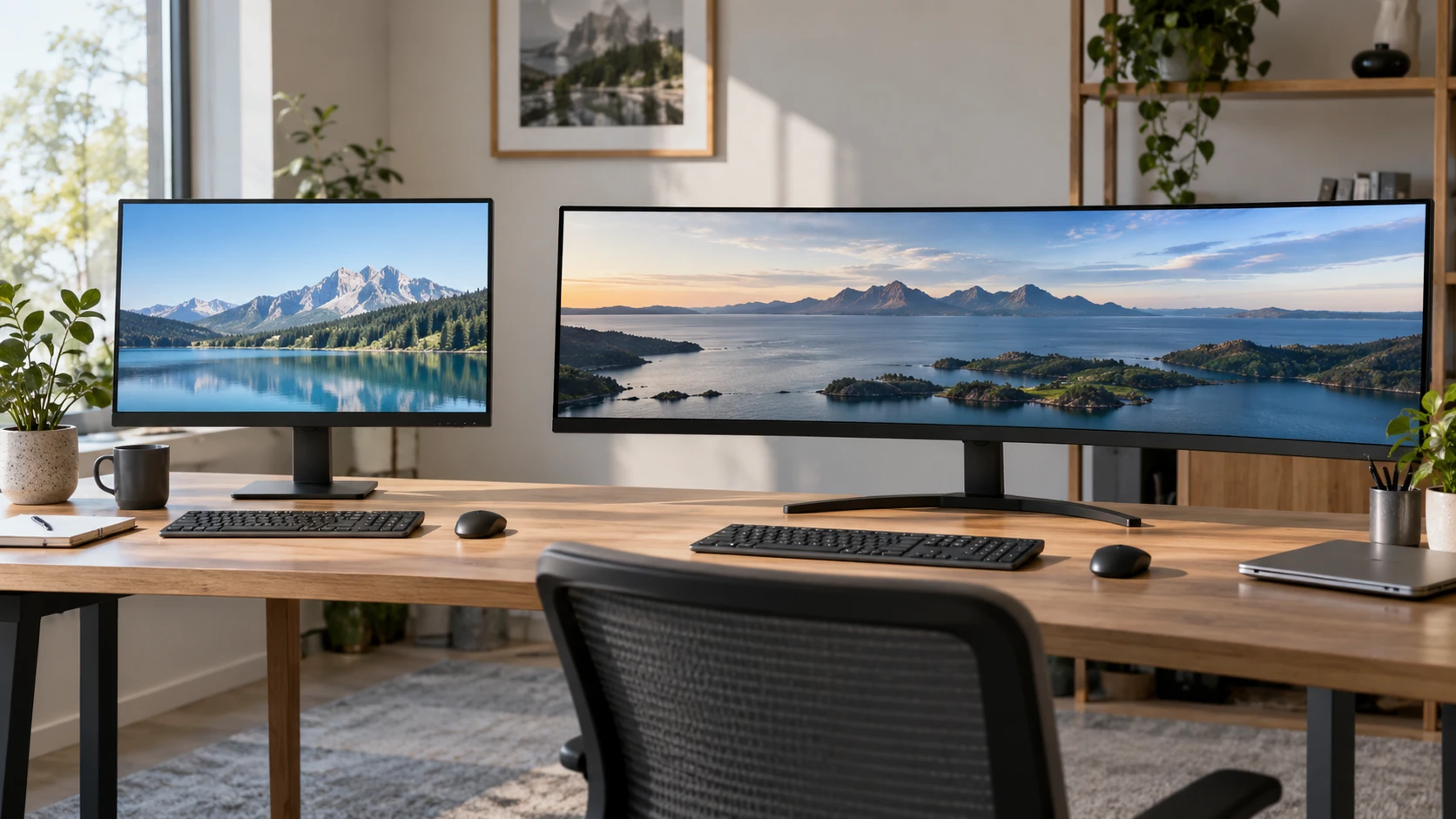
The NEC MultiSync EA241F-BK monitor has a listed 23.8-inch IPS panel and connections for DisplayPort, HDMI, DVI-D, and VGA. The guide to identifying display connections is a useful starting point for checking what a computer can send to a screen. The Philips Brilliance 499P9H monitor is a 48.8-inch curved 32:9 display listed at 5120 by 1440 pixels. It combines USB-C docking with multiple video inputs and a built-in KVM switch. The guide covers connection planning generally; the two product pages provide the model-specific ports here.
The Philips is almost 1.2 meters wide without its stand, according to the saved listing. NEC's entry lists a 23.8-inch diagonal and a body around 21.2 inches wide. Measure the desk, viewing distance, and space for speakers or a laptop before treating either diagonal as enough information. The Philips may replace a two-screen arrangement in some workflows, while the NEC may fit beside a laptop or another monitor. Mark those arrangements with paper or tape at their intended positions so the remaining desk space is visible before ordering.
Resolve the NEC resolution conflict first — Philips Brilliance 499P9H monitor
The NEC source has an important internal disagreement. Its product title calls the display Full HD at 1920 by 1080, while the saved specifications say its native resolution is 1920 by 1200. The same specifications also label the screen 16:9. A 1920-by-1200 image has a different aspect ratio from 16:9, so these entries cannot all describe the same native mode. Do not choose this monitor on the expectation of extra vertical pixels until the manufacturer model sheet, packaging, or on-screen native mode confirms the exact panel.
That discrepancy matters for spreadsheets, reading, and fitting two windows. If the NEC panel really uses 1920 by 1200, it provides more rows than 1920 by 1080 at the same scale. If it is 1920 by 1080, plan around the shorter workspace. A buyer using an existing monitor arm should check the display's dimensions and model code along with its resolution. The source also lists a 100-by-100-mm VESA pattern, but the exact panel and stand should be verified before finalizing a tight desk layout.
Philips' saved entry consistently describes a 32:9, 5120-by-1440 display called Dual Quad HD. That is a very wide desktop with more horizontal pixels than either NEC resolution. It does not automatically make every application comfortable across the full width. Some people will place several windows side by side; others may center one window and leave the edges for secondary tools. Sketch the windows you use every day. Then check whether your operating system and applications let you arrange them without constant manual resizing.
Trace every computer to an input — guide to identifying display connections
NEC lists DisplayPort, HDMI, DVI-D, and a 15-pin VGA connection. That range can be useful when an older computer must share a desk with a newer one. DisplayPort and HDMI are listed as carrying audio to the screen, and the monitor has a 3.5-mm audio output. The saved description does not claim a USB-C dock, network port, or internal KVM. If a keyboard and mouse must move between two computers, include a separate switching plan in the desk setup rather than assuming the monitor handles it.
Philips lists two HDMI inputs, one DisplayPort input, USB-C docking, USB ports, a USB hub, and RJ-45 networking. Its KVM switch lets one keyboard and mouse control two computers, according to the product description. MultiView supports simultaneous viewing from two connections. Those are useful features for a work laptop and a desktop, but the exact wiring matters. Map each computer's video output and USB data path, then identify which cable carries peripherals when the KVM changes source. A screen can show two inputs while the keyboard remains attached to only one of them.
The Philips entry says USB-C docking carries video, data, and power. It does not state the power-delivery wattage in the saved excerpt. A laptop that expects a high-wattage charger may still need its own supply. Check the laptop's USB-C video capability and power requirement, then compare those with the current Philips specification. The included bundle lists USB-C to C and USB-C to A cables, as well as HDMI, DisplayPort, USB-A to B, and a power cable. Verify which cable will carry the functions you need; matching connector shapes alone do not establish every mode.
Check the source computer, cable, monitor input, and selected display mode together. A matching plug alone does not tell you which image mode the computer can send. For Philips, confirm that the computer can drive 5120 by 1440 at the refresh rate you intend to use. For NEC, confirm the native resolution once the listing conflict is resolved. Test audio output separately if speakers or headphones will be attached through the screen. The saved product excerpts do not prove that every source device supports every advertised screen mode.
Compare the panel specifications — Philips Brilliance 499P9H monitor
NEC's entry describes W-LED backlighting, a typical brightness of 250 cd per square meter, a 1000:1 contrast ratio, 178-degree viewing angles, and a 5-ms typical response time. It also gives a vertical timing range of 50 to 75 Hz. Philips lists a 450 cd per square meter brightness figure, 3000:1 native contrast, a 5-ms gray-to-gray response time, and Adaptive-Sync over HDMI and DisplayPort. It describes DisplayHDR 400 compatibility. The two response-time figures may use different measurement conditions, and these descriptions do not provide matched tests of motion, glare, or uniformity.
Philips gives color-gamut figures of 121% sRGB and 91% Adobe RGB in the saved description. NEC lists several gamut percentages using both coverage and size language. Such numbers are difficult to compare without the same measurement method and an actual color report for the units being sold. If color-sensitive work matters, obtain a current specification for each exact model and evaluate the screen after setup. A wide-gamut number by itself does not say whether ordinary web colors will look accurate under the computer's current settings.
The Philips curvature is listed as 1800R. On a screen this wide, curve and viewing position affect how far the edges feel from the viewer. Place a chair at the intended distance and mark the approximate width before buying. A display spanning most of the desk can force frequent head movement if the main work sits at an edge. The NEC's smaller panel may be easier to place within a compact workstation. Neither listing gives a measured ergonomic outcome, so the best comparison is the daily window arrangement at the planned seating position.
Account for mounting, weight, and power — Philips Brilliance 499P9H monitor
Both entries list a 100-by-100-mm VESA mounting pattern. That shared pattern does not mean a single arm safely supports either display. Philips weighs approximately 11 kg without its stand and 15.3 kg with it, according to its listing. Its stand footprint is listed around 1194 by 303 mm. Check an arm's weight rating, reach, and clearance for a screen of that width. NEC's dimensions and weight need to be confirmed against the exact variant, especially while its resolution fields disagree. Measure how much desk depth the chosen stand leaves for a keyboard.
Philips' stand is described as tilting, swiveling, and adjusting in height. The NEC excerpt lists VESA mounting, but its saved stand details are less clear. If height adjustment is essential without an arm, check the included NEC stand's actual range. Philips also includes a pop-up webcam with Windows Hello support, a microphone, and speakers. Those might remove separate desk accessories, although the saved excerpt does not supply a camera or speaker quality test. Confirm the computer's software support and privacy settings before making them part of a work setup.
The listed operating power draw is 15 W for NEC and 45 W for Philips, with power-saving or standby figures of 0.29 W and 0.3 W respectively. These are product specifications, not a measurement of your particular workload. The larger panel's higher listed operating draw belongs in a plan for a desk used many hours each day. If power cost matters, estimate it from your expected hours and local rate, then verify the display's active mode. Neither saved excerpt tells us what brightness setting produced its operating figure.
Choose the configuration you can verify — Philips Brilliance 499P9H monitor
For one computer in a compact space, the NEC offers a smaller IPS screen and a broad set of old and new video inputs. Its catalog resolution conflict is the first item to settle before placing an order. For a desk that regularly switches between two computers, Philips provides documented KVM, MultiView, USB-C docking, and a far wider canvas. Its size, weight, laptop power needs, and source output capability demand more checking before purchase.
The saved catalog prices are $349.99 for NEC and $1,374.68 for Philips. Those are snapshot prices rather than current checkout totals. Confirm the exact variant, current price, included stand and cables, and return terms. Before choosing either display, draw the actual cable route and window layout on the desk. For NEC, ask for confirmation of the native panel mode; for Philips, test whether the laptop and desktop can supply the wide mode and share peripherals through the intended connections.