Crypto Commerce
NBD mini laptop vs Goldengulf: Windows and memory
The NBD mini laptop lists Windows 11, 8GB DDR4 memory and 128GB onboard storage. Goldengulf lists Windows 10, 2GB RAM and 32GB internal storage. For a shopper choosing between these compact computers, NBD has the larger listed capacities and a different Windows version. That makes it worth examining first if those specifications match your needs. It does not establish application compatibility, measured speed or the exact hardware that will arrive.
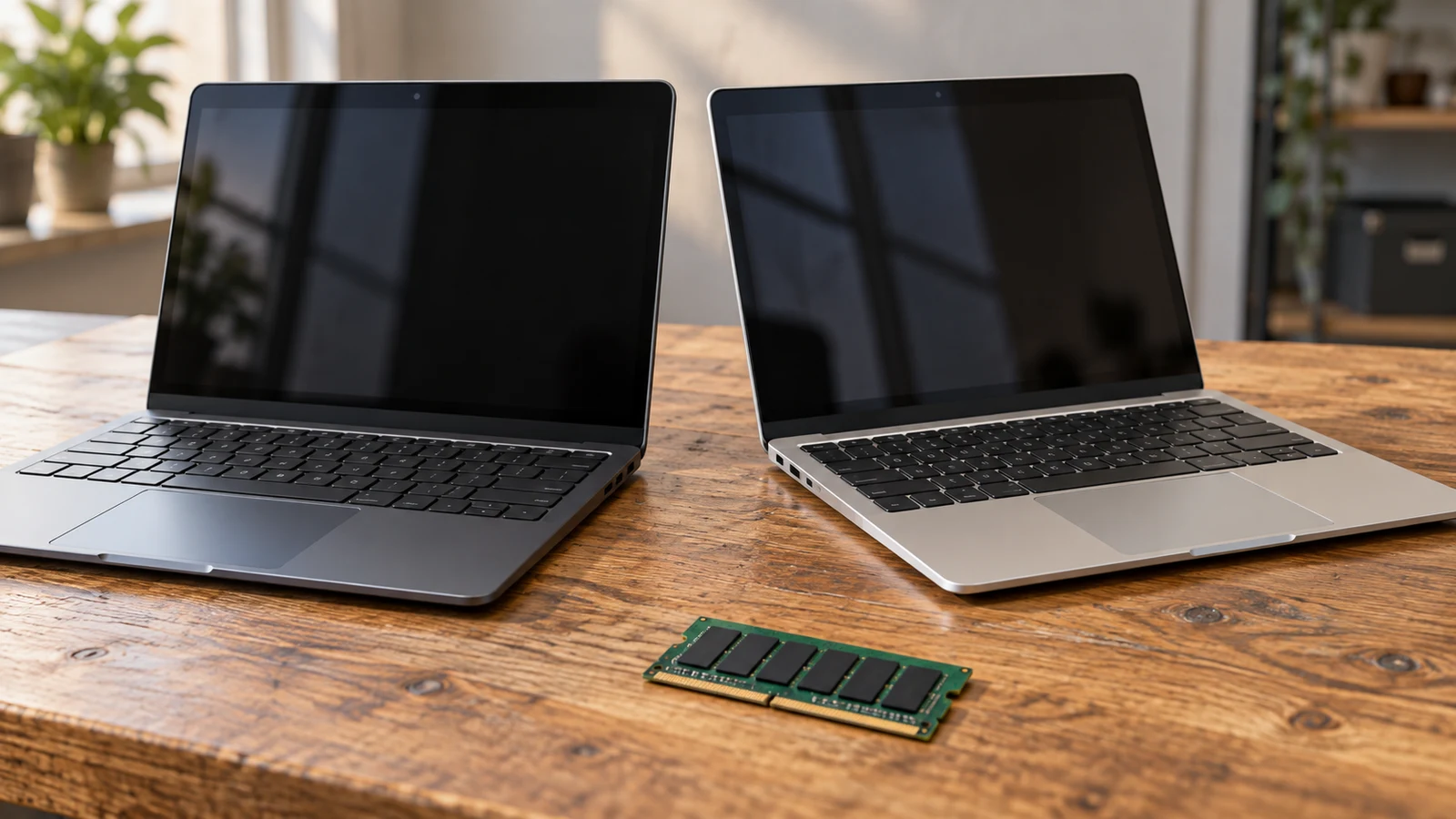
The NBD mini laptop lists Windows 11, 8GB DDR4 memory and 128GB onboard storage. Goldengulf lists Windows 10, 2GB RAM and 32GB internal storage. For a shopper choosing between these compact computers, NBD has the larger listed capacities and a different Windows version. That makes it worth examining first if those specifications match your needs. It does not establish application compatibility, measured speed or the exact hardware that will arrive.
The unresolved detail is NBD's processor wording: its description pairs Intel Celeron N4020 with "Quad-Core." Treat that combination as something to clarify before making a processor-based decision. Goldengulf's description also supplies an expansion detail absent from NBD's: TF card support up to 256GB. The useful choice depends on whether the delivered Windows installation and confirmed configuration can support the particular work you intend to do.
Start with the NBD mini laptop product description when checking the advertised configuration. Keep a short list of the applications you need beside it. A buying decision for a small Windows computer should connect each specification to an actual requirement, with unanswered questions kept visible until you have enough information to choose.
Goldengulf Computer Alternative: How The Windows Versions Affect Your Choice
NBD's description says the computer runs Windows 11; Goldengulf's says Windows 10. Neither supplied description establishes the installed Windows edition, activation status or update arrangements. Ask which edition ships on the exact unit and whether Windows arrives activated. If your intended use depends on a particular Windows feature, name that feature in your question instead of treating the operating-system name as a complete compatibility statement.
For someone considering the Goldengulf computer alternative, the Windows 10 listing deserves a specific software check. Find out whether the applications you intend to install support the delivered version and configuration. Do the equivalent check for NBD's listed Windows 11 installation. This comparison does not establish either computer's current support status or eligibility for a future operating-system change.
Write down the exact application names and versions that matter to you. "Documents" is too broad if you need a particular desktop program, a specialist document format or a workplace sign-in process. Likewise, "online study" can mean reading pages or using software chosen by a course provider. Give the seller or the relevant software provider the actual requirement so the answer can address your situation.
If this will be a work computer, ask your employer whether either configuration is acceptable before ordering. An employer may have its own device requirements, and neither product description establishes approval for a managed workplace. For personal use, decide which applications are essential and which you could replace. That distinction can prevent a familiar Windows label from carrying more weight than the programs you need to run.
A plan to buy Goldengulf and change its operating system later needs separate confirmation. Its supplied description does not promise a Windows upgrade path. NBD's Windows 11 wording also does not establish support for every application or peripheral. Compare the computers in their stated shipping configurations first; consider a changed configuration only after confirming that the proposed change is supported and practical for you.
Goldengulf Computer Alternative: Match The Description To A Real Session
Consider a session in which you edit a document while referring to a website and opening an emailed attachment. Describe those activities together when seeking compatibility advice. Asking whether a computer "does office work" invites a broad answer. Asking whether the exact delivered configuration supports your named applications, used together, gives the person answering a clearer problem to assess.
A different buyer might want one dedicated application on a compact computer and have little interest in installing anything else. That buyer should seek confirmation for that application before weighing extra capacity. Neither description supplies a workload test, so this article cannot assign a reliable number of open tabs, predict response times or promise smooth operation for either use case.
Compare Computer Memory And Storage Without Adding Them Together: Apply The Listed Configurations
NBD specifies 8GB of DDR4 SDRAM and 128GB of onboard storage, described as "ROM." Goldengulf specifies 2GB RAM and 32GB internal storage. Those are the capacities to carry into your application checks. Keep each figure attached to its product and its label, particularly if you are comparing screenshots or discussing a configuration with someone else.
The guide Compare computer memory and storage without adding them together explains the capacity distinction. For this purchase, the next step is to check the requirements of your intended software against each laptop's listed configuration. Avoid turning the capacity difference into a prediction about speed: the supplied descriptions contain no comparative benchmark results or measurements from the same task.
If an application's stated memory requirement exceeds Goldengulf's listed 2GB, do not assume a storage card will resolve that requirement. Ask whether the shipped computer meets the software's requirements as a whole. If NBD's listed memory satisfies that particular requirement, continue checking the remaining specifications. Passing one requirement does not establish that the complete system is suitable.
Storage planning needs a different question: how much usable internal space will remain on the delivered computer? Neither description states that figure after the installed software is accounted for. Ask about it before planning to keep your working files locally. A buyer handling mostly small documents may reach a different decision from someone who needs a substantial offline file collection, but the descriptions do not quantify either workload.
The NBD mini laptop has the larger stated onboard capacity, which is relevant if internal storage is a purchase priority. Its description does not identify the storage interface, establish a replaceable drive or promise an expansion slot. The word "ROM" should not be expanded into an SSD specification. Ask for the storage type and any supported replacement options if those details affect your decision.
Goldengulf explicitly lists TF card support up to 256GB. That gives you an expansion feature to investigate, without establishing that a card is included or that your intended software can use it as planned. If your purchase depends on keeping particular files on removable storage, ask about that use directly. Avoid budgeting around an accessory or an installation arrangement that the description has not confirmed.
Memory upgrades are also unresolved. Neither supplied description says that RAM can be replaced or expanded. Choose on the basis of the listed installed memory unless you receive confirmation of the exact upgrade arrangement. A plan to improve the computer later should specify what can change, what parts are compatible and who would perform the work.
Goldengulf Computer Alternative: Resolve NBD's Processor Wording Before Ranking Hardware
NBD's supplied description names an Intel Celeron N4020 processor and adds "Quad-Core." Because that combination needs clarification, this comparison does not treat the core-count wording as a verified hardware specification. Ask the seller to confirm the processor model and core count for the unit you would receive, ideally using information from that exact configuration.
A useful question is: "Can you confirm the processor model and core count in the NBD unit offered here, along with its installed memory and storage?" Keeping the request tied to the offered unit reduces the chance of receiving details for a similar laptop. If the answer changes the listed processor identity, reconsider any compatibility conclusions that depended on the original name.
Goldengulf's description names an Intel Quad Core Z8350 CPU. That is an attributed listing specification, not a comparative performance result. Even after NBD's wording is clarified, the descriptions alone do not establish which machine completes a particular task faster. Avoid choosing by the word "Quad-Core" or by processor branding without connecting the confirmed hardware to your software requirements.
NBD also lists Intel UHD Graphics 600. The supplied Goldengulf description does not provide a corresponding graphics specification. There is therefore no supported graphics comparison here. If your chosen application has a graphics requirement, ask about that requirement for both exact units. Neither the Windows version nor the amount of listed RAM answers it.
Goldengulf Computer Alternative: Check The Compact Format Against Your Use
NBD describes a 10-inch netbook; Goldengulf describes a 10.1-inch display. Those labels give a starting point for considering a compact computer, but they do not establish keyboard comfort or readability for you. If you plan to spend long sessions editing, ask for keyboard-layout information and assess whether the small format suits the way you work.
For a computer that will move between home and another location, decide what you need to carry with it. NBD's description calls the laptop lightweight but supplies no numerical weight. Goldengulf lists a weight of 1.2kgs. Those statements do not support a precise weight comparison between the two, so request NBD's dimensions and weight if carrying size is important to your choice.
Goldengulf's description includes HDMI, WiFi and USB. NBD's supplied description does not specify its connections. That omission leaves NBD's connection options unknown; it does not prove that they are absent. If you need a particular peripheral, identify it by model and ask about compatibility. Keep this check focused on what your intended setup actually requires.
Battery suitability also remains a separate question from Windows and memory. If you expect to work away from an outlet, ask about operation under your intended workload. Do not assume that either laptop's compact format establishes adequate runtime. A seller's answer about a different activity would not resolve how long your own combination of applications can run.
Compare Computer Memory And Storage Without Adding Them Together: Make The Final Selection
After checking your software, record a provisional choice and the unanswered question that could change it. For NBD, that might be confirmation of the processor and delivered Windows configuration. For Goldengulf, it might be whether a required application supports the listed memory and internal storage. This keeps the decision tied to a specific need instead of an overall impression of the product description.
NBD merits closer consideration when you want its listed Windows 11 configuration and larger stated capacities, provided the hardware questions are resolved. Goldengulf remains a candidate when its confirmed shipping configuration meets your intended use and its documented features matter to you. Neither conclusion requires a claim that one brand is universally better, faster or more dependable.
Before purchasing, check the current product details, selected variant and availability. Read the actual total and purchase terms presented for your order, including any delivery or return conditions relevant to your decision. Keep a copy of the configuration you selected and any clarification that affected your choice. The descriptions used here do not establish those transaction-specific terms.
Return to the product page with your application list and ask the remaining configuration question before placing an order. If you choose the NBD mini laptop, make sure the answer covers its processor wording as well as Windows, memory and storage. If you choose Goldengulf, confirm that the listed configuration supports your intended work without relying on an unpromised upgrade.