Educational & Explainer Articles
Metronome tempo and beat settings: rate, pattern and sound
Understand metronome tempo and beat settings with Korg KDM-3 documentation and hypothetical rate examples, keeping the Matrix MR800’s unknown details open.
Metronome tempo and beat settings describe different parts of a repeating sound. The tempo figure gives a rate. A beat or rhythm setting organises what happens within a repeating pattern. A sound choice changes the voice you hear. Keeping those questions separate helps explain why two examples can have the same tempo number while sounding different.
The Korg KDM-3 provides a documented example with separate tempo, beat and voice controls. The selected Matrix offer provides much less information. This guide explains the distinctions using Korg's actual manual and clearly hypothetical arithmetic, without inventing a matching control layout for the Matrix unit or promising an improvement in anyone's playing.
Start with the quantity the tempo number describes
Beats per minute expresses a rate: how many specified beats occur in one minute. Before interpreting the number, establish what the example calls a beat. Counting every audible event can give a different result when the pattern contains subdivisions or silent positions. The tempo marking and the full audible pattern therefore need to stay identifiable.
Consider an ideal mathematical pulse at sixty beats per minute. Its consecutive beats are one second apart. At 120 beats per minute, consecutive beats are half a second apart. These are rate calculations, not measurements of either product's output. They also do not prescribe the tempo anyone should use for a particular piece.
The calculation is sixty seconds divided by the number of beats per minute. For the two hypothetical examples, sixty divided by sixty gives one second, and sixty divided by 120 gives half a second. Keep the beat definition unchanged when comparing the results. Changing what you count halfway through would change the question.
Read the actual Korg and Matrix offers
The Korg KDM-3 digital metronome offer identifies model KDM3BK, SKU 671295768 and UPC 929061712908. Its description calls the source listing Black while its colour field says Multicolor. Retain that discrepancy if a particular finish matters to your order; the brief retail description does not resolve it.
The selected Korg description does not itself list the detailed operating ranges used below. Those come from the manufacturer's separately identified KDM-3 owner's manual and specifications page. The manual is a model reference, rather than a receipt establishing the revision or condition of any delivered unit. Match the applicable instructions to the actual instrument.
The Matrix LED Accent Metronome offer supplies the brand, product name and item number MR800. Its selected description provides no tempo range, beat menu or operating sequence. The word Accent in the title does not establish which beats are accented, how that setting is selected or whether its pattern matches a Korg option.
Those unequal descriptions do not support a side-by-side performance ranking. More detailed documentation for one model gives you more information to read; it does not prove that the other model lacks every unlisted feature. Obtain the actual Matrix instructions if you need to assess its controls or settings.
Beats per minute and grouping answer separate questions
For beats per minute and grouping, imagine a written sequence of twelve equally spaced beat positions. Draw a divider after every fourth position on one copy and after every third position on another. The first copy has three groups and the second has four. Neither set of dividers changes the spacing between the twelve positions.
This is a diagram you can make on ordinary draft paper, not a transcription of a particular metronome output. It shows what a grouping decision changes: where the repeating group begins again. The underlying sequence can retain the same rate while the groups contain different numbers of beats.
Suppose those hypothetical positions occur at sixty beats per minute. Consecutive group starts are four seconds apart in the four-position version and three seconds apart in the three-position version. The underlying beat remains one second apart in both examples. A listener who counts only group starts is counting a different event from someone counting every beat.
That distinction helps when two people describe the same example differently. One may be referring to the regular beat and another to the return of a particular marker. Ask what each person counted before deciding that their numbers conflict. This does not require assigning a time signature or teaching a playing technique.
Subdivision adds another counting question
Now take the same hypothetical one-second beat interval and divide each interval into two equal parts. The half-second subdivision positions create more events to follow while the original beat rate remains sixty per minute. Calling every half-second position a new beat would describe a different counting choice.
Dividing that interval into three equal parts gives positions one third of a second apart. This is another mathematical example. It does not claim that either selected metronome has played that output or that a particular person can perform it. The point is to keep the whole beat and its internal divisions distinct.
An omitted subdivision raises a related question. If an expected internal position is silent, counting only sounds can hide the underlying grid used to describe the pattern. Identify whether the example concerns beat positions, subdivisions or audible events. A sound count alone may not supply all three descriptions.
You do not need to master every available pattern to understand this difference. Compare one clearly defined example at a time. If the notation or intended beat unit is unfamiliar, seek the relevant musical explanation before assigning a setting to the piece you want to study.
Compare two hypothetical descriptions of the same event spacing
Consider one invented example with a sixty-per-minute beat divided into two equal parts. Compare it with another example whose undivided beat is 120 per minute. If both sound at every indicated position, the sound events in these ideal examples are half a second apart. The labels still describe different beat definitions.
That numerical coincidence does not prove that two actual device settings produce identical sound, accents or displays. It also does not tell you which beat definition belongs to a particular piece of music. You would need the intended musical context and the actual pattern description for those questions.
When someone says an example has become twice as fast, ask whether the original beat interval changed or more events were placed inside it. Their impression may be understandable, but the explanation needs to name the event being counted. You can retain what they heard while making the numerical description more precise.
The documented KDM-3 controls keep several choices separate
Korg's EFGSJ4 owner's manual uses TEMPO/CALIB for tempo in metronome mode and BEAT/NOTE for the beat choice. Its specifications give a tempo range of thirty to 252 beats per minute. Full steps change the tempo by one; pendulum steps use 49 preset values. These are documented settings, not an observed accuracy test.
The manufacturer's specifications list nineteen beat-pattern choices, including zero through nine beats and subdivision patterns. VOICE SELECT chooses the metronome sound separately. The manual names sounds such as a mechanical metronome and clap, and notes that a mechanical sound may occur for the English-voice choice depending on the beat setting. Do not infer every audible detail from a menu name.
The sound-out mode has a different purpose: a reference tone for tuning by ear. The same TEMPO/CALIB control then changes pitch calibration, while BEAT/NOTE selects a note. Check the mode before interpreting a number or control label. This article supplies no instrument-tuning procedure or target pitch for a particular performance.
Match the applicable manual before operating the actual unit. The distinctions above explain what the documented controls represent; they do not supply an installation, battery-handling or repair procedure. Keep an unresolved model or revision question with the manufacturer rather than borrowing another unit's instructions.
Metronome sound choice is separate from a tempo change
For metronome sound choice, distinguish the character of an event from when it occurs. In a hypothetical sound sequence, replacing one click sound with another while retaining every event time changes the sound identity. Changing the spacing between those event times changes the rate. These are separate changes even when a device offers both.
A description such as louder, softer or more noticeable is also different from a tempo value. This guide contains no comparative listening trial of the two selected products. It does not rank their audibility, maximum level, suitability for hearing needs or ability to remain noticeable beside an instrument.
A fictional learner, Mara, asks why an example feels different after someone changes its sound. Their partner first asks whether the event spacing also changed. If only the sound changed in the hypothetical example, they can discuss that difference without reporting a new beat rate. The story illustrates the question to ask; it is not evidence from a tested practice session.
If both the rate and sound are changed together, the comparison contains two changes. Keep that in mind before attributing the whole experience to one setting. You can describe what you actually changed without turning a personal impression into a general product finding.
Keep imaging ratios and shared music in their own contexts
The camera zoom-ratio guide compares the Canon G7 X Mark II's advertised 4.2x ratio and 24–100mm equivalent range with a separate 1000mm manual lens designation. Its specific lesson for this reading task is to retain the quantity and qualifier attached to a number. A ratio is different from a focal length, just as a rate is different from a count of pattern choices.
Camera figures provide no musical tempo or metronome calibration. The connection concerns reading quantities, not converting optical specifications into rhythm settings. Keep the source context with each value so an example from another product category does not become an invented specification for these units.
The harmonica call-and-response session guide describes a social musical exchange with a short opening, an answer and a change of leader. It distinguishes the actual Hohner Special 20 Pink retail wording from the Discovery 48 chromatic description. Its clapped-rhythm option is an arrangement for taking turns, not a measured tempo test or a claim that either metronome is required.
If you bring a metronome into a separate shared music activity, identify what you want its repeating signal to represent. The conversation can concern the regular beat, a group boundary or a pattern. This article does not assign a metronome setting to that harmonica lesson or transfer its conditional instrument technique to another model.
Read the setting before drawing a conclusion
When comparing metronome tempo and beat settings, keep the rate, the chosen pattern and the sound identifiable. A change in group length can change when a marker returns without changing the beat interval. A subdivision can add positions within that interval. A voice change concerns what the events sound like.
The KDM-3 manual documents separate choices for those questions. The selected Matrix description leaves its detailed settings unresolved. Use the applicable model instructions to answer the remaining equipment questions, and keep hypothetical arithmetic separate from an actual output measurement.
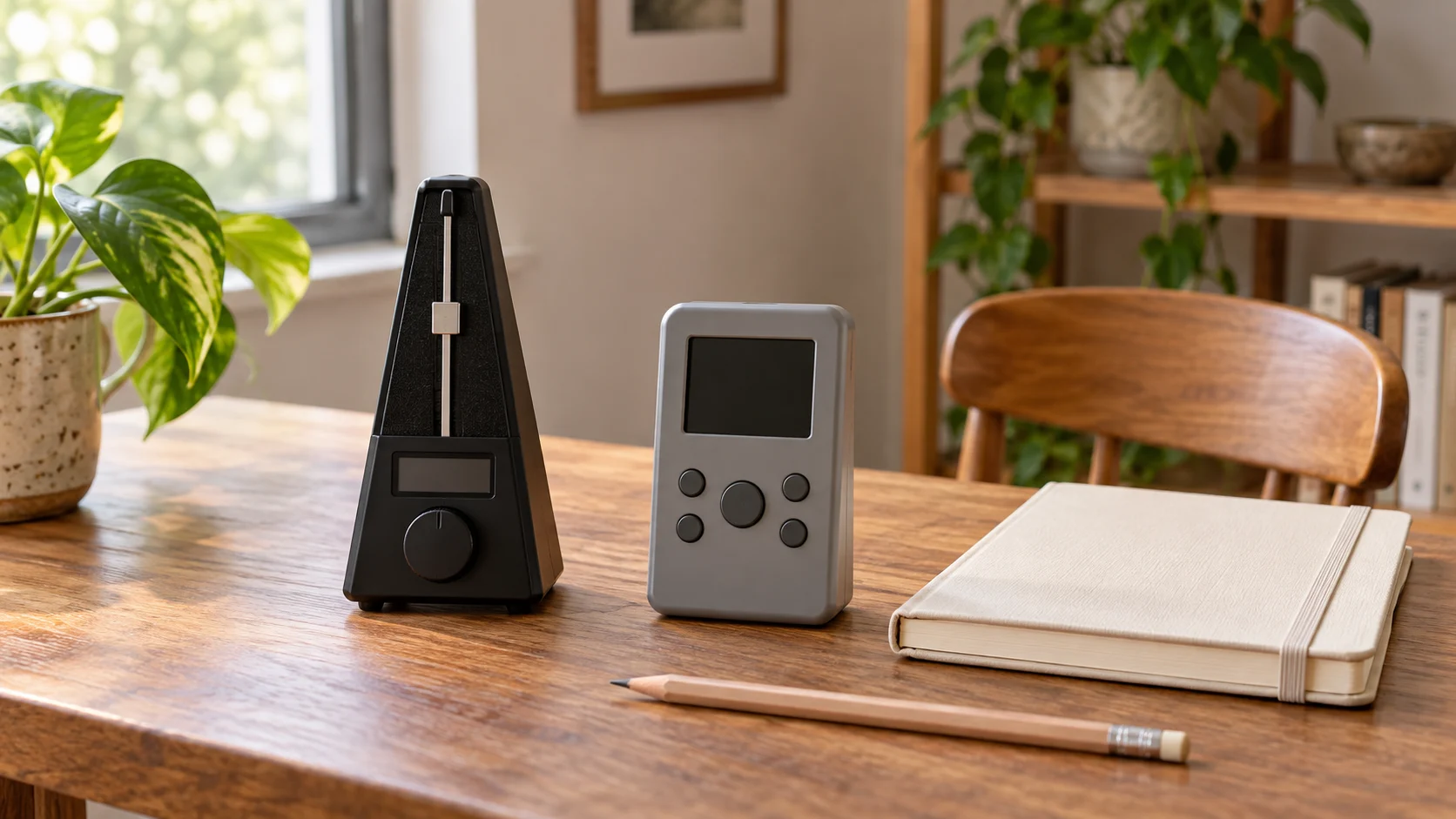
Conceptual metronome tempo and beat settings scene with two whole generic inactive digital metronomes; no exact retail models, displayed values or audible pattern is demonstrated.