Crypto Commerce
Memzuoix 3456ZU 34-inch ultrawide monitor vs Sealan 34-inch ultrawide monitors
Compare Memzuoix 3456ZU 34-inch ultrawide monitor by refresh mode, inputs, color claims, audio, mounting, warranty, and desk fit.
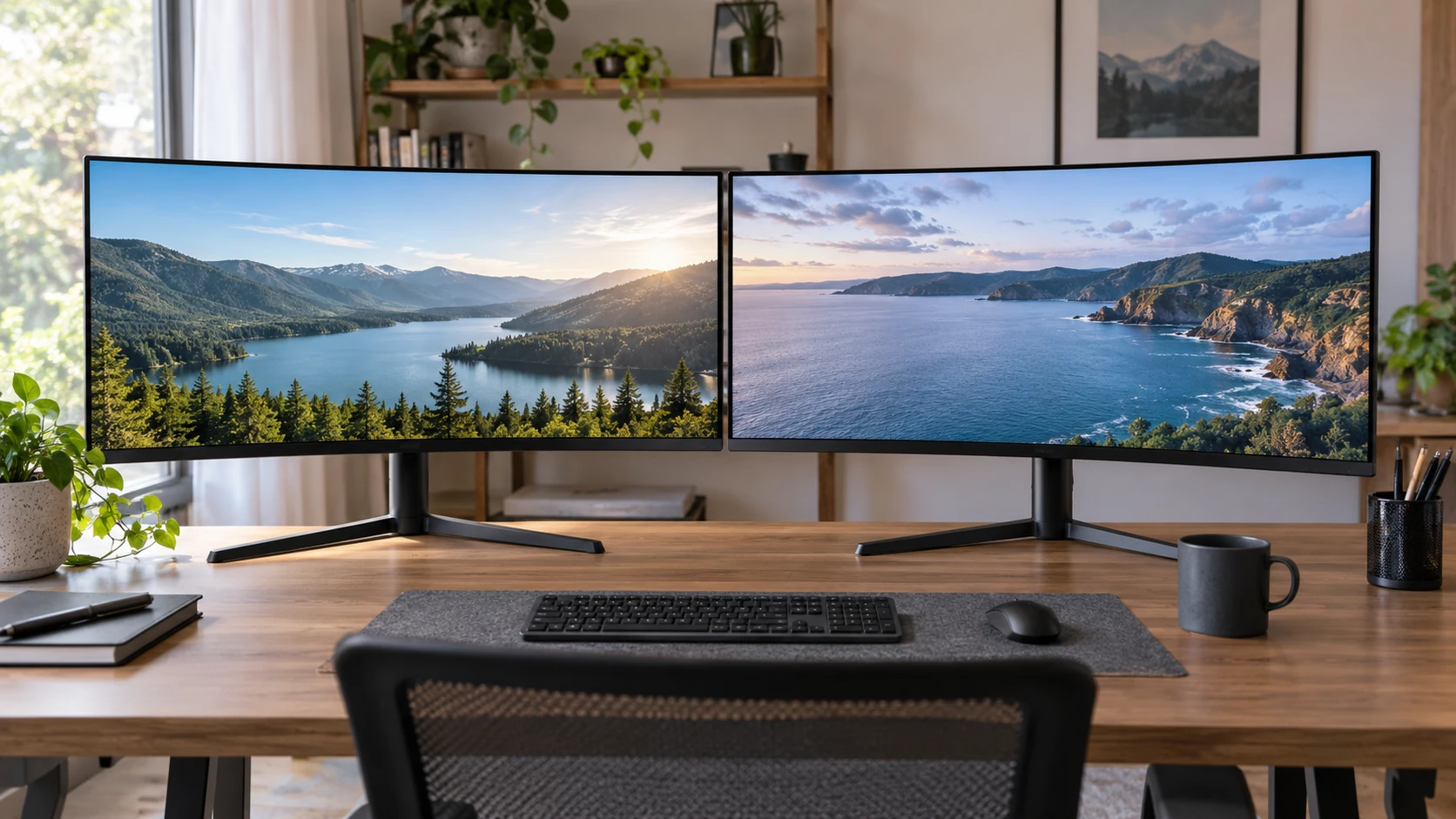
Both monitors have a 34-inch curved screen, 3440 x 1440 resolution, and a listed 165 Hz refresh rate. That makes size and pixel count poor ways to choose between them. The saved catalog descriptions put the differences in the connections, panel claims, sound options, and setup details. The Memzuoix 3456ZU 34-inch ultrawide monitor lists a VA panel, built-in speakers, and rear lighting. The Sealan listing gives more detail about video ports, picture-in-picture, mounting, and its stated warranty. Read those differences in the context of the computer and desk you actually have.
Start with the space a 34-inch screen occupies — Sealan Q340B45-1 34-inch ultrawide monitor
A 34-inch diagonal describes the panel, not the footprint of its stand or the space needed behind it for cables. Both saved descriptions call these monitors curved and specify a 1500R curve. They should be compared from a seated position and at a distance you can comfortably use, rather than on diagonal alone. Check current product drawings for overall width, depth, height, and stand adjustment before deciding either fits under a shelf or beside a second display. Neither short catalog excerpt supplies a complete installed footprint.
A 3440 x 1440 ultrawide desktop can hold a document beside a browser or two application windows without a central bezel. Whether that helps depends on the applications you use and the text size you can read at your usual distance. Open a typical working layout on a similarly sized screen if possible. Games and video also vary in how they handle a 21:9 image; some may show side space, crop, or use a different presentation. Check the software that matters to you rather than assuming the full panel is always filled.
The Memzuoix listing explicitly describes a 21:9 aspect ratio and a VA panel. Sealan calls its Q340B45-1 a 34-inch ultrawide curved panel but does not name a panel technology in the saved excerpt. A panel label alone cannot settle questions about viewing angles, dark-scene behavior, or uniformity on a particular unit. If those matter, compare independent measurements for the exact models and consider the lighting in your room.
Verify the full video path before planning 165 Hz — ultrawide monitor connection checks
Both descriptions advertise up to 165 Hz. Sealan explicitly ties that rate to DisplayPort. Its saved connection list names two DisplayPort 1.4 inputs and two HDMI 2.0 TMDS inputs. Memzuoix names DisplayPort and HDMI but does not state their versions or the refresh rates supported by each in the short description. Do not assume every connector on either monitor delivers the advertised maximum at 3440 x 1440. Read the current supported-mode table, then compare it with the output on your graphics card or laptop.
The published guide on ultrawide monitor connection checks explains why the display connector and the source output must be considered together. A dock, adapter, or cable can limit the mode available even when the computer and monitor each list suitable specifications. Draw the route from computer to screen, including every intermediate device. If the screen will share time between a desktop and work laptop, check both routes separately. This small inventory can prevent buying a monitor around a refresh-rate claim that your usual connection cannot use.
After installation, select 3440 x 1440 and inspect the actual refresh rate in the computer's display settings. If 165 Hz does not appear, try the supported direct connection documented for the exact monitor before changing hardware or assuming a defect. Check the monitor's information display and manual where available. The saved catalog does not provide a complete cable specification for either package, so verify what is included and whether it supports the mode you intend to use.
Compare motion claims on equal terms — Sealan Q340B45-1 34-inch ultrawide monitor
Memzuoix lists a 1 ms gray-to-gray response figure and Adaptive Sync. Sealan lists 1 ms MPRT and AMD FreeSync. The two response figures describe different measurements. They cannot establish which screen has less blur or overshoot in actual use, and neither saved description gives a complete input-lag measurement. Search for testing of the exact model at the refresh rates you plan to use if motion clarity is a deciding factor.
Adaptive synchronization is useful when a compatible computer and monitor change their timing together as frames arrive. That can reduce visible tearing or stutter, but compatibility and supported operating range still matter. Sealan names AMD FreeSync; Memzuoix uses the broader Adaptive Sync wording in its listing. Check current documentation for your graphics hardware and each monitor before treating the labels as interchangeable guarantees. A console may have different supported modes from a PC, particularly on an ultrawide screen.
The 165 Hz claim is most relevant if your computer can render the work or games you care about fast enough and send that mode through the chosen port. Office scrolling can look smoother at higher refresh too, but a faster specification does not repair awkward text scaling or a poor desk arrangement. Decide what motion you are trying to improve, then verify that the whole system supports it.
Read color and brightness specifications carefully — Sealan Q340B45-1 34-inch ultrawide monitor
Both saved descriptions state 99% sRGB coverage and 8-bit color. Memzuoix also lists 16.7 million colors and a 3000:1 contrast ratio. Sealan lists 300 cd/m² brightness and an HDR feature. Those are useful starting specifications, but they do not measure color accuracy, screen uniformity, or how the monitors look after adjustment in your room. The Memzuoix excerpt does not give a comparable brightness value, and the Sealan excerpt does not give a comparable measured contrast ratio. Treat the missing numbers as gaps, not evidence that one model performs worse.
Sealan's HDR label does not by itself establish a strong HDR picture. The saved excerpt does not include peak brightness, local dimming details, or a measured contrast result that would support such a conclusion. Likewise, Memzuoix's stated contrast ratio is a catalog specification rather than a test of the unit you would receive. If photo work or HDR viewing matters, find independent testing for these exact models and check how each handles the content you use.
Room lighting changes the practical comparison. A window or lamp reflected in the screen can make dark content harder to see, while a very bright setting may be uncomfortable at night. Neither short description establishes the screen finish or measured reflection behavior. Check current specifications, then set brightness for the room rather than keeping a factory preset simply because it looks vivid on first use.
Decide how many devices and windows need the screen — Sealan Q340B45-1 34-inch ultrawide monitor
Sealan specifies two HDMI inputs, two DisplayPort inputs, and an audio output. It also names picture-in-picture for a second input. That combination may appeal to someone who switches between a work machine and a personal computer or wants to view both feeds at once. The saved excerpt does not explain the picture-in-picture layout, resolution limits, or how audio follows the selected input. Read the manual and, if possible, test the workflow before relying on it for daily work.
Memzuoix lists HDMI and DisplayPort without counts or versions in its short entry. It also lists two built-in speakers and customizable rear RGB lighting. Those features may save space or suit a desk setup, but the excerpt gives no speaker power, sound measurements, lighting controls, or claim that the speakers replace dedicated audio equipment. Sealan lists an audio-out jack; its saved description does not name built-in speakers. Check the complete current port and audio tables for both models if sound routing or device switching matters.
A port count is useful only when the ports serve your actual devices. Make a list of the desktop, laptop, console, and any docking station you expect to connect. Note the desired resolution and refresh rate for each, and count the cables that will remain attached. Then check input selection and picture-in-picture behavior in the manual. Reaching behind a wide screen to move cables every day can matter more than an extra port that you never use.
Check mounting, support, and the offer itself — Sealan Q340B45-1 34-inch ultrawide monitor
Sealan explicitly lists a 75 x 75 mm VESA mounting pattern and an 18-month warranty, with support for damage, defects, and missing accessories. Confirm the current warranty terms, Republeq's catalog, geographic coverage, and claim procedure before ordering. A VESA pattern alone does not establish whether a particular arm can carry the monitor: check weight without the stand, mounting hardware, and the arm's rating. The Memzuoix short excerpt does not specify a VESA pattern or warranty, so consult its current manual and Republeq's catalog terms before making the same plan for that screen.
The saved September 30 catalog listed Memzuoix at $472 and Sealan at $249.99, with both marked available. Those are historical offer details, not a current price guarantee. Recheck the exact model, Republeq's catalog, shipping, returns, dead-pixel policy, included cables, and warranty at checkout. The price gap is large enough to justify a careful look at what each listing actually includes, but it does not prove one has better measured image quality or longevity.
Memzuoix is the closer candidate if its documented VA panel, speakers, and rear lighting suit your setup and its port modes check out for your computer. The Sealan Q340B45-1 34-inch ultrawide monitor gives clearer saved detail on four video inputs, picture-in-picture, VESA mounting, and a stated warranty. Confirm the current manuals and your full connection path before either purchase.