Crypto Commerce
Luyismer 15.6-inch portable monitor vs Misright 15.6-inch portable monitors for a laptop desk
Compare Luyismer 15.6-inch portable monitor by video inputs, power, stand, screen claims, speakers, travel fit, and saved price.
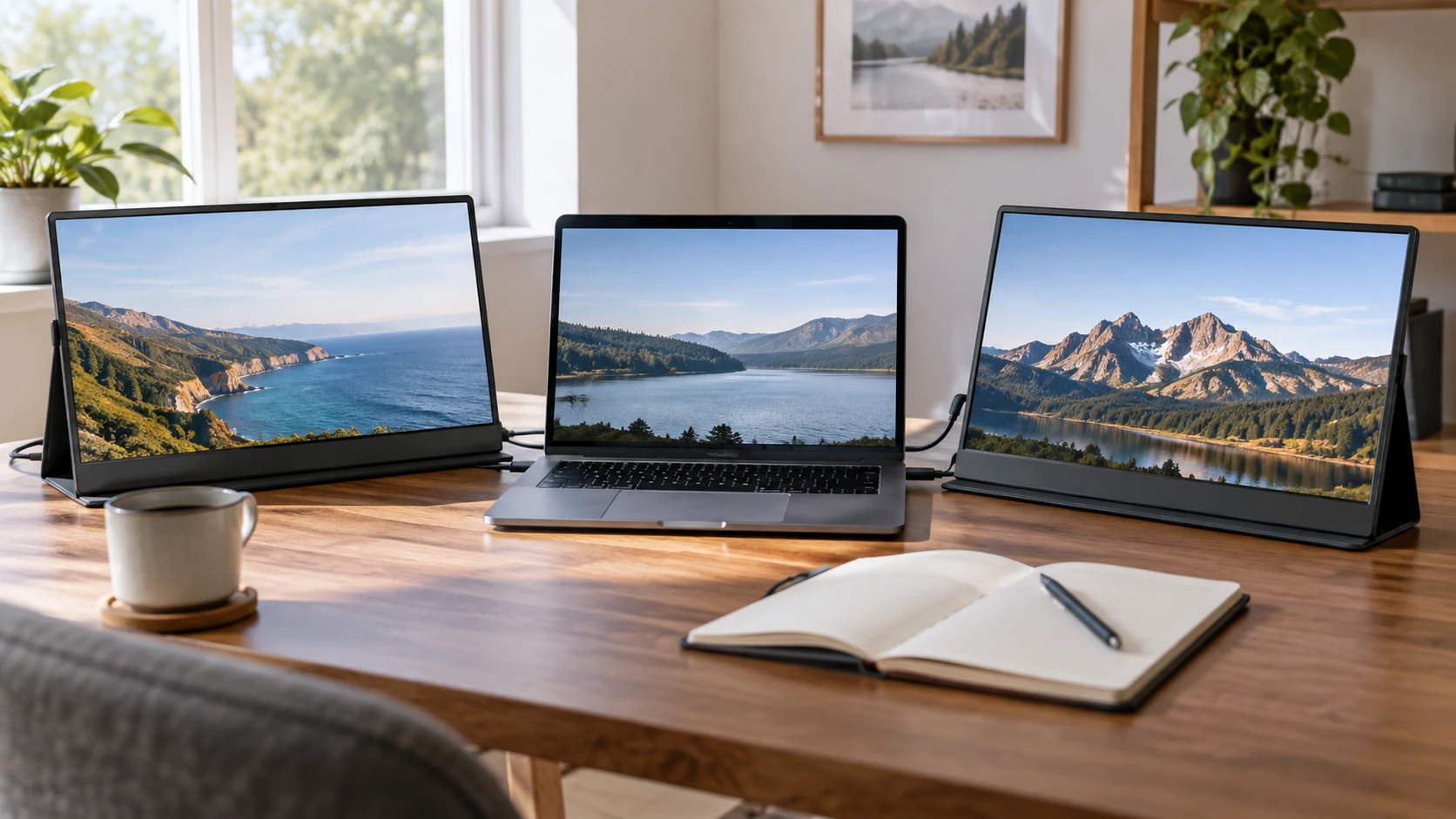
A portable monitor should be easy to connect and place before its extra screen space becomes useful. Luyismer and Misright both advertise 15.6-inch, 1920-by-1080 displays with wide viewing angles. Luyismer claims a weight under 1.5 pounds and an anti-glare coating. Misright lists a stand, two rear speakers, a 250-nit brightness figure, and more than one named input type. Their saved product prices differ by only $3.50. The important test is whether the laptop, cable, and power source at the actual desk can drive the offered monitor reliably.
Both exact product pages and the related published guide returned HTTP 200 on October 3. I checked the live Product data as well: each page's SKU and MPN match its saved product ID. The September 30 catalog snapshot marked both available, with minimum prices of $231.50 for Luyismer and $235 for Misright. These are historical offers, not current checkout totals. The display and portability details below are Republeq's product descriptions, not matched color, brightness, or battery tests.
Verify video and power at the same time — Misright 15.6-inch portable display
The Luyismer 15.6-inch portable monitor is described with a Type-C connection and plug-and-play use with compatible laptops, smartphones, and game consoles. The saved listing does not identify the USB-C video standard, the power required, or what cable is included. A USB-C port on a laptop can support charging, data, display output, or some combination. Its shape alone cannot confirm a one-cable screen setup. Ask for the monitor's input specification and test the exact laptop port and cable before relying on that convenience.
Misright lists both a Type-C port and an “HDTV port” for connecting a PC or console. The phrase “HDTV port” does not provide a precise connector name or version in the saved description. Obtain a clear port photo and the model-specific manual before buying an adapter. Ask whether video can arrive through USB-C, whether separate power is needed when using the other video input, and what happens with a low-power laptop port. An additional input can help with compatibility only when its connector and power path match the equipment already owned.
Check the full chain, including the host computer. Can it output 1920 by 1080 at the desired refresh rate from that port while charging itself? Will the chosen cable carry video, or is it charge-only? Does a phone support external display output, and can it provide enough power? Neither Republeq's product description answers those questions for a specific device. A successful setup may need a separate power adapter or a different cable. That cost and clutter should be included in the comparison, even though both screens are marketed as portable.
Our related portable monitor travel desk guide considers a different screen and the practical checks around a movable second display. It does not certify Luyismer or Misright. Use it as a packing and connection checklist, then verify the actual input and power contracts for these two models. A screen that works at the home desk may fail to connect through a different laptop or conference-room adapter on the road.
Treat 1080p as a shared baseline, not a quality verdict — Misright 15.6-inch portable display
Both listings state a 15.6-inch screen with 1920-by-1080 resolution. That is enough information to plan basic text and window space, but not enough to conclude that the panels look the same. Color accuracy, brightness, contrast, response time, viewing-angle behavior, coating, and factory calibration all affect the experience. Neither saved description provides an independent side-by-side test. If image work is important, seek measured color and brightness results for the exact units rather than relying on “FullHD” in a title.
Luyismer claims 178-degree viewing angles and an anti-glare coating, plus blue-light reduction. Those are Republeq's catalog terms without measurement methods in this snapshot. An anti-glare surface can reduce visible reflections in some lighting, yet it does not make a dim display readable in direct sun. The description does not give a nit figure. Ask for a measured brightness specification and examine the screen under conditions close to the intended workspace, especially if travel includes bright windows.
Misright explicitly calls its panel IPS and lists 178-degree viewing angle, 250-nit brightness, and 800-to-1 contrast. These numbers are more specific than Luyismer's saved candidate, but they remain Republeq's product specifications. A 250-nit figure does not alone predict outdoor readability or how dark text appears on a particular finish. The listing does not provide a measured color gamut, refresh rate, response time, or HDR capability. Do not infer a competitive-gaming display from either product's category label.
The two screens could make a useful secondary canvas for documentation, email, video calls, or a console, if the connections work. Try a representative task. Can an editor show a full document beside the laptop? Are small interface labels legible at a comfortable scaling setting? Does the stand allow the screen's top edge to align with the laptop without neck strain? Resolution is a starting point; desk placement and software scaling decide whether the extra screen improves daily work.
Pack and position the monitor safely — portable monitor travel desk guide
Luyismer's saved description says the monitor weighs under 1.5 pounds. It does not state whether that includes a stand, case, cable, or power adapter. Those pieces can change what a travel bag feels like. The description also lacks complete exterior dimensions and a clear stand design. Ask for the shipped package contents and assembled footprint. A lightweight panel may still need a rigid sleeve and a stable support to avoid damage or a fall.
Misright lists a black ABS chassis and an adjustable stand, but its saved description does not give weight, thickness, hinge range, or base dimensions. Ask for those measurements before assuming it is less portable than Luyismer. A built-in stand might save the need to pack a separate accessory, while a large base might occupy too much table depth. Check how the display behaves on a small café table or a shallow desk, not only on a large product-photo surface.
Cable routing can undo a tidy travel setup. Look at where the ports sit and which direction a connected plug projects. A cable that sticks out toward a laptop hinge may need extra clearance or a longer lead. Neither listing gives a port-location drawing or cable lengths. If the monitor will be carried between rooms every day, choose a setup that can be connected and disconnected without stressing the jack. Confirm what protective cover, if any, is included rather than assuming a case from another version of a portable display.
Luyismer's claim of being suitable for remote work, coding, editing, and console gaming describes possible uses, not proof of equal performance for each one. Misright's listing also mentions movies and presentations. Neither gives a battery capacity, so do not assume a screen runs on its own while traveling. Check the host's battery drain or the need for a wall outlet during the actual work session. A second display can be portable without being independent of external power.
Decide whether built-in speakers matter — Misright 15.6-inch portable display
Misright names two rear speakers. The saved Luyismer candidate does not mention speakers. If a monitor must play audio from a console or laptop, confirm that audio can arrive through the selected video connection and that the speakers are enabled in that mode. Rear-facing speakers may be convenient for a short call or preview, but the listing provides no independent loudness or clarity test. Listen to the exact unit if sound quality is important.
An omitted speaker claim for Luyismer is not proof that every unit is silent. Check Republeq's product page for a port and speaker diagram. For many laptop users, the computer's own speakers or headphones may be sufficient, making monitor audio a low priority. For a console placed away from other speakers, audio output and volume control may be central. The value of Misright's stated speakers depends on that real setup rather than on the count of features in a listing.
The same applies to eye-comfort claims. Luyismer names blue-light reduction, while Misright's saved candidate does not. Settings in the computer can also change color temperature. None of these phrases proves a health outcome or establishes that the monitor is comfortable for a particular user over a long day. Adjust distance, height, brightness, and breaks based on the actual desk and user needs.
Compare the current package before checkout — Misright 15.6-inch portable display
At the September 30 minimum prices, Misright was $3.50 above Luyismer. That historical difference is too small to settle the choice without knowing cable contents, power requirements, warranty, shipping, and return terms. Misright provides more specific saved claims about brightness, contrast, an adjustable stand, and speakers. Luyismer provides a weight claim and anti-glare description. Each omits facts that could matter more than the price gap.
Check both Republeq catalog entries for the exact model label, current offer, power rating, video-input specification, compatible cables, exterior dimensions, stand details, box contents, and warranty. Verify the live Misright 15.6-inch portable display page beside Luyismer's, then test or document the laptop connection before the return window closes. The better second screen is the one that works with the existing devices and fits the desk and bag without a chain of unplanned adapters.