Crypto Commerce
ThinkPad X9 14 OLED configuration — Lenovo ThinkPad X9 14 vs P16 Gen 2 for portable work and RTX design
Compare ThinkPad X9 14 OLED configuration by graphics needs, screen, memory, storage, travel setup, and missing specifications.
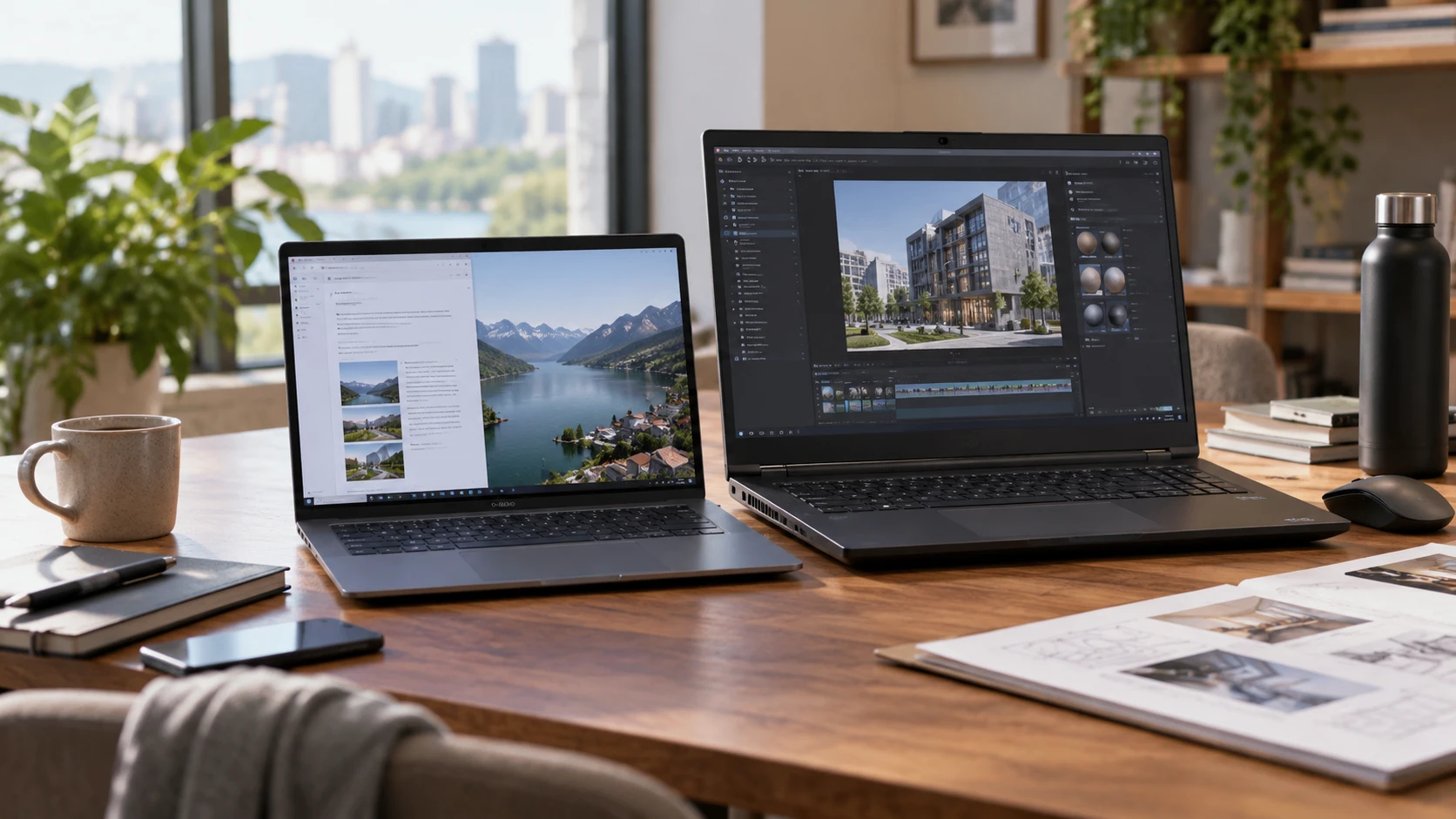
The ThinkPad X9 14 OLED configuration is a 14-inch machine with an Intel Core Ultra 7 268V, 32GB of listed DDR5 memory, and a 512GB NVMe SSD. Its Intel Arc graphics and stated 1920 × 1200 OLED display make it an appealing candidate for someone who spends much of the week in documents, browser tabs, calls, and visual review. Keep the difference between memory and storage in view: both laptops list 32GB of memory, while their drive capacities differ. The ThinkPad P16 Gen 2 RTX configuration, SKU 21FA002TUS, has an Intel Core i7-13700HX, NVIDIA RTX 2000 graphics, 32GB of memory, a 1TB drive, and a 16-inch display. That is the more directly specified choice when an application calls for a dedicated NVIDIA GPU. Neither listing supplies a comparable benchmark or a measured battery test, so the decision needs to begin with the work and the exact software requirements.
Start with the software that earns its place on the laptop — ThinkPad P16 Gen 2 RTX configuration
Write down the three tasks that take the most time before comparing processor names. A consultant who edits slides, attends calls, reviews design files, and travels between offices has a different bottleneck from a designer who builds complex 3D scenes or runs an RTX-dependent renderer. Both can benefit from 32GB of memory, but that shared figure does not settle graphics compatibility or working speed. Ask the software vendor what GPU class, graphics memory, driver, and certification the specific application requires. Then compare those requirements with the exact offered unit, rather than assuming that every product in a ThinkPad family has the same graphics hardware.
The P16 listing explicitly names an NVIDIA RTX 2000 GPU and describes CAD, 3D modeling, and content creation as intended uses. That makes it the first model to investigate for a workflow with an NVIDIA-specific requirement. The saved description does not identify GPU memory, graphics generation details, professional application certifications, or test results. “RTX 2000” in a short catalog line is insufficient to promise that a particular CAD assembly, renderer, or AI model will fit in graphics memory or finish by a deadline. Obtain the full machine type and GPU specification, then check the application vendor's supported-hardware and driver guidance. A sample of your own project is a stronger trial than a generic performance slogan.
The X9 page lists Intel Arc graphics and a neural processing unit claimed to reach 48 TOPS. The NPU figure describes a stated capability of one component; it is not a benchmark for the software you use. An application has to support the relevant acceleration path before that number affects a task. Likewise, an attractive integrated-graphics display does not establish that a dedicated-GPU application will work well. For a mostly browser-based or office workload, the distinction may matter far less than screen comfort, keyboard fit, reliable connections, and the ability to work away from a desk. Record which programs truly need local acceleration before paying for it or counting on it.
Compare working space on the screen — ThinkPad P16 Gen 2 RTX configuration
The X9's saved specification is unusually detailed about its display: 14 inches, 1920 × 1200 pixels, OLED, 60Hz, a stated 400-nit brightness, and claimed 100% DCI-P3 coverage. Those details suggest a screen suited to reviewing photographs, layouts, and presentations while carrying a smaller laptop. The 16:10 resolution also gives more vertical room than a 1920 × 1080 panel at the same width. Still, gamut coverage is a catalog claim, not evidence that the individual panel arrives calibrated for color-critical delivery. A photographer or designer should check the required color space, calibration workflow, and external-monitor setup against real project standards.
The P16 listing identifies only a 16-inch display. It does not specify resolution, panel technology, brightness, refresh rate, gamut, or touch capability for SKU 21FA002TUS. The larger diagonal may make timelines, drawing palettes, and side-by-side documents easier to arrange, but no one should infer its pixel density or color accuracy from size alone. Request the exact panel specification for the unit being sold. If a Republeq's product details provide a general P16 Gen 2 brochure, verify that the advertised panel is actually fitted to this SKU. A family can have several display options, and the catalog excerpt does not choose among them.
Screen area is only part of the desk setup. Someone who docks at home may value external display support more than the built-in panel, while a traveler may work from the laptop alone all day. The X9 description lists two USB-C ports and HDMI. It does not state the USB-C speed, display modes, charging behavior, or how many external displays the configuration supports. The P16 excerpt gives no port list. Count the displays and accessories you intend to attach, then ask for the exact port and docking specifications for both machines. Include a charger, storage device, headset, and security key in that count; a port occupied by charging cannot automatically be treated as free for another accessory.
Treat the equal RAM figure and different drives separately — the difference between memory and storage
Both offers list 32GB of memory. The X9 page specifies DDR5; the P16 excerpt gives no memory type or upgrade details. For a workload that routinely keeps a browser, office tools, communication apps, and moderate creative projects open together, 32GB may be a sensible starting amount. Heavy assemblies, large image sets, many virtual machines, or several development environments can change that calculation. Measure memory use on an existing representative project if possible. A headline capacity cannot tell you whether either machine will avoid swapping in your busiest session.
Storage is the clearer numerical difference. The X9 includes a listed 512GB PCIe NVMe SSD, while the P16 offer states 1TB of storage without identifying its drive interface in the saved description. The second figure is twice the advertised capacity, but available space after Windows, applications, recovery partitions, and formatting will be lower on both. Estimate space for project source files, local asset libraries, exports, and temporary render or build files. A 3D artist may need the extra local room even with an office file server, because active projects often create large intermediate files. A traveler who mainly accesses cloud documents may find 512GB adequate, provided offline folders are sized deliberately.
Do not use the drive size as a stand-in for speed, endurance, or upgradeability. The X9 catalog names an NVMe SSD but gives no measured transfer rate. The P16 catalog names capacity only. Neither excerpt establishes whether its listed memory is soldered, whether there is a free drive slot, or what service procedure an upgrade requires. If a purchase depends on adding capacity later, obtain Lenovo's documentation for the exact machine type and confirm warranty implications with the Republeq's catalog. An external drive can hold archives or handoff copies, but it may be inconvenient for a project that must run on a train, at a client site, or in a room where attaching devices is restricted.
Make the travel comparison with facts you can verify — ThinkPad P16 Gen 2 RTX configuration
Fourteen and sixteen inches give a useful starting point for bag fit and lap use. They do not reveal weight, chassis dimensions, charger size, or endurance. The X9 listing calls its battery “all-day,” without a runtime test tied to brightness, network use, calls, or your software. The P16 listing provides no battery-runtime figure. Do not turn either omission into a claim that one machine lasts a given number of hours or that the other cannot travel. Ask for exact weights with chargers and a battery test under a workload close to yours. A CAD session using the dedicated GPU may draw power differently from reading documents; a video call with a bright screen is different again.
The X9 lists Wi-Fi 7, a 1080p IR camera, a fingerprint reader, a backlit keyboard, HDMI, two USB-C ports, and a headphone jack. These are practical details for a mobile worker who joins meetings and occasionally presents without a dock. Compatibility still depends on the office's wireless network, security policies, and the presentation room's display. The P16 description omits equivalent connectivity and camera details. That is a request for the exact P16 spec sheet, not proof that the hardware lacks those features. Both listings state Windows 11 Pro, so the operating-system label alone does not separate them.
Try the physical routine before ordering if a return policy or showroom allows it. Open the tools you use on the built-in screen, arrange two windows, connect a display, and type for a sustained session. Check whether the machine fits the desk and bag you actually use. These are especially useful checks when product pages emphasize processor and graphics labels but provide little about dimensions, battery testing, and port behavior. If a purchase will be deployed to several employees, test a single exact SKU with the organization's dock, network, VPN, security software, and conferencing setup before buying the rest.
Check purchase details and support boundaries — ThinkPad P16 Gen 2 RTX configuration
The X9 page says its original seal may be opened by the Republeq's catalog engineers for an upgrade and describes a one-year Republeq's catalog warranty on upgraded components. The excerpt is incomplete at the end of its warranty wording, so do not infer the whole-machine warranty from that fragment. Ask for written terms covering the exact serial-numbered unit, its installed memory and drive, and support for any Republeq's catalog-performed changes. The P16 saved description gives no warranty or condition details. Obtain the same information for it directly, including whether the 1TB and 32GB configuration is factory-specified for SKU 21FA002TUS.
For business purchasing, ask who handles a failed component, what proof of purchase is needed, and how long a repair or replacement normally takes in your location. A design team may lose more from an unavailable work machine than from a modest specification difference. Preserve the listed configuration and Republeq's catalog written answers alongside the invoice so a later support call can identify the machine offered. If software certification matters, save the application's approved model and driver information as well; a catalog phrase such as “workstation” does not establish support for a particular program release.
The X9 is the stronger starting candidate when the working week is dominated by mobile office tasks and the specified OLED panel, Wi-Fi 7, camera, and compact 14-inch format answer concrete needs. The P16 is the stronger starting candidate when an actual workflow calls for NVIDIA RTX graphics, a larger built-in screen, or more local storage. Neither conclusion is a speed ranking. Before purchase, resolve the P16 panel and port specifications, check both machines' real travel requirements, and test the application that would make one configuration worth choosing over the other.