Crypto Commerce
Lenovo Legion Y27q-30 monitor Y27q-30 vs Packard Bell airFrame: one detailed screen or two panels
Compare Lenovo Legion Y27q-30 monitor for pixel detail, desk layout, connections, and mounting.
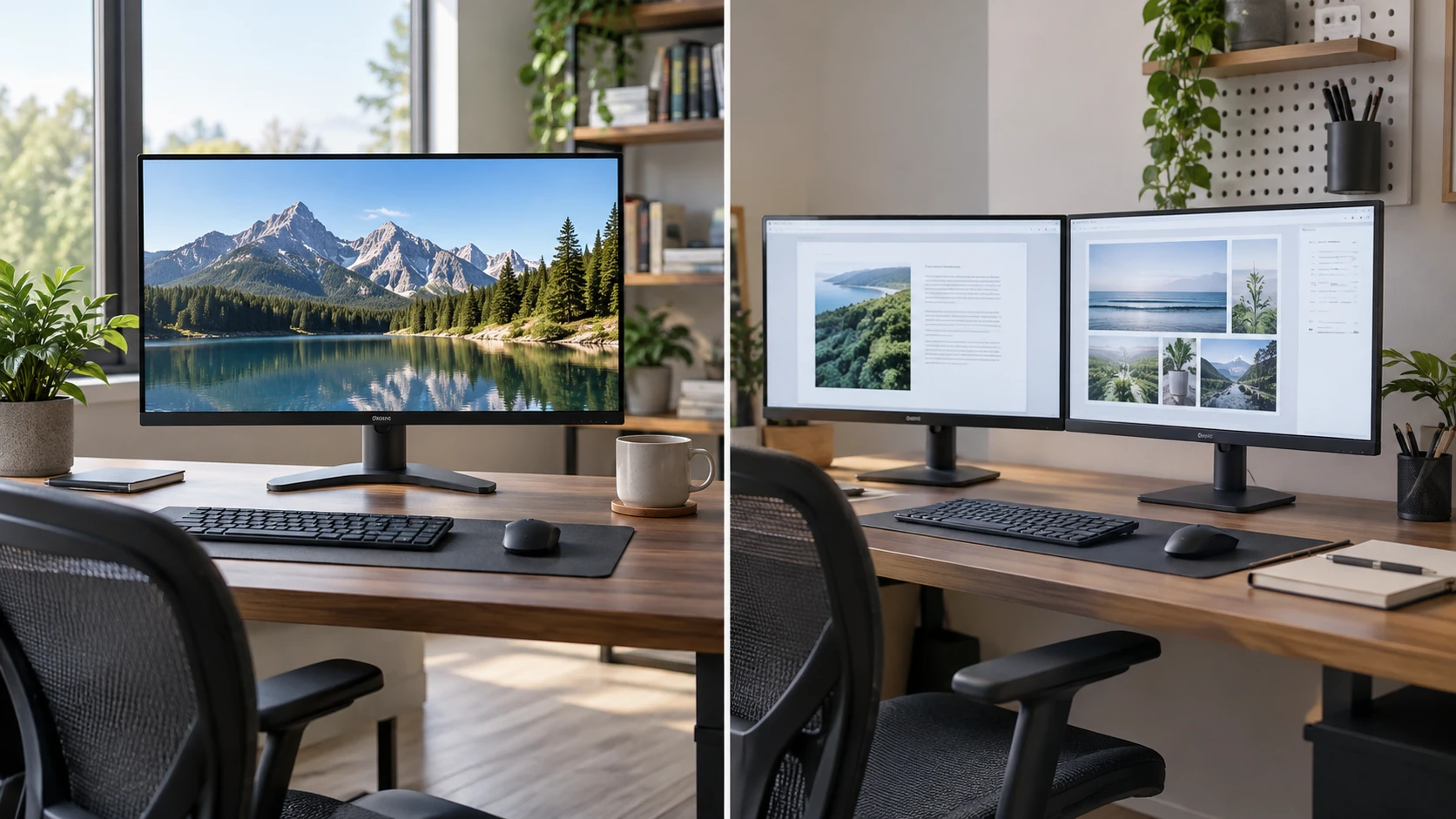
A 27-inch Lenovo Legion Y27q-30 and the Packard Bell airFrame two-pack ask you to choose a desk layout before a brand. Lenovo's saved listing is for one 27-inch QHD display with color and comfort features. Packard Bell's is for two 27-inch Full HD displays, each listed at 75 Hz with HDMI and VGA inputs. One higher-detail panel can keep work centered in a compact setup. Two panels create a separate place for reference material, chat, or a second application, provided the desk and computer can support them. Count the actual screens and connections before comparing prices.
The Lenovo Legion Y27q-30 monitor listing names a QHD LED panel, sRGB and HDR 400 support, an anti-glare surface, and Eyesafe Certified Low Blue Light technology. It also says the monitor has a NearEdgeless profile, cable management, a cable-lock slot, and an integrated calibration sensor. The saved description does not list input ports, refresh rate, stand adjustment, VESA pattern, or package cables. If any of those decide the purchase, get the current specification sheet for model 66F7GAC3US. A familiar model family name is not a substitute for the exact unit's connection and mounting details.
Screen detail differs from screen count — Packard Bell airFrame monitor two-pack
QHD on a 27-inch display generally provides more image detail than Full HD on the same diagonal. That can help with fine text, a photo timeline, or several windows sharing one screen. The exact native pixel dimensions and scaling settings for the Lenovo should be confirmed from its current manufacturer documentation, since the saved row uses the QHD label without a numeric resolution. Packard Bell explicitly describes each of its two panels as 1080p Full HD. A pair gives two separate desktop surfaces, but each individual panel retains Full HD detail at 27 inches.
Think about how you actually arrange work. A single centered display can keep a document, game, or editing window in front of you, with a second application reached by switching windows. Two displays let a main task occupy one panel while a reference, preview, or message thread stays visible on the other. The bezel and physical gap may interrupt a wide image stretched across both screens, so plan to put the main content on one panel. For many office tasks, the ability to keep two independent views open is the benefit of the two-pack. For image detail on one canvas, the Lenovo's QHD class is the feature to investigate.
Two 27-inch panels also require more horizontal room than one. Measure the width at the point where the screens will sit, including the stands and the clearance needed to turn or tilt them. Mark the viewing position and the distance to the far outer edges. If the desk is narrow, a second panel may force a steep head turn or cover a window, lamp, or speaker. The published desk space planning for two monitors guide is a useful prompt to sketch that footprint before ordering. It discusses a different monitor pairing, so use its measurement exercise with the specifications for these exact models.
Inputs and computer output planning — desk space planning for two monitors
Packard Bell lists HDMI and VGA inputs on each airFrame display. A two-monitor computer setup needs two compatible video outputs or a dock that can supply the required separate displays. Confirm the laptop or graphics card's display limits, supported resolutions, refresh settings, and cable types. A splitter that mirrors one signal is not the same as two independent desktop outputs. The saved Packard Bell row does not itemize video cables in the package. Check the current contents, especially if the computer has USB-C, DisplayPort, or another connector instead of two matching ports.
The Lenovo row does not state its input connectors. Verify them before choosing a cable or dock. A QHD screen may be connected through several possible standards on the market, but this saved listing does not establish which ones model 66F7GAC3US has. Confirm the port, version, and supported mode on both the monitor and computer. If the Lenovo is intended for gaming, also obtain its actual refresh specification. The Packard Bell listing says 75 Hz and 5 ms for each panel; no corresponding Lenovo timing figure appears in its saved row, so a speed ranking cannot be made from this evidence.
A mixed office setup needs more than physical ports. Make sure the operating system sees both Packard Bell screens at their native Full HD resolution and allows them to be arranged in the same order as on the desk. Decide which is primary, where new windows open, and what happens when the laptop lid closes. A single Lenovo is simpler to arrange, but its higher-detail QHD output may call for display scaling so text remains comfortable. Test the actual applications you use; some older software scales less cleanly than modern interfaces.
Stands, mounting, and posture — Packard Bell airFrame monitor two-pack
The Packard Bell listing says the pair is VESA-mount compatible. It also states that the included stands tilt five degrees forward or fifteen degrees backward. Those details give you an initial choice between desktop stands and compatible mounts. The source does not provide the VESA hole spacing, monitor weight without stand, or height adjustment on the included base. If you plan an arm, obtain those specifications and the arm's load range before ordering. A two-arm mount must support each monitor separately and fit the desk edge or grommet.
The Lenovo listing describes a NearEdgeless profile and cable management, but gives no stand travel or mounting interface in the saved text. Do not assume it will attach to the same arm chosen for a Packard Bell panel. Check the manufacturer's dimension drawing for the assembled stand and bare screen. When a display is centered for long sessions, the ability to set its height and eye line can matter more than a thin bezel. A stand that tilts but cannot raise the screen may need a suitable riser, subject to stability and ventilation guidance.
For two screens, begin with the primary panel directly ahead. Angle the second toward the main seat if the work calls for frequent glances. Leave room behind both for cables and adjustments. The extra panel may free space in software while using more space on the physical desk. If you use a camera or task light, see whether the second screen blocks it. These are layout checks that cannot be answered by screen diagonal alone.
Color, comfort, and motion claims — Packard Bell airFrame monitor two-pack
Lenovo's listing names sRGB support, HDR 400, an integrated calibration sensor, an anti-glare finish, and Eyesafe Certified Low Blue Light technology. These are reasons to inspect the model for color work or long sessions, but the row does not give measured color coverage, factory calibration results, or a method for the sensor. Confirm those claims in the current manual and, for critical photo or video work, test a calibrated workflow with your own software. HDR support in a listing does not tell you how every piece of content will look in a particular room.
Packard Bell emphasizes 75 Hz refresh and a 5 ms response time for its Full HD panels. The source describes smoother motion and reduced blur, which are product claims. Real motion clarity depends on the display mode, settings, and signal from the computer. The row does not state color-gamut coverage, HDR support, or a calibration sensor. That silence is a reason to seek specifications if color work matters, not a basis for declaring the screens inaccurate. For ordinary documents and communication, a repeatable two-screen arrangement may be more valuable than specialized color features.
Comfort also depends on room light and positioning. Lenovo's anti-glare surface and low-blue-light certification are listed features; Packard Bell's saved row does not discuss surface treatment. Reflections from a window can still make either monitor hard to see. Place the screens so bright light does not strike the panel directly, adjust brightness to the room, and take breaks appropriate to your work. A certification or coating cannot guarantee freedom from eye strain for every user.
Package and total-workspace cost — Packard Bell airFrame monitor two-pack
The airFrame offer is explicitly a two-pack. Confirm that checkout quantity one delivers two monitors with their stated stands, and check what power supplies and video cables are in the actual box. A two-screen layout may also need a dock, additional cables, or a dual mount. Those items belong in the cost comparison. With Lenovo, one monitor may fit an existing port and arm, though the saved row does not prove either compatibility. A lower sticker price per listing may obscure the cost of the complete working desk.
The Packard Bell airFrame monitor two-pack is the clearer fit when the workflow benefits from two persistent views and the computer can drive both panels. Lenovo is the candidate for a centered 27-inch QHD workspace with the listed color and comfort features, subject to verifying its ports, refresh behavior, mounting, and current model specifications. Neither listing includes enough detail to rank them by every gaming or color metric.
Before buying, draw the desk to scale, list the available video outputs, and open the applications that must remain visible at once. If that exercise requires two side-by-side views, the Packard Bell package offers two screens in one listing. If it points to one main canvas with finer detail, investigate the Lenovo. Confirm the exact box contents and return terms, then assemble the layout around your normal work.