Cost & Savings Articles
A laminating project budget for pouches and finishing tools
Build a laminating project budget from actual pouch quantities, existing equipment and included finishing tools before buying supplies or extras.
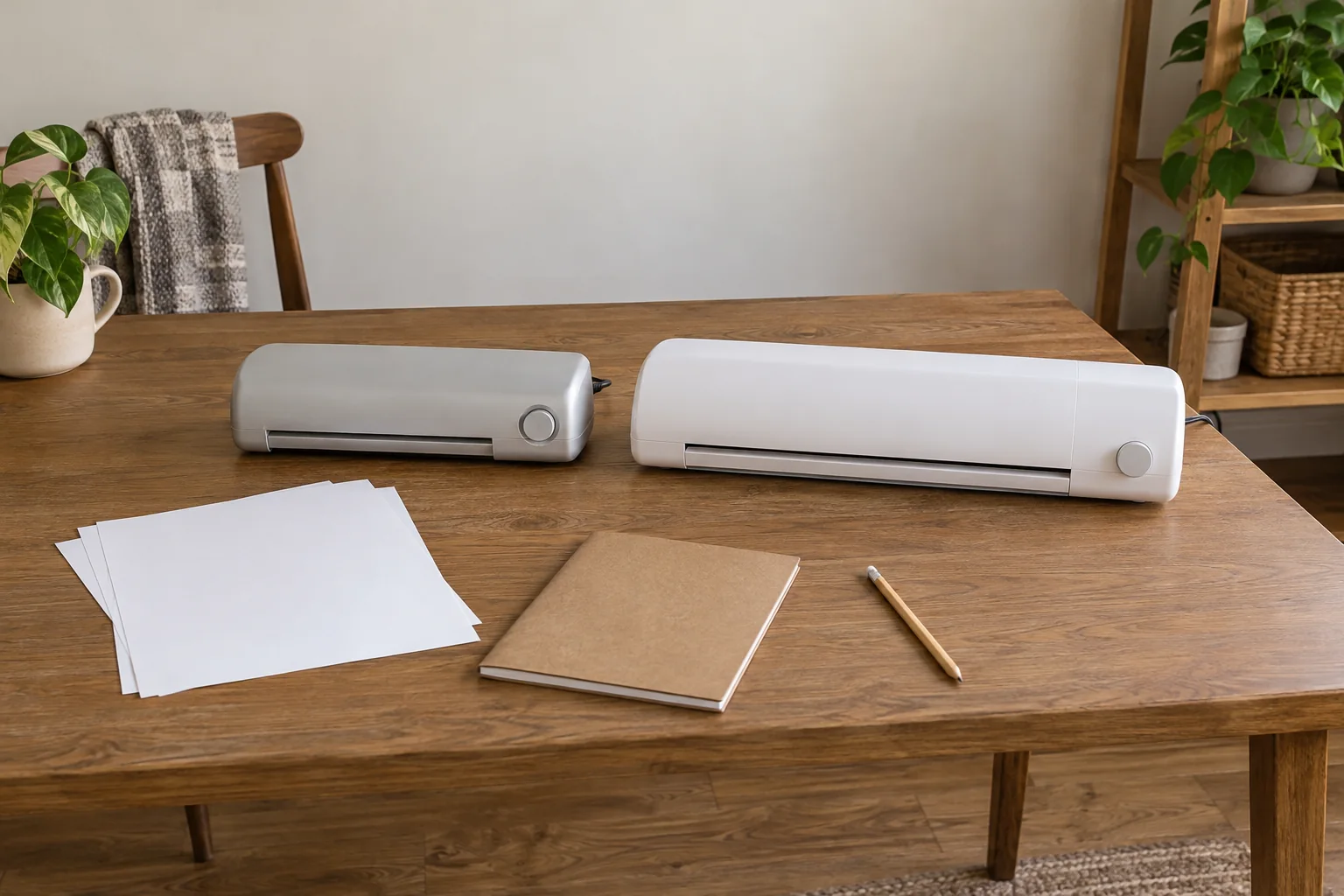
Start a laminating project budget with the actual documents and material requirements, then check the equipment you have and the contents of the offer. A starter-kit title supplies no pouch count by itself. Confirm whether a named integrated finishing tool addresses your project before adding a separate tool to the shopping list.
The Fellowes Ion 95 and United LT13 offers provide two concrete examples for this shopping record. Their descriptions give different width, pouch and finishing-tool information. Use those disclosures to identify what can be recorded and what still needs a quote or an applicable instruction. This is a project purchasing plan, with no operating sequence, predicted material yield or measured savings result.
Start with the project you intend to complete
Name the documents or other items in the actual project and record their sizes where known. Separate the documents you have counted from a possible later project, and mark any remaining quantity as unconfirmed. Do not turn an approximate future need into a precise material order before the job itself has been identified.
Describe the intended finish in ordinary terms and identify any requirement that needs professional or product-specific guidance. A material label alone cannot establish that an original document is suitable for the process. This guide does not decide what may be laminated or give instructions for handling an irreplaceable item. Keep that suitability question separate from the shopping calculation.
Record whether an appropriate machine or finishing tool is already available. Include its exact identity and the information establishing that it addresses the proposed task. Access to equipment does not establish that every pouch or document can be used with it. An existing item belongs in the budget record when its relevance has actually been confirmed.
Separating starter pouches from a project supply
Begin separating starter pouches from a project supply by making distinct entries for the machine, any stated included materials and the additional materials being considered. Keep a missing quantity visible. A starter-kit name can identify a package idea without saying how many pouches arrive or what size and type they are.
Ask for the exact contents of the selected order. If the answer supplies a pouch count, retain its dimensions and material specification with that count. Knowing a number without knowing what it counts can leave the project requirement unresolved. Keep each confirmed quantity with its pouch size and material specification.
The record should also distinguish stock already owned from stock included with a possible purchase. An existing pack needs its own identity and applicability information. Do not add it to the confirmed project supply because its packaging looks familiar. This article does not give a pouch-selection rule or permission to substitute one material for another.
Read the Fellowes starter-kit wording at its actual scope
The Fellowes Ion 95 laminator with pouch starter kit, 5247201 names a 9.5-inch entry width. Its description says it laminates up to 5 mil and discusses 3 mil and 5 mil pouches. Preserve those stated labels when asking about the material required for the project.
The title names a pouch starter kit, but the description here does not enumerate its pouch quantity or dimensions. Do not enter an assumed pack size into the budget. Request the actual supplied contents for that exact offer. A reply about the machine's supported thickness would leave the starter-material quantity unanswered.
The description also names an integrated jam-release lever, a four-minute warmup and an auto-shutoff feature. These are product disclosures, not a complete operating account or a measured project-cost result. No energy-saving amount, recovery procedure or time allowance for finishing your whole job follows from those statements here.
Give United's machine and finishing features separate entries
The United LT13 hot and cold laminator is described as sold as one unit, accepting sheets up to thirteen inches wide. It names 3 mil and 5 mil thermal pouches and self-adhesive cold pouches. Keep the offered machine quantity separate from any material quantity the supplier has not established.
The LT13 description names a built-in, bidirectional three-in-one rotary blade with straight, perforated and wavy cutting functions. It also names a corner rounder stored in the base. Those are specific finishing features to investigate before adding a separate tool to the shopping list. Their presence does not establish that every proposed document or finish is supported.
The same account gives a lamination-thickness label of up to .02 inches and a speed of up to 9.85 inches per minute. Keep those as their own attributed specifications. Neither supplies a pouch count, a complete setup duration or a verified rate for completing your project. Do not combine them into a guaranteed materials or labor estimate.
Checking included trimming tools before buying extras
For checking included trimming tools before buying extras, identify which finishing task the project actually requires. Then ask whether the selected equipment's applicable instructions cover that task and material. A named built-in function is a useful question to investigate. It is not a reason to assume that every separately considered tool is unnecessary.
Keep United’s stated rotary blade and corner rounder with the LT13 record. If the applicable instructions confirm that a feature addresses the project requirement, record it as supplied equipment before adding a separate tool. Record the answer and its scope. This article gives no cutting, perforating, corner-rounding or blade-handling instructions.
The Fellowes description does not provide an equivalent finishing-tool inventory here. Leave that field unconfirmed instead of copying United's features or declaring that a particular tool is absent from every Fellowes package. Obtain the selected order's actual contents before deciding what additional equipment, if any, needs a quote.
Keep the width question attached to the actual material
Fellowes states a 9.5-inch entry width, while United describes accepting sheets up to thirteen inches wide. Those figures can help frame a project inquiry, but they do not provide every dimension or margin requirement for an unidentified pouch and document. Keep the actual item size and proposed material identity beside the machine's own wording.
The two width labels supply no matched cost or finished-result comparison. Ask about the exact document and material arrangement the project requires. If a supplier recommends a particular pouch, identify that offer rather than treating the machine's headline width as a complete purchasing specification.
Keep thickness labels as written, too. The descriptions' mil wording and United's separate inch figure describe different entries in their accounts. This article does not turn them into a layer-stacking calculation or a universal compatibility rule. Request an applicable material specification for the exact machine and task.
Obtain an itemized current quote
Once the material identity is established, ask for a current quote that identifies the pack, its supplied quantity and the applicable purchase terms. Keep a pack amount separate from the machine offer. If a listing gives one machine and an unspecified starter kit, an itemized answer should still state what material quantity the quote actually includes.
Add a separate tool only when the project still requires it after the equipment inventory has been checked. Give the quoted item its own identity and the reason it remains on the list. This keeps a possible purchase from becoming a confirmed requirement merely because several products appeared together in a search result.
If you compare two material quotes, compare the actual named contents and the requirements they address. Different pouch sizes or types are not interchangeable line items simply because their packs contain the same number. Compare the quoted packs only after their contents have been matched to the same project requirements.
Leave project yield and replacement frequency unconfirmed
The descriptions do not establish how many of your project's items a particular material pack will complete. Keep that question with the exact material and applicable instructions. Do not assign one pouch to each listed item or predict an unused remainder without the information needed to support that calculation.
Likewise, the machine descriptions give no common material-waste trial or future replacement schedule. Avoid turning a larger pack into promised months of use. A current project list and an actual quoted material quantity can be recorded without inventing how efficiently every piece will be used.
If a supplier provides a job-specific quantity answer, save the conditions on which it depends. An answer about one size or finishing requirement may not apply when the project changes. Update the affected entry before carrying the earlier shopping total into another job. Carry the supplier’s conditions forward when the project list changes.
Keep the quote with the project version it describes
Give the project record a date and retain the actual offer reference with each quoted item. If a pouch pack is described by a supplier code, keep that code beside its dimensions and quantity. A machine quote with an unspecified starter kit still needs a material answer. Recording the amount alone would leave the contents of that shopping line unclear.
Keep any stated order conditions with the quote. A delivery charge, minimum quantity or other condition needs its own actual order information; this article assumes none for either offer. Do not turn the possibility of buying several packs into a promised discount. The comparison should concern the selected contents and terms, with an unanswered charge or quantity question left open.
If someone else will place the order, give them the agreed product references and the questions still unresolved. A pack with familiar thickness wording may still have a different size or supplied quantity. Ask them to keep an alternative offer separate until its applicability has been confirmed. That preserves the connection between the project requirement and the items actually being considered, rather than allowing a substitution to change the budget unnoticed.
Review the complete list before ordering
Read the machine, material and finishing-tool entries together. Identify which are already available, which the selected offer explicitly supplies and which remain proposed purchases. Keep an unresolved starter-pouch count visible. The result should explain what each line is expected to address without pretending every specification question has been answered.
If the selected offer changes, recheck the inventory rather than transferring a feature or kit quantity from the earlier item. A Fellowes starter-kit answer belongs to that order. United's integrated finishing features belong to the LT13 account. Neither establishes the contents or applicability of a similarly named package found later.
Keep the quote and the supplier's material answer with the exact product reference. That makes a later change easier to assess: a new document size, a different finish or a revised project count may affect particular entries. Name the next quantity, material or tool question still needing an answer.
Finish with a budget whose contents can be checked
The potential saving to investigate is an unnecessary purchase you can identify, rather than an invented percentage. Confirmed existing equipment or an included finishing function may address a task that initially prompted an extra shopping line. Keep the evidence for that decision, with any remaining material or instruction question left explicit.
Save the exact machine reference, confirmed inventory, material quote and any required finishing tools with your laminating project budget. Revisit the record when the project changes. Neither a starter-kit name nor a broad feature list substitutes for the contents and applicability answers on which the purchase depends.
The Canon QX20 and HP Sprocket Panorama craft-kit guide examines an HP package with a case, album, scissors, markers and other craft items. Its case-and-tools discussion asks which supplies are already on the craft table before valuing the bundle. That same inventory question belongs beside the United LT13's stated trimmer and corner rounder: establish whether those included features meet the project before ordering duplicate finishing tools. No printer tool, paper stock or phone function establishes laminator compatibility.
The Canon CP1500 and Kodak two-by-three photo-printer guide distinguishes a named Canon RP-108 ink-and-paper set with an unverified checkout sheet count from a Kodak kit explicitly described with 20 ZINK sheets. That is a concrete example of checking material quantity separately from a bundle name. For the Fellowes offer here, a pouch starter-kit label likewise does not establish how many project documents its contents cover. No photo-paper count or compatibility transfers to laminating pouches.
A laminating project budget keeps the machine, confirmed materials and required finishing tools in separate entries before another purchase.