Cooking & Food Prep
kitchen scale tare function explained with a bowl and successive ingredients
Learn what a tared zero means when a bowl and successive ingredients stay on a kitchen scale.
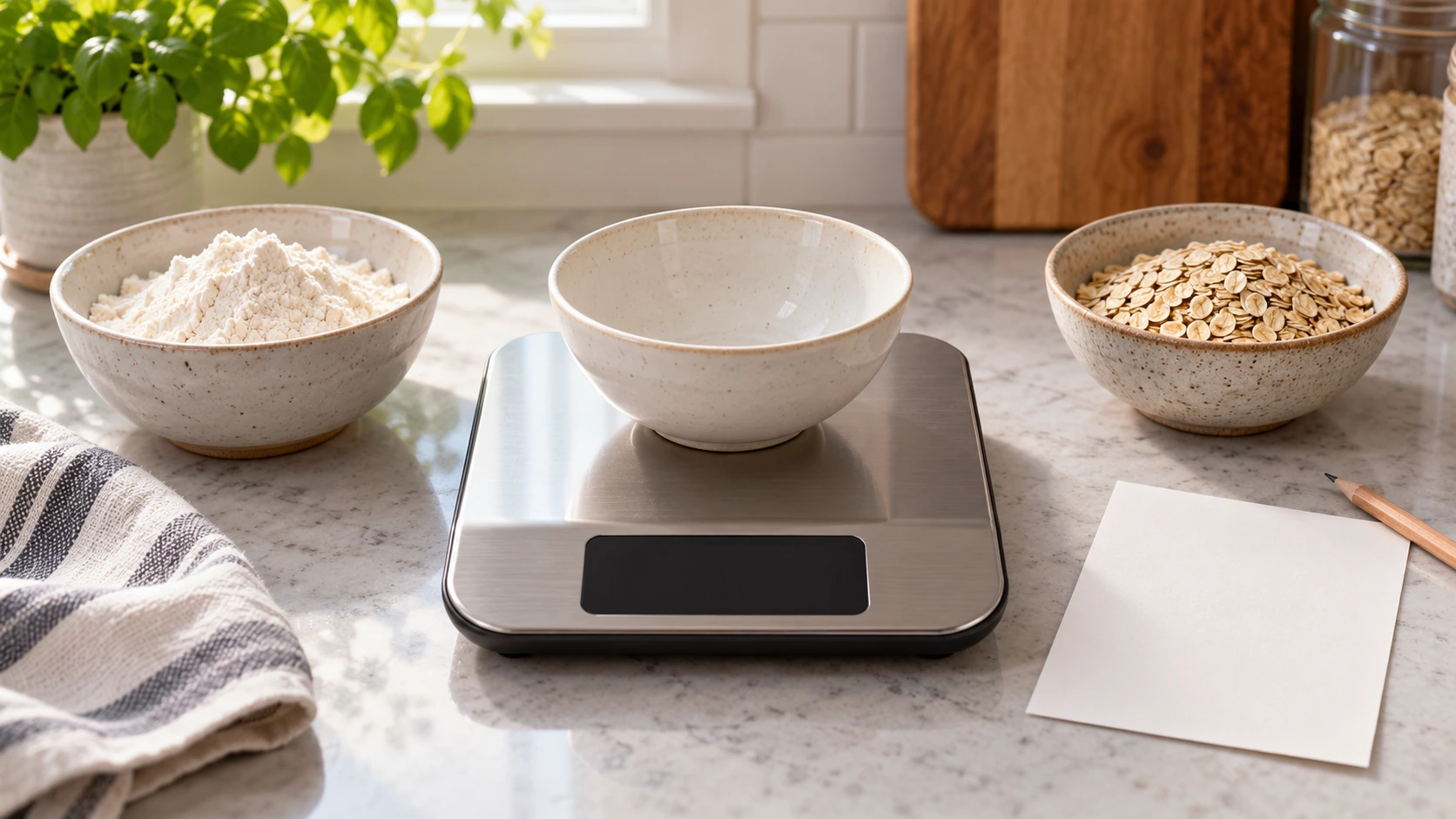
The number on a kitchen scale is meaningful only when you know what the scale has included. A bowl can weigh more than the ingredient you put in it. The kitchen scale tare function is the control that, on a model that provides it, lets you set a new displayed zero with a container already on the platform. The scale has not made the bowl weight disappear. It has changed the reference point for the number you read next. That distinction makes bowl-based measuring easier to understand.
Two current listings show why you should keep the exact model in view. The Fuliko kitchen scale explicitly describes one-touch tare with a container in place and lists several display units. The KT-66 kitchen scale describes its own capacity, display and selectable units. Its listing does not establish the same tare-button behavior. These examples are evidence that kitchen scales differ; read the delivered model's instructions before following any button sequence.
What the display includes before tare
Imagine an empty bowl sitting on a scale. Before any reset, the display may represent the bowl's weight, provided the scale is operating in the selected weight unit and the bowl is within its limits. Add an ingredient and the number represents the combined load. If you want the ingredient amount alone, you need either a way to subtract the bowl weight or a model-supported tare operation. The bowl still exerts weight on the platform after tare, even when the display reads zero.
That is the first distinction: physical load and displayed reading are related but not always the same. Tare changes the display's reference, not the scale's maximum supported load. Do not treat zero on the screen as proof that the platform is empty or that an additional full-capacity load is safe. The actual scale manual tells you its limits and what it does when those limits are reached. If you do not know the model's capacity or error display, pause before adding a large bowl or dense ingredients.
Make sure the platform is on a stable surface and the selected unit is the one the recipe uses. A number in grams is not the same as the same-looking number in ounces. The Fuliko listing names grams, kilograms, pounds, ounces and volume-style units; the KT-66 listing names multiple weight units. Do not assume a unit toggle preserves the number or turns a weight measurement into a recipe-approved volume. Read the unit symbol each time you record a quantity. The recipe and scale instructions control any conversion or specialized mode.
What changes when a bowl is tared
On a scale whose instructions provide tare, put the appropriate empty container on the platform and follow that model's control directions. When it displays zero, the bowl is the current baseline. Add one ingredient and the new displayed amount represents the change since that baseline, subject to the model's behavior and limits. If you lift the bowl, the display may show a negative value or another indication because the physical load fell below the stored baseline. Follow the manual's explanation rather than treating that as a broken scale.
The Fuliko listing explicitly says its one-touch tare resets the display with a container in place so multiple ingredients can be added to one bowl. That is a product-specific claim, not an instruction for every kitchen scale. Other models may label the control differently or handle power-on zero and tare separately. The KT-66 listing's description of an LCD and selectable units is not enough to infer its exact tare sequence. If its manual is unavailable, do not copy the Fuliko steps onto it.
A useful mental example needs no universal recipe amount. Suppose a recipe asks you to weigh ingredient A, then ingredient B in the same bowl. After taring the empty bowl, add A until the display reaches the recipe's A target. If the model allows a new tare with that load present, reset the display under its instructions and then add B to the recipe's B target. The second zero is a new baseline that includes the bowl and A. It does not erase either item physically.
If you forget whether you tared between ingredients, do not guess from the final number. The current display alone may not tell you how much of A or B was added. Stop and compare your notes with the recipe, or restart the measurement with a fresh bowl if that is the practical safe choice. A written ingredient line prevents confusion when the screen returns to zero several times during one batch. Record actual measured amounts as you go, including the displayed unit.
Consider what happens when you remove a portion from the bowl after taring it. The displayed value may fall, but that change is relative to the same stored baseline. It does not automatically reveal how much of an earlier ingredient remains if several things were combined. If the recipe requires a precise remaining amount, use the method the recipe specifies and a fresh, understood measurement when needed. Repeatedly adding and removing ingredients without noting the reference makes the display harder to interpret, not more accurate.
Zero, tare and recipe quantity are different ideas
Some scales show zero when switched on with an empty platform. Tare can establish a new zero with a container or prior ingredients on the platform when the model supports it. Neither action decides how much an ingredient the recipe needs. The recipe supplies the target; the scale reports a measured load relative to a reference. Keeping those jobs separate prevents a common error: reading zero after tare as permission to change the recipe quantity.
The separate recipe-quantity scaling guide concerns changing a recipe's yield and checking the resulting amounts. This article concerns what the scale's displayed amount represents. You can tare a bowl whether the recipe is original or carefully scaled, but taring does not calculate a new ingredient target. If a changed recipe calls for a different amount, work that out before you start adding ingredients. Do not use repeated zeroing as a substitute for the calculation.
The small-kitchen baking-night guide discusses the social setup for one recipe and two people. Its measured-ingredient station can use a scale, but that guide does not explain tare. If two people share the bowl, say aloud when the scale has been reset and which ingredient is next. A second person who sees zero without that context could mistake the screen for an empty platform. A brief handoff is more reliable than assuming both cooks followed the display history.
Keep track of units and limits while adding ingredients
Before each ingredient, glance at the unit indicator. A scale may offer grams, ounces or other modes; exact available modes depend on the product. The Fuliko listing includes liquid-labeled modes, but a display label alone does not establish that every ingredient can be substituted by volume. A recipe that specifies weight should be followed in the appropriate weight unit unless the recipe itself supplies a valid alternative. Water-like and dense ingredients do not become interchangeable because a scale offers a milliliter label.
Watch the total physical load, not only the tared display. A bowl with several ingredients may have a modest displayed number after the latest reset, while the platform carries everything added so far. Check the model's stated capacity, the container's stability and any overload indication. Do not use the KT-66 or Fuliko listing as a blanket capacity recommendation for a different product. The claimed limits in those listings belong to those specific scales and should be checked against their delivered documentation.
Small readings also need context. A product listing may state a display increment or claimed precision, but that does not guarantee any arbitrary ingredient can be measured accurately at any load. Use a suitable tool and the recipe's method for tiny quantities. If a recipe calls for a small amount and the scale appears not to respond, consult the model's resolution and instructions instead of adding more until the display changes. That would turn an uncertain reading into an uncertain recipe.
When a bowl is wide enough to cover the screen, reposition the setup only in a way the manufacturer permits. A hidden unit symbol is a reason to pause, not a reason to assume the unit stayed the same. Choose a stable container that lets you read the scale and add ingredients without tipping it. If a mixing step requires a different bowl, it may be simpler to weigh into a smaller container and transfer the ingredient under the recipe's instructions. The tare feature is a convenience, not a requirement to force every ingredient into one vessel.
Keep the platform clean and dry as the manufacturer directs. Spilled flour or liquid can make the display hard to see and may affect how safely the scale can be used. Do not immerse a scale unless its instructions explicitly permit that treatment. If a reading changes without adding anything, check the setup and the manual's troubleshooting guidance rather than declaring a calibration failure. This article explains the meaning of a tared display; it does not provide a calibration or repair procedure.
Finish with a clear measurement record
At the end of a recipe step, write down the ingredient name, the actual amount and the unit. If several ingredients went into one bowl, list each separately rather than recording only the final combined display. If you reset the scale between additions, note that sequence when another person may continue the recipe. The purpose is to know what went into the bowl, not to preserve every screen reading. A simple record is especially useful if you make the recipe again later.
Remove the bowl and return the scale to its ordinary ready state under its instructions. A negative reading after removing a tared bowl can be an expected consequence of the stored reference; do not let the next user mistake it for an ingredient measurement. Check that the platform is clear and the unit display is visible before the next batch. Power or reset the exact model as directed. The method may differ between a rechargeable scale and a battery-powered or plug-in model.
For a kitchen scale tare function to be useful, keep three facts together: what is physically on the platform, what the display currently treats as zero, and what unit the recipe asks you to record. The Fuliko listing supplies one concrete tare example; the KT-66 listing shows why another model must be read on its own terms. Once those facts are clear, adding ingredients to one bowl is easier to follow without confusing a fresh zero with an empty bowl or a revised recipe.