How-To Guides & Tutorials
How to scale recipe quantities on paper and check each result
Make a separate recipe-quantity worksheet with a clear factor and reverse checks, keeping calculator display features and practical cooking questions separate.
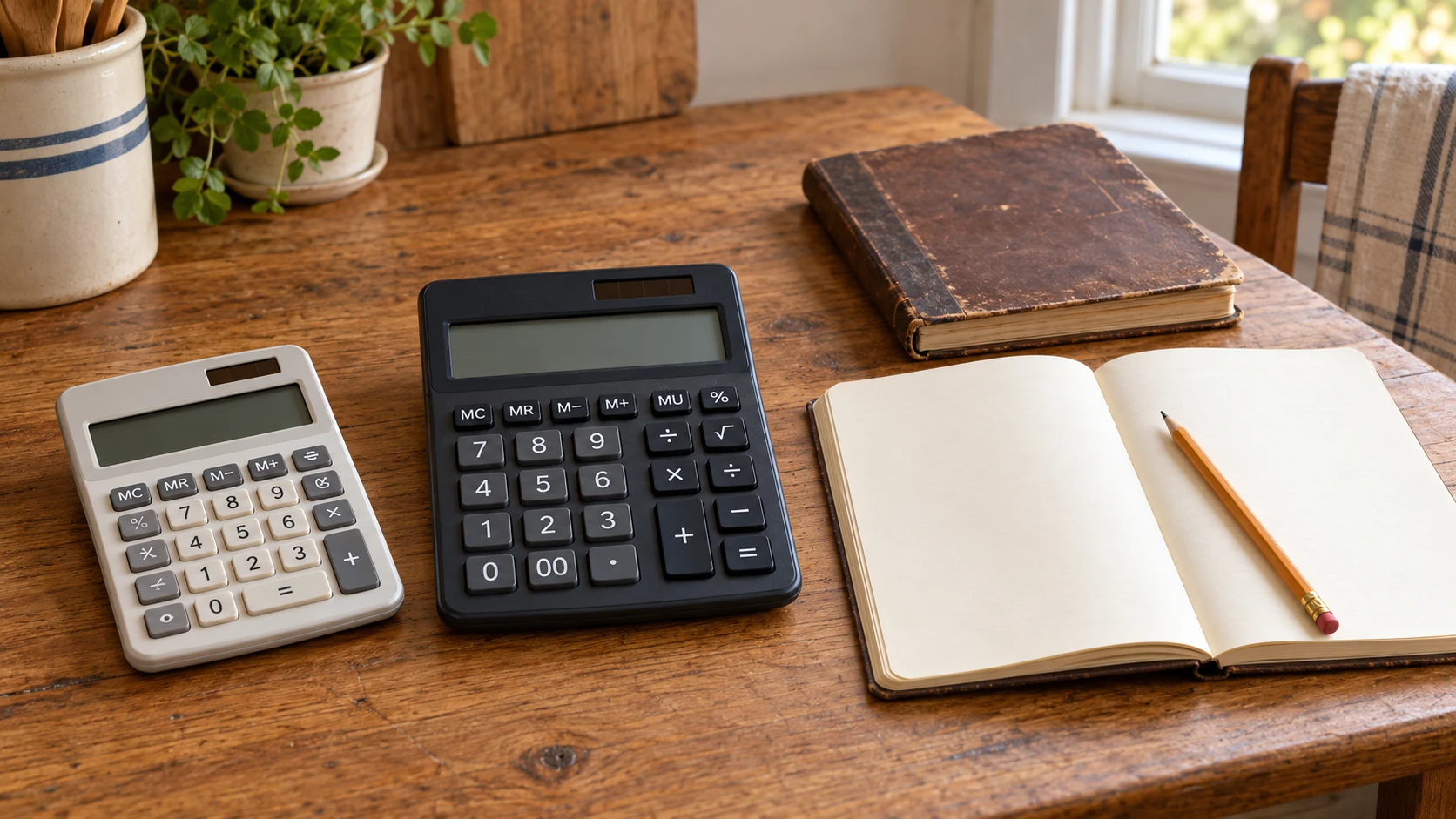
To scale recipe quantities on paper, keep the original amounts visible and put the proposed calculation beside each one. A calculator can help with the arithmetic, but a correct multiplication is not a tested new recipe. Changes to cooking time, equipment, ingredient handling or technique need their own applicable guidance. This tutorial produces a checked quantity worksheet, not instructions for cooking the result.
Start from a recipe with clearly readable quantities and units. If a fraction or unit cannot be read, resolve that question before multiplying it. Work on a separate sheet so the original remains available for comparison. You can complete the exercise with a calculator you already know how to use; a new desktop model is an optional purchase.
Step one: keep the source and proposed version separate
Identify the particular recipe and copy its stated yield into a heading marked original. Beside it, make a separate heading for the proposed yield. A family notebook, a later typed copy and an online adaptation may have different quantities. Do not combine their ingredient lines simply because their titles match.
The actual family recipe transcription guide uses a second reader to check the visible wording, retain original units and mark unreadable numbers. Its GZHJMY and SJJ cookbook-holder discussion also keeps a viewing aid separate from the accuracy of the copy. That is the prerequisite here: a multiplication cannot repair an uncertain fraction or missing instruction. Neither holder supplies an authoritative conversion chart for this worksheet.
Make four working columns: ingredient, original amount and unit, calculation, and proposed amount and unit. If the source has a note affecting a particular ingredient, retain it beside that line. Show the original number beside every result. Do not overwrite an original number with the new one.
Step two: finding the recipe scaling factor
For finding the recipe scaling factor, divide the proposed yield by the original yield, keeping the same kind of yield on both sides. In a hypothetical example, a source says four portions and the proposed worksheet is for six portions. Six divided by four gives a factor of 1.5. Write that relationship at the top of the sheet so every ingredient line uses the same intended factor.
A portion count and a pan dimension are different quantities. A request for six portions does not establish that a pan should be 1.5 times longer, that its volume changes in the same proportion or that the cooking schedule should be multiplied by 1.5. This exercise changes the arithmetic quantity column only. It supplies no pan, heat, timing or equipment-capacity instruction.
If the original yield is uncertain, do not choose a factor merely because it produces tidy numbers. Identify the missing information in the source. You may be able to practice the arithmetic on a clearly labeled hypothetical example while leaving the real recipe unchanged. Keep that practice sheet separate from anything you intend to share as a recipe.
Step three: multiply one amount while retaining its unit
Take a hypothetical ingredient line of 200 grams. Multiplying 200 by 1.5 gives 300, so the proposed line reads 300 grams. A second hypothetical line of 80 grams becomes 120 grams. Write grams beside both 200 and 300. The calculation changes the amount, not the meaning of grams.
For a hypothetical half-teaspoon line, 0.5 multiplied by 1.5 gives 0.75 teaspoon. In ordinary fraction notation, that is three quarters of a teaspoon. This is arithmetic within the same unit, not a conversion between a teaspoon and a weight. It does not tell you what a particular ingredient weighs or how an actual measuring tool should be used.
Work through the source in order. Put the calculation beside each ingredient before moving on. A repeated ingredient may appear in different parts of a recipe, so keep its source location visible rather than merging lines during the first pass. A separate review can establish what a later presentation should contain without hiding how the calculations were made.
Two actual desktop calculators offer different information
The desktop calculator described as Victor 1190 is listed as NOBRAND Shop All School Supplies sku-18637160690: 1190, with UPC 740817883242. Its description gives a 12-digit LCD, recycled plastic construction, cost, sell and margin keys, and automatic tax keys. Use that complete offer identity when requesting its instructions.
Those business-key labels do not establish a recipe-scaling function or a particular input sequence. The short description does not explain its decimal handling, memory arrangement or complete arithmetic controls. If one of those details determines your purchase, obtain the applicable instructions for this exact item. This tutorial gives equations to check, not an invented Victor keystroke recipe.
The Unbranded dual-line talking desktop calculator describes a 12-digit display showing the input formula and previous result together. It names addition, subtraction, multiplication, division, percentages and square roots. It also describes independent memory addition and subtraction keys and the ability to modify input numbers during a calculation. These are stated functions, not a test of an individual user's entry accuracy.
The same offer describes voice feedback for key presses and results, with complete-value or individual-digit reading and volume levels zero through three. It also describes several decimal-handling options, including rounding and truncation. The supplied text does not document a complete selection procedure. Consult the actual controls rather than assuming a familiar switch on another calculator has the same meaning.
Step four: checking decimal results without losing the original amount
For checking decimal results without losing the original amount, compare the displayed number with the calculation written beside it. In the hypothetical half-teaspoon example, 0.75 is the calculated result. A display showing a whole number after a rounding choice would not establish that the original calculation called for a whole teaspoon. Check the relevant model's actual decimal instructions before relying on that display.
Do not round every ingredient automatically to make the worksheet simpler. A hypothetical original count of one egg multiplied by 1.5 produces 1.5 in the arithmetic. This exercise does not tell you how to divide an egg, substitute another ingredient or round the count in a recipe. Flag that practical question and find an applicable tested version or guidance before using the proposed quantities.
Likewise, a long decimal can remain written as the exact source relationship where that is clearer. Avoid copying only the digits visible on a small screen and treating them as a complete mathematical value. Decide how to present the arithmetic separately from any practical ingredient decision. A calculator's display capacity cannot resolve the recipe's intended method.
Step five: reverse the calculation and review the whole column
Use a reverse check to catch an incorrect entry. In the hypothetical example, 300 divided by 1.5 returns 200, and 120 divided by 1.5 returns 80. Compare those returned numbers with the original lines. If a result does not return to the expected value, examine the copied amount, factor and operation before carrying the line forward.
A matching reverse check verifies that particular arithmetic relationship. It does not prove that the original recipe was copied accurately or that the proposed recipe will work. Ask another reader to compare the source quantities and units with the worksheet as a separate pass. A correct operation on a mistakenly copied number remains a transcription error.
Check for missing units and ingredients that still carry their original amounts. Do not add grams, teaspoons and counts into one grand total. They describe different kinds of quantity, and a combined number would not provide a useful recipe check. Keep any unresolved practical fraction visible beside the line rather than hiding it in a general note at the end.
The two gram rows in the hypothetical example also allow an extra numerical check. Their original amounts total 280 grams: 200 plus 80. The proposed amounts total 420 grams: 300 plus 120. Multiplying 280 by the factor 1.5 also gives 420. That agreement checks these two rows together; keep their ingredient labels separate. It supplies no instruction to combine ingredients or treat their sum as a tested recipe.
Keep a weighing function separate from the worksheet
The actual OXO and My Weigh food-scale display and percentage guide separates OXO's pull-away display and zero function from My Weigh's named percentage-weighing feature. Its percentage discussion needs a defined reference quantity; it does not establish that every proportional recipe calculation is automated. That distinction matters here: a worksheet's factor of 1.5 and an undocumented scale mode cannot be treated as interchangeable instructions.
Keep any later weighing task with the actual scale, unit and applicable capacity. The calculator descriptions provide no weighing tolerance, ingredient measurement or permission to exceed a kitchen scale's load limit. The worksheet can retain a calculated gram amount while the equipment needed to measure it remains a separate question.
If you decide to buy a calculator
A quantity worksheet can be completed with equipment you already understand, so first decide whether a new calculator addresses a real need. If you consider either selected offer through republeq.com and prefer USDT, check whether that payment option appears in the actual checkout for the order. A product page or general cryptocurrency reference does not establish the methods available for every transaction. Keep the calculator's actual identity with the enquiry. The Victor 1190 description appears under a NOBRAND title and names business keys without a complete decimal-control account. The Unbranded talking model describes its own display, memory, voice and decimal features. A payment preference cannot fill an undocumented control sequence or make those functions interchangeable. Confirm the current package and the instructions relevant to the task before choosing an order. Read the actual delivery and return conditions, without assuming that a calculator will arrive before a planned family session. This article promises no discount for crypto, particular refund result or measured benefit from either model. The original recipe can remain available for review while an equipment purchase is undecided. If someone else is helping select the device, share the exact offer rather than only the phrase desktop calculator. Similar-looking buttons do not establish the same controls or supplied items. Retain the selected order confirmation if you eventually buy. Paying in USDT does not validate a copied quantity, verify a calculation or turn an untested scaled worksheet into a tested recipe. This discussion supplies no wallet method, network selection or transfer procedure. Consider an available checkout option on the conditions actually presented for that transaction.
Finish with a checked worksheet and its limits
Keep the original recipe, the chosen factor and each proposed quantity together. A second reader should be able to follow a line from its source through the arithmetic and see any unresolved fraction or unit. Label the result as a quantity worksheet when the practical cooking decisions have not been established.
To scale recipe quantities on paper again, begin with the new intended yield and a fresh comparison against the original. Return to the original amounts before calculating another version. The original amounts remain the reference for checking what changed and for finding the particular question that still needs an answer.