Crypto Commerce
Kinupute MV300 gaming mini PC vs MQ12: graphics, desk space and listing identity
Compare Kinupute MV300 gaming mini PC by discrete versus integrated graphics, installed memory, storage, ports, desk space, and listing identity.
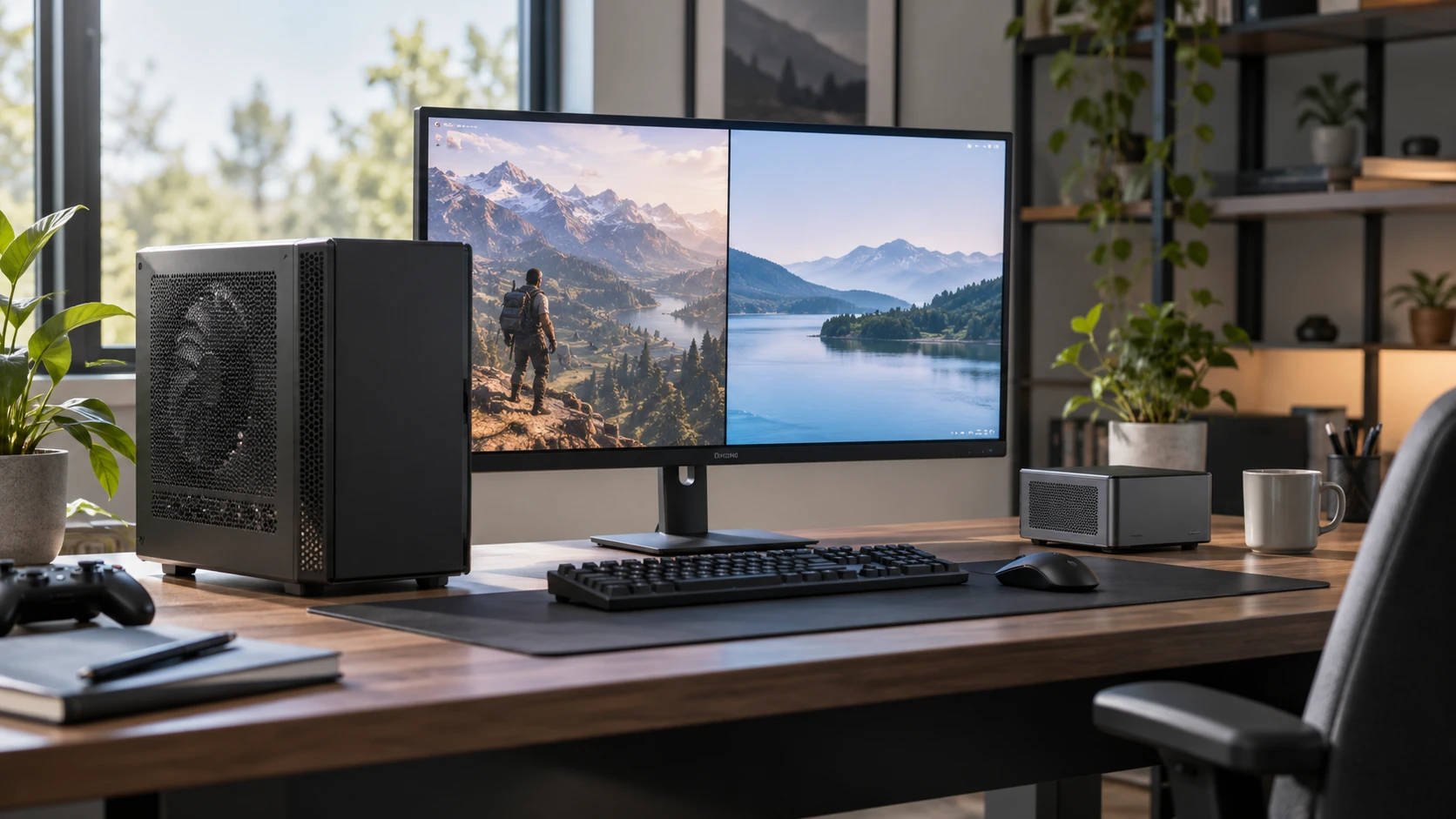
Kinupute's MV300 and MQ12 both appear in the mini-desktop category, but the saved catalog describes very different computers. MV300 lists an Intel Core i7-13700F, a discrete GeForce RTX 4070 with 12GB of graphics memory, 64GB of DDR5 system memory and a 1TB SSD. MQ12 lists an AMD Ryzen 7 7840HS, integrated Radeon 780M graphics, 32GB of DDR5 memory and a 512GB SSD. The difference reaches beyond processor names: one is built around a discrete graphics card, while the other is small enough to mount behind a monitor according to its description.
There is a listing-identity issue to resolve before using those figures as an order sheet. The Kinupute MV300 gaming mini PC URL includes “2t,” while the saved catalog row says the installed SSD is 1TB. The MQ12 product URL names a Ryzen 9 7940HS with 64GB and 2TB, while its saved row names a Ryzen 7 7840HS with 32GB and 512GB. A product ID may identify the live page, yet those competing configuration strings must be reconciled before a purchase. Check Republeq's product page for the exact processor, memory and drive installed in the offered unit.
The rest of this comparison uses the saved rows as dated evidence, with those configuration conflicts kept visible. The current offer could differ. A buyer should compare two confirmed configurations, not one product title against an old description. If a particular graphics card, CPU or drive size is the reason for paying more, obtain a current specification or a photo of the label and verify it during the return period.
Start with the graphics workload — Kinupute MQ12 mini PC
MV300's saved description lists an RTX 4070 with 12GB of GDDR6X memory. That discrete card is the most consequential distinction for work that depends on graphics hardware. The row mentions ray tracing and AI cores for gaming and content creation, but it does not supply frame rates, rendering times or thermal performance for a specific application. Look for tests of the exact MV300 configuration under your games or creative software before translating the graphics-card name into an expected result.
MQ12's saved row lists integrated Radeon 780M graphics and says it supports up to three monitors, including 4K at 60Hz output. That is useful for a desk with multiple ordinary screens. It does not establish the same gaming or rendering capability as the MV300's discrete card. The two machines could both be suitable for a particular video meeting or office document, while differing sharply under a graphics-heavy task. Identify the work that actually needs acceleration before spending for a card you may rarely use.
MV300 lists one HDMI and three DisplayPort 1.4 outputs, with a claim of up to four displays at 8K and 60Hz. A display-output claim is about connections and supported signals, not a promise that four demanding graphics workloads will run smoothly. Verify the monitors, cable standards and intended refresh rates. MQ12 lists two HDMI 2.0 outputs and one USB-C display path in its three-screen claim. The saved row does not specify every USB-C display or dock behavior, so check the current manual if a single cable is central to the desk design.
A graphics card also changes the physical plan. MV300's case is listed at 10.6 by 8.4 by 2.16 inches and includes four fans and eight heat pipes in the description. MQ12's VESA-mountable case is listed at 5.2 by 5.2 by 1.9 inches and 1.3 pounds. Those are very different footprints. Check the maker's required ventilation and the actual cable clearance before hiding either machine behind a screen or inside a shelf. Small exterior dimensions do not mean the exhaust can be blocked.
Memory and storage as delivered — mini PC expansion path guide
The saved MV300 row says 64GB of dual-channel DDR5-5600 memory is installed and also gives 64GB as its supported maximum. In that configuration, buying the computer for a later RAM upgrade would be a poor assumption. The MQ12 row says 32GB of DDR5 is installed across two slots and describes expansion to 64GB with two 32GB modules. Confirm the module count and compatibility before budgeting for an upgrade; the row does not say an empty memory slot awaits a new stick.
Both amounts may be more than enough for routine office work. The relevant question is whether your applications and project size benefit from the extra installed memory. A large edit, simulation or many simultaneous programs may make it worth measuring actual memory use on the current computer. A future maximum is useful only when the upgrade can be installed and supported. There is no matched memory benchmark in the saved catalog, so avoid converting the 64GB versus 32GB difference into a universal speed ranking.
MV300 is listed with a 1TB M.2 2280 PCIe 4.0 SSD and space for two additional 2.5-inch SATA drives that are not included. The MQ12 row lists a 512GB M.2 PCIe 4.0 SSD. It does not describe the same pair of 2.5-inch bays. If storage growth matters, the MV300's extra drive positions are a concrete reason to inspect its case. Verify mounting hardware, drive height, cable availability and supported capacities in the current manual before buying drives.
The published mini PC expansion path guide asks useful questions about installed modules, free slots and drive formats. It discusses other systems, so its part compatibility cannot be applied directly to these Kinupute models. Use it to prepare a checklist, then get model-specific answers from Kinupute or the current Republeq's catalog. The MV300 URL's drive-size wording and MQ12 URL's larger configuration wording make that step especially important here.
Ports and network roles — Kinupute MQ12 mini PC
MV300 lists four USB 3.2 ports, four USB 2.0 ports, HDMI, three DisplayPort outputs, two Gigabit Ethernet ports, a fiber-optic port and audio in/out. The saved row does not specify the use of the fiber-optic connection, so verify its connector and purpose before counting on it for a particular audio or network setup. MV300 also lists Wi-Fi 6E and Bluetooth 5.3. A desk with several direct USB peripherals may benefit from the larger port count, though placement and hub needs should still be checked.
MQ12 lists two USB 3.2 ports, two USB 2.0 ports, two HDMI 2.0 outputs, one USB-C connection, 3.5mm audio and two wired network ports, one rated 2.5Gbps and one Gigabit. The description mentions software-router or firewall uses for the 2.5Gbps port. Those are possible setups, not confirmation that every routing distribution has working drivers for the exact hardware. MQ12 also lists Intel AX210 Wi-Fi 6E and Bluetooth 5.3. The dual wired ports may matter more than the GPU for someone assembling a compact network appliance.
Both rows mention automatic power-on and Wake on LAN. Check how those controls are exposed in firmware and how they behave after a power interruption. A remote computer or display installation may depend on them, but the saved catalog does not provide a recovery test. For a desk, list each monitor and USB device, then draw the cable paths. The smaller MQ12 case may fit behind a monitor; the larger MV300 may be easier to service on an open surface. The right arrangement depends on actual access, not the product category label.
Compare the full price and support promise — Kinupute MQ12 mini PC
The saved catalog price is $2,132.63 for MV300 and $890 for MQ12, a $1,242.63 difference at snapshot time. A discrete RTX 4070, greater installed memory and more storage are material parts of that gap, but the rows do not price those components separately. The apparent gap could also change if the live Republeq's offer includes a different drive or memory configuration from the saved one. Verify the current checkout details before concluding what the extra money buys.
Both rows mention Windows 11 Pro and a two-year warranty. MV300 lists Windows 11 Pro 64-bit as preinstalled; MQ12 likewise lists Windows 11 Pro 64-bit. Read the current license and warranty terms for the exact product ID. The MQ12 row also promises lifetime technical support, which is a Republeq's catalog or maker statement rather than a measured service level. If downtime matters, ask how support is contacted and how a repair or replacement is handled.
The processor names are useful once the listing identity is settled. MV300's saved row says i7-13700F with 16 cores and 24 threads. MQ12's says Ryzen 7 7840HS with eight cores and 16 threads. Neither count predicts performance by itself, and the MQ12 URL names a different Ryzen 9 model. A benchmark or compatibility check for one chip may mislead if the delivered unit has the other. Verify the CPU in a current specification and, if possible, in the system information of the delivered computer.
The next decision — Kinupute MQ12 mini PC
MV300 is the closer look when the purchase is driven by a documented discrete RTX 4070, 64GB installed memory, additional SATA drive bays and a four-output monitor plan. Confirm the SSD capacity conflict between the saved row and URL, and make room for its case and cooling. The Kinupute MQ12 mini PC deserves attention when a much smaller VESA-mountable system, integrated graphics and dual wired network ports meet the job. Resolve the processor, RAM and SSD mismatch between its row and URL before comparing value.
Choose the workload and obtain two exact current configurations first. Then compare the complete carts, monitor cables, expansion plans and return terms. The catalog rows provide a starting map, but the conflicting strings in these offers are significant enough that a buyer should settle them before treating either one as a verified hardware specification.