Crypto Commerce
Jimtab M18 projector vs Kothab M300 Max for screen setup
Compare Jimtab M18 projector for two home projectors.
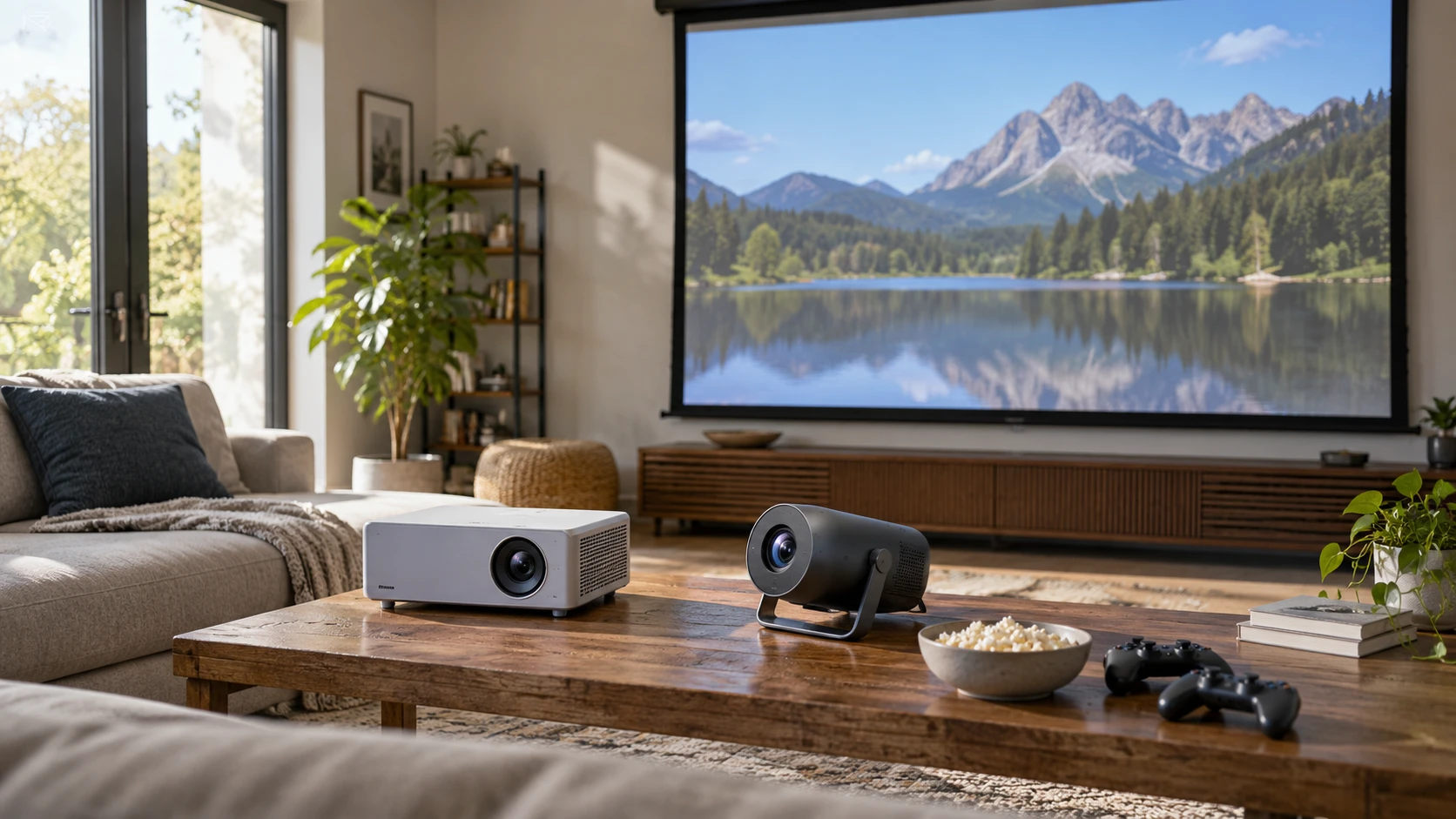
The Jimtab M18 projector lists a native 1920-by-1080 image, several wired inputs, and an advertised display up to 300 inches. Kothab M300 Max describes Android 11 apps, two wireless game controllers, a swivel stand, and an image up to 130 inches. Those feature lists point to different setup routines. The first room question is where an image can be placed at a readable size. Decide the screen wall, seat positions, ambient light, and source devices before ranking a projector by its largest advertised diagonal.
The published guide to projector screen aspect ratio planning helps turn a diagonal into usable width and height. Jimtab's native Full HD grid is a 16:9 shape; Kothab's pinned excerpt gives no native pixel dimensions or aspect ratio. Ask for Kothab's native resolution, not merely the input formats or a title containing 4K. Mark a screen rectangle on the wall and play the type of content watched most often. A 130-inch limit can be plenty for one room, while a 300-inch claim may exceed the space or light available in another.
The Kothab M300 Max projector is also titled M300 Max / P30 Max in its listing. It names built-in apps and games, dual-band Wi-Fi, Bluetooth 5.0, a three-watt speaker, and two controllers. The source does not state whether the 4K term in the URL describes accepted input, upscaling, or native imaging. Request the manufacturer's specification for the exact model and ask which apps are supported and updated. A streaming interface is useful only if the services a household uses work on it, or a separate source can be connected reliably.
Start with the image the room can show — projector screen aspect ratio planning
Jimtab lists a native 1920-by-1080 resolution and support for several incoming signal formats, including 576, 720, and 1080 variants. Accepting a signal is separate from the number of pixels actually projected. The 1080p native claim is the useful image-grid detail to verify in the manual. Kothab's excerpt gives no native grid, so an image-quality comparison would be incomplete. Look at subtitles, a computer desktop, and a moving scene at the planned distance rather than judging only a colorful demonstration video.
The Jimtab page states a 5,000-to-1 contrast ratio and has confusing brightness wording: it refers to an upgrade from 4,500 lux to 8,000 lux. The excerpt does not give a comparable standardized brightness measurement or explain where those figures were taken. Kothab's pinned text gives no brightness number. Ask for measurements under the same test method if brightness is decisive. In a room with windows, try the screen at the time of day it will be used. A large image spreads available light over more area, which can make it look dimmer.
Jimtab's 300-inch and Kothab's 130-inch maximum sizes do not indicate the best size for sharpness or brightness. Check each Republeq catalog entry for a throw-distance table and the recommended image range. Measure from the planned lens position to the wall, leaving room for people and furniture. If a projector must sit off-center, image correction may help alignment but can reduce usable image area. The easiest setup generally starts with a level projector aimed squarely at the center of a correctly sized screen. If the room serves both movies and computer work, try at least two image sizes. Small interface text may be readable at one size and tiring at another, while a larger movie picture can make the light available from the projector feel thinner. Keep the screen material and room lights consistent during that comparison.
Compare placement and correction controls — Kothab M300 Max projector
Kothab has a 180-degree swivel stand, manual focus, automatic vertical keystone correction using a sensor, and manual horizontal keystone adjustment. The swivel may make it easier to aim at a wall or ceiling from a table, but it does not eliminate the need to focus and check the image edges. Ask whether the stand holds its angle securely and how close the unit can sit to a wall. A ceiling image may be comfortable for occasional viewing yet unsuitable for a room where people also need to move around safely.
Jimtab describes electronic keystone correction as replacing a manual adjustment and claims up to plus-or-minus 50 degrees instead of plus-or-minus 15. The source does not show the control interface, whether horizontal and vertical correction are both available, or the effect on image resolution. Treat the angle numbers as placement claims to verify. Set the projector at the planned spot and look for a rectangle with straight sides, readable corner text, and even focus. If large correction is necessary, moving the projector closer to the screen center may improve the result.
The two models' physical dimensions and weights are absent from the pinned excerpts. A portable description does not say whether a projector fits on a narrow shelf, how much ventilation it needs, or whether its power supply can reach an outlet. Ask for the dimensions, mounting options, cord length, and required free space around vents. Mark the lens height and table footprint in the room. Keep a path clear so someone cannot tug a cable while passing between the projector and the screen.
Connect the intended source devices — Kothab M300 Max projector
Jimtab lists two HDMI ports, two USB ports, an SD slot, AV, VGA, and audio out. That variety can serve an older computer, game console, or memory card if the exact input format is supported. The source also mentions USB phone connections, screen mirroring, and multi-screen use, but does not explain which phones, apps, or cables work. Test the specific source devices before making a permanent installation. A physical connector is only the first part of compatibility; resolution, audio routing, and copy-protection behavior can still affect a movie or game.
Kothab lists Wi-Fi and Bluetooth but its pinned description gives no HDMI, USB, audio output, or other physical ports. Ask for a rear-panel photograph and manual. A built-in app can reduce the number of cables, while a console or laptop may still need a direct input and a place to rest nearby. Confirm whether the listed two wireless controllers pair with the built-in games only or with the chosen external device. The source does not establish game compatibility beyond saying the controllers are included.
Network performance matters if streaming is the main use. Kothab names dual-band Wi-Fi and Android 11, yet the excerpt gives no app-store details, update policy, or measured connection performance. Verify the actual video service and the home's wireless signal in the projector location. Jimtab's source names Bluetooth U1 wireless audio and USB-based mirroring, but does not list a Wi-Fi radio in the pinned text. Ask exactly how a phone or laptop sends video to Jimtab. Do not infer that Bluetooth audio support also provides wireless video.
Plan sound and controls for the room — Kothab M300 Max projector
Kothab lists a three-watt built-in speaker. That may be sufficient for a quick setup in a quiet room, but the pinned excerpt does not provide a listening test or audio-output options. Jimtab lists audio out and built-in USB Bluetooth U1 transmission for wireless sound, without a measured speaker rating. Ask how to connect the speakers already owned and whether audio stays in sync when a game or video uses Bluetooth. Test dialogue at a normal seat, then a scene with quiet voices and loud effects.
Jimtab's many inputs can help a household keep several devices connected, provided switching between them is straightforward. Kothab's Android interface may reduce device switching for streaming. Try the remote or on-device buttons with the lights dimmed. The pinned pages do not list remote contents, batteries, control lag, or accessibility features. A screen that looks good can still be frustrating if its input menu is hard to navigate from the couch. Save settings that work for movies and presentations separately if the menu permits that.
Projectors also produce heat and fan noise. Neither pinned excerpt gives a measured sound level, rated lamp or LED life, power draw, or filter-cleaning interval. Ask for those details from model-specific documentation before putting either unit close to a seat or inside a cabinet. Leave the vents clear. A temporary portable setup must be allowed to cool before storage as the manual directs. Replacement remote, power supply, and service options matter if a projector will be used every day rather than only on occasional weekends.
Decide using a short room trial — Kothab M300 Max projector
Jimtab is the listing to inspect for a documented native Full HD grid and a broad set of wired inputs. Its 300-inch and brightness statements need a room test and clarification. Kothab is the listing to inspect for built-in apps, controllers, the swiveling stand, and automatic vertical correction, after confirming native resolution and physical connections. Bring the same movie clip or desktop image to both if possible. Compare it at the same screen size in similar light, with the projectors placed as they would be used at home.
Before ordering, request throw-distance guidance, native resolution, port diagrams, ventilation clearances, and the exact included accessories for both models. Draw the screen rectangle and source-device placement on a room plan. A projector earns its place when the picture is readable from the seats, the content can reach it without a workaround, and its controls and sound fit the viewing routine. Maximum diagonal and a smart-platform label are starting claims; the room trial establishes whether either setup works for the household.