Heating, Cooling & Air Quality
IVADUWIFI50 app error messages: offline or full tank
Distinguish the documented connection and reservoir messages for the identified Wi-Fi dehumidifier without diagnosing an internal fault.
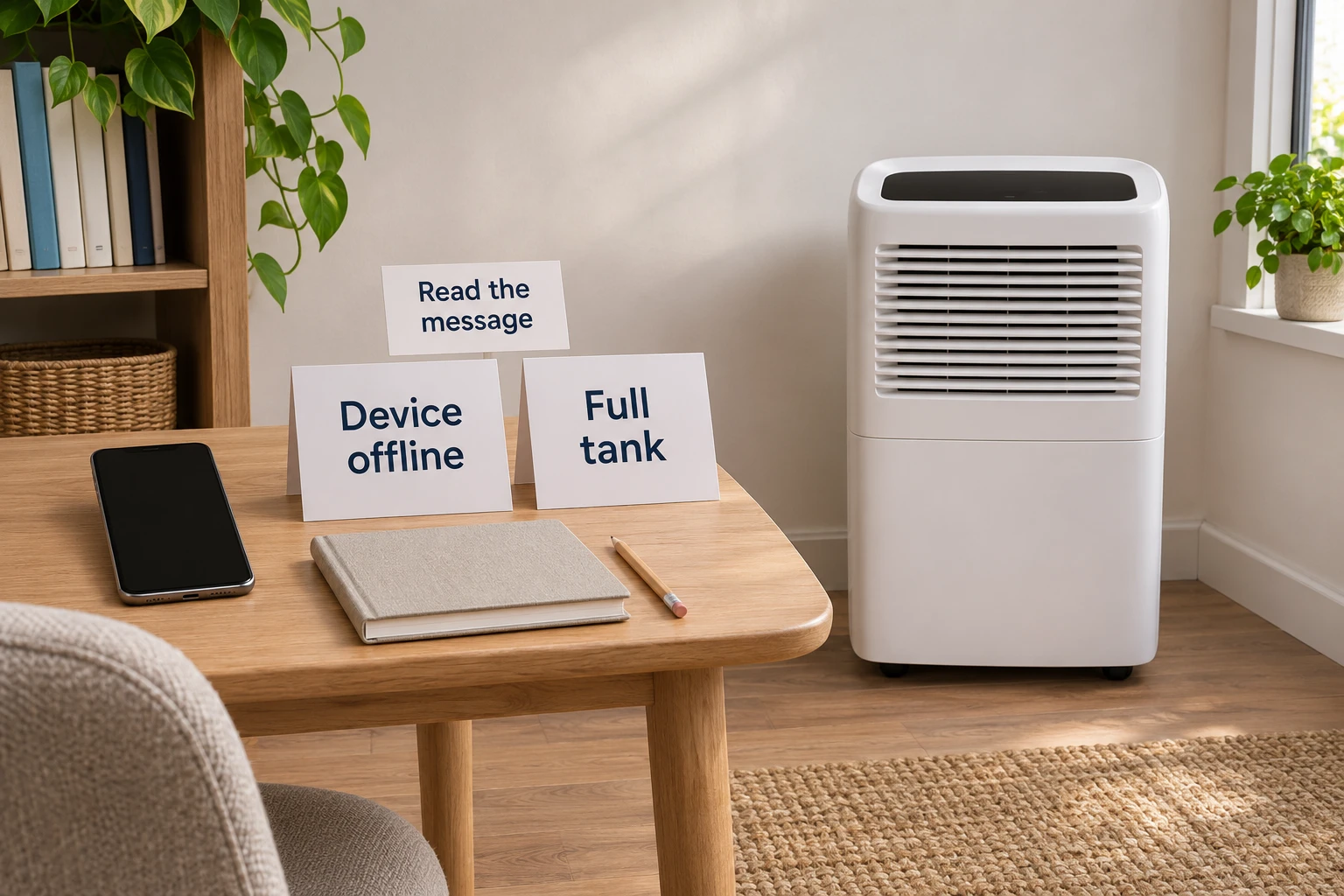
An unavailable control in an app leaves more than one possible question. Preserve the actual words before describing the whole appliance as broken. Read IVADUWIFI50 app error messages with the identified model’s guide, then decide what information is still missing. A report that the app will not work can leave the first useful distinction unclear.
This guide explains two messages documented for that model. It does not report a test of the current app, a successful repair or a diagnosis of an internal component. It gives no tank-removal, drain, electrical or pairing procedure. Its purpose is to help you choose an appropriate enquiry without converting an unclear observation into a fault you have not established.
Identify the appliance before interpreting the report
The Ivation IVADUWIFI50 offer identifies a portable compressor dehumidifier and describes app access to temperature, humidity, water level and fan speed. Its gallery labels separate reservoir-full and Wi-Fi indicators. Those references belong to this offer; the pictures do not show what an appliance in your home is currently reporting.
The Ivation IVADDH09 offer identifies a separate desiccant dehumidifier with a local panel and automatic shutoff when its reservoir is full. Its photograph shows a different cabinet and control layout. The shared brand does not make the first model’s app messages or instructions applicable to this second product.
Read the actual unit’s identification before selecting instructions. An old receipt can help locate the paperwork, but a similar photograph should not settle an uncertain model. If you are helping someone remotely, ask which identity they have checked. Let them distinguish an identification they can read from a name they remember from the original purchase.
Keep the reported wording intact while making that check. A person might describe a greyed-out selection, an error notice or an app that has not opened. Those observations should remain distinguishable. If nobody has read the message itself, obtaining it is a better next step than choosing a remedy from a broad description of an app problem.
Read the two documented messages
The branded IVADUWIFI50 user guide has a 2019 copyright; the copy consulted here is hosted by Home Depot. On page 12, it associates Device offline with the unit being powered off or losing connection. It associates Full tank with a full or dislodged reservoir and says the app then prevents selections.
That document supplies a starting distinction. It does not establish which condition applies to your appliance today. Use it only after matching the model and the relevant wording. The manual’s screenshots are documentary examples, not evidence that the current app has an identical screen. If the wording or interface differs, obtain the applicable current guidance before proceeding.
Do not merge separate observations into a single reassuring explanation. Someone may know what the app reported earlier while another person can describe the unit now. Ask when each observation was made and whether anything changed between them. A past report can remain useful without being treated as a current measurement or a completed diagnosis.
The next question should address what you actually lack. You might need to identify the reported message, establish which instructions apply, or explain the observation to support. Finding a relevant paragraph in a manual completes the document search. It does not, on its own, establish that the underlying problem has been corrected.
Keep a connection enquiry specific
For a connection-related enquiry, describe what you can see without adding an unverified cause. Say whether the app displays a notice, opens to a device page or stops elsewhere. Include the exact wording and when you observed it. A screenshot may help explain that account, provided it is shared through an appropriate support route with personal information protected.
Also distinguish access to the app from the appliance’s own behavior. If you have not looked at the unit, say so. If someone else has, ask them to describe the visible state in ordinary words. Do not turn “I could not change it from my phone” into “the appliance has no power” without an observation that supports the second statement.
Leave proposed causes identified as proposals. A changed household network, a remembered power interruption or an old support answer might be relevant history. None should silently become the cause of today’s report. Explain what happened and what remains unknown so the person helping you can decide which model-specific question to investigate next.
This article does not prescribe a router reset, app reinstall or repeated connection attempt. Those actions would introduce changes beyond the message interpretation covered here. If current instructions call for a particular connection procedure, confirm that they match the actual model and software before using them. Preserve any earlier result instead of reporting an unobserved success.
Keep a reservoir enquiry separate from a network change
A reservoir-related report should stay attached to the matching reservoir instructions. Do not borrow a removal method from the second retail offer or another appliance in the same room. Find the correct care guidance for the identified unit before choosing a physical step. This article provides no permission to open a housing or bypass a protective feature.
If somebody already performed a care step, ask what instructions they followed and what they actually observed afterward. Record the result as described, including a result that remains unclear. A statement that someone finished a task is different from an observation of what the appliance or app did next. Both can be retained without claiming that one proves the other.
A separate water-route question can require different guidance. An installed hose, an unfamiliar outlet or a disputed supplied accessory should not be resolved through the app-message explanation. Identify the exact issue and obtain the applicable instructions. An attractive feature in a retail description does not establish the configuration of an appliance already in use.
Ask for help before a step would require guessing which part or control the instructions mean. Describe where your understanding stops. That gives support a concrete question and avoids concealing uncertainty behind a broad statement that the whole procedure failed. No internal fault needs to be named merely to explain an unresolved report.
If a household has several similar appliances, establish which one the person is describing before answering them. A photo sent in a message can leave the location or model unreadable. Ask for the identifying information separately where needed, and explain whether you are discussing the phone’s report or the unit someone is standing beside. This avoids a response to a different appliance becoming the next proposed step. Do not rely on a room nickname alone when the unit may have been moved.
Use comparisons without transferring their controls
The cooler-season dehumidifier room guide addresses the exact unit’s operating conditions before a move. That remains a separate decision. A documented app message supplies no missing room-temperature permission, and an answer about a room’s suitability does not identify the cause of an app report.
The DYMO printable-area warning guide uses the reported wording to find the matching model guidance. Its text-editing controls belong to that label maker. The useful comparison is the habit of preserving a specific warning before choosing a response, rather than replacing it with a familiar diagnosis from another device.
Use a comparison to sharpen the question you are asking. It can reveal that you have described an effect without identifying the message, or that you have mixed two different tasks together. It should not supply a control sequence that the dehumidifier’s own documentation has not established. Keep the actual operating instructions with the product they describe.
Consider who will read the answer next. A person helping from another room should not have to infer whether your description concerns the phone, a visible appliance indicator or a remembered event. Identify the observation you are describing each time. This makes a short explanation more useful while leaving an unanswered question honestly open for the person who can inspect it.
Give support the unresolved part of the problem
A useful enquiry can identify the model, the exact reported wording, the app version if available and the observations already made. Explain what you were trying to do when the report appeared. Keep an earlier support response attached to the model and software it addressed, especially if you are now looking at a different screen.
Ask which current document applies when the supplied guide and the app differ. You do not need to guess a renamed menu or use a nearby option because it looks similar to an old screenshot. An answer should resolve the specific mismatch you reported. If it concerns another model, retain that distinction and ask about the unit you actually have.
Close with the result you can substantiate: the message is understood and an applicable next instruction has been identified, or a particular question remains open. Distinguish that result from a completed repair. If someone else continues, pass along the actual wording and observation so they can pick up the unresolved task without assuming a successful outcome.
Buying a selected dehumidifier with cryptocurrency at Republeq
If you decide to buy a dehumidifier through Republeq.com, keep the exact product identity beside the order while arranging payment. The captured offers list cryptocurrency among their accepted payment methods. That observation does not establish which asset or transfer network will be presented for your particular checkout. Read the current payment choices and the instructions associated with the order you are placing. If USDT appears, check the requested network as well as the token name before choosing a route in your wallet. Ask the site’s support to resolve an unclear instruction before committing funds. Retain the order reference and the payment information needed to connect the merchant’s record with your transaction. A payment confirmation supplies no missing diagnosis for an appliance already at home, and buying another unit does not establish why an existing app reported an error. Keep those decisions separate. If checkout stops or the transfer state remains uncertain, establish the existing order’s status before starting another purchase or transfer. An unresolved state should not be treated as evidence that nothing happened. This guide supplies no wallet address, exchange rate, product price, cryptocurrency value or network charge. Review the actual transaction information and the current delivery, cancellation, return and refund terms before proceeding. Keep any product clarification attached to the exact model and variant it names, rather than using an answer about a different offer to complete this order. Once a purchase is confirmed, use the delivered product’s applicable instructions. The payment method changes how the order is paid; it does not turn the message explanation above into a tested repair.