Crypto Commerce
InFocus SP2234ST projector vs HP HPMP250 Projectors for Short Rooms and Screen Shape
Compare InFocus SP2234ST projector by room geometry, image shape, connections, focus, sound, and maintenance evidence.
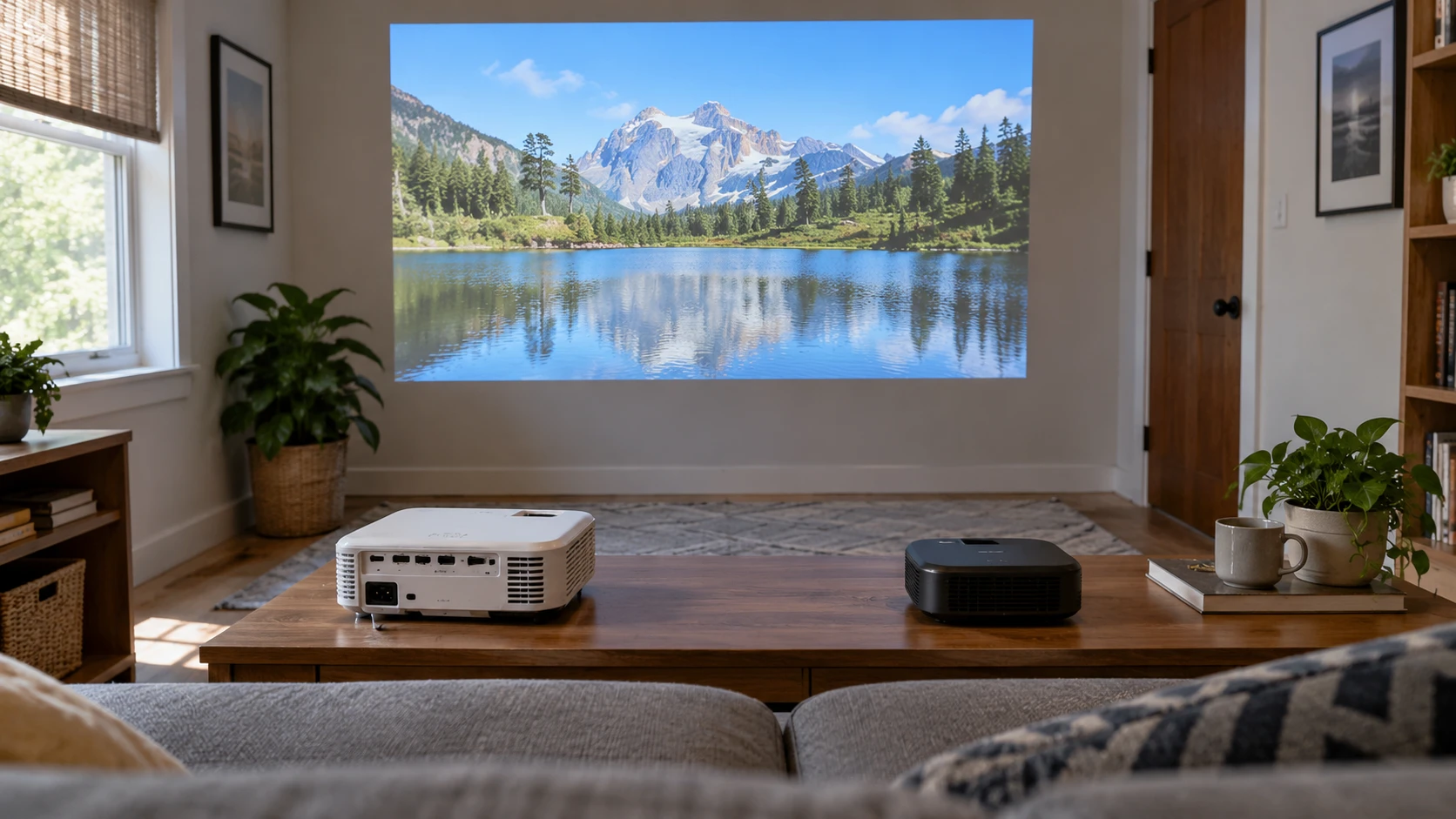
A projector has to fit the distance between the wall and the seating, then fit the picture you intend to show. The InFocus SP2234ST projector is listed as a short-throw DLP model with native 1024 by 768 resolution and a 4:3 image. The HP HPMP250 is described as a compact LED projector that makes an 80-inch diagonal image from seven feet, with automatic focus and image correction. One source gives a native pixel count; the other does not. Start with a measured room and the shape of the material you watch or present.
Short throw is a useful phrase only when tied to a specific image size and distance. The InFocus source gives no throw-ratio figure or distance-to-screen table. HP gives one example, 80 inches at seven feet, without a full range. Measure from the planned lens position to the wall or screen, including shelves and people who may cross the beam. Ask for each exact model's current throw chart before deciding where to mount or set it. A projector that fits the furniture may still cast the wrong image size.
Match the image shape to the content — screen aspect ratio planning
InFocus's native XGA image is 1024 pixels wide by 768 high, a 4:3 rectangle. A modern 16:9 movie or slide deck is wider. To show all of it without stretching, a 4:3 projector usually leaves unused space above and below the picture. Cropping or stretching can fill more of the screen, but it changes what the viewer sees. The published guide on screen aspect ratio planning addresses the relationship between content and display shape. List the video, game, or presentation formats you actually use before sizing a screen.
HP calls its projected image high definition, but the saved excerpt does not give native resolution or aspect ratio. Its 80-inch claim cannot settle how many pixels are available for small text. Ask for the current specification sheet and test a familiar spreadsheet, subtitle, or slide at the intended image size. If the projector will show films, verify whether it displays a 16:9 source without unusual cropping. A product's ability to accept an HD signal is a different question from the number of native pixels it puts on the wall.
A large picture can make text feel smaller in relation to the whole wall than expected. At the planned seating distance, project the smallest text you expect anyone to read. InFocus's known 1024 by 768 grid gives a clear starting constraint, especially for dense desktop screens. HP's grid remains unverified in the pinned listing. Try ordinary content instead of a high-contrast sample photograph. Check the corners and the center, because an easy-to-read title slide can hide soft fine print in a chart.
Fit the lens position to the room — HP HPMP250 portable projector
InFocus is marketed as a short-throw model for a room installation. That may help avoid a long beam across a narrow room, but the listing does not specify how close the lens must be for an 80-inch picture. HP states that its image can reach an 80-inch diagonal from seven feet. Draw those positions on the floor plan and mark the projector's body, cables, outlet, and likely walking path. Do not put a lens where a ceiling light, fan, or person standing up will interrupt the picture.
HP advertises automatic focus and four-point, two-axis keystone correction. Those controls can make setup easier after moving the projector, although the saved excerpt does not say how much correction is available or how it affects fine detail. The InFocus excerpt does not describe an automatic focus or keystone system. Place either projector as square to the screen as practical, then use correction for small adjustments. A heavily corrected trapezoid may look straight while text at one edge is less crisp.
Decide whether the machine will stay in one place. A shelf installation can be checked once for image position and cable slack; a portable setup must be repeated when the room changes. HP is described as compact, lightweight, and suitable for travel, but the source gives no weight or protective case. InFocus is also called compact and portable, while its listed network connection and short-throw use suggest checking fixed-room wiring. Ask for actual dimensions, weight, mounting points, and the supplied accessories before treating either as a bag-ready kit.
Examine light and contrast claims — HP HPMP250 portable projector
InFocus lists brightness at 4,200 lumens and a 30,000:1 contrast ratio. HP's excerpt uses the words pronounced contrast and rich color without numeric brightness or contrast measurements. The figures are therefore not a matched comparison. Request measurement methods and current specifications for both models. In a room with windows, try the image at the time of day it will be used, with the blinds in their usual position. A bright slide with dark text may be readable where a dark film scene looks washed out.
Screen surface and size change the apparent brightness. An 80-inch image spreads light across more area than a small one; ambient light from a nearby window can reduce the visible difference between black and gray. Use the same source material and screen position when evaluating both units. Do not infer that the InFocus number guarantees a better movie image or that HP's lack of a lumen figure means it cannot serve a dim room. The pinned sources do not report a comparable measured test.
The InFocus source describes 3D support. It does not state which glasses or formats are included, or what brightness remains in a 3D mode. If 3D is a real reason to buy it, confirm the required source, accessories, and supported refresh mode with the current manual. HP's excerpt makes no 3D claim. For ordinary presentations or movies, that feature may not matter. Give more weight to a picture that fits the room and the actual viewing material.
Connect the source and sound — HP HPMP250 portable projector
Both listings mention HDMI and USB. InFocus also lists a network connection with an RJ-45 port. HP lists Bluetooth, wireless use, and built-in speakers for video audio or music. The saved descriptions do not specify USB media formats, HDMI versions, Bluetooth audio roles, or the apps that might cast to HP. Take the laptop, streaming device, or game console you plan to use and confirm the exact connection path. A port name alone does not promise that a USB drive will play every video file.
For a fixed meeting room, InFocus's network jack may make management or source integration possible, but the source does not explain its network features. Ask what the port actually does before planning a cable through the wall. HP's wireless claim deserves the same check: determine whether it mirrors a phone, receives a stream directly, or uses an accessory. Then test the connection in the room's own Wi-Fi environment. A reliable HDMI cable can be a useful fallback when a wireless setup is interrupted.
HP's built-in speakers may be enough for a small, quiet room, but the listing gives no power rating or measured speech clarity. InFocus's pinned description does not identify an included speaker. Ask about audio output on both models if external speakers are needed. Try dialogue at the back of the seating area, not just a loud demonstration clip close to the projector. Fan noise and room echoes can make speech harder to follow even when the projected picture looks fine.
Account for maintenance and the delivered unit — HP HPMP250 portable projector
InFocus lists a lamp rated for 15,000 hours in normal mode. That is a stated component-life figure, not a warranty that every projector will run that long without service. Ask for lamp availability, replacement cost, and the maintenance procedure. HP uses an LED imaging system in its saved description, but it supplies no light-source life figure or replacement policy. Both machines may need cleaning and ventilation according to their manuals. Leave the specified space around vents rather than enclosing one in a tight cabinet.
Neither pinned excerpt supplies complete warranty terms, a standardized noise test, or a full table of throw distances. Check Republeq's product page for the exact model identifier, current manual, warranty, and accessory list. If the unit arrives with a different suffix or bundle, compare its label with the specifications you used. An old product title can contain a feature that a different revision lacks. Keep the invoice and the answers to any pre-purchase specification questions so a mismatch can be resolved promptly.
Set up the delivered projector with the planned screen, source, and cables during the return period. Check focus at all four corners, inspect for visible dust spots, and run it long enough to hear its fan in a quiet scene. Switch between a slide with small text and the video aspect ratio you use most. Note how many people can see the image comfortably from their seats. A quick demonstration on a white wall may miss the problems caused by the actual room layout.
InFocus supplies a known 4:3 XGA pixel grid, a short-throw positioning claim, a numeric brightness claim, and wired connection options. HP supplies a concrete 80-inch-at-seven-feet example, automatic setup aids, wireless claims, and built-in sound, while leaving native pixels and brightness unspecified in the pinned source. The HP HPMP250 portable projector is worth testing where easy setup matters. Choose after a throw-chart check and a side-by-side trial with your own content in the intended room.