How-To Guides & Tutorials
Identify bypass and anvil pruning tools by their jaws
Read bypass and anvil jaw diagrams, separate cutting capacity from tool length, and compare the actual Corona lopper and FELCO 31 offers.
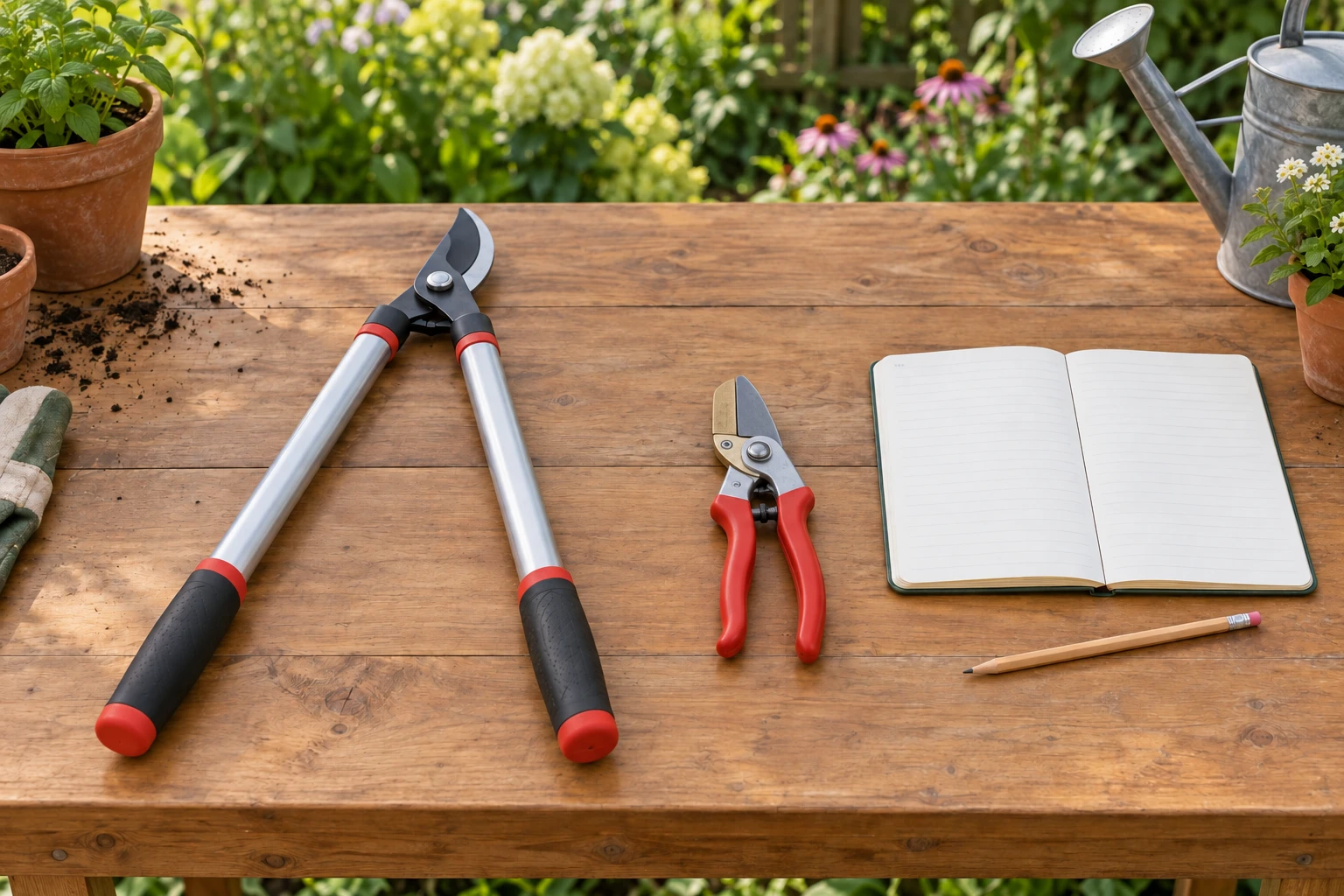
To identify bypass and anvil pruning tools, look at what the cutting blade meets. A bypass blade passes beside a supporting hook or counterblade. An anvil blade closes onto a supporting surface. The name describes the action at the jaws. Handle colour and overall length describe other features.
Start with the tool's labelled diagram or applicable product instructions. Identify the cutting head there before handling unfamiliar equipment. You can make the first comparison from the diagram while the tool remains stored. This walkthrough explains the parts and the selection questions they answer, using a Corona bypass lopper and a FELCO anvil hand pruner.
Find the bypass blade and support hook
In its explanation of hand pruners, Corona describes a cutting blade passing a non-cutting hook. Look for those two roles in the applicable drawing: one part does the cutting, while the other supports the material as the blade travels alongside it. The important feature is that the blade passes the support instead of stopping on its face.
The phrase bypass blade and support hook is more useful than counting every metal part as a cutting edge. GARDENA uses the broader wording of two blades gliding past each other. Corona's account makes the support's role explicit. Both descriptions direct attention to parts passing beside one another; they do not require two separately sharpened cutting edges.
Trace the two parts in the model's diagram with your eyes, and locate where their paths overlap. If the drawing is unclear, obtain a clearer view of that same head. There is no need to put a finger between the jaws, make a trial cut or dismantle the pivot to learn the name. Follow the tool's actual handling instructions for any physical examination.
Find the anvil blade and flat support
For an anvil blade and flat support, look for the surface on which the cutting edge comes to rest. Corona describes an anvil design with a blade closing onto a flat anvil, which can have a narrow channel. GARDENA likewise describes contact between the cutting blade and a smooth supporting surface.
Compare the relationship, rather than searching for a particular handle shape. In the bypass drawing, the blade's path goes beside its support. In the anvil drawing, its path ends at the supporting surface. Write those descriptions beneath the two drawings if the words are unfamiliar. They give you a way to return to the distinction without remembering a product's colour.
A metal piece called an anvil is part of the tool. It is not the branch being cut or a separate block you must add to the work area. That distinction helps when reading a replacement-parts diagram. A named anvil part also does not mean that you should adjust or replace it as part of identifying the cutting principle.
Use the Corona lopper as a bypass example
The selected Corona Classic Cut bypass lopper identifies a thirty-one-inch tool. Its description states a cutting capacity for limbs and branches up to one and three-quarter inches. It also names a MaxFORGED steel blade and describes the manufacturer's heat-forging process. Keep the length and branch-capacity figure attached to the quantities they describe.
Thirty-one inches describes the lopper's length in the offer; it is not the diameter of material it cuts. The one-and-three-quarter-inch statement is the relevant disclosed cutting-capacity figure. A long tool can still have a much smaller rated cutting opening. Read the unit and the object being measured before comparing either number with a branch.
The offer names the cutting principle as bypass. Its long handles make it a lopper, while bypass identifies the blade relationship. Those two labels can coexist. Do not use “long-handled” as a substitute name for anvil or bypass; handle arrangement and cutting action describe different features of a garden tool.
Use the FELCO 31 as an anvil example
The selected FELCO 31 anvil pruner describes a hardened steel cutting blade and a screw-mounted adjustable brass anvil. The brass component provides the anvil identity in this product account. The description recommends the model for dry or dead wood and branches, and states a cutting capacity of 25 mm or one inch.
This is a hand pruner rather than the thirty-one-inch Corona lopper. Its offered account names forged aluminium handles with a non-slip coating and a large hand-size designation. Those details concern the particular tool. They do not define every anvil pruner or establish that the tool suits every person's hand.
The native description says all parts can be replaced. FELCO's own product page separately identifies an anvil part and maintenance resources for model 31. Use those resources if you need model-specific service information. Identifying the head as anvil does not require changing its blade, moving its support or interpreting the word adjustable as an instruction to loosen a screw.
Match the cutting principle to the material
Once you can name the jaw relationship, consider the intended material. Both Corona and GARDENA describe bypass pruners as suited to living green stems. Their anvil guidance concerns hard or dead wood. GARDENA explains that an anvil action can bruise plant tissue, which is why it distinguishes the two applications.
For the selected FELCO 31, the merchant's dry-or-dead-wood recommendation gives a direct product-specific connection. Keep that recommendation with its capacity. The Corona lopper's short account names limbs and branches without a separate material-specific capacity table. Its bypass label explains the action; use the applicable lopper instructions to establish the limits for the intended job.
Identify the material from what you know about the actual task, rather than deciding that it must be dead because an anvil tool is available. If you are unsure which part of a living plant should be removed, settle the plant and pruning question first. Choosing a tool does not choose the branch or the appropriate time to cut it.
Read diameter separately from reach and hand fit
Compare a branch's width with the capacity stated for the actual tool, using matching units. Do not compare the length of the branch with that capacity. Likewise, a tool's handle length describes another measurement. This separates three practical questions: what material the head is intended for, its disclosed cutting capacity and whether its arrangement suits the task.
Consider a purely hypothetical twenty-millimetre piece of known dead wood. Its diameter is below the FELCO offer's twenty-five-millimetre figure, and its described material corresponds to that offer's recommendation. That comparison addresses the two stated fields. The actual handling, condition of the tool and complete use instructions still govern whether and how someone should undertake a cut.
Changing the example to a living green stem leaves the numerical comparison unchanged while changing the material question. That is why diameter alone cannot choose between the cutting principles. You do not need to test both tools on a plant to understand the distinction. Start with the documented material recommendation, then the actual tool's remaining limits.
Make a two-column reading sheet
Put the two tool names at the top of separate columns on a sheet of paper. Under each name, sketch only the head shown in the applicable diagram. Leave the handles out of this first sketch so their size does not dominate the comparison. Label the cutting blade, then label the piece opposite it. An arrow showing the blade's documented path is enough; an accurate product illustration is unnecessary.
Under the Corona column, record bypass and the passing relationship. Under the FELCO column, record anvil and the meeting surface. Add the disclosed cutting capacity on a separate line, including its unit. Finally, add the material recommendation where the actual offer gives one. Compare those four fields individually when deciding what information you still need.
Use an empty field to form a precise question. If the material recommendation for the lopper is missing from your instructions, ask about that model and the intended material. If a drawing hides the supporting surface, ask for the applicable head diagram. This produces a more useful enquiry than asking which tool is best without describing the branch or the equipment.
When reading another tool's specification later, place it in a new column rather than borrowing values from either example. A different bypass tool need not share the Corona lopper's capacity, and another anvil tool need not share FELCO's hand-size designation. Keep the relationship sketch at the top and the model's measurements beneath it. The arrangement lets the general cutting principle remain useful while the product-specific numbers change.
Keep the plant decision separate from the jaw diagram
The related deadheading annual flowers guide follows a spent bloom's stem to an appropriate cutting point using its cited plant-care guidance. That is a different decision from naming bypass or anvil. Learn which plant operation is intended before selecting equipment for it; this article provides no new deadheading location or pruning calendar.
The missing plant-label guide works from records to recover an uncertain name. It can help organise that separate identification question when the planting is unfamiliar. Recover the plant name from its records, then return to the tool diagram to identify the equipment.
Keep the chosen tool clear when arranging payment
Before ordering a pruning tool with USDT, retain the cutting principle and the exact goods you selected. The Corona offer is a thirty-one-inch bypass lopper, while FELCO 31 identifies an anvil hand pruner recommended for dry or dead wood. A basket description should keep that distinction visible alongside the seller's stated capacity and supplied model. Review the payment choices presented for the actual order at republeq.com. Availability of a cryptocurrency category on a product page does not establish the precise asset or transfer network the checkout expects. Use the current transaction instructions to verify those details and the receiving information before approving a wallet transfer. A familiar token name is insufficient when the proposed network differs from the merchant's instructions. Resolve a material mismatch through the merchant's published support route before sending funds. Preserve the order confirmation, any answer clarifying the tool and the payment reference together. They will help distinguish an equipment question from a transaction or shipment question afterward. Check the delivery information for your destination while the order is still being considered. Read the merchant's published cryptocurrency conditions as well: refund returns are excluded, and an exchange depends on the stated eligibility terms and available products. The manufacturer's separate warranty can have its own covered parts and requirements; it should be read for the exact model without replacing the merchant's payment policy. When the parcel arrives, compare the identifying information and supplied tool with the retained order before following its handling instructions. Describe any mismatch using the relevant product and order references through the applicable reporting process. Paying with USDT does not verify blade condition, choose a plant's pruning point or approve a cutting task. Those questions remain with the actual equipment and applicable plant-care information.