Crypto Commerce
HP S14 portable monitor travel bundle vs S2 14-inch extender: build the travel desk you can power
Compare HP S14 portable monitor travel bundle by host ports, laptop fit, workspace layout and travel packing.
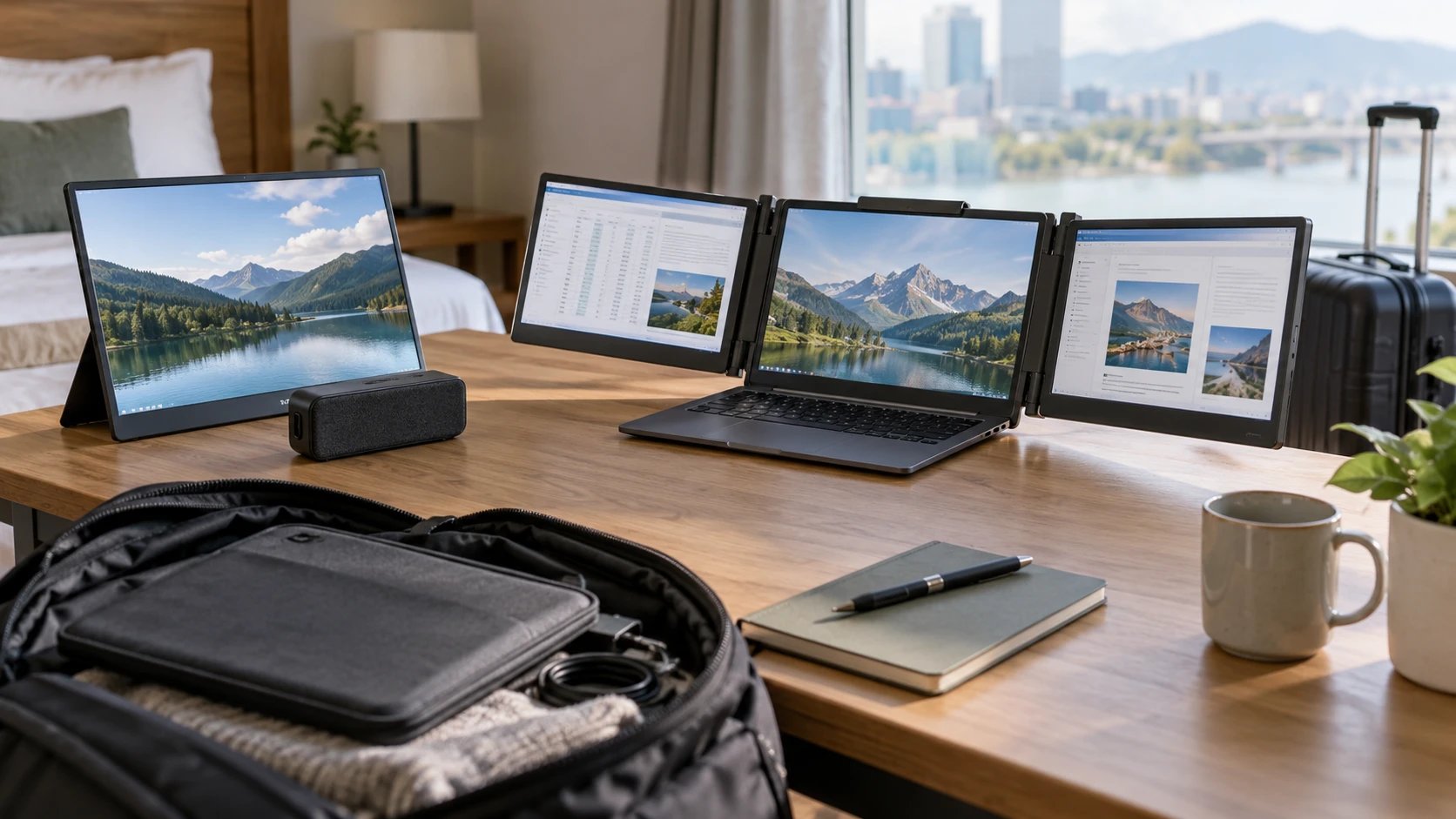
The HP S14 portable monitor travel bundle pairs one 14-inch full-HD display with a small Bluetooth speaker. The S2 listing describes a 14-inch “triple screen” laptop extender with full-HD IPS panels and several connection paths. These are different ways to gain work area away from a permanent desk. Begin with the host laptop's ports, then decide whether one separate screen or an attached multi-screen arrangement will fit the places where you work.
The saved descriptions do not give a matched weight, measured power draw, full package dimensions or a tested list of laptop models. The S2 row also uses “triple screen” in several ways without clearly distinguishing the added panels from the laptop's own screen. Confirm the exact number of included displays and the mounting arrangement on the selected SKU before treating the product name as a packing list.
Check the laptop before choosing a screen — S2 14-inch laptop screen extender
The HP row says its S14 display connects and charges through a single USB Type-C port. That can make a small desk simpler when the laptop provides compatible video and power through the chosen port. A USB-C-shaped socket does not, by itself, prove it outputs video or enough power. Check the laptop manual for display output over that exact port and ask the HP bundle Republeq's catalog for the S14's power requirements. If the laptop is already using the port for charging, determine whether the travel setup needs a hub or another outlet.
S2's source is more explicit about alternate cabling. It says a full-featured Type-C port can power one screen with a single Type-C cable. For systems without that port, it describes USB-A plus HDMI, with the second screen connected according to the available ports. The package lists Type-C, HDMI and USB-A cables. That does not establish that every laptop can run every panel at once. Draw the ports on the machine you own, including those occupied by charging, a mouse or storage, and map each needed cable before ordering.
The S2 description names Windows, ChromeOS, Linux and Android, and also names Mac compatibility with an important qualification. It excludes M1, M2 and M3 chips while separately listing M1 Pro/Max and M2 Pro/Max. That distinction can be easy to miss in a broad “Mac compatible” headline. Check the exact chip name in the laptop and get confirmation for the intended number of displays. The saved row does not mention every newer chip or operating-system release, so avoid extending its compatibility claim by analogy.
One separate display or a laptop-mounted arrangement? — an ASUS ZenScreen portable monitor for a travel desk
HP describes the S14 as a slim, 9 mm portable monitor with an adjustable easel cover stand. It can sit beside a laptop instead of being attached to the laptop lid. The separate stand may make it easier to choose its position on a wide table. It also needs a clear surface, a secure cable route and a safe place in a bag. The row does not give its weight or the stand's footprint, so measure the work surface at the train seat, hotel table or shared office where it would actually be used.
S2 is described as fitting laptops from 13 to 17.3 inches and creating a multi-monitor workstation around the host machine. It names landscape expansion, duplication, mirroring and portrait modes. Those modes can be useful for keeping a reference document visible while editing another file, or for presenting the same content to someone across a table. The saved row does not provide the mount's dimensions, hinge range or total weight. Request those details if the laptop has a delicate screen lid or will be used on a narrow tray table.
The published guide on an ASUS ZenScreen portable monitor for a travel desk covers a different display. It is useful for thinking about the desk, bag and host connection together. It does not validate the HP S14's power needs or S2's laptop compatibility. Try laying out your keyboard, mouse, drink and cables on a surface the size of the intended travel workspace. A screen that fits in luggage may still be cumbersome when opened beside everything else.
Compare the working area without inflating panel claims — S2 14-inch laptop screen extender
The HP S14 is listed as a 14-inch 1920-by-1080 full-HD screen. Its row says blue-light filtering is included, but gives no brightness, color-gamut or refresh-rate number. For email, documents and a second browser window, its resolution may be enough if the text scaling suits the user. Check whether the display can rotate, how its easel stand holds an angle and how it handles glare in the places you visit. The saved description does not answer those questions.
The S2 14-inch laptop screen extender row also gives 14-inch 1920-by-1080 full-HD panels in a 16:9 IPS format, with 16.7 million colors and a 72% NTSC gamut claim. It says brightness, contrast and other settings can be adjusted independently for each screen. The source does not state peak brightness or calibrated color error. If the intended work involves color-critical editing, seek a measured profile for the exact panels rather than ranking them against HP from these uneven descriptions.
The S2 listing describes several screens and uses “each of the three screens” when discussing settings. Ask whether that count includes the host laptop display, because it matters for both price and available desk area. Also ask whether all modes work on the specific operating system and chip you use. A portrait mode that sounds useful in copy may require a stand or rotation arrangement that the saved row does not show. Set up the same document and app workflow on a compatible demo if possible.
The HP bundle's speaker is a separate choice — S2 14-inch laptop screen extender
HP's listing includes a small Bluetooth speaker as well as the monitor. It says the speaker is about 1.33 inches in diameter, weighs 1.3 ounces and has a magnetic base. Its stated active-play time is up to three hours. The row also names a microphone for hands-free calling, voice commands and a remote camera-shutter function. These are features of the bundled speaker, not of the S14 screen. Do not assume the monitor has a built-in microphone or that the speaker will handle a full working day without charging.
Republeq's product description describes an aluminum speaker housing that resists knocks, drops and spills. No test standard or water-resistance rating is supplied. If it will be used outside or in a bag with a water bottle, treat that wording as a prompt to ask about protection rather than as an assurance against damage. Check which devices the speaker pairs with and whether a video-meeting app selects its microphone correctly. A headset may still be the more private choice in a shared workspace.
S2's saved row concerns displays, cables and compatible hosts; it does not list a Bluetooth speaker. If audio is important, compare the HP speaker against equipment you already carry. An accessory adds value when it solves a real need. If most calls happen through headphones, the speaker could be another item to pack and charge. Likewise, the S2's extra display area helps only when the host can drive it and the desk has room to open it.
Packing and setup time count too — S2 14-inch laptop screen extender
HP's S14 has a slim 9 mm profile according to the row, but no combined thickness for screen and easel cover, cable, speaker and any power adapter. Put the whole expected kit on a packing list. A separate display is flexible on a generous table, yet it creates another object to protect during transit. Ask whether the selected bundle includes a carrying sleeve and whether the cover protects the panel in a crowded bag.
S2 includes several cable types. That can help with unfamiliar laptops, but it also adds setup choices. Label the cable that works with your own machine and rehearse connecting it before a presentation or remote-work day. For a dual-screen extension, check where both screen cables exit and whether they pull against the laptop ports. The saved row does not prove a single cable powers the entire advertised arrangement; it explicitly says a single Type-C cable can power one screen under the stated host condition.
Consider the computer's battery while away from outlets. Neither row provides a measured laptop runtime with its display attached. A portable screen may shorten the host's day even if it lacks its own power brick. Run your usual apps at the usual brightness with the intended display connected, then see whether a charger is needed for a full session. This trial matters more than an untested claim that a setup is suitable for travel.
Choose from a compatibility checklist — S2 14-inch laptop screen extender
HP S14 is the listing to inspect if one separate full-HD screen and a small Bluetooth speaker fit the trip. Verify video and power through the laptop's USB-C port, the exact box contents and the easel's footprint. The speaker's three-hour claim should be treated separately from display power. S2 is the listing to inspect if a laptop-mounted multi-screen layout would save app switching. Verify the host chip, the number of included panels, cable routing and support for the desired display mode.
Both listings describe 14-inch full-HD work surfaces, but that shared phrase hides different setups. Confirm the actual laptop and ports first, then lay out the working space and packing kit. The better travel desk is the one that opens reliably where you need it and leaves enough room to do the work.