Crypto Commerce
HP 27-inch Core Ultra 7 all-in-one PC all-in-one vs MSI Aegis Z2 for work and gaming
Compare HP 27-inch Core Ultra 7 all-in-one PC by complete desk cost, display, graphics, storage, ports, and saved prices.
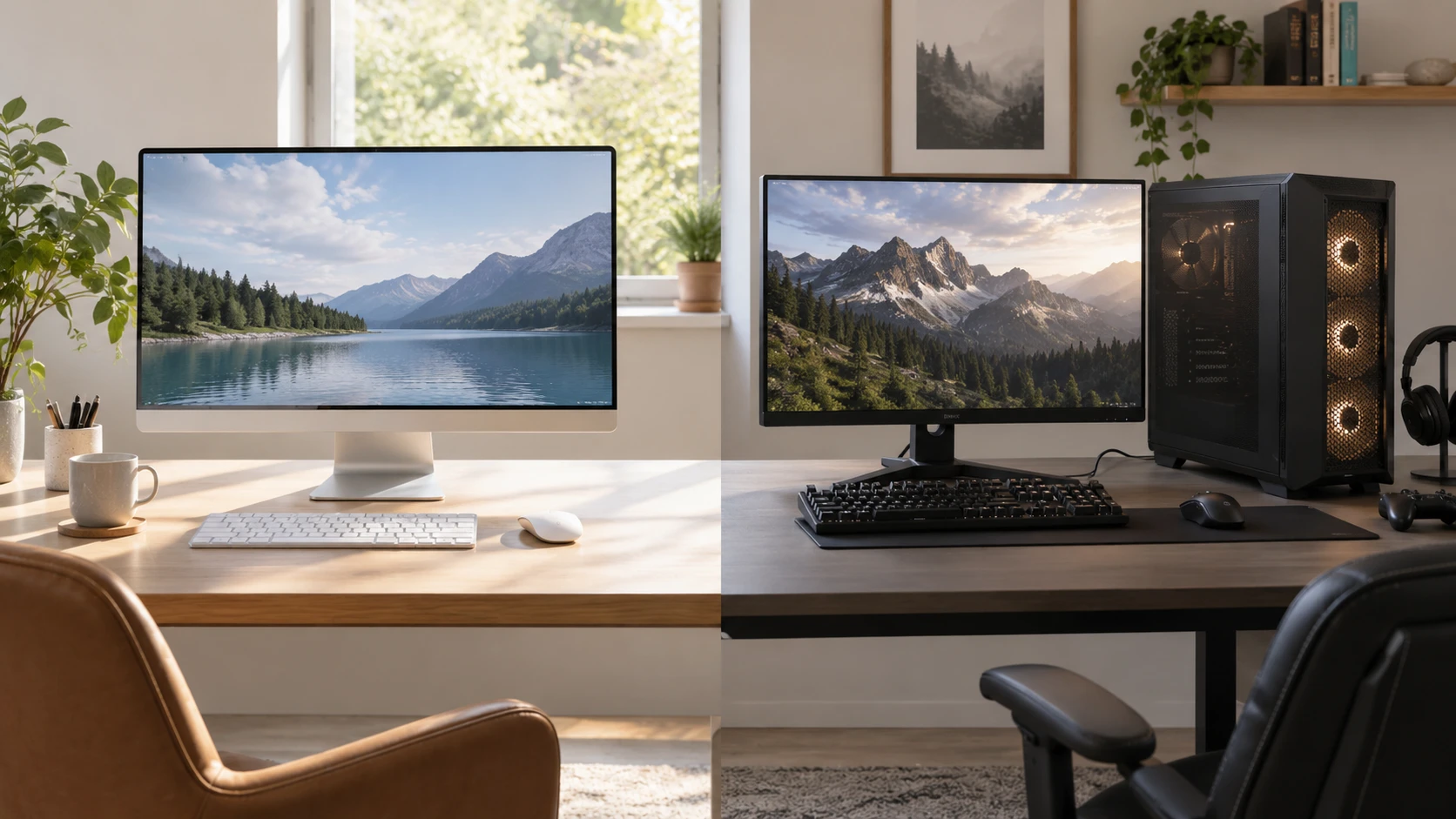
A new desktop can arrive as a screen and computer in one cabinet or as a tower that needs a separate display. The HP 27-inch all-in-one listing bundles a full-HD touchscreen, keyboard, mouse, and computer. The MSI Aegis Z2 listing describes a Ryzen 7 processor and GeForce RTX 5070 graphics in a gaming desktop. These are different ways to build a desk. The better purchase depends on the display you already own, the programs you use, and the total space and budget for a complete setup.
The September 30 catalog snapshot marked both products available. It listed a minimum price of $1,624.99 for HP and $2,298.76 for MSI. Both exact product pages and a related guide returned HTTP 200 on October 3. Those historical prices and page checks do not prove current bundle contents, frame rates, or service terms. Check the selected offers and model numbers before paying, particularly because a tower price may leave out a monitor and input devices.
Price the desk, not just the computer — MSI Aegis Z2 gaming desktop
The HP 27-inch Core Ultra 7 all-in-one PC includes a 27-inch full-HD touchscreen in the cabinet. The saved description also names an HP 310 wired keyboard and mouse. That makes it easier to picture a usable desk on delivery, though you should check whether the current cart still includes every part and whether a stand or power accessory differs by offer. The listed body measures 24.11 by 7.34 by 20.35 inches and weighs 14.81 pounds. Measure the working depth of the desk, not only its width.
MSI's Aegis Z2 is a desktop tower. The pinned description does not give cabinet dimensions, monitor, keyboard, or mouse details. Ask for the complete current bundle and chassis size. Add the cost of a display, input devices, speakers or headset, and the cables you need before comparing it with the HP's saved price. If you already own a suitable monitor and peripherals, the tower may fit your budget differently than it would for a first desktop purchase.
A tower also needs a place where its vents can breathe and its ports can be reached. A cabinet under a desk may hide a flashy case but make cleaning or plugging in a controller difficult. The HP's computer and display share one footprint, though it still needs room behind it for cables and a comfortable viewing distance. Check whether the all-in-one stand adjusts enough for your posture. The saved source gives exterior dimensions, not an ergonomic range or a mounting specification.
Desk clutter depends on the full setup. HP's wired keyboard and mouse need cable routes; MSI's external monitor adds its own power and video leads. A user with a small bedroom desk may value the all-in-one's tidy form. Someone who already has a preferred high-refresh monitor may prefer to keep it when changing computers. Neither Republeq's catalog listing is a measurement of how tidy a particular room will feel.
Compare the components by task — MSI Aegis Z2 gaming desktop
HP lists an Intel Core Ultra 7 155U processor, 32 GB of DDR5 memory, a 512 GB PCIe NVMe SSD, and Intel Iris Xe graphics. It runs Windows 11 Home in the saved description. These specifications are plausible for general office work, browsing, video calls, and light media tasks, but the listing does not supply application benchmarks. The letter in a processor name or an impressive memory figure does not tell you how a specific workload will feel. Check the programs and external accessories you intend to use.
MSI lists an AMD Ryzen 7 8700F, 32 GB of DDR5 memory, a 1 TB NVMe SSD, and an NVIDIA GeForce RTX 5070 graphics card. The separate graphics card is the defining difference for someone buying a desktop for modern games, 3D work, or software that uses a supported GPU. The saved page calls it ready to play but gives no same-settings frame-rate test. Verify the games, resolution, image-quality settings, and monitor refresh you care about before assuming the advertised card meets a target.
Both descriptions list 32 GB of memory. That shared capacity does not mean the two machines will perform identically; processor, graphics, storage, cooling, and software all matter. MSI's stated 1 TB drive is twice HP's 512 GB by label, which may be useful for a game library or large local files. Actual free space will be lower after the operating system and installed software. Ask whether either model permits a second drive or memory change if future expansion matters. The pinned sources do not give a verified upgrade path.
The published gaming desktop and an office desktop guide compares different models. Its useful lesson here is to name the tasks before treating all desktop specifications as interchangeable. List the work apps, games, and creative tools you use weekly. Check their recommended hardware and whether they benefit from a dedicated graphics card. A tower's GPU may be essential for one workflow and mostly idle during another.
Treat the display as part of the workload — MSI Aegis Z2 gaming desktop
HP's full-HD resolution across 27 inches may suit large interface elements and touch use, but it does not provide the same pixel density as a smaller full-HD display or a 27-inch higher-resolution monitor. The saved description does not give panel brightness, color accuracy, refresh rate, or touch response measurements. If spreadsheets, design work, or reading fine text occupy your day, see the exact screen or consult a trustworthy test. A built-in display is convenient, but it also becomes part of the computer choice for years.
MSI's listing does not include a monitor specification. That gives you freedom to select a display for gaming speed, image detail, color work, or a multi-screen layout, subject to the tower's actual video outputs and budget. Do not assume a particular connector or supported refresh rate from the GPU name alone; check the exact card and chassis ports. A 144 Hz monitor only shows 144 distinct frames per second when the game, computer, cable, port, and setting can deliver them.
Touch input is another difference. HP names a touchscreen. It may be useful for tapping controls or shared use at a desk, but a vertical touch display can be tiring if you reach across a keyboard all day. Try the gestures you would actually use. MSI's tower can be paired with a separately purchased touch monitor if supported, but the saved listing gives no such bundle. Include that cost and connection check if touch is important.
For video calls, HP's pinned description does not state a webcam or microphone specification. MSI's description also does not list them. A complete-looking all-in-one still needs the right camera and audio for your meetings; verify what is built in and what must be added. The same applies to speakers. A headset may be the easiest answer for a shared room, but plan it in the total desk budget.
Check ports, network, and maintenance — gaming desktop and an office desktop
HP's saved source mentions Wi-Fi 6, Bluetooth, and USB 2.0, without a complete port map. MSI's pinned description focuses on CPU, GPU, memory, and storage and does not supply a full I/O list. Count the devices you will attach: monitor, storage drive, webcam, keyboard, mouse, game controller, headset, and wired network. Ask for photographs of the exact rear and front panels and the current specification sheet. A desktop bought for a tidy desk should not require a cluster of adapters for everyday use.
Both computers will gather dust and need access for cleaning. The all-in-one concentrates the display and computer in one cabinet; a tower separates the display from the main chassis. The saved listings do not provide service-manual access or thermal testing. Ask how the units are opened for maintenance, what warranty work requires, and whether a repair can be performed without replacing the display. Do not infer that a tower is automatically easy to upgrade or that an all-in-one cannot be serviced; verify these exact models.
Software deserves its own check. HP's listing names Windows 11 Home. MSI's title uses Windows 11 Home wording, while its description says “Home Advance,” which may be Republeq's catalog wording rather than an official edition name. Verify the installed Windows edition and activation on the selected MSI unit. Also check the software requirements of work programs, games, and accessories. A desktop's processor and graphics card are valuable only when the applications you need run as expected.
Use the saved price gap carefully — MSI Aegis Z2 gaming desktop
The historical minimum-price difference is $673.77, with HP lower. MSI offers a dedicated RTX 5070 and a larger listed SSD, but its tower may require a monitor and peripherals. HP includes a touch display and wired input set in the pinned description. Current prices, shipping, warranty, and bundle contents could change the comparison. A separate monitor can remain useful after a later computer change, while an integrated screen simplifies today's setup; decide which flexibility matters to you.
Before checkout, make one list of your weekly work and games and another list of the equipment already on the desk. Check display needs, ports, service terms, and the selected product identities. Then compare the current HP offer with the MSI Aegis Z2 gaming desktop offer as complete desks, including what each still needs. That comparison will reveal whether the integrated screen or the gaming tower solves the actual job.