How-To Guides & Tutorials
How to make an appliance manual index you can test
Make an appliance manual index with document locations, checked section references and a real lookup test, using two ring-binder offers as optional examples.
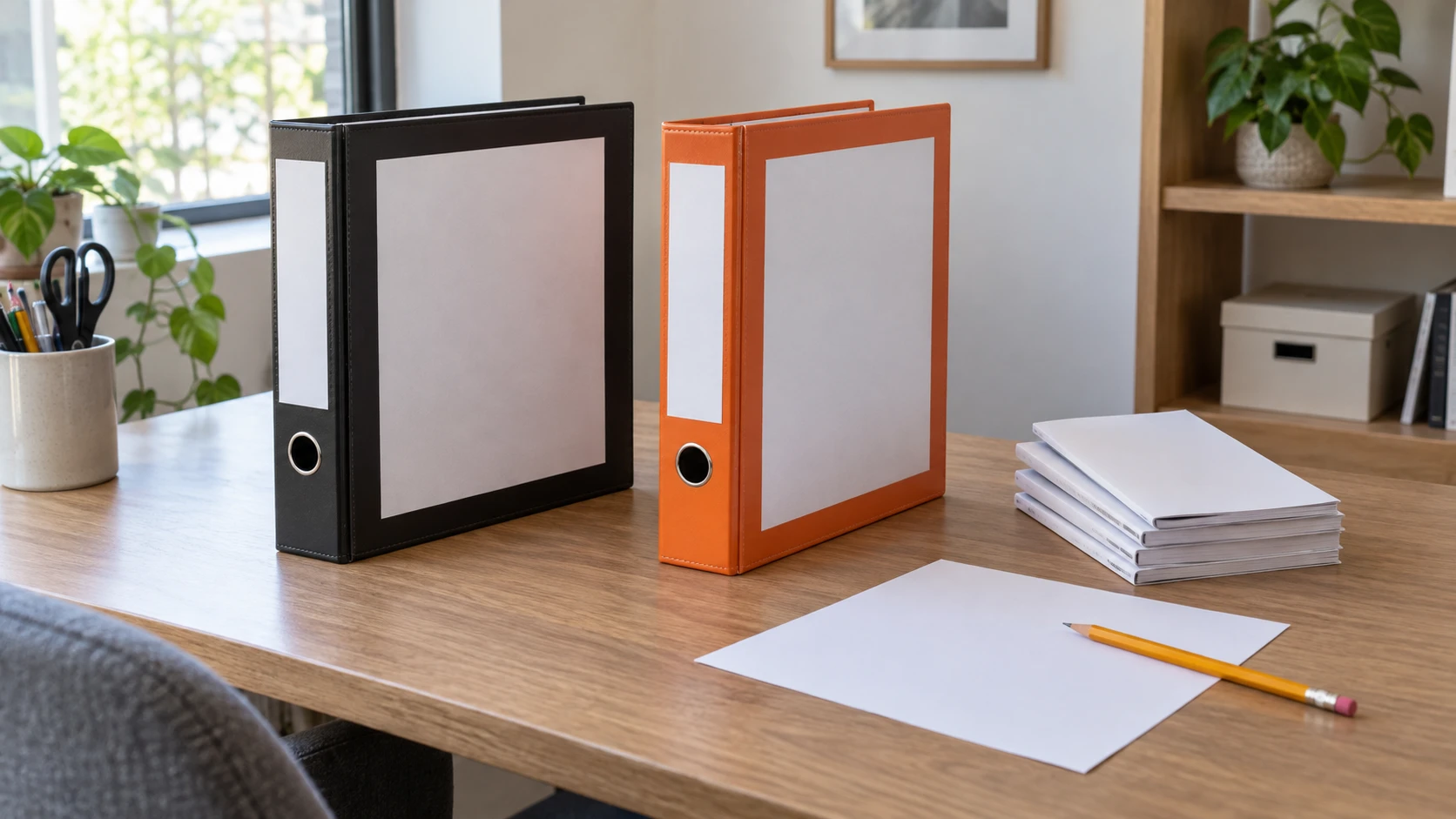
An appliance manual index can point you to the right booklet, file and section without copying every instruction into a new document. Start with a few appliances you actually own and the questions you regularly look up. The finished index should help someone find the applicable source and read its instructions.
This tutorial ends with a checked lookup page. It gives no appliance operation, installation, maintenance or repair procedure. A ring binder can hold the index and suitable loose reference pages if you choose, while bound booklets and digital files can remain in their own locations. You can complete the first index before deciding whether another binder is useful.
Step one: choose the appliances for the first index
Pick a manageable group, such as the appliances whose manuals already share a drawer or folder. Use the actual group in your home rather than trying to create a complete household catalog at once. A vacuum cleaner and a food mixer may be enough for the first page if those are the booklets you often need.
Give each appliance a name the people using the index recognize, then retain the actual model identification that distinguishes it. Two similar-looking appliances can have different manuals. A familiar household nickname can help someone find the entry, but it should sit beside the model rather than silently replacing the identity needed to select the applicable document.
If you have not established which manual belongs to an appliance, leave that entry unfinished. Mark the question about the document clearly and resolve it before using the index to direct anyone to instructions. A booklet from a previous appliance should not become the current reference merely because it was stored in the same drawer.
Step two: record the manual location and document identity
For a paper booklet, write its title and the place where it is kept. For a digital manual, record the actual file name and location you use to open it. Keep a version or model reference that the document itself supplies. Distinguish the applicable source from similarly named files without adding a publication date the document does not give.
A manual can stay in a folder, a drawer or a digital collection while the index points to it. Choose locations you can actually maintain. If the paper booklet moves, the index needs its new location. If you replace a local file, check whether the entry still identifies the source you intend to keep using.
Separate the physical form from the information you want. A bound booklet and a loose printed page need different handling choices. This tutorial gives no cutting, unbinding or hole-punching method for an original manual. You can index an intact booklet without making it fit a ring binder.
Step three: choosing topics for an appliance manual index
Begin choosing topics for an appliance manual index with a real question you have looked up before. It might concern finding the maker's accessory information or locating a named care section. Use the manual's own section wording beside an ordinary search phrase if that helps another person recognize the topic. Do not add a procedure or setting from memory.
Keep each entry narrow enough to lead somewhere specific. “Everything about the vacuum” does not tell a reader which section to open. A topic such as the manual's named filter-care section gives a clearer destination, without this index supplying any filter-cleaning instructions. If the manual separates several filters or accessories, preserve that distinction in the lookup wording.
The Epson DS-530 II and CZUR ET MAX document guide distinguishes loose-page feeding from overhead capture of bound material and calls for checking recognized text. That is useful if your manuals exist in several physical or digital forms. Its scanner capabilities do not establish that a booklet fits a binder or that text recognition has selected the right manual section.
Step four: add a locator that another reader can follow
Open the applicable manual and find the actual section. Copy the page number or section locator it supplies, keeping any letters or other distinctions attached. If you use a digital file, check how you reach the same passage there. A printed page number and a file viewer's position can be different references, so say which one your index uses.
Write the locator only after you have found the passage. A table of contents can point you toward it, but open the section and check that it addresses the intended question. A topic may have several related entries, such as an accessory description in one place and its applicable instructions elsewhere. Preserve the source's separation rather than combining them into a new procedure.
When a section contains a condition or model qualification, the index can tell the reader to consult that section in full. Avoid turning a short index label into a broad permission. “See the applicable care section” points to a source; a copied fragment that omits its conditions can imply more than the manual actually says.
Step five: testing the index from a real lookup
For testing the index from a real lookup, close the manual and start from one entry. Follow the location, open the named document and use the locator. Check whether you arrive at the passage you intended. If you have to remember an extra step that the index does not explain, add the missing location or reference detail.
Ask another reader to try an entry if someone else will use the index. Let them use the written information without filling in every gap aloud. Their question may reveal an ambiguous file name, a household nickname they do not know or a location that sounds more precise to you than it is. Revise the entry and follow the lookup again.
The Brother ADS-1350W and DS-740D file-planning guide discusses consistent document names and opening a test file from another device or account to check retrieval. That is a real counterpart to this lookup check. Its scanner drivers, cloud routes and recognition tools supply no operating instructions for the appliances in your index.
A small example of an index correction
Suppose a draft entry says only “mixer instructions, kitchen folder.” In this hypothetical collection, that folder holds a previous mixer's booklet and a printed manual for the current one. The draft does not identify which source the reader needs. Add the current appliance's actual model and the document title, then check the section locator in that specific manual.
Now imagine that a digital copy has the same short file name as another manual in a different folder. Keep the location detailed enough to open the intended file, and verify its model information after opening it. A more descriptive name can help navigation, but a name alone is not evidence that the document applies. The corrected entry should lead to a checked source rather than make the reader guess between candidates.
Step six: consider a binder for the index pages you have
The NOBRAND Economy View ring-binder offer names 1.5-inch round rings, a 2.1-inch spine and a 275-sheet capacity in its title. It identifies black binders as a twelve-pack of 03427. The description adds back-mounted rings and two interior pockets. Keep the pack quantity separate from the question of whether you need one binder for this index.
The stated capacity gives no paper-weight condition or complete account of dividers, pockets and bulky booklets here. Do not use it to approve every manual in the drawer. The description says the back-mounted rings help pages lie flat when open, but it provides no trial with your documents. Use the intended index pages and applicable product information to assess the actual arrangement.
The NOBRAND Sturdy slant-D ring-binder offer names 1.5-inch rings, a customizable clear-view cover, PVC-free wording and a 350-sheet capacity for 8.5-by-11-inch paper. Its selected title identifies an orange six-pack. The description names an internal pocket and says the cover can take a custom insert. The cover-insert feature may suit a visible index title.
Its general claim that D-shaped rings accommodate more files than O-rings is not a matched test against the Economy View offer. The two capacity numbers do not establish which will hold your complete manual collection. Nor do a pocket and a clear-view cover establish protection from water, fire or long-term deterioration. These are organization features in the descriptions, without those protection tests.
Step seven: keep booklets, loose pages and index roles separate
If a binder serves your plan, let the index remain a navigation page that can be revised. You can use a clear title identifying the appliance group without making the cover an inventory of everything inside. Keep any section labels consistent with the words used on the index. Use the same names on the index and the section labels.
A pocket can have a limited organizational role for suitable loose material, but its presence does not establish that a thick booklet fits or that valuable originals can be stored there without other considerations. Keep an intact booklet elsewhere when that better serves your arrangement and point to it from the index. The two binder descriptions give no complete pocket-dimension or document-preservation account.
Choose the arrangement around the few pages you actually need to find. A twelve-pack or six-pack may be more binders than this first index requires. An existing suitable folder may already hold the lookup page. Buying additional organizers does not resolve an uncertain manual identity or an unchecked page reference.
Step eight: revise the entry when the appliance or source changes
When an appliance leaves the household, check which index entries still belong in the active group. If a replacement arrives, identify its applicable manual before carrying any old topics or page locators across. You can retain an older reference separately when you have a reason, while keeping the current index clear about which equipment remains in use.
A revised manual or relocated file also needs a fresh lookup check. Open one entry from the index and confirm that the named passage is still where the entry points. If the section has changed, update the actual reference instead of assuming the old page number still applies. Make the small corrections needed when the collection changes.
Finish by choosing one ordinary question and following it from the index to its source. When the route works, another person has a practical way to find the applicable document and section. The index remains a guide to reading that source in full, with the binder or folder serving the pages you have chosen to organize.