Crypto Commerce
Honeywell RP4 mobile thermal printer vs Intermec PW50 for work away from a desk
Compare Honeywell RP4 mobile thermal printer by receipt workflow, stated width and speed, connectivity, IP54 rating, and integration checks.
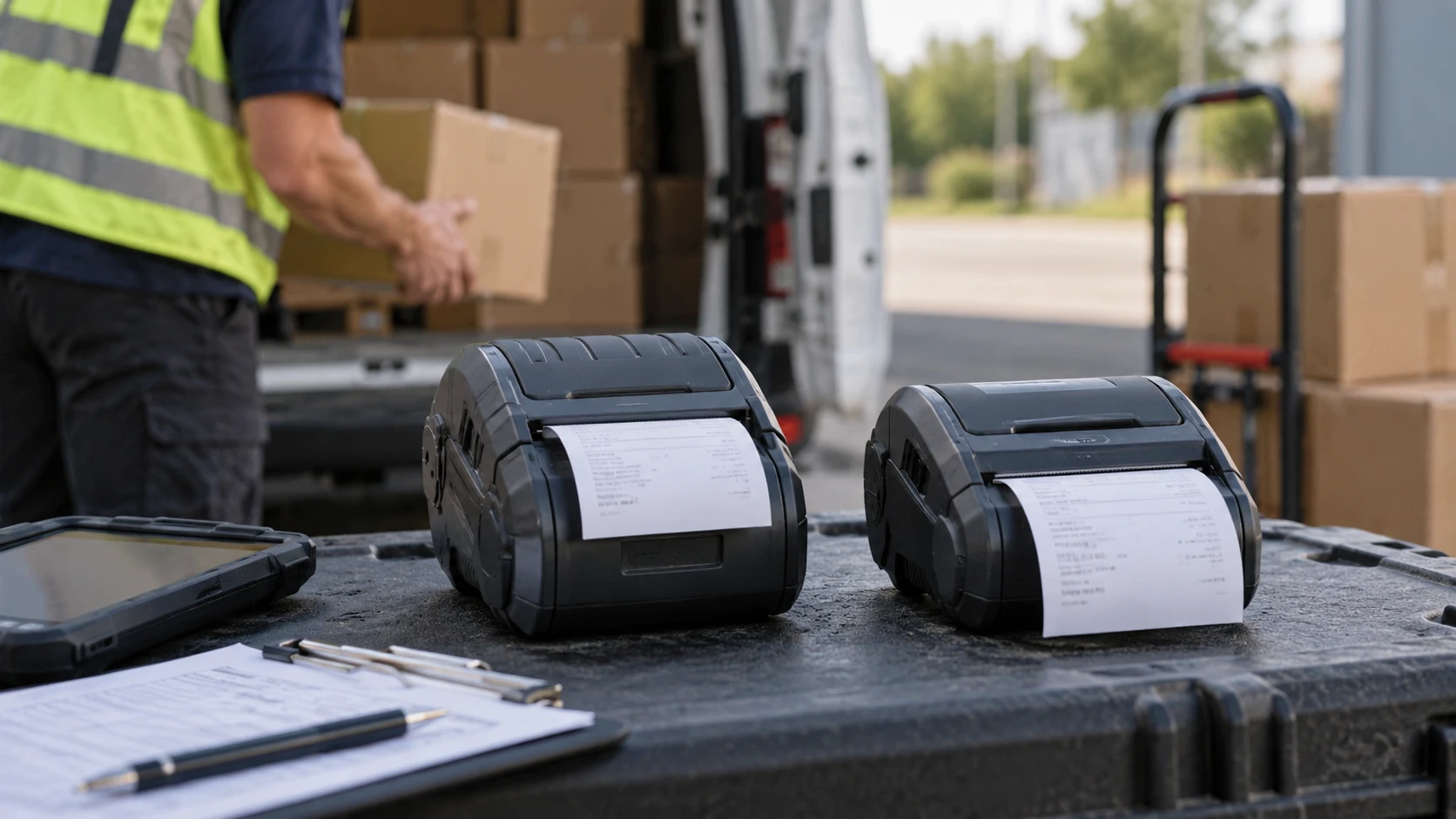
The Honeywell RP4 and Intermec PW50 are portable direct-thermal printers listed at 203 dpi. Honeywell emphasizes a rugged field unit with Wi-Fi, Bluetooth, USB, NFC, and an IP54 ingress rating. Intermec describes a portable monochrome receipt printer with a stated 4.25-inch print width, up to 4 inches per second, Bluetooth and serial connections, and 16 MB of memory. The shared thermal method and resolution do not make them drop-in replacements. A working choice depends on the actual receipt or label layout, supported roll, host software, connection path, and conditions where the printer will be carried.
The Honeywell RP4 mobile thermal printer listing calls the RP4A00N0C22 a 4-inch mobile direct-thermal device for rugged field use. It supplies a specific IP54 rating and names four connectivity options. The saved description does not specify a print-speed figure, battery runtime, roll core size, or printable width. A "4-inch" class name should therefore be checked against the exact media specification before a form is designed. The numeric product code is worth matching to the manual because portable printers often have different radio or accessory configurations.
Begin with the document to be printed — Intermec PW50 portable receipt printer
Intermec's PW50 source explicitly calls it a receipt printer. It names a 4.25-inch print width and 203-dpi monochrome output. If your job is to hand a customer a receipt after delivery or field service, begin with the largest real receipt: logo, address, item descriptions, totals, any barcode, and required legal text. Print a sample at the intended paper width. A form that fits a desktop printer may wrap awkwardly on a portable roll. The listing's 4.25-inch figure is a print-width statement, but the exact supported roll width and paper specification still need confirmation from the current manual.
Honeywell's RP4 is also direct thermal, yet the saved row does not say whether this exact configuration supports every label, ticket, or receipt material you intend to use. Obtain the supported media types, width range, roll diameter, and sensor details from Honeywell before treating it as a label solution. Direct-thermal stock uses heat-sensitive media and is often chosen for short-lived output. If a label must survive sunlight, abrasion, chemicals, or long storage, ask about the stock's rated life and the printer's compatibility. The product description does not promise archival durability for either unit.
The published print resolution and output-size checks guide is general guidance about image size and printing. Its framing helps here when a logo or barcode has to fit a small physical width. Use the idea to calculate the required output size, then test it on the actual thermal printer and media. Photo-print guidance cannot tell you whether a particular barcode will scan, and the guide does not replace either printer's media or print-language documentation. For a barcode, validate scans with the real application and scanners used in the field.
Equal dpi leaves other performance questions open — Intermec PW50 portable receipt printer
Both listings state 203 dots per inch. At the same physical output size, that describes similar nominal dot density. It does not establish equal darkness, edge quality, paper handling, or image processing. Thermal head condition, stock chemistry, print settings, and the software's rendering all affect a real receipt. If print quality matters for small type or machine-readable codes, send the same sample file through each proposed workflow and inspect the results. Do not rank the devices by dpi alone when both state the same number.
Intermec gives a maximum speed of 4 inches per second. That figure can help estimate a best-case paper-feed time, but it is not a full transaction time. The application still has to send the job, the printer has to receive it, and a person may tear or hand over the receipt. Honeywell's saved listing gives no speed number. Ask for a like-for-like current specification or time a representative field job. Avoid reading Intermec's stated maximum as a guarantee for every image-heavy receipt or every connectivity method.
The PW50 row also gives 16 MB of built-in memory. Memory may matter to a particular application, but a capacity figure alone does not reveal how fonts, templates, buffers, or graphics are handled. Request the command-language and driver documentation for the exact model. Honeywell's saved row has no memory number, so this is a specification gap to close during integration. Buying more memory on paper is pointless if the point-of-sale or field-service software cannot address the printer correctly.
Connections must match the field device — Intermec PW50 portable receipt printer
Honeywell lists Wi-Fi, Bluetooth, USB, and NFC. That is a broad set of possible paths, though each one still needs compatibility testing. Identify the phone, tablet, scanner, or laptop that sends jobs. Determine whether the application supports the printer model over its chosen link and whether network credentials can be managed at every work location. NFC may help with pairing or data transfer as described by the listing, but verify exactly how this model uses it. Do not assume a tap will make an unsupported application print.
Intermec lists Bluetooth and serial connectivity. A serial path may be valuable when a field terminal or existing point-of-sale device was built for it. A modern phone may need a supported Bluetooth profile and application integration. The saved listing does not name Wi-Fi, USB, or NFC for the PW50; inspect the exact model manual before planning around any of those interfaces. A portable printer can be electrically compatible with a host yet still fail because the software sends an unsupported command language or page layout.
Sketch the whole transaction before ordering: a worker scans or selects an item, the application creates a receipt, the chosen link carries the job, and the printer produces output on the right roll. Check what happens when a connection drops midway. Ask whether the application can identify a partial print and safely produce a replacement without duplicating the transaction. These are software and workflow questions, not claims that either saved product row has a particular recovery feature. Test them with the real devices and a representative receipt.
Ruggedness and handling — Intermec PW50 portable receipt printer
The RP4 listing supplies an IP54 dust and water ingress rating. That is useful evidence for a field environment with dust or incidental splashes. It is not a claim that the unit can be immersed or left exposed to severe weather. Read Honeywell's current environmental and operating instructions, including how the paper compartment and connectors must be closed for the rating to apply. The PW50 saved description does not state an IP rating. That silence does not prove it is unsuitable for every field job; it means the environmental specification must be checked separately.
Both listings present the devices as portable, but neither saved row gives a battery-life figure or complete weight and carry-accessory list. A route lasting several hours can expose these omissions quickly. Check what battery, charger, cable, belt clip, or vehicle accessory comes with the exact purchase. Test a normal shift with the typical number of jobs, length of each receipt, and radio connection. The printer may meet the page specification yet become inconvenient if it needs a mid-route charge or an awkward place to carry spare rolls.
Media loading is also part of the field experience. A worker should be able to recognize which side of the heat-sensitive roll faces the print head, close the compartment, and make a clear test print without a desk. Get a demonstration or the manufacturer's loading diagram. Check how a torn edge is handled and how the printer signals low paper or an open cover. The catalog rows do not describe these controls, so do not assume one model is easier to operate solely from its exterior photo.
Purchase and integration checks — print resolution and output-size checks
The Honeywell listing's product code RP4A00N0C22 and the Intermec code PW50A050102 identify specific configurations. Use those codes when asking a Republeq's catalog about firmware, radio options, power accessories, drivers, and compatible stock. "RP4" or "PW50" on its own may refer to a wider family. The Intermec source also contains a broad additional size indicator that is not explained clearly enough to use for media selection. Rely on the current model-specific media drawing instead of guessing what that field means.
Price comparison should include the full working kit. Count the printer, battery and charger if separate, approved rolls, carry hardware, any serial cable or docking accessory, and integration work. Check warranty and return terms for the exact Republeq's catalog and condition. Neither saved description supplies enough package detail to assume these items are included. If the operation already uses one manufacturer's printers, existing application support and stocked media can matter more than a small price difference on the printer body.
The Intermec PW50 portable receipt printer is the more specifically described option for a receipt workflow where 4.25-inch print width, stated speed, and Bluetooth or serial integration fit the equipment. Honeywell's RP4 deserves closer attention when its stated IP54 rating and broader connection list address the actual field conditions. Verify the RP4 media specifications and speed, and verify the PW50 environmental and power details, before deciding from the catalog summaries.
A useful final test is a real shift in miniature: load the approved stock, connect the actual host, print several of the longest forms, scan any codes, change the roll, and observe the battery and reconnection behavior. The first printer to pass that test on your own application is the stronger choice, regardless of how similar the two 203-dpi headlines look.