Crypto Commerce
HAPPRUN C9 projector vs Jeemak P200 for streaming and inputs
Compare HAPPRUN C9 projector by native resolution, brightness claims, HDMI and USB connections, focus, audio, and room setup.
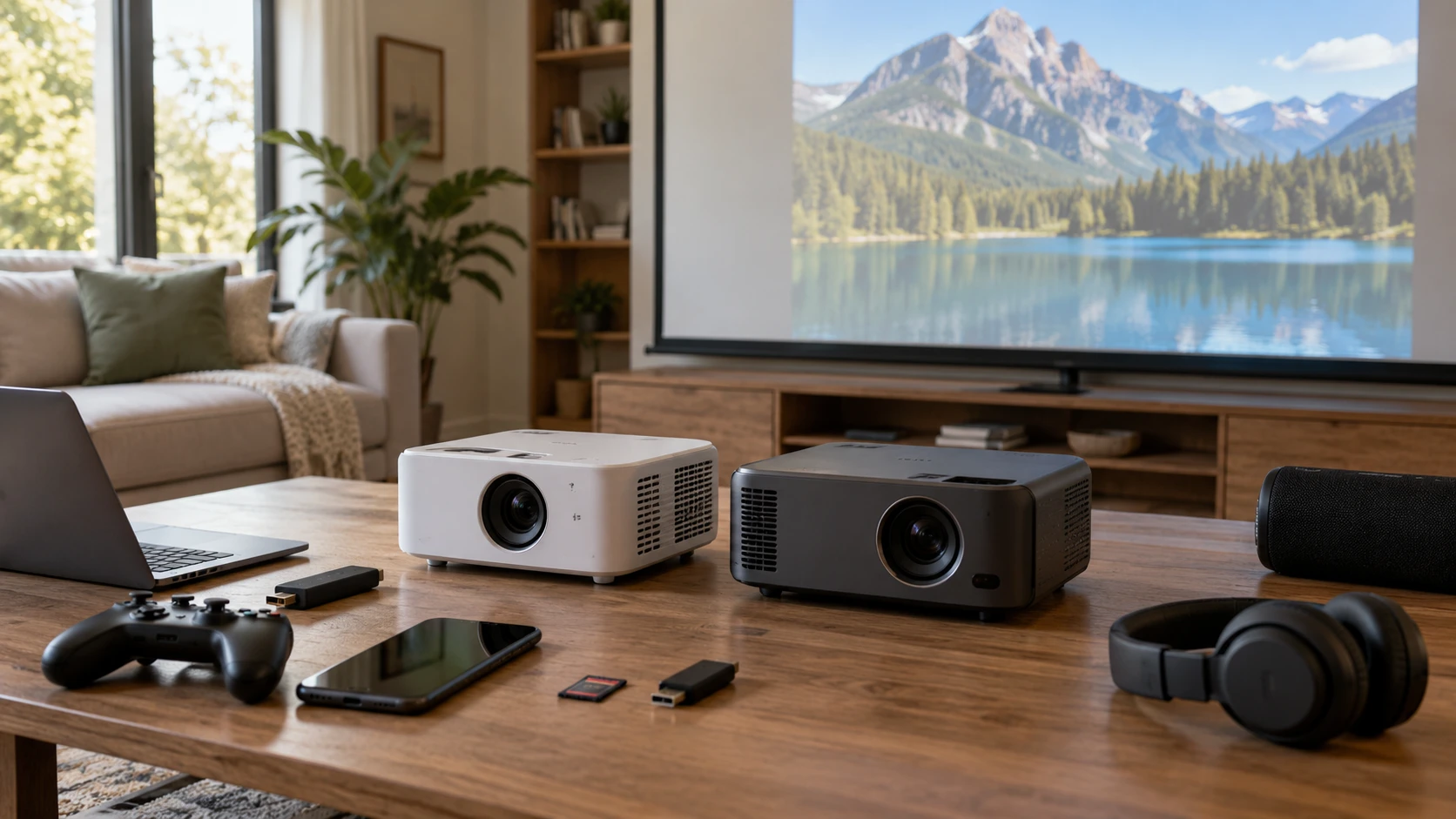
The HAPPRUN C9 projector lists Google TV 11.0, native 1080p resolution, HDMI, USB, wireless connections, and electric focus. Jeemak P200 lists Android TV 9.0, a 1080 by 720 native image, Wi-Fi mirroring, USB and micro SD inputs, and manual keystone adjustment. Both are marketed for watching video at home, but their input lists and setup controls differ. Before comparing large image-size or brightness claims, decide whether the projector must accept an external HDMI device, stream through its own apps, or mirror a phone.
The published guide on display connection planning explains why the source device and display must share a usable connection. It does not test either projector. Make a list of everything you want to attach: a streaming stick, game console, laptop, memory card, phone, speaker, or headphones. Then trace the connection each item needs. That simple list can eliminate a projector whose built-in apps look appealing but whose physical ports do not match your equipment.
Check physical inputs first — Jeemak P200 projector
HAPPRUN lists HDMI, USB, and a headphone jack. Its box also includes an HDMI cable. That makes a wired video source an explicit part of its advertised setup, although the saved description does not state HDMI version, supported refresh rates, or whether the port supplies power to a streaming stick. Confirm those details for a particular console or laptop. A cable in the box is useful only when the source device and projector accept the same signal at the settings you need.
Jeemak lists micro SD, USB, audio and a 3.5 mm headphone output, but its saved description explicitly says there is no HDMI port. That is a decisive difference if you plan to connect a conventional HDMI console or streaming stick directly. It is not proof that no video source can work: Jeemak describes built-in apps and Wi-Fi mirroring. Those methods have different setup and compatibility requirements. Ask how a specific source device would connect before relying on a generic adapter or assuming USB functions as an HDMI input.
Jeemak says its USB port can support a gamepad or mouse for apps that its remote cannot control. That is not the same as a guarantee of video input over USB. Its air mouse remote can switch between button and pointer modes, according to the listing, and it requires two AAA batteries that are not included. If a streaming app needs pointer input, that accessory may be useful. Test the exact app and control method, since the source does not guarantee every app can be operated comfortably from the couch.
Wireless connections deserve their own compatibility check. HAPPRUN lists dual-band Wi-Fi and Bluetooth. Jeemak lists Wi-Fi mirroring and Bluetooth pairing with external speakers; its source says a phone and projector need the same Wi-Fi network for mirroring and some streaming functions. Neither excerpt provides measured latency or reliability in a crowded network. If games or presentations depend on timing, test the actual source and room network. A wired HDMI path on HAPPRUN may simplify some devices, while Jeemak's described mirroring depends on the supported phone and app behavior.
Separate native detail from accepted signals — display connection planning
HAPPRUN states native 1080p resolution and support for decoding 4K video. Decoding a 4K file does not turn the projection panel into a native 4K display. Jeemak gives a native resolution of 1080 by 720 and says it supports up to 1080p Full HD input. Its accepted signal likewise should not be mistaken for its native pixel grid. For subtitles, fine text, and close seating, compare the native output and an actual sample image, not only the highest format named in the title.
A projector's picture also depends on throw distance, surface, focus, and the light in the room. HAPPRUN lists a 40 to 160 inch image range but gives no matching throw-distance table in its short excerpt. Jeemak lists 56 to 170 inches from 1.7 to 5.6 meters. Those ranges are not a promise that either unit will fill every wall at a distance you can accommodate. Measure the available throw from lens to screen and check the maker's placement calculator or manual before choosing a screen size.
Brightness figures need equal units and test methods. HAPPRUN gives 200 ANSI lumens; Jeemak lists 6000 lumens without an ANSI qualifier in the saved source. Those numbers cannot be ranked as though they were produced by the same measurement. Jeemak's description says it works best in low light. Test both in the lighting you expect to use, especially if curtains cannot darken the room. Ask for a measured, comparable brightness specification rather than using the larger numeral as a shortcut.
A screen location should be chosen with seating in mind as well as the projector. Sit at the planned distance and check whether small captions remain readable at the image size you marked on the wall. A larger diagonal can make the picture feel immersive while also revealing soft focus and compression in a weak source. Test with the type of material you will actually watch, such as a movie with dark scenes or a presentation with fine labels. The saved descriptions do not provide a measured sharpness result at each size.
Plan focus, alignment, and aspect ratio — Jeemak P200 projector
HAPPRUN lists electric focus and automatic vertical keystone correction, with adjustment from its remote. Jeemak lists manual keystone adjustment of plus or minus 15 degrees. These are setup differences, but a correction feature is not permission to place a projector anywhere. Large digital corrections can reduce the usable image or make text less crisp. Center the lens with the intended screen when possible, then use focus and keystone for the remaining adjustment. Check whether the HAPPRUN correction covers horizontal misalignment; the short listing confirms only vertical correction.
Jeemak lists 4:3 and 16:9 aspect-ratio options. HAPPRUN's saved excerpt does not specify aspect-ratio controls. If you watch older programs, display slides, or connect a source with an unusual shape, confirm how the projector preserves the image without stretching it. The physical screen shape matters too. A large stated diagonal can be misleading when the wall is narrow or a cabinet blocks the lower edge. Tape out a few possible picture sizes before placing a mount or buying a screen.
If the projector will travel between rooms, repeat the setup check in each location. A remote focus control may save a trip to the projector, while a manual keystone may require reaching the body. Neither source gives a complete weight, mounting pattern, or lens-offset specification. Confirm where the unit can sit without blocking ventilation or casting a person's shadow across the image. Also check how power and signal cables reach it. Port access becomes awkward when a projector is close to a wall or ceiling.
Verify streaming and audio — Jeemak P200 projector
HAPPRUN says its officially licensed Google TV 11.0 platform streams apps including Netflix, YouTube, and Prime Video. Jeemak says Android TV 9.0 is preinstalled, with Google Play Store access and streaming apps after a Google account sign-in. App listings can change, and a named app does not guarantee every title, resolution, or account function works in a given region. Check the current software and app certification for the exact unit. If one service is essential, confirm playback directly rather than assuming the same experience on two different platforms.
HAPPRUN lists a built-in 5 W speaker and a Dolby-certified 3D stereo audio claim. Jeemak lists a built-in speaker and Bluetooth pairing for external speakers but gives no comparable output wattage. Both descriptions mention headphone or audio outputs. For a quiet room, test dialogue clarity at your normal seating distance. For a larger room, check the connection needed by your existing speaker and how volume is controlled. The source descriptions do not provide a matched sound test or a guarantee of low Bluetooth delay.
HAPPRUN's box is described as including a remote, HDMI cable, power cable, and lens cap. Jeemak lists a projector, power cable, screw, remote, and manual, with batteries for its remote excluded. Compare the actual offer before paying for extra cables or assuming mounting hardware is complete. Jeemak's no-HDMI statement is especially important if your intended source lives on a cable. HAPPRUN's included HDMI cable does not answer every compatibility question, but it establishes a straightforward starting route to test.
Keep the first setup reversible. Put the unit on a stable temporary surface, connect the intended source, and check image geometry before drilling for a ceiling mount or buying a fixed screen. Walk around the room to see whether the image crosses a doorway or a light fixture. Then listen for fan noise at your normal seat; Jeemak mentions a noise-suppression cooling system, while HAPPRUN's short source does not give a noise specification. Neither excerpt supplies a comparable operating-noise measurement.
The Jeemak P200 projector may fit a room built around its own apps, phone mirroring, or media files, provided its native resolution and lack of HDMI meet your needs. HAPPRUN offers a stated native 1080p image, a named HDMI input, and more automated focus and vertical alignment. Choose the intended source first, measure the room second, and test a familiar video with readable text and dialogue before trusting either product's biggest number.