Crypto Commerce
GMKtec NucBox K8 Plus mini PC vs RNRUO B80R mini PCs
Compare GMKtec NucBox K8 Plus mini PC by memory, storage, external expansion, displays, networking and mounting checks.
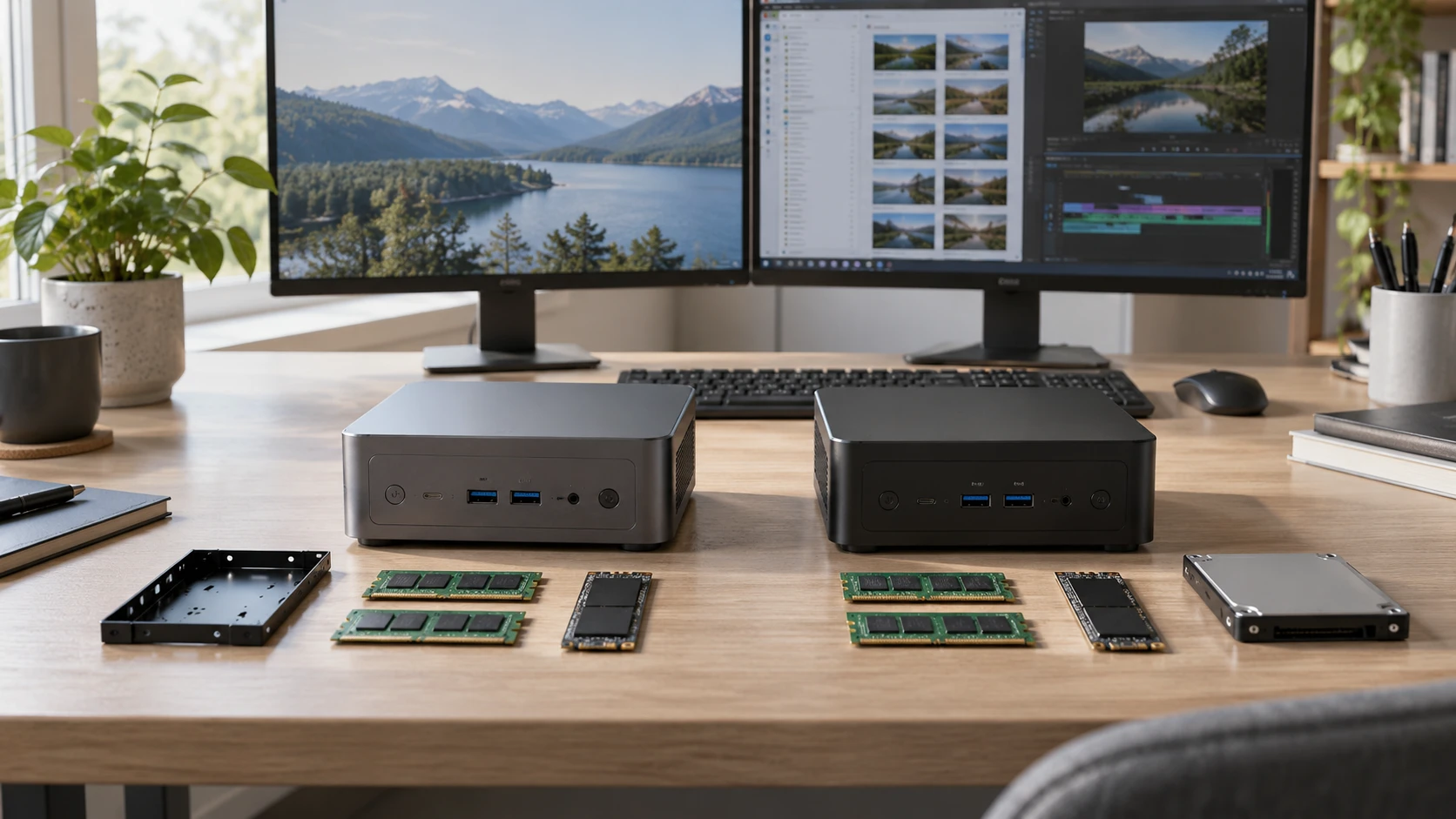
The GMKtec NucBox K8 Plus mini PC and RNRUO B80R-6800H both promise a capable desktop in a small enclosure. Their listings start with similar amounts of memory and storage: 32 GB RAM and a 1 TB solid-state drive. The details worth investigating are the ways each machine can grow, its network and display connections, and where it can be placed without overheating or making cable access awkward.
This is a comparison of current product descriptions, not a benchmark run. The pages do not provide common measurements of gaming frame rate, fan noise, sustained speed, or power draw. Verify the exact selected configuration and return terms before buying. Mini PCs often share a model name across different RAM, storage, operating-system, or port bundles, so a specification on one offer should not be assumed for every version.
Start with the work, then the processor label — RNRUO B80R-6800H mini PC
GMKtec lists an AMD Ryzen 7 8845HS with eight cores and sixteen threads, 32 GB DDR5 memory, and a 1 TB PCIe 4.0 M.2 SSD. RNRUO lists a Ryzen 7 6800H with eight cores and sixteen threads, also paired with 32 GB DDR5 and a 1 TB M.2 SSD. The model numbers suggest different generations, but they do not establish the speed difference in your application. Cooling design, power limits, memory arrangement, and software can change the result. Seek comparable independent tests for the exact configurations if a demanding game or creative program is the reason for the purchase.
For ordinary browsing, office documents, calls, and media, both configurations may have more listed memory than many tasks need. Make a list of the software that is slow on your current computer. Is it limited by memory, storage, graphics, or the processor? If the problem is a slow external drive or a congested network, a faster CPU label may do little. If the problem is a game, confirm the graphics hardware and test results. Neither product description supplies a complete, directly comparable graphics specification for judging games at a particular resolution.
The RNRUO page explicitly lists Windows 11 Pro. The GMKtec catalog description focuses on hardware and does not make the operating-system license equally clear. Confirm what software comes installed on the selected GMKtec offer and whether an activation license is included. A buyer setting up a managed work desk may care about edition and update policy as much as a clock-speed figure. Do not assume that a product image showing a Windows desktop establishes the license in the box.
Memory and storage expansion need a diagram — checking mini PC expansion paths
GMKtec says its two 16 GB DDR5 modules can be expanded to 96 GB and that storage expansion can reach 8 TB. RNRUO says its 32 GB DDR5 configuration can expand to 64 GB and its storage to 2 TB. These are Republeq's catalog-reported ceilings, not promises that any memory kit or SSD will work. Confirm supported module type, slot count, drive size, firmware support, and the effect of changing a factory part on warranty. If upgrading soon, price the exact compatible components before buying the base machine.
GMKtec also lists OCuLink for external storage or graphics use. The published guide on checking mini PC expansion paths discusses other models where an external graphics connection may affect an internal SSD slot. That guide does not establish the NucBox's wiring. It does show the right question to ask: can all the drives and the external link you want operate at once, and what is displaced if they cannot? Obtain a board diagram or model-specific manual before planning an expensive expansion.
For RNRUO, the listing names an M.2 2280 SSD and a separate TF card slot. It does not establish a comparable OCuLink option. A card slot can be useful for moving files but is not a substitute for an internal SSD when a program needs sustained access. Check whether the stated 2 TB ceiling refers to one drive, total installed storage, or a tested configuration. The catalog text does not settle every expansion detail.
Consider the physical work of an upgrade. Does opening the case require removing feet or a VESA mount? Can a buyer reach both memory slots without disconnecting a fan? Is there a spare thermal pad for a second drive? These questions are often more useful than a large theoretical maximum. A mini PC bought for a simple desk may never be opened; a mini PC bought as a home server might need that service access several times. Both listings should be checked against the manuals before a future upgrade is treated as certain.
Networking and ports shape the desk — RNRUO B80R-6800H mini PC
GMKtec lists Wi-Fi 6, Bluetooth 5.2, and two 2.5-gigabit Ethernet ports. That pair of wired ports could suit a network setup with separate connections, provided the operating system and software support the intended routing. RNRUO lists Wi-Fi 6, Bluetooth 5.3, and two RJ45 ports. Its catalog description does not state a directly comparable Ethernet speed for both ports. Confirm the controller and negotiated speeds before assuming the two machines are equivalent for a multi-gigabit network.
Most home desks need only one Ethernet cable or Wi-Fi. Dual ports are more relevant if you have a specific routing, lab, or storage plan. If a small PC will serve files or run network software, check compatibility for that application, thermal behavior under long loads, and power recovery after an outage. Neither listing verifies that a particular firewall, hypervisor, or server distribution works. Avoid buying extra ports without a job for them; cables, switches, and software may set the real limit.
RNRUO details HDMI 2.0 and DisplayPort 1.2 outputs and says they support two 4K displays at 60 Hz. It also lists USB-A ports, USB-C, audio, TF, and a Kensington lock slot. Verify the exact port layout and the display mode your monitors require. A 4K@60 claim should be checked for each output and for the intended number of active screens. GMKtec's short catalog description does not provide the same complete display-port map, so look at its current page and manual before buying it for a two-monitor desk.
Port quantity is less useful without placement. If the mini PC will sit behind a monitor, check which ports face outward and how much room each cable needs to bend. A front USB port can be handy for a flash drive; a rear Ethernet jack is fine when the network rarely changes. Count the devices that stay connected all the time: monitor, keyboard, mouse, webcam, audio interface, external drive, and network. A hub may solve a port shortage, but it adds power and compatibility questions of its own.
Mounting, cooling and noise — RNRUO B80R-6800H mini PC
RNRUO gives enclosure dimensions of about 5.04 by 5.04 by 1.85 inches and describes a VESA mount for a monitor or wall. It also says the unit has an internal cooling fan. Confirm the VESA bracket in the selected offer and whether your monitor's holes remain accessible when a stand or arm is attached. Leave room around vents and for cables. A PC hidden behind a screen can look tidy while being harder to clean or reach when a port must be reset.
GMKtec calls the K8 Plus compact but the catalog description does not provide all comparable outer dimensions or a mount drawing. Verify its footprint, fan vents, power-brick size, and mounting accessories. Do not assume that two mini PCs with similar internal parts can use the same bracket. If one will sit on a shelf, include airflow space above and to the sides as specified by the manufacturer.
Both processor listings imply that cooling matters under sustained work. A brief benchmark score does not reveal whether a machine becomes loud or slows after a long export. The pages do not contain measured fan noise at a common distance or a long-duration thermal test. If quiet operation is important in a shared office, seek independent tests under realistic loads. Avoid promising that a smaller box is quiet simply because it uses little desk space.
Power supplies and serviceability belong in the fit check too. Confirm the included adapter, plug, cable length, and power rating. A computer mounted behind a monitor still needs its adapter and an accessible outlet. If the system must restart automatically after a power cut, check the BIOS option on the exact model; neither short description establishes that behavior. For an office or kiosk, reliable recovery can matter more than a peak clock-speed claim.
Which configuration deserves a closer look? — RNRUO B80R-6800H mini PC
GMKtec is the candidate if you have a defined use for its stated higher memory and storage ceilings, dual 2.5-gigabit ports, or OCuLink. Those possibilities need exact model documentation, especially if you want an external GPU and several internal drives. Do not add the advertised maxima together without checking whether the slots and lanes can support that combination.
The RNRUO B80R-6800H mini PC is worth checking for a compact Windows 11 Pro desk with stated HDMI and DisplayPort outputs, VESA mounting, and plenty of listed USB connections. Confirm the Ethernet speeds, upgrade procedure, and display behavior on your monitors. For either model, write down the ports and applications you will use on day one and the one upgrade you realistically expect. That plan makes the missing specifications visible before the order is placed.